How to Redeem Code for 1001 TVs
Redeem on App Store (iPhone/iPad)
1️⃣ Open the App Store app on your iPhone or iPad.
2️⃣ Tap the login button or your profile photo at the top of the screen.
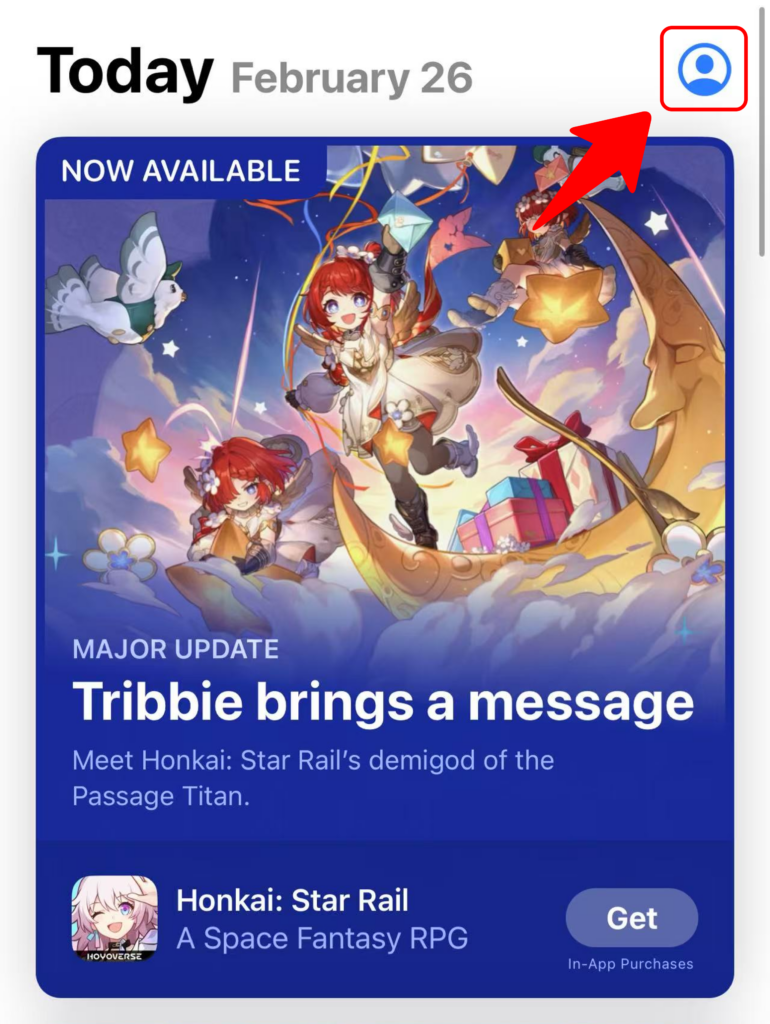
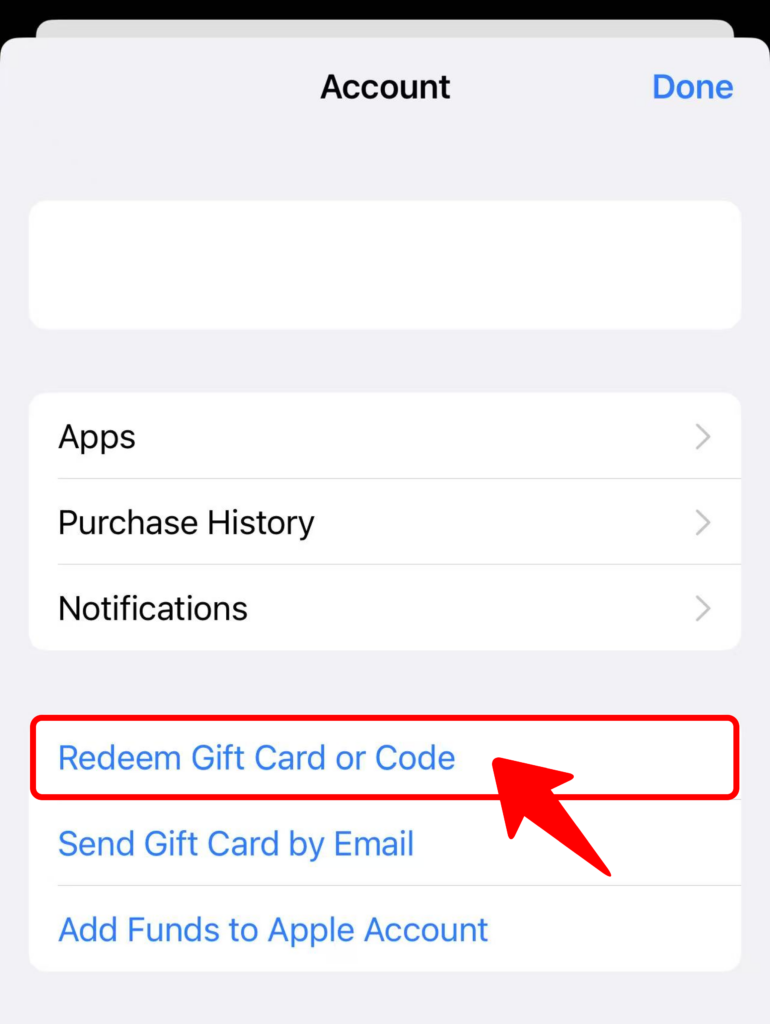
3️⃣ Select “Redeem Gift Card or Code” .
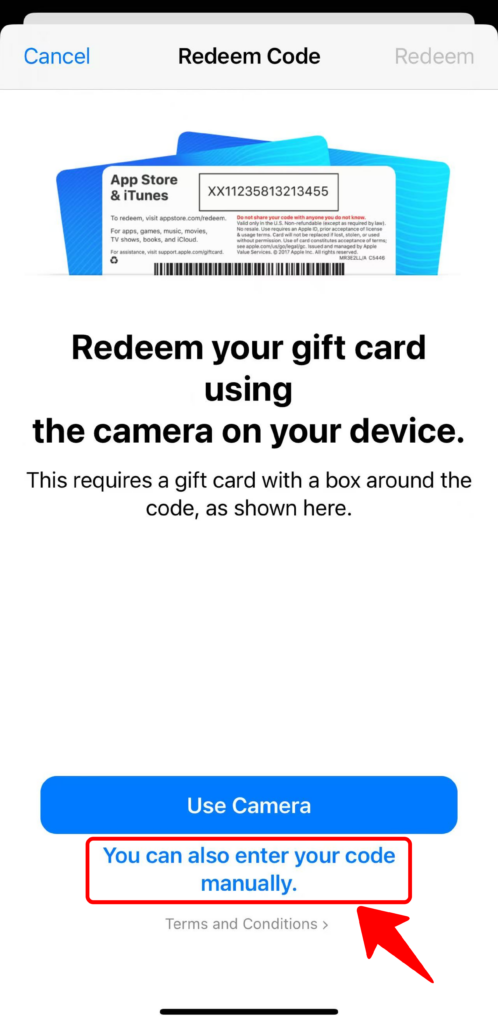
4️⃣ Tap “You can also enter your code manually” .
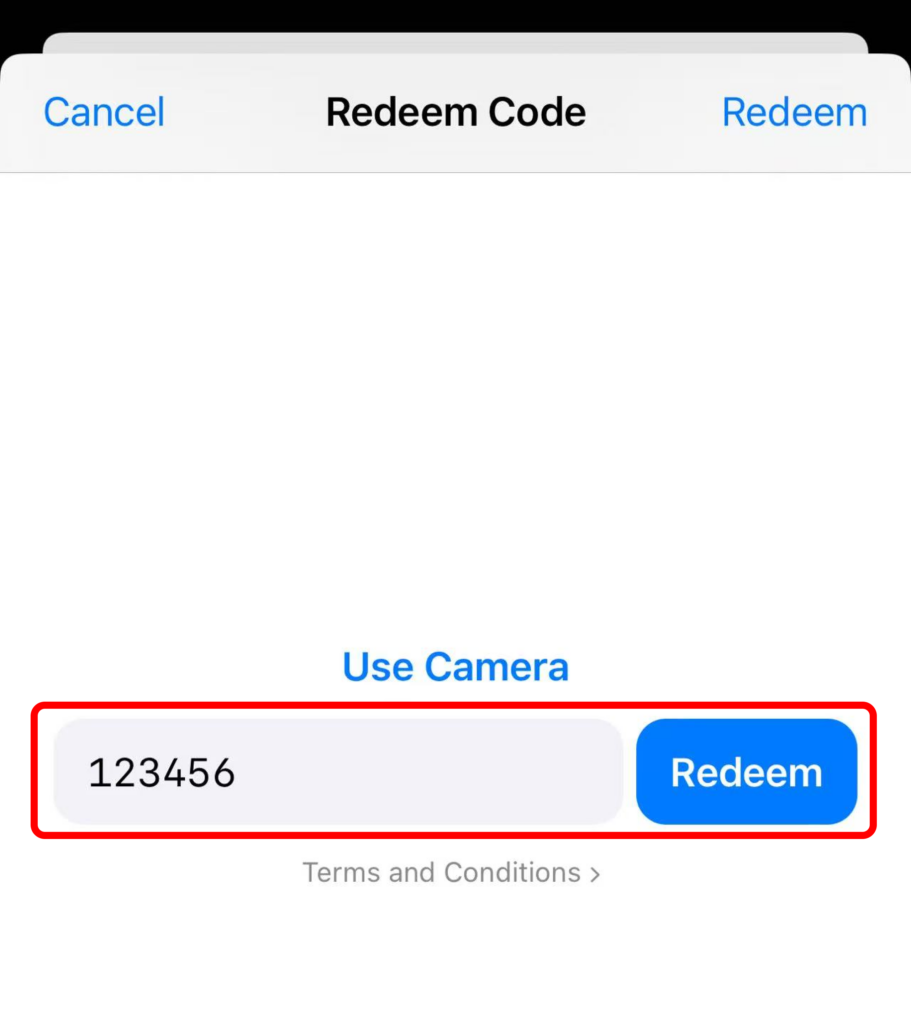
5️⃣ Enter your code and tap “Redeem” .
Redeem on Google Play (Android)
1️⃣ Open the Google Play app on your Android device.
2️⃣ Tap the profile icon in the top-right corner.
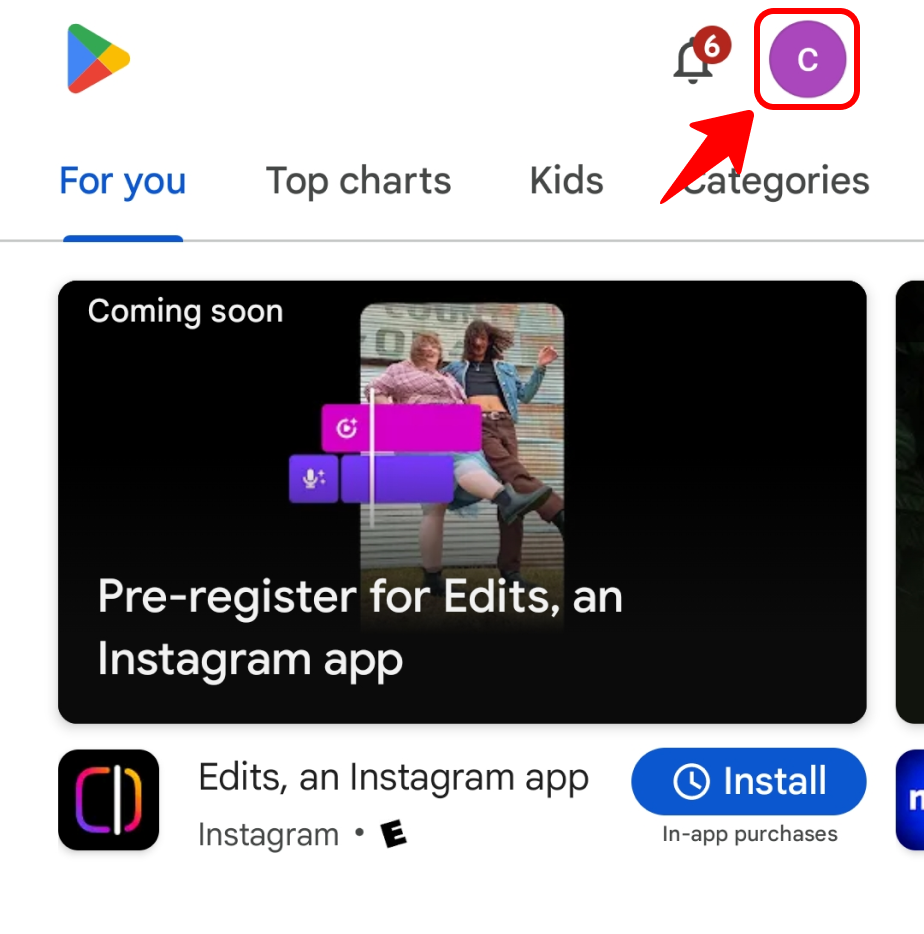
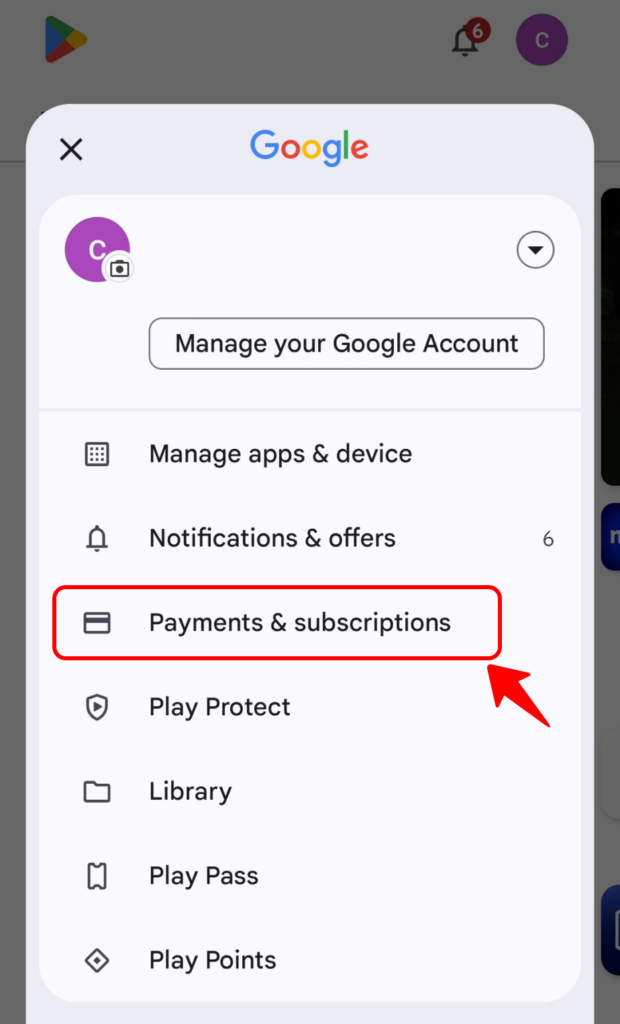
3️⃣ Go to “Payments & subscriptions” and select “Redeem code”.
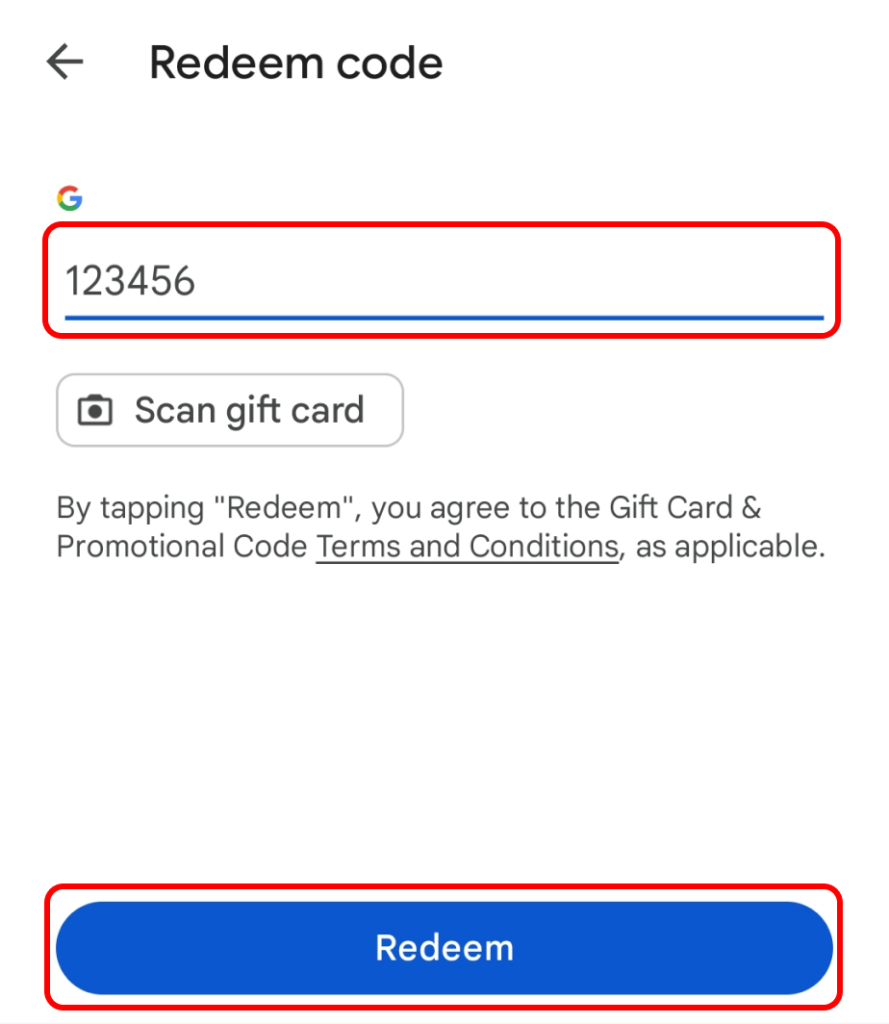
4️⃣ Enter your redeem code and tap “Redeem” .
🎊 You’re all set!
Happy exploring! 🚀💡

Read More
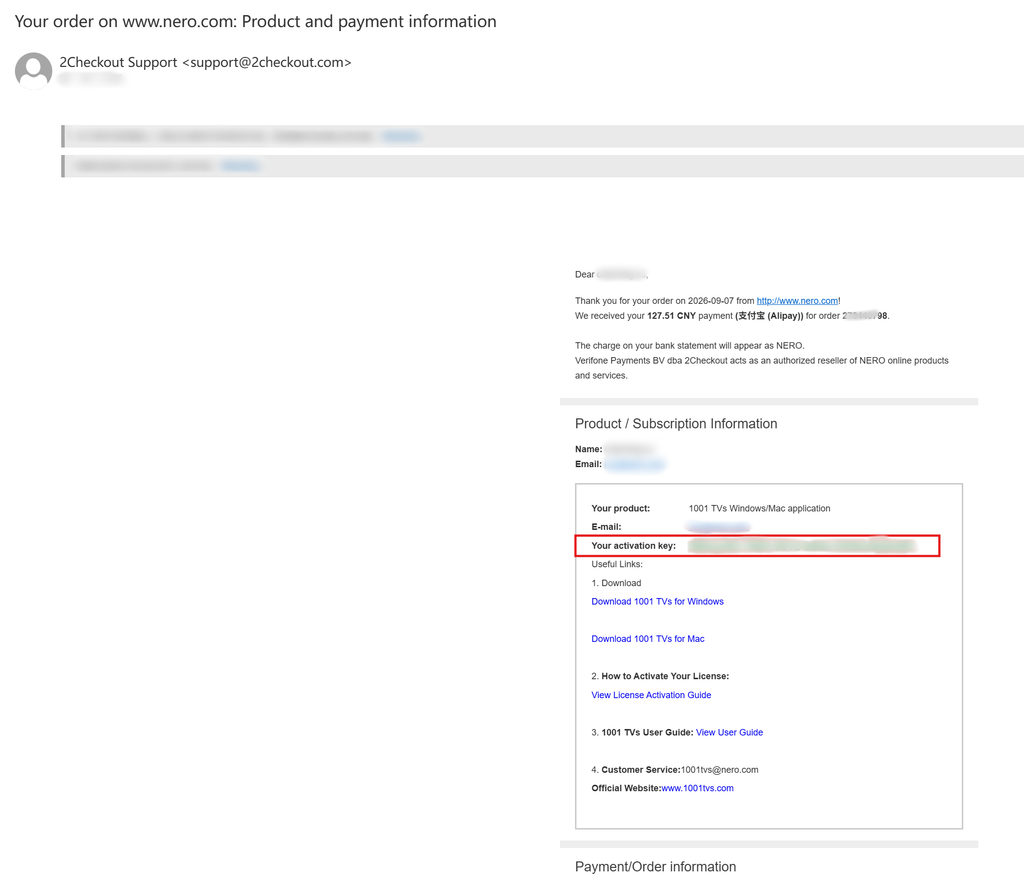 For Enterprise Members: How to Activate a Volume License
This guide is for customers who wish to purchase and activate a volume license for 1001 TVs membership on PC / Mac. 1. For…
For Enterprise Members: How to Activate a Volume License
This guide is for customers who wish to purchase and activate a volume license for 1001 TVs membership on PC / Mac. 1. For…
 Unlock All Premium Features: How to Get a Membership
🎁 Try Before You Buy No Ads, Ever We do not have any ads. The official version of 1001 TVs is 100% ad-free. You will…
Unlock All Premium Features: How to Get a Membership
🎁 Try Before You Buy No Ads, Ever We do not have any ads. The official version of 1001 TVs is 100% ad-free. You will…

