
Digital Signage for Hospitality: How 1001 TVs Transforms Guest Experience
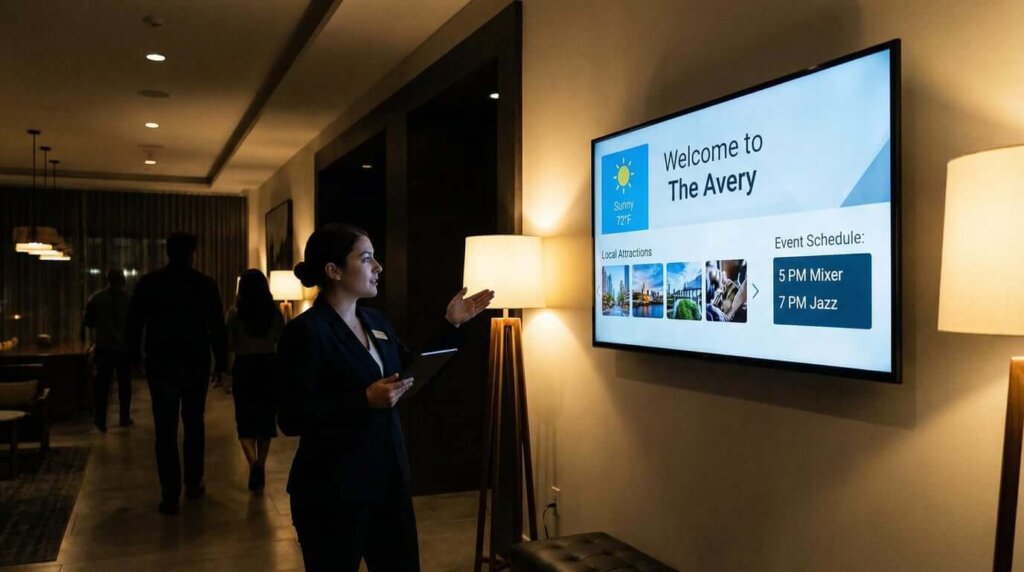
Picture this: You’ve just checked into a hotel after a long journey. The lobby feels welcoming, but the static printed signs about amenities, restaurant hours, and local attractions look dated. Traditional hospitality signage leaves guests searching for basic information, and hotel staff spending precious time answering the same questions repeatedly.
Here’s what the hospitality industry data reveals: 73% of guests want digital displays for wayfinding and information, yet 68% of hotels still rely primarily on static signage and printed materials. This disconnect creates friction in the guest experience and operational inefficiencies.
The traditional approach to hospitality digital signage involves expensive proprietary systems, complex content management software, and ongoing technical support contracts—making it inaccessible for many independent hotels, restaurants, and hospitality businesses.
The Cost Problem
Walk into most hotel lobbies today, and you’ll see the same setup: expensive proprietary hardware boxes mounted behind screens, displaying static content that hasn’t been updated in weeks. Conference rooms still rely on clunky HDMI adapters that never seem to work when you need them.
After working with dozens of hospitality properties, I’ve seen properties invest $50,000-150,000 in traditional digital signage infrastructure, only to find their staff can’t update content without calling IT support. Guests struggle with incompatible devices during presentations.
The Solution: Three Essential Requirements
Digital signage for hospitality shouldn’t require a computer science degree to operate. The most successful implementations share three characteristics:
1.Device flexibility: Your signage solution needs to work with all devices—iPhones, Android tablets, Windows laptops, and Chromebooks.
2.Zero-friction deployment: When a conference attendee needs to present, the connection should happen in under 30 seconds.
3.Staff accessibility: Your front desk team, restaurant managers, and event coordinators should be able to update displays themselves.
Practical Applications
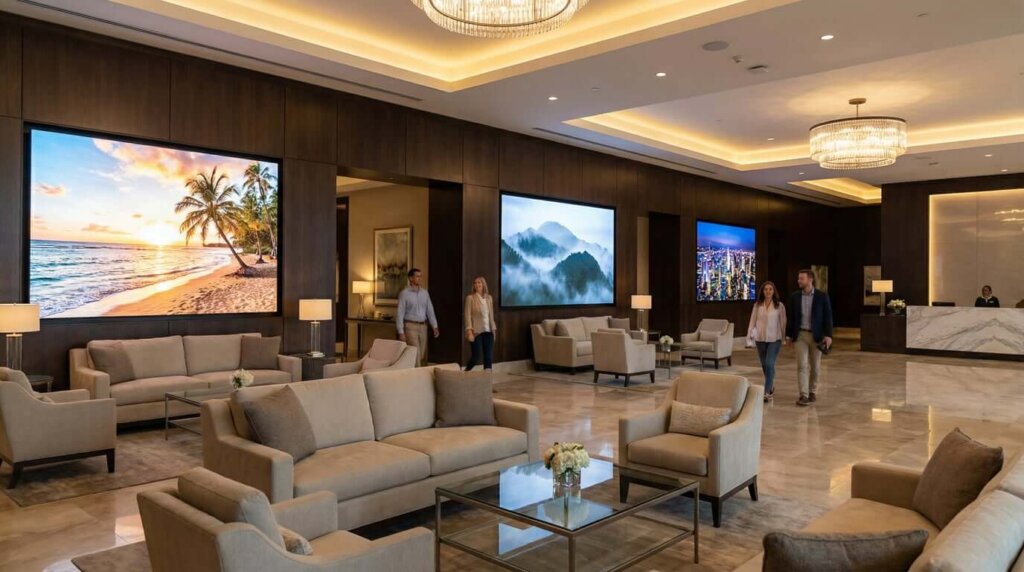
Lobby & Reception Areas
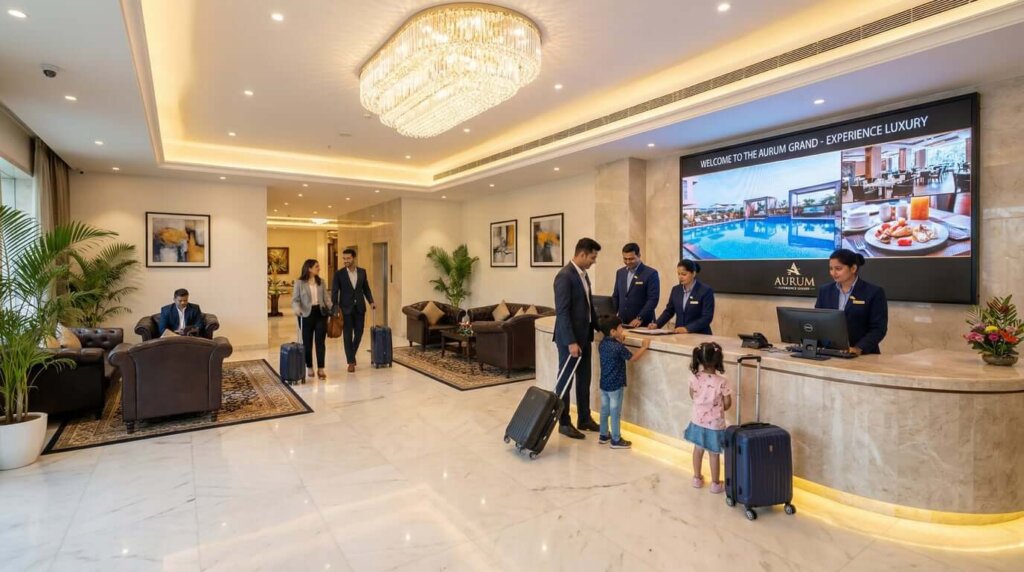
Welcome displays should do more than show your logo. Properties use screen mirroring to display:
- Real-time local weather and traffic conditions
- Curated photo galleries of property amenities
- Current event schedules and conference room availability
Restaurant & Bar Environments
Dynamic menu boards connect directly to kitchen operations. When an item sells out or a new special becomes available, displays update in real-time.
Live kitchen feeds create transparency in open-kitchen concepts, reducing perceived wait times.
Conference & Meeting Spaces
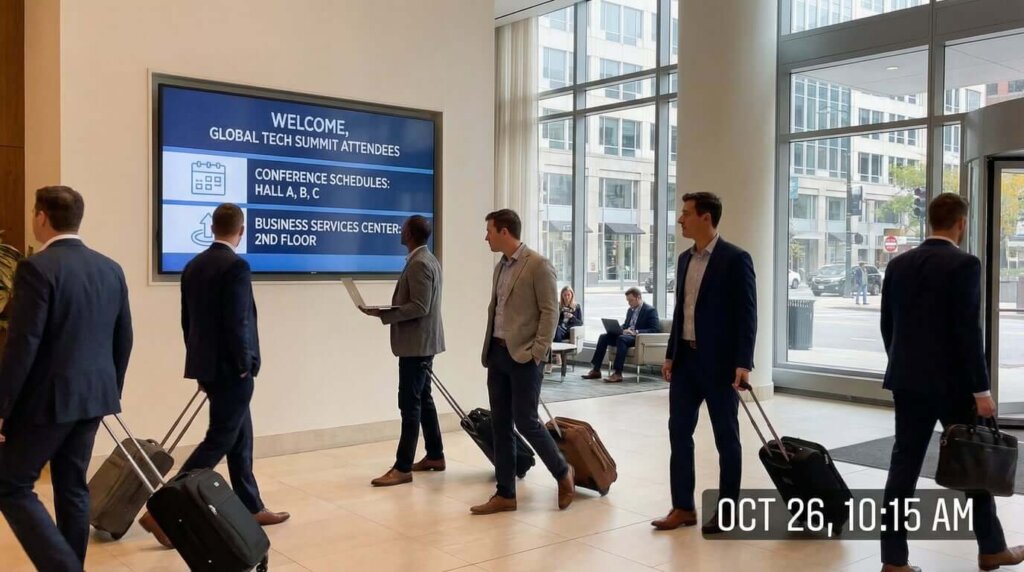
BYOD presentation support should be universal. Browser-based mirroring eliminates 90% of connection issues because it requires no app installation.
USB fallback connectivity matters more than most properties realize. When wireless networks get congested, wired connections ensure presentations proceed without interruption.
The Cost Reality Check
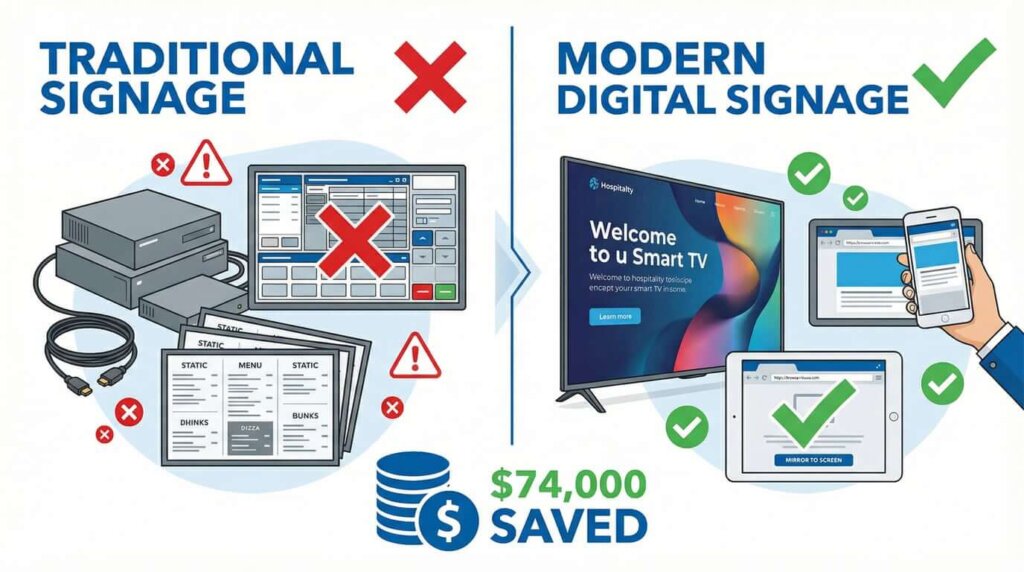
Traditional enterprise solutions typically cost:
- $1,500-3,000 per room for hardware (Crestron, Barco, Mersive)
- $150-200 per year per room for licensing
- $5,000-15,000 for professional installation
For a 50-room conference hotel, that’s $75,000-150,000 upfront, plus $7,500-10,000 annually.
Modern screen mirroring approaches leverage existing infrastructure:
- $0 additional hardware (uses existing smart TVs)
- $20 per year per device for software licensing
- Self-service setup by existing staff
For the same 50-room property, that’s $1,000 annually. The savings—$74,000-149,000 in year one, $6,500-9,000 annually thereafter—can fund other guest experience improvements.
Implementation Strategy
Rolling out digital signage across multiple properties requires a phased approach:
Phase 1: Pilot property (2-4 weeks)
- Deploy in a single property with diverse use cases
- Train staff on content management
- Gather feedback from guests and employees
Phase 2: Regional expansion (1-2 months)
- Roll out to 3-5 properties in the same region
- Develop standardized content templates
- Create staff training materials
Phase 3: Enterprise deployment (3-6 months)
- Deploy across all properties
- Implement centralized content management
- Enable local customization while maintaining brand consistency
1001 TVs: Your Complete Digital Signage Solution
1001 TVs offers everything mentioned in this analysis: cross-platform compatibility, zero-friction deployment, and staff accessibility—all at $20 annually per device compared to the $74,000+ savings from traditional solutions.
5 Core Features for Hospitality
| Feature | Hospitality Use Case | Implementation |
|---|---|---|
| Mirror Screen | Universal device mirroring | Guest presentations, demos |
| Album | Digital photo galleries | Lobby displays, amenities |
| Browser Mirror | Web-based mirroring | Guest BYOD presentations |
| Share Files | Wireless transfers | Menu updates, content |
| Whiteboard | Interactive drawing | Collaborative planning |
👉Download 1001 TVs 👈
💰 Pricing: $20 annually
Real User Testimonials
“I’ve tried many screen mirroring apps. 1001 TVs is the most stable and effortless.” – Property Manager, Austin TX
“Works perfectly with our Apple TV, Samsung, and Hisense smart TVs.” – Hotel IT Director
Quick Start Guide
Week 1: Download from 1001tvs.com, install on 2-3 devices, test basic functions
Week 2: Deploy in lobby, test guest device compatibility, train staff
Week 3-4: Full rollout, establish content procedures, measure results
Why Choose 1001 TVs
Cost Savings for 50-room Hotel:
- Traditional: $75,000-150,000 upfront + $7,500-10,000/year
- 1001 TVs: $1,000/year (50 devices × $20)
- Your Savings: $74,000-149,000 first year
Ready to transform your guest experience? Visit 1001tvs.com. Your guests and staff will thank you for it.