
[1001 TVs] 如何在 iOS/Android 中更改擷取模式
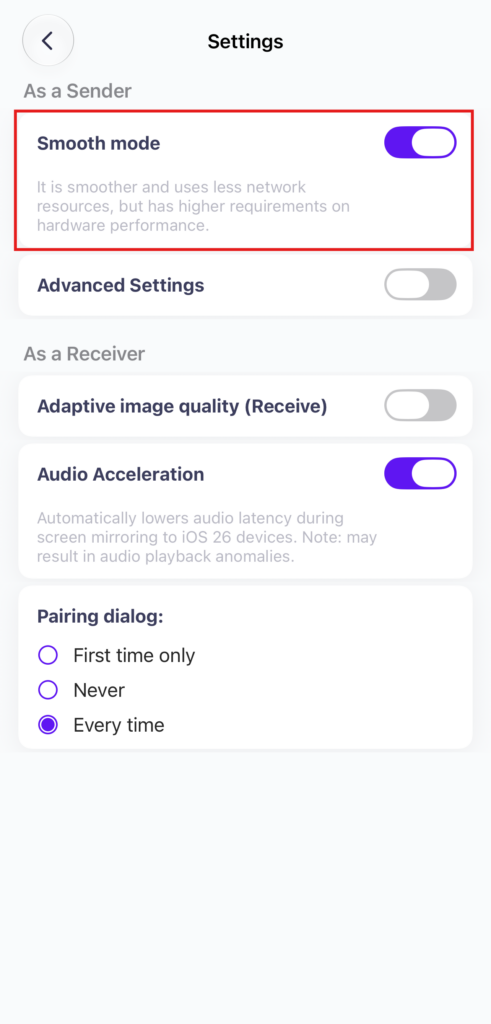
如果您的手机显示 "已连接",但屏幕无法在电视或电脑上加载,请尝试关闭屏幕。 "平滑模式".
平滑模式默认已启用。如有需要,您可以在设置中将其关闭。
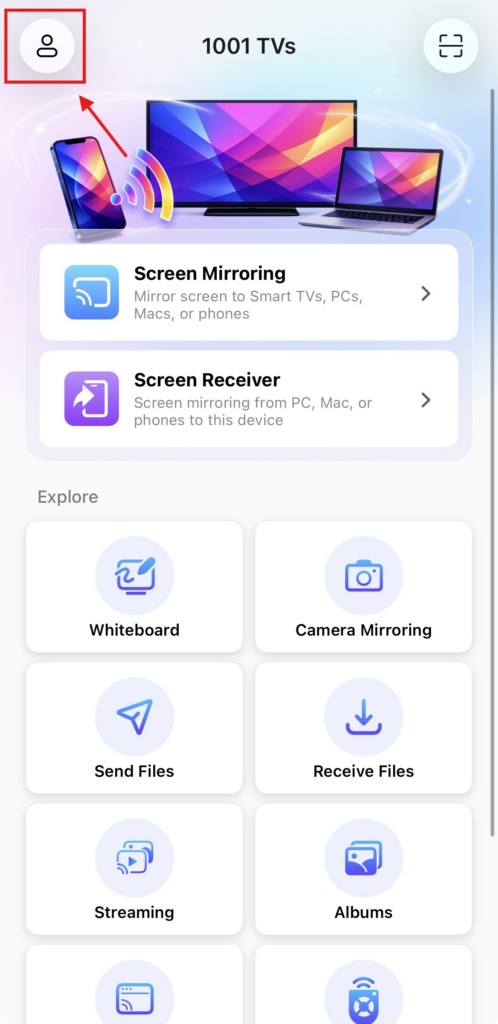
1. Tap “简介” at the top of the homepage.
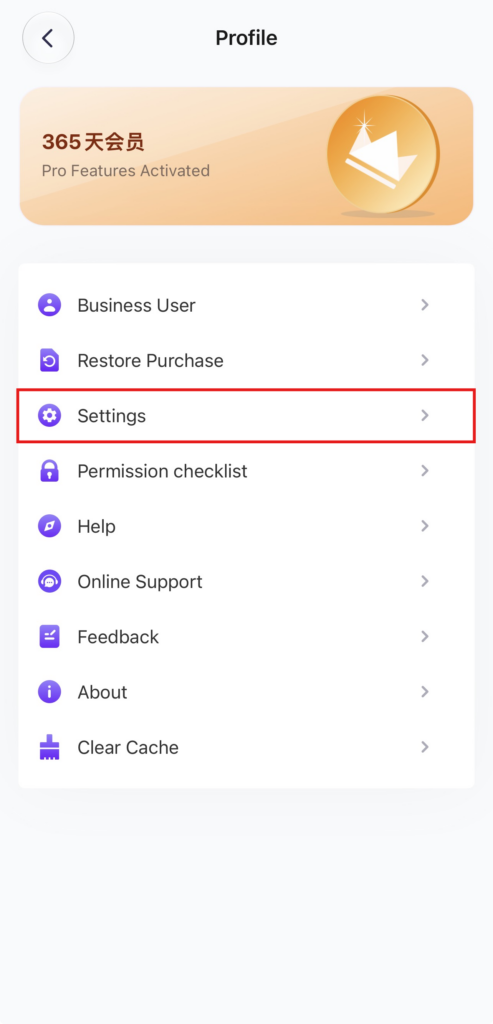
2.Tap "设置“.
3. Locate the “Smooth Mode” option (enabled by default) and turn it off.
4. Try mirroring your screen again!