
[1001 TVs] iOS/Android에서 스무드 모드를 끄는 방법

휴대폰에 '연결됨'으로 표시되지만 TV 또는 컴퓨터에서 화면이 로드되지 않는 경우, 전원을 꺼 보세요. "스무드 모드".
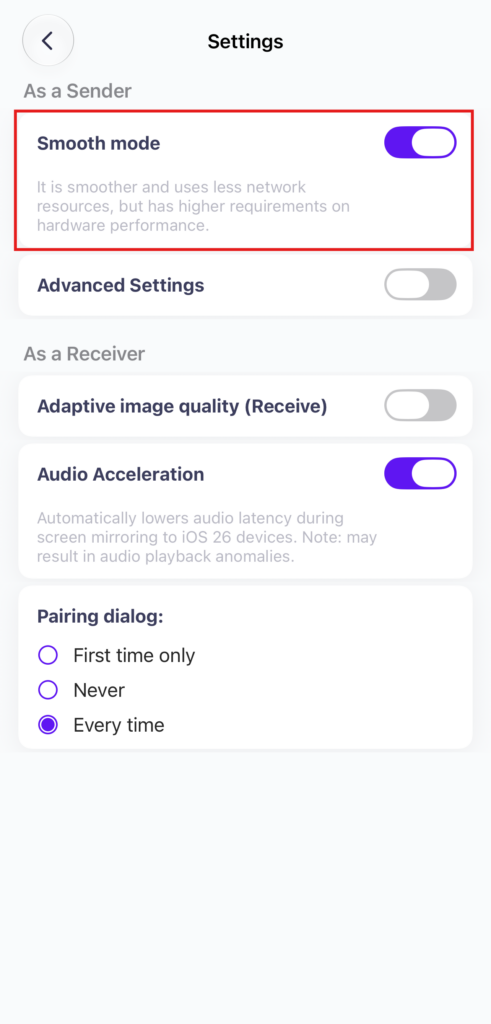
스무드 모드는 기본적으로 활성화되어 있습니다. 필요한 경우 설정에서 해제할 수 있습니다.
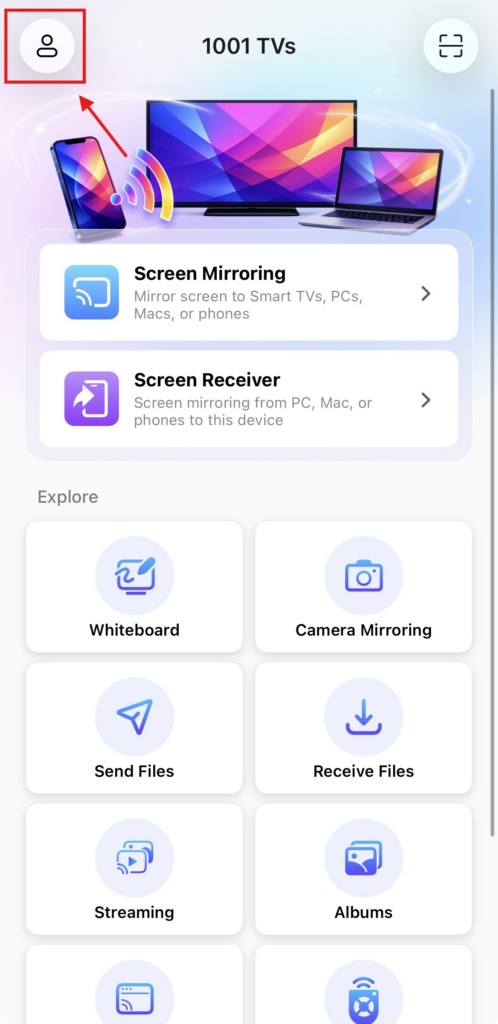
1. Tap “프로필” at the top of the homepage.
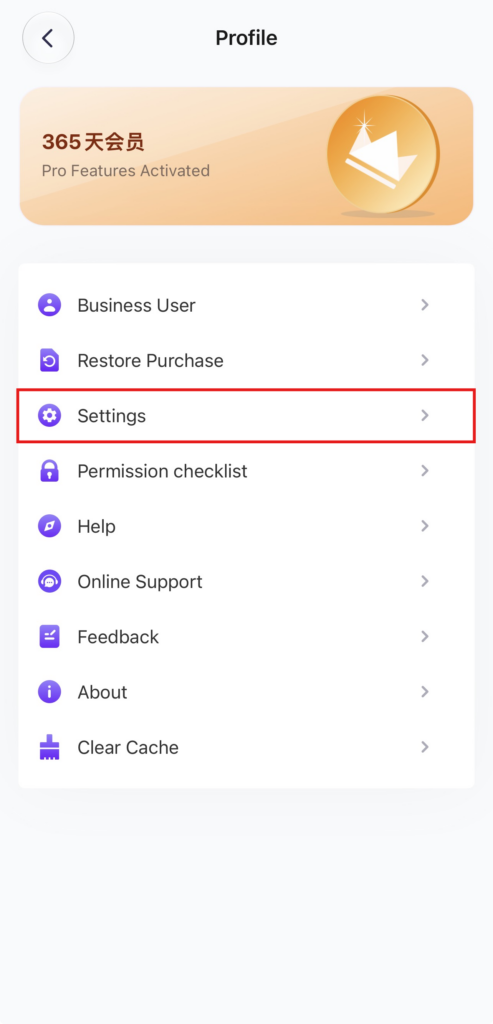
2."설정“.
3. Locate the “Smooth Mode” option (enabled by default) and turn it off.
4. Try mirroring your screen again!