检测到浏览器语言为中文,点此切换到中文页面
Get Perfect Photos in 3 Easy Steps
1
Install the App
Download and open the 1001 TVs app on all your devices.
2
Connect Devices
Make sure both devices are on the same Wi-Fi. Tap "Camera Mirroring," and 1001 TVs will detect available devices.
3
Sync Your Camera
Mirror your camera to iPhone, iPad, Android, TV, PC, Mac, and more. Adjust angles, zoom, and fine-tune settings instantly — your camera mirroring is ready!
Mirror Your Camera. Master Every Shot.
LIVE PREVIEW
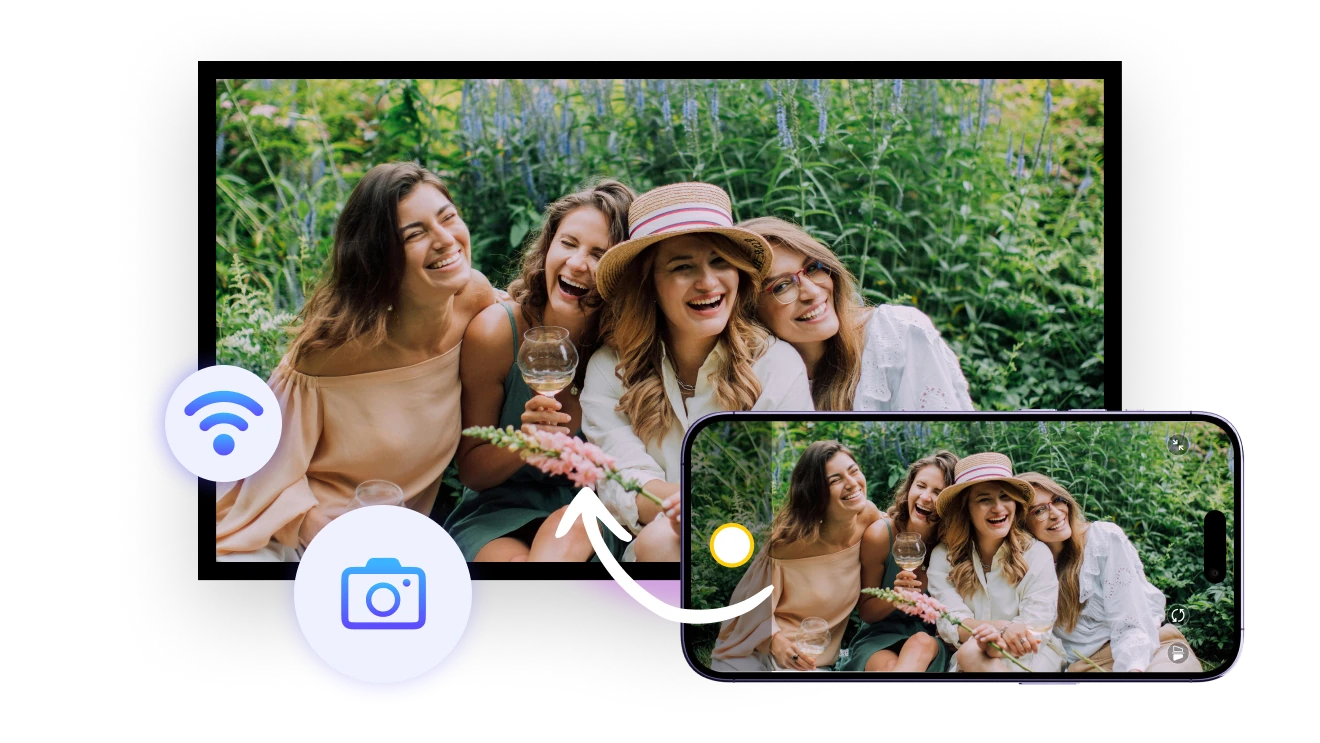
See your framing, lighting, and angles in real time — perfect for photographers shooting remotely or solo travelers capturing the perfect selfie. Always stay in control, even from a distance.
live-preview
ZOOM & FLIP
Zoom up to 12x and flip your mirror image, depending on your phone’s built-in capabilities. Perfect your shot with added flexibility and precision.
sharp-details
Use Cases
Ideal Selfie Assistant
Effortless Group Moments
Real-Time Teaching Aid
No More Blind Shots
Worried your friend might miss the perfect shot?
The rear camera gives you clearer photos, but without a preview, it’s like a gamble.
With 1001 TVs, use real-time mirroring to guide your angles, avoid wasted time, and always capture the perfect shot — even when you're on your own!
selfie-assist
Make Your Group Moments Shine
Tired of endless retakes for the perfect shot?
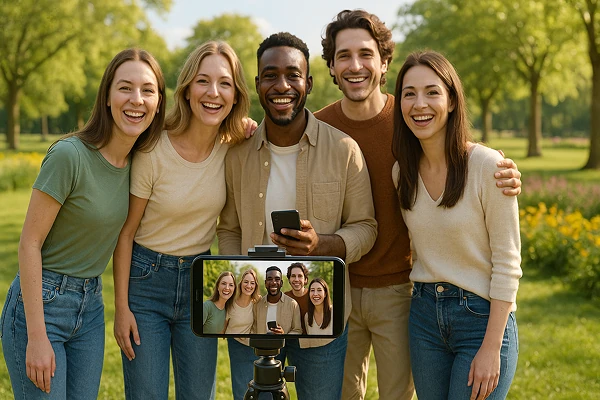
With 1001 TVs’s camera mirroring, preview everyone's expressions in real time, ensuring everyone’s in the frame and perfectly positioned.
Capture the ideal group photo in just one shot, every time!
Save time and effort, making every gathering even more enjoyable!
group-photos
Bring Every Detail to Display
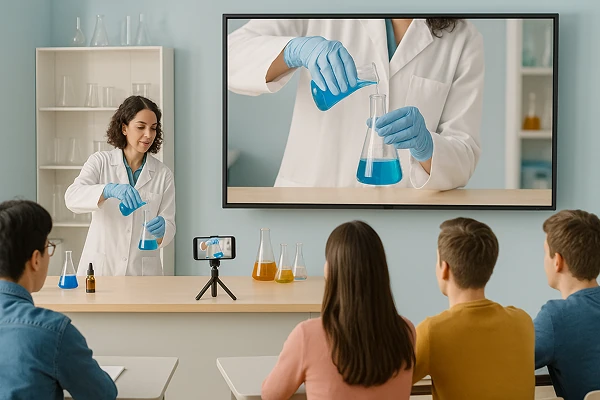
Turn your phone into a live visualizer — perfect for showing experiments, sketches, and hands-on demos.
With 1001 TVs' camera mirroring, every student gets a front-row view, no matter where they sit.
Make lessons more engaging and training more effective — the easiest way to share, show, and shine!
teaching
Download
FAQs
Camera mirroring sends a live view from your phone's camera to another screen. It helps you check framing, lighting, focus, selfies, group photos, demonstrations, and video setups without standing behind the phone.
The camera preview can be displayed on compatible iPhones, iPads, Android devices, TVs, Windows PCs, and Macs. Install 1001 TVs where required, connect the devices to the same Wi-Fi network, and select the receiver from Camera Mirroring.
Yes. Camera Mirroring provides a live preview so you can adjust framing, lighting, and angles from the receiving screen. A small delay may occur depending on Wi-Fi quality, device performance, network traffic, and distance from the router.
Yes. 1001 TVs supports zooming up to 12× and flipping the preview when the phone's camera hardware and operating system allow it. The available zoom range and camera controls can vary by phone model.
1001 TVs offers a limited-time free trial for Camera Mirroring. After the trial, weekly, monthly, yearly, and lifetime plans are available; paid membership is only needed on the sending device. Local prices are shown in the app, and recurring subscriptions can be managed or canceled through the store or account used for purchase.
No. Your live camera feed is transmitted between devices over the local network and is not uploaded to the cloud by 1001 TVs.
Please contact us at 1001tvs@nero.com.