



检测到浏览器语言为中文,点此切换到中文页面->
App-Store-rating downloads global-users
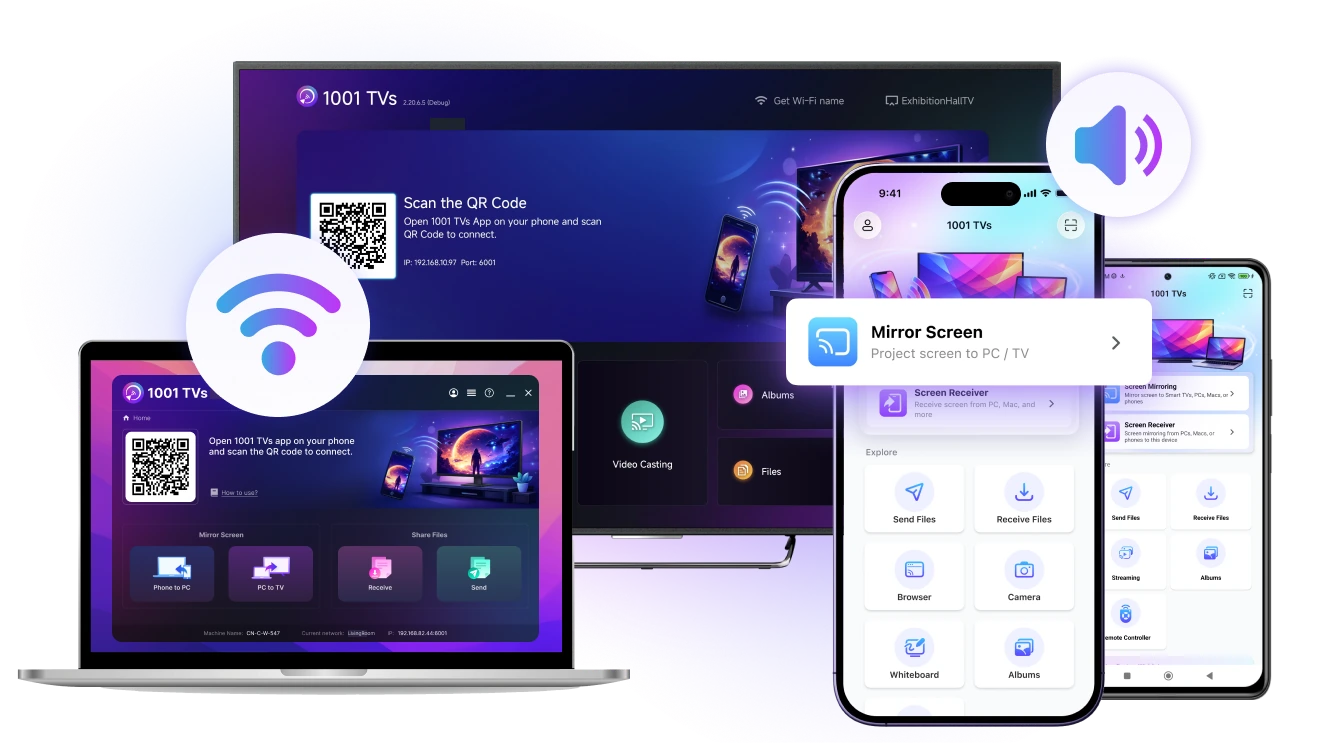
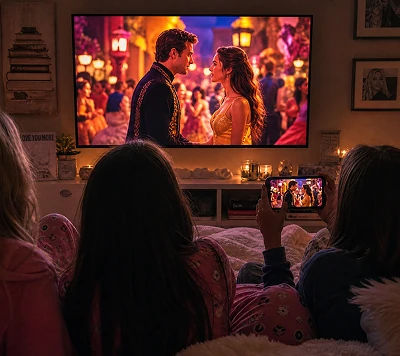
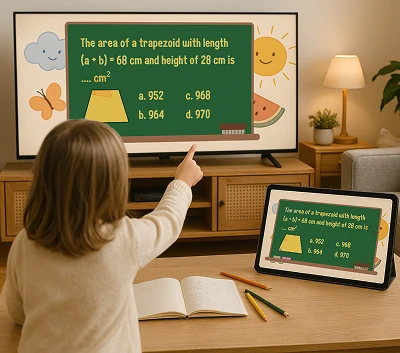
Screen Mirroring, Smarter Solutions
Education, entertainment, or business — mirror any device to any screen with 1001 TVs.
Your Screen Mirroring Toolbox
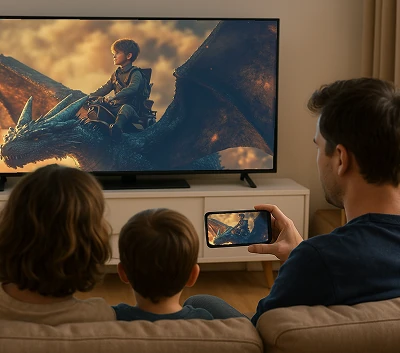
Mirror Screen
Mirror across phones, PCs, and TVs – instantly and wirelessly.
Learn morearrow-right
Mirror Screen
Receive Screen
View another device’s screen in real time — smooth and stable.
Learn morearrow-right
Receive Screen
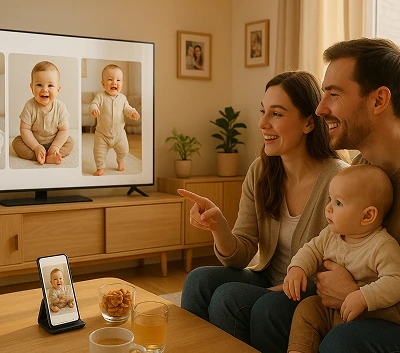
Album
Create a digital photo album on your TV — show pictures right from your phone.
Learn morearrow-right
Album
Browser Mirror
Mirror directly to your browser — no download, works on any device.
Learn morearrow-right
Browser Mirror
Share Files
Transfer photos, videos, and files between devices — fast and wireless.
Learn morearrow-right
Share Files
Camera
Use your phone camera on a bigger screen — preview shots with better framing.
Learn morearrow-right
Camera
USB Mirror
Mirror via USB cable — ultra-stable connection with zero delay.
Learn morearrow-right
USB Mirror
Streaming
Stream music, videos, or media to your TV — DLNA supported.
Learn morearrow-right
Streaming
Whiteboard
Draw freely and share ideas together on the big screen.
Learn morearrow-right
Whiteboard
👏Loved by Users Worldwide
”I've tried so many screen mirroring apps over the years, but what I really love about 1001 TVs is how stable and effotless it feels.”
More from our community...
👏 Highly Recommended by users, trusted by 3M+ users.
community-avatar-1
Hennie

Best App ever, Only one that works on any tv
So I was looking for 1 app that would link to my7 apple tv, Samsung smart tv and the Hisense smart tv…… All 3 product suppliers told me it is not possible and I have gone thru the same issue with most 3rd party suppliers.

community-avatar-2
RockStar FromMars

I used this app to mirror my iPhone to my TiVo device. There is a subscription requirement for $20 for the year isn’t too bad for an app that actually works well, I’ve paid more and gotten less in the past from other apps.

community-avatar-3
Yung Blackman

I've been using 1001 TVs for a while now, and it's honestly one of the best apps for screen mirroring and file sharing I've tried. It's super easy to set up — within minutes, I had my phone screen mirrored to my TV with no lag or complicated steps. Plus, it supports a lot of devices, which makes it incredibly versati.

community-avatar-4
Rioz1

Fantastic app! I can mirror my phone to other devices, eg. MacBook or a tv and so on. It is so useful and effective. And it is not expensive. I love it!

community-avatar-5
Jayjan69

I am happy this one has done the job for me whenever there was a need. So the only limitation now seems to be a small downgrade to the destination screen on the video quality. If this issue gets resolved, I would subscribe from year to year.

community-avatar-6
goldenpennies

I'm absolutely blown away by the 1001 TVs app! The streaming quality is top-notch, with minimal buffering and crisp video. The developers truly listen to user feedback and continuously improve the app.

community-avatar-7
Emerson

I am amazed at how easy it is for me to cast my iPad to my TV without using any cable wires and the mirroring is so smooth. I didn't notice any chromatic aberration. This is good!

community-avatar-8
Elif11123

Telefonumdan TV'ye içerik yansıtmak çok kolay, üstelik bağlantı hızlı ve sorunsuz. Özellikle arkadaşlarımla maç izlerken veya ailece film keyfi yaparken çok işime yarıyor. Ufak tefek gecikmeler olabiliyor ama genel olarak gayet başarılı bir uygulama. Herkese tavsiye ederim.

FAQ
Can I try it out?
1001 TVs offers a limited-time free trial with full, unlimited access to premium features like screen mirroring, file transfer, and album.
To continue enjoying the service, simply upgrade to a subscription once the trial ends.
How do I install the 1001 TVs app?
You can find it by searching "1001 TVs" in the following app stores:
· Apple App Store (for iPhone, iPad, Mac, Apple TV)
· Microsoft Store (for Windows)
· Google Play (for Android phones, tablets, and TVs)
How to cancel subscription?
Cancel a subscription on your iOS
·  Open the Settings app → your name → Subscriptions → the subscription → Cancel Subscription
Cancel a subscription on Google Play
· Open the Google Play Store app → Profile picture on top right → Payment & subscriptions → Subscriptions → the subscription → Cancel Subscription → Confirm the cancellation
How to contact us?
Please contact us at 1001tvs@nero.com.
1001 TVs
Mirror. Share. Connect — All in One App.
download Download