🌙 Ramadan & Eid al-Fitr: Bring Your Celebrations to the Big Screen
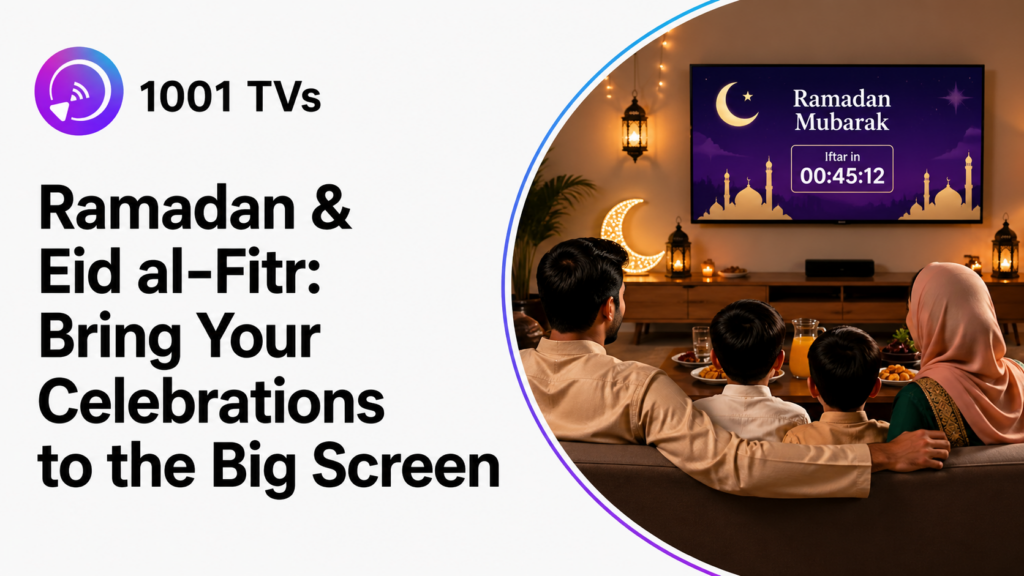
It’s the evening of Ramadan, and your family gathers for Iftar. You want to display that beautiful countdown animation on the TV. Your sister hopes to share Eid greetings from her phone. Your parents would love to video call relatives abroad on the big screen. The kids are eager to watch their favorite Islamic cartoons together.
But here’s the problem: everyone has different devices. Your iPhone won’t connect to the Android TV. Your cousin’s Samsung uses a different casting method. Your aunt has no idea how to use AirPlay. What should be a peaceful celebration turns into 20 minutes of troubleshooting.
Sound familiar?
For families celebrating Ramadan and Eid al-Fitr, ئېكران ئەينىكى can make it easier to share photos, video calls, greetings, and other phone content on a larger screen. Ramadan follows the Islamic lunar calendar, so its Gregorian dates change each year.
What Families Want to Share
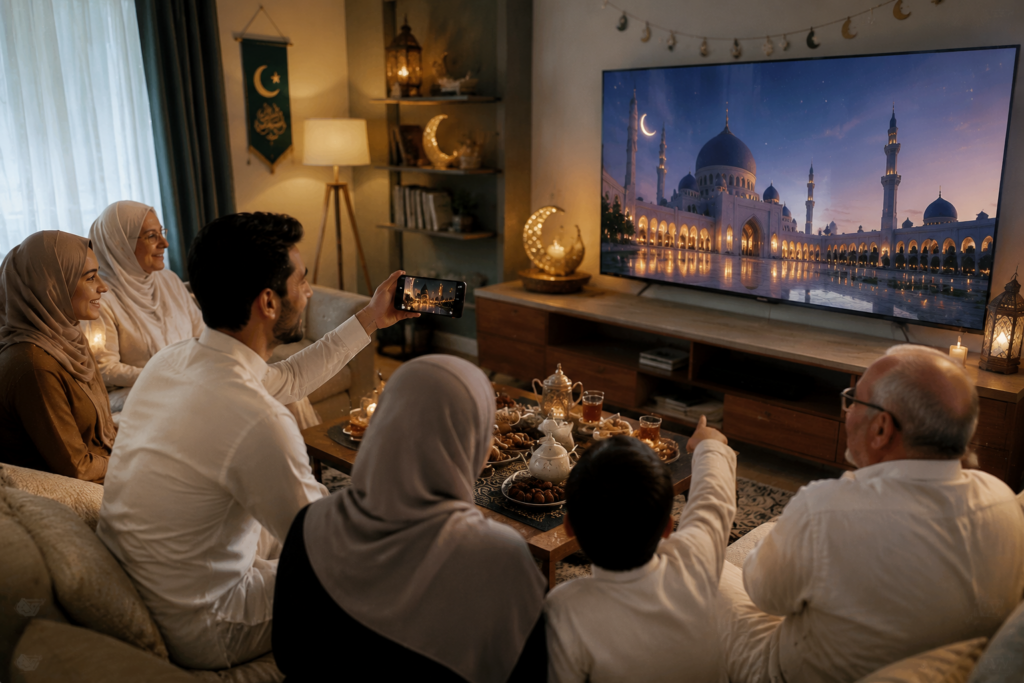
During Ramadan and Eid, these are the moments families want to bring to life on their TVs:
- 🕌 Ramadan countdown displays – Dynamic animations that count down the days until Eid
- 📿 Quran recitations & prayer times – Beautiful religious programs in HD with crystal-clear audio
- 🎬 Ramadan TV series – Popular Arabic shows and Eid specials everyone watches together
- 🌙 Festive visuals – Stunning 4K mosque scenes, crescent moons, and lantern animations
- 💬 Video calls with distant family – Connecting with relatives abroad during Iftar on the big screen
- 🎉 Eid greetings – Sharing heartfelt messages from social media with the whole room
- 📸 Perfect family photos – Using camera mirroring to preview and capture Eid moments
The Problem: When Technology Gets in the Way
The scenario plays out the same way every time:
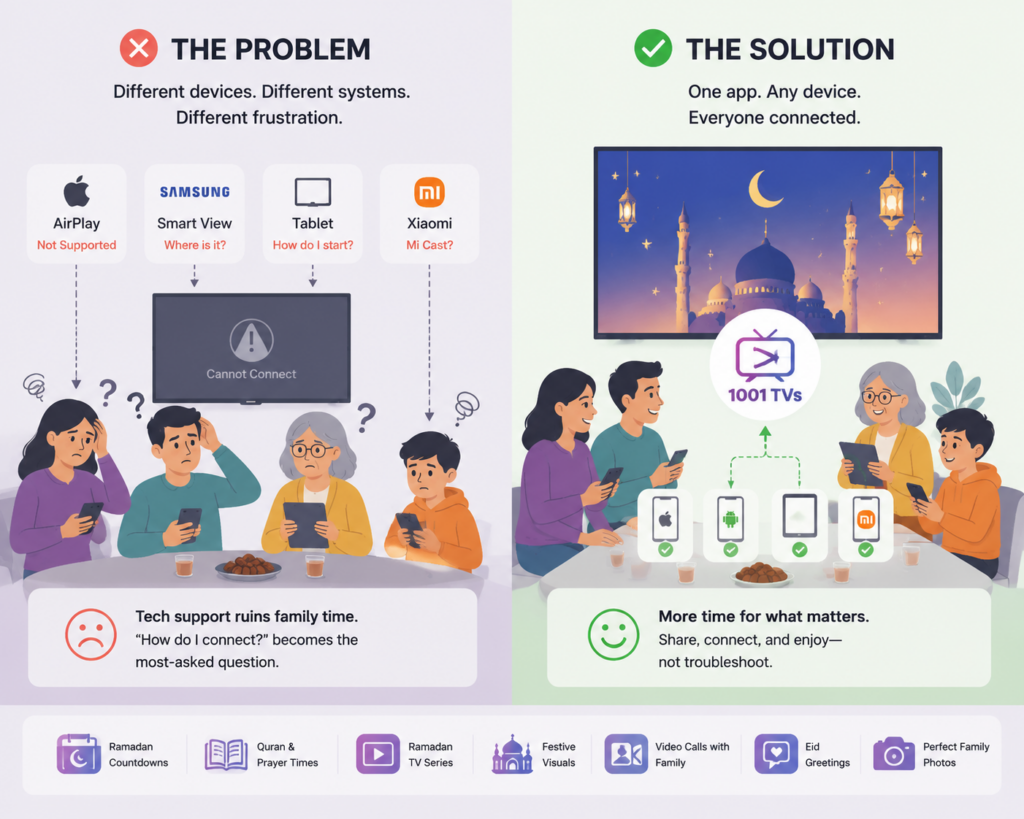
Your sister tries to use AirPlay from her iPhone, but the TV may not support AirPlay. Your cousin fumbles through his Samsung settings looking for Smart View. Your aunt stares at her tablet, unsure where to even begin. Meanwhile, your nephew’s Xiaomi phone uses yet another casting method entirely.
Different devices. Different systems. Different apps.
What should be a joyful gathering turns into an impromptu tech support session, with “How do I connect to your TV?” becoming the most-asked question of the evening—eating into the precious time you have together.
The Solution: 1001 TVs
1001 TVs supports major platforms including iPhone, iPad, Android, Windows, macOS, Apple TV, Android TV, Fire TV, and Roku.
Why 1001 TVs Works Better
| ئالاھىدىلىك | Benefit |
|---|---|
| Cross-Platform | Supports major mobile, desktop, and TV platforms for mixed-device setups |
| HD سۈپىتى | Stable connection with low latency for smooth streaming |
| Audio & Video Sync | Crystal-clear sound perfectly matched with visuals |
| كامېرا ئەينەك | Dedicated camera preview on iPhone; standard camera screen mirroring on Android |
How to Get Started with 1001 TVs
Quick Setup (3 Steps)
Step 1: Install the App
Download 1001 TVs on both your phone and your TV (or streaming device like Fire TV, Roku, Apple TV)
Step 2: Connect to the Same Wi-Fi
The app automatically detects all available devices on your network—no manual setup required
Step 3: Start Mirroring
Select your TV from the list, accept the connection, and you’re streaming in HD
That’s it. No technical expertise needed. If your grandmother can do it, anyone can.
If your TV does not appear or the connection keeps dropping, see our screen mirroring troubleshooting guide.
Real Stories: How Families Use 1001 TVs
🍽️ Multi-Generational Iftar Gatherings
Sarah’s aunt hosted Iftar for 15 family members—half with iPhones, half with Android. In previous years, connecting devices took 30 minutes.
With 1001 TVs, everyone shared instantly. Her grandmother showed photos from 40 years ago, her nephew cast his Ramadan countdown, and the evening was about family, not tech support.
🌍 Bridging Distances During Iftar
Ahmed’s brother lives in Dubai. Video calls on a phone screen never felt right. Last Ramadan, they mirrored the call to their TV.
Seeing him life-sized on the big screen brought tears to his mother’s eyes. His niece showed him her new Eid dress. Not quite the same as being there, but so much closer.
📸 Capturing Perfect Eid Morning Memories
The Rahman family used to take 50 photos on Eid morning and still end up with closed eyes or someone cut off. This year, they mirrored their phone camera to the TV.
Everyone could see the shot in real-time. “Move left!” “You’re blocking Mom!” Three tries, one perfect photo—now framed in their living room.
🎬 Nightly Ramadan Series Traditions
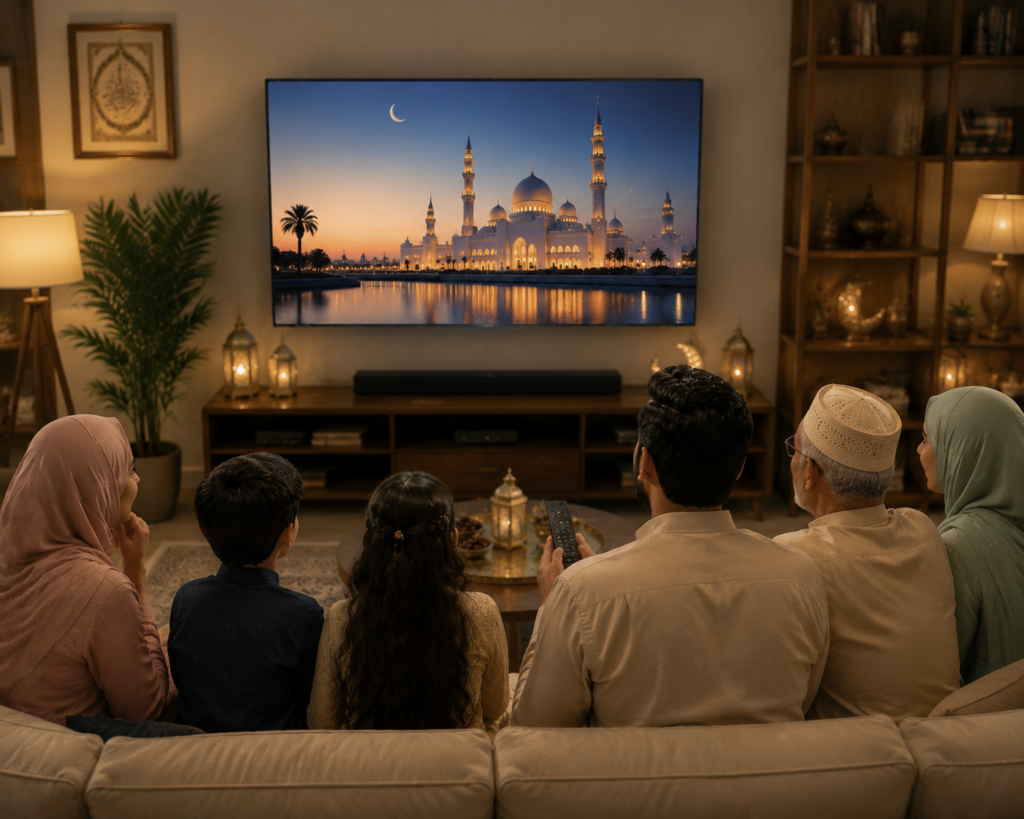
The Hassan family watches a Turkish drama every Ramadan—it’s their tradition. They used to squint at a laptop screen.
Now with 1001 TVs, it’s a proper family event on the big screen. Last year’s finale drew neighbors over. Twelve people, one TV, zero technical issues.
Frequently Asked Questions
Q: What is Ramadan and Eid al-Fitr?
Ramadan is the ninth month of the Islamic calendar, a sacred time when Muslims fast from dawn to dusk for spiritual growth, self-discipline, and charity.
Eid al-Fitr, meaning “Festival of Breaking the Fast,” is a joyous three-day celebration marking the end of Ramadan.
It’s one of Islam’s most important holidays, celebrated by 1.8 billion Muslims with family gatherings, prayers, and festive meals.
Q: Do I need to install the app on both devices?
Yes, install 1001 TVs on both your phone and TV (or streaming device). Setup takes under 2 minutes.
Q: What if I have an older TV?
Connect a streaming device like Fire TV, Roku, or Apple TV to your TV, and you’re all set.
Q: Do devices need to be the same brand?
No! Mix iPhones, Samsung, Xiaomi, Huawei—any combination works seamlessly.
Q: Is the connection stable during video calls?
Yes, 1001 TVs provides low-latency, stable connections for smooth HD streaming.
Q: Can multiple people take turns connecting?
Yes! Family members can easily switch—one disconnects, the next connects in seconds.
Q: Can I mirror my phone camera to the TV?
Yes, but the method differs by platform. On iPhone, 1001 TVs includes a dedicated Camera Mirroring feature for live camera preview. On Android, use regular Screen Mirroring, then open your phone’s Camera app to show the camera view on the TV. Available camera controls depend on your phone.
Q: Will this work when Wi-Fi is busy?
Yes, 1001 TVs is optimized for various network conditions with adjustable smooth mode.
Ready to Transform Your Celebrations?
No more “How do I connect to your TV?” With 1001 TVs, technology disappears and celebration takes center stage.
Download 1001 TVs today and bring your family’s content to the big screen—effortlessly.
Ramadan Mubarak and Eid Mubarak! 🌙✨

Read More
 iPhone Duo Screen Mirroring and Camera Preview
Apple’s foldable iPhone Duo introduces new ways to use a larger screen on a phone. This article focuses on two that connect particularly well…
iPhone Duo Screen Mirroring and Camera Preview
Apple’s foldable iPhone Duo introduces new ways to use a larger screen on a phone. This article focuses on two that connect particularly well…
 NFL Thanksgiving Eve Game 2026: Packers vs Rams & How to Watch
The Green Bay Packers will visit the Los Angeles Rams on Wednesday, November 25, 2026, at 8:00 p.m. ET / 5:00 p.m. PT. You…
NFL Thanksgiving Eve Game 2026: Packers vs Rams & How to Watch
The Green Bay Packers will visit the Los Angeles Rams on Wednesday, November 25, 2026, at 8:00 p.m. ET / 5:00 p.m. PT. You…

