🌙 رمضان اور عید الفطر: اپنی خوشیاں بڑی اسکرین پر لائیں
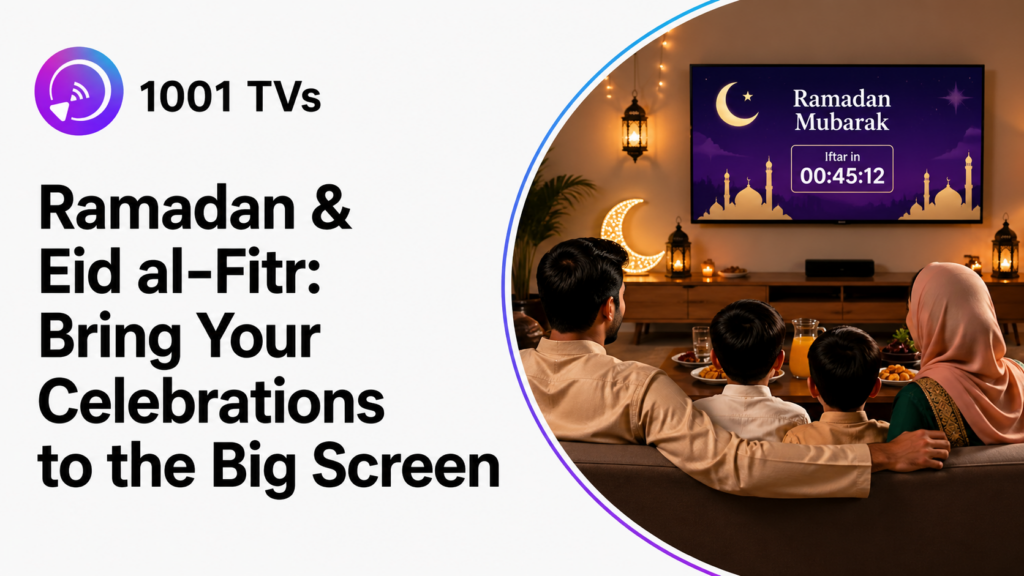
رمضان کی شام ہے اور آپ کا خاندان افطار کے لیے اکٹھا ہوتا ہے۔ آپ ٹی وی پر وہ خوبصورت کاؤنٹ ڈاؤن اینیمیشن دکھانا چاہتے ہیں۔ آپ کی بہن اپنی فون سے عید کی مبارکباد شیئر کرنا چاہتی ہے۔ آپ کے والدین بڑی اسکرین پر بیرونِ ملک رشتہ داروں سے ویڈیو کال کرنا چاہتے ہیں۔ بچے اپنے پسندیدہ اسلامی کارٹونز ایک ساتھ دیکھنے کے لیے بےتاب ہیں۔.
لیکن مسئلہ یہ ہے: ہر کسی کے پاس مختلف آلات ہوتے ہیں۔ آپ کا آئی فون اینڈرائیڈ ٹی وی سے کنیکٹ نہیں ہوگا۔ آپ کے کزن کا سام سنگ مختلف کاسٹنگ طریقہ استعمال کرتا ہے۔ آپ کی خالہ کو ایئر پلے استعمال کرنا بالکل معلوم نہیں۔ جو ایک پرامن جشن ہونا چاہیے تھا، وہ بیس منٹ کی ٹربل شوٹنگ میں تبدیل ہو جاتا ہے۔.
کیا یہ آپ کو جانا پہچانا لگتا ہے؟
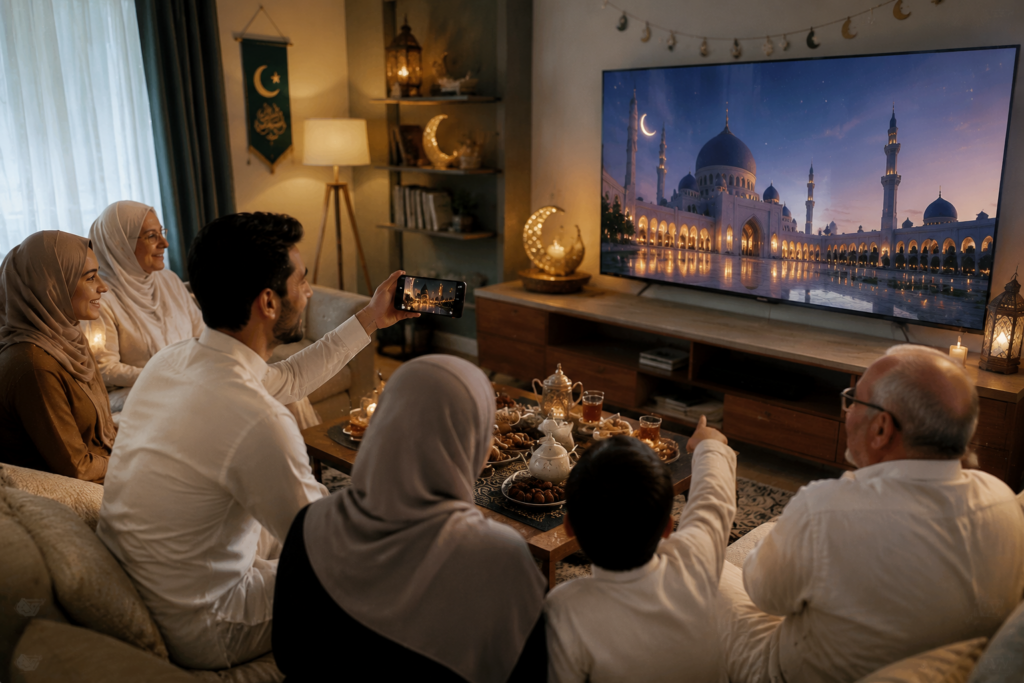
رمضان اور عید الفطر منانے والے خاندانوں کے لیے, اسکرین کی عکس بندی یہ بڑی اسکرین پر تصاویر، ویڈیو کالز، مبارکبادیں اور دیگر فون کا مواد شیئر کرنا آسان بنا سکتا ہے۔ رمضان اسلامی قمری کیلنڈر کے مطابق ہوتا ہے، اس لیے اس کی گریگورین تاریخیں ہر سال بدلتی رہتی ہیں۔.
خاندان جو شیئر کرنا چاہتے ہیں
رمضان اور عید کے دوران، یہ وہ لمحات ہیں جنہیں خاندان اپنی ٹی وی پر زندہ کرنا چاہتے ہیں:
- 🕌 رمضان کی الٹی گنتی کی نمائشیں – متحرک اینیمیشنز جو عید تک کے دنوں کی گنتی کم کرتی ہیں
- 📿 قرآن کی تلاوت اور نماز کے اوقات – خوبصورت مذہبی پروگرام ایچ ڈی میں، بلکل صاف آواز کے ساتھ
- 🎬 رمضان ٹی وی سیریز – مقبول عربی شوز اور عید کے خصوصی پروگرام جنہیں ہر کوئی اکٹھے دیکھتا ہے
- 🌙 تہوار کے مناظر – شاندار 4K مسجد کے مناظر، ہلال اور لالٹین کی متحرک تصاویر
- 💬 دور دراز خاندان کے افراد کے ساتھ ویڈیو کالز – افطار کے دوران بیرونِ ملک رشتہ داروں کے ساتھ بڑی اسکرین پر رابطہ
- 🎉 عید مبارک – پورے کمرے کے ساتھ سوشل میڈیا سے دل کی باتیں شیئر کرنا
- 📸 بہترین خاندانی تصاویر – عید کے لمحات کا پیش نظارہ اور عکس بندی کے لیے کیمرہ مررنگ کا استعمال
مسئلہ: جب ٹیکنالوجی رکاوٹ بن جائے
منظر ہر بار ایک ہی طرح پیش آتا ہے:
آپ کی بہن اپنی آئی فون سے ایئر پلے استعمال کرنے کی کوشش کرتی ہے، لیکن ٹی وی شاید ایئر پلے کو سپورٹ نہ کرتا ہو۔ آپ کا کزن اپنی سام سنگ کی سیٹنگز میں اسمارٹ ویو تلاش کرنے کے لیے الجھتا رہتا ہے۔ آپ کی خالہ اپنی ٹیبلٹ کو گھورتی رہتی ہے، یہ جانے بغیر کہ کہاں سے شروع کرے۔ اسی دوران، آپ کے بھتیجے کا شیاؤمی فون بالکل مختلف کاسٹنگ طریقہ استعمال کرتا ہے۔.
مختلف آلات۔ مختلف نظام۔ مختلف ایپس۔.
جو خوشی کا موقع ہونا چاہیے تھا، وہ اچانک ٹیکنالوجی سپورٹ سیشن میں تبدیل ہو جاتا ہے، اور “میں آپ کی ٹی وی سے کیسے جڑوں؟” شام کا سب سے زیادہ پوچھا جانے والا سوال بن جاتا ہے—جو آپ کے قیمتی اکٹھے وقت کو نگل جاتا ہے۔.
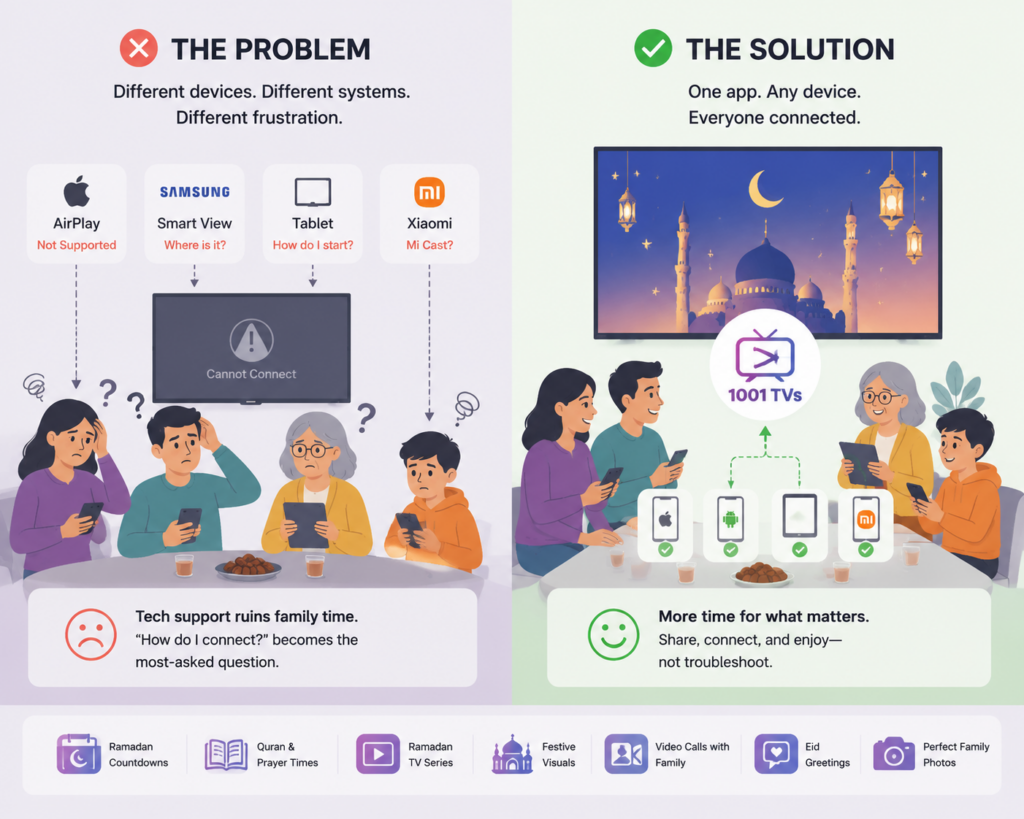
حل: 1001 TVs
1001 TVs یہ آئی فون، آئی پیڈ، اینڈرائیڈ، ونڈوز، میک او ایس، ایپل ٹی وی، اینڈرائیڈ ٹی وی، فائر ٹی وی، اور روکو سمیت بڑے پلیٹ فارمز کی حمایت کرتا ہے۔.
1001 TVs کیوں بہتر کام کرتا ہے
| فیچر | فائدہ |
|---|---|
| کراس پلیٹ فارم | مخلوط آلات کے سیٹ اپ کے لیے اہم موبائل، ڈیسک ٹاپ اور ٹی وی پلیٹ فارمز کی حمایت کرتا ہے۔ |
| ایچ ڈی کوالٹی | ہموار اسٹریمنگ کے لیے کم تاخیر کے ساتھ مستحکم کنکشن |
| آڈیو اور ویڈیو ہم آہنگی | بلور جیسی شفاف آواز جو بصری مناظر کے ساتھ مکمل مطابقت رکھتی ہے |
| کیمرے کی عکس بندی | آئی فون پر مخصوص کیمرہ پیش نظارہ؛ اینڈرائیڈ پر معیاری کیمرہ اسکرین کی عکاسی |
1001 TVs کے ساتھ کیسے آغاز کریں
تیز سیٹ اپ (3 مراحل)
مرحلہ 1: ایپ انسٹال کریں
اپنے فون اور ٹی وی دونوں پر 1001 TVs ڈاؤن لوڈ کریں (یا Fire TV، Roku، Apple TV جیسے اسٹریمنگ ڈیوائس پر)
مرحلہ 2: ایک ہی وائی فائی سے کنیکٹ کریں
یہ ایپ آپ کے نیٹ ورک پر دستیاب تمام آلات کو خودکار طور پر شناخت کرتی ہے—کوئی دستی ترتیب درکار نہیں۔
مرحلہ 3: آئینہ کاری شروع کریں
فہرست سے اپنا ٹی وی منتخب کریں، کنکشن قبول کریں، اور آپ ایچ ڈی میں اسٹریمنگ کر رہے ہیں۔
بس یہی ہے۔. کسی تکنیکی مہارت کی ضرورت نہیں۔ اگر آپ کی دادی یہ کر سکتی ہیں تو کوئی بھی کر سکتا ہے۔.
اگر آپ کی ٹی وی ظاہر نہیں ہوتی یا کنکشن بار بار منقطع ہو جاتا ہے، تو دیکھیں۔ ہماری اسکرین میرورنگ کے مسائل حل کرنے کی رہنما.
حقیقی کہانیاں: خاندان 1001 TVs کا استعمال کیسے کرتے ہیں
🍽️ کثیرالجہتی افطار اجتماعات
سارہ کی خالہ نے پندرہ خاندان کے افراد کے لیے افطار کی میزبانی کی—آدھے آئی فون استعمال کرتے تھے، آدھے اینڈرائیڈ۔ پچھلے سالوں میں، ڈیوائسز کو جوڑنے میں تیس منٹ لگتے تھے۔.
1001 TVs کے ساتھ سب نے فوراً شیئر کیا۔ اس کی دادی نے چالیس سال پرانی تصاویر دکھائیں، اس کے بھتیجے نے رمضان کی الٹی گنتی شیئر کی، اور شام خاندان کے ساتھ گزری، نہ کہ ٹیکنیکل سپورٹ کے لیے۔.
🌍 افطار کے دوران فاصلوں کو پُر کرنا
احمد کا بھائی دبئی میں رہتا ہے۔ فون کی اسکرین پر ویڈیو کالز کبھی ٹھیک محسوس نہیں ہوئیں۔ پچھلے رمضان میں انہوں نے کال کو اپنی ٹی وی پر اسٹریم کیا۔.
بڑی اسکرین پر اسے اصل قد میں دیکھ کر اس کی ماں کی آنکھوں میں آنسو آگئے۔ اس کی بھتیجی نے اسے اپنی نئی عید کی قمیص دکھائی۔ وہاں ہونے جیسا تو نہیں، لیکن بہت قریب محسوس ہوا۔.
📸 عید کی صبح کی بہترین یادیں قید کرنا
رحمان خاندان عید کی صبح پچاس تصاویر لیتا تھا اور پھر بھی آنکھیں بند ہوتی تھیں یا کوئی نہ کوئی کٹ جاتا تھا۔ اس سال انہوں نے اپنے فون کے کیمرے کو ٹی وی سے منسلک کر دیا۔.
ہر کوئی شاٹ کو حقیقی وقت میں دیکھ سکتا تھا۔ “بائیں ہٹو!” “تم ماں کی راہ روک رہے ہو!” تین کوششیں، ایک بہترین تصویر—اب ان کے لونگ روم میں فریم میں لگی ہوئی ہے۔.
🎬 رمضان کی راتوں کی روایتی سیریز
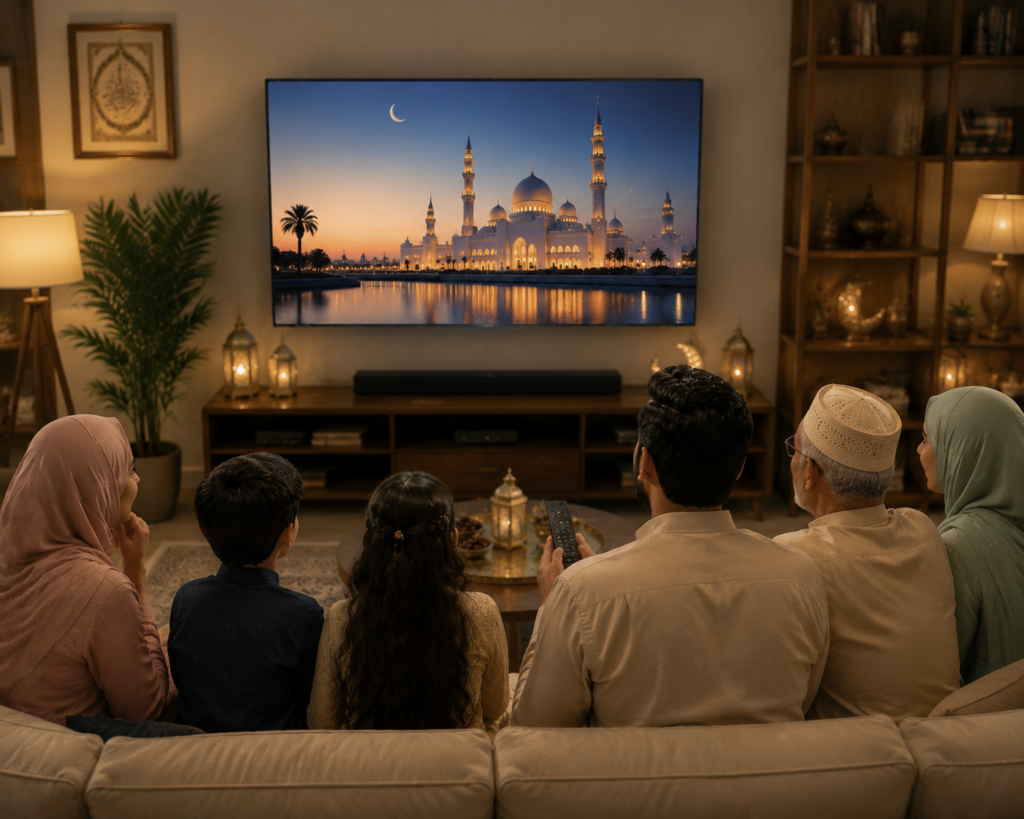
حسن خاندان ہر رمضان میں ایک ترکی ڈرامہ دیکھتا ہے—یہ ان کی روایت ہے۔ وہ لیپ ٹاپ کی اسکرین پر آنکھیں سکیڑ کر دیکھا کرتے تھے۔.
اب 1001 TVs کے ساتھ بڑی اسکرین پر یہ ایک مکمل خاندانی تقریب ہے۔ پچھلے سال کے فائنل نے پڑوسیوں کو بھی اکٹھا کر دیا۔ بارہ افراد، ایک ٹی وی، کوئی تکنیکی مسئلہ نہیں۔.
اکثر پوچھے جانے والے سوالات
سوال: رمضان کیا ہے اور عید الفطر؟
رمضان اسلامی کیلنڈر کا نواں مہینہ ہے، ایک مقدس وقت جب مسلمان روحانی نشوونما، خود انضباطی اور خیرات کے لیے صبح صادق سے غروب آفتاب تک روزہ رکھتے ہیں۔.
عید الفطر، جس کے معنی ہیں “روزہ کھولنے کا تہوار”، رمضان کے اختتام پر تین روزہ خوشی کا جشن ہے۔.
یہ اسلام کی سب سے اہم تعطیلات میں سے ایک ہے، جسے 1.8 ارب مسلمان خاندانی اجتماعات، عبادات اور جشن کے کھانوں کے ساتھ مناتے ہیں۔.
کیا مجھے دونوں ڈیوائسز پر ایپ انسٹال کرنے کی ضرورت ہے؟
جی ہاں، اپنے فون اور ٹی وی (یا اسٹریمنگ ڈیوائس) دونوں پر 1001 TVs انسٹال کریں۔ سیٹ اپ میں دو منٹ سے بھی کم وقت لگتا ہے۔.
سوال: اگر میری ٹی وی پرانی ہو تو؟
اپنے ٹی وی سے Fire TV، Roku یا Apple TV جیسے اسٹریمنگ ڈیوائس کو منسلک کریں، اور آپ بالکل تیار ہیں۔.
سوال: کیا ڈیوائسز کا ایک ہی برانڈ ہونا ضروری ہے؟
نہیں! آئی فونز، سام سنگ، شیاؤمی، ہواوے—کوئی بھی امتزاج بغیر کسی رکاوٹ کے کام کرتا ہے۔.
سوال: کیا ویڈیو کالز کے دوران کنکشن مستحکم رہتا ہے؟
جی ہاں، 1001 TVs کم تاخیر اور مستحکم کنکشنز فراہم کرتا ہے تاکہ ایچ ڈی اسٹریمنگ ہموار رہے۔.
کیا ایک سے زیادہ لوگ باری باری کنکٹ کر سکتے ہیں؟
جی ہاں! خاندان کے افراد آسانی سے سوئچ کر سکتے ہیں—ایک منقطع ہوتا ہے، دوسرا چند سیکنڈز میں منسلک ہو جاتا ہے۔.
سوال: کیا میں اپنا فون کیمرہ ٹی وی پر آئینہ کی طرح لگا سکتا ہوں؟
جی ہاں، لیکن طریقہ کار پلیٹ فارم کے لحاظ سے مختلف ہے۔ آئی فون پر، 1001 TVs میں لائیو کیمرہ پریویو کے لیے ایک مخصوص کیمرہ مررنگ فیچر شامل ہے۔ اینڈرائیڈ پر، معمول کی اسکرین مررنگ استعمال کریں، پھر اپنے فون کی کیمرہ ایپ کھولیں تاکہ ٹی وی پر کیمرہ کا منظر دکھائی دے۔ دستیاب کیمرہ کنٹرولز آپ کے فون پر منحصر ہیں۔.
Q: کیا یہ کام کرے گا جب وائی فائی مصروف ہو؟
جی ہاں، 1001 TVs کو مختلف نیٹ ورک حالات کے لیے ایڈجسٹ ایبل سموٹھ موڈ کے ساتھ بہتر بنایا گیا ہے۔.
کیا آپ اپنی تقریبات کو نئے انداز میں ڈھالنے کے لیے تیار ہیں؟
اب مزید یہ سوال نہیں ہوگا: “میں آپ کے ٹی وی سے کیسے جڑوں؟” 1001 TVs کے ساتھ ٹیکنالوجی غائب ہو جاتی ہے اور جشن مرکزی مقام اختیار کر لیتا ہے۔.
آج ہی 1001 TVs ڈاؤن لوڈ کریں اور اپنے خاندان کا مواد بغیر کسی مشکل کے بڑی اسکرین پر لائیں۔.
رمضان مبارک اور عید مبارک! 🌙✨

مزید پڑھیں
 امریکہ میں ٹی وی پر این بی اے کیسے دیکھیں
امریکہ میں اپنی ٹی وی پر این بی اے کے میچ دیکھنا آسان ترین ہے جب آپ دو فیصلے ترتیب سے کریں: سب سے پہلے، تصدیق کریں کہ کون سی مجاز سروس نشر کرتی ہے…
امریکہ میں ٹی وی پر این بی اے کیسے دیکھیں
امریکہ میں اپنی ٹی وی پر این بی اے کے میچ دیکھنا آسان ترین ہے جب آپ دو فیصلے ترتیب سے کریں: سب سے پہلے، تصدیق کریں کہ کون سی مجاز سروس نشر کرتی ہے…
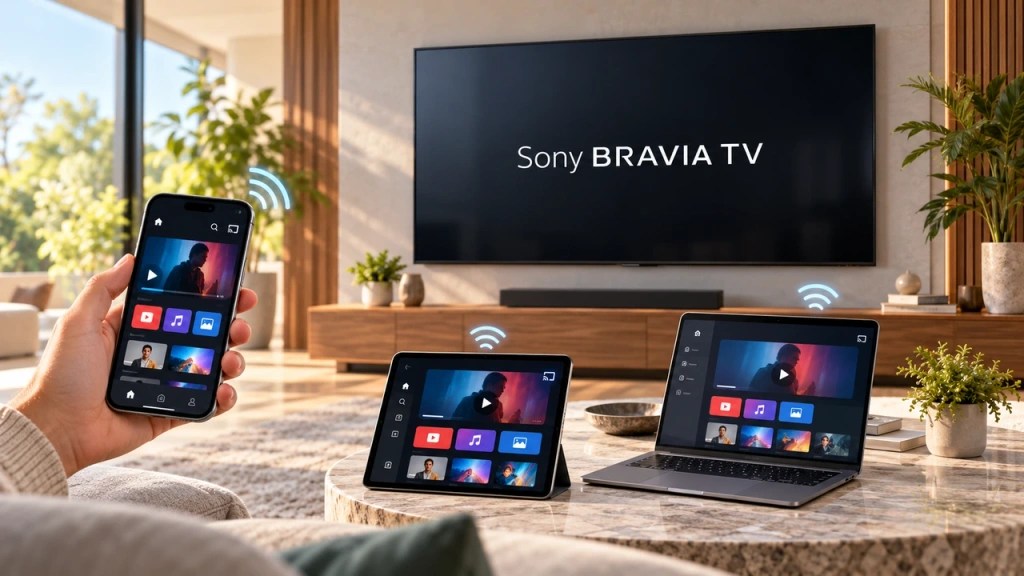 سونی براویا ٹی وی (گوگل ٹی وی) پر اسکرین کو آئینہ کیسے کریں
ایک سونی براویا گوگل ٹی وی ہر فون اور کمپیوٹر کے لیے ایک ہی یونیورسل “اسکرین مررنگ” طریقہ استعمال نہیں کرتی۔ صحیح انتخاب دونوں پر منحصر ہے۔
سونی براویا ٹی وی (گوگل ٹی وی) پر اسکرین کو آئینہ کیسے کریں
ایک سونی براویا گوگل ٹی وی ہر فون اور کمپیوٹر کے لیے ایک ہی یونیورسل “اسکرین مررنگ” طریقہ استعمال نہیں کرتی۔ صحیح انتخاب دونوں پر منحصر ہے۔

