[Android] How to Mirror Screen from Android Phone to Browser (Chrome)
Please note that this feature is no longer available in the new version of 1001 TVs.
1. Connect to the Same Wi-Fi:
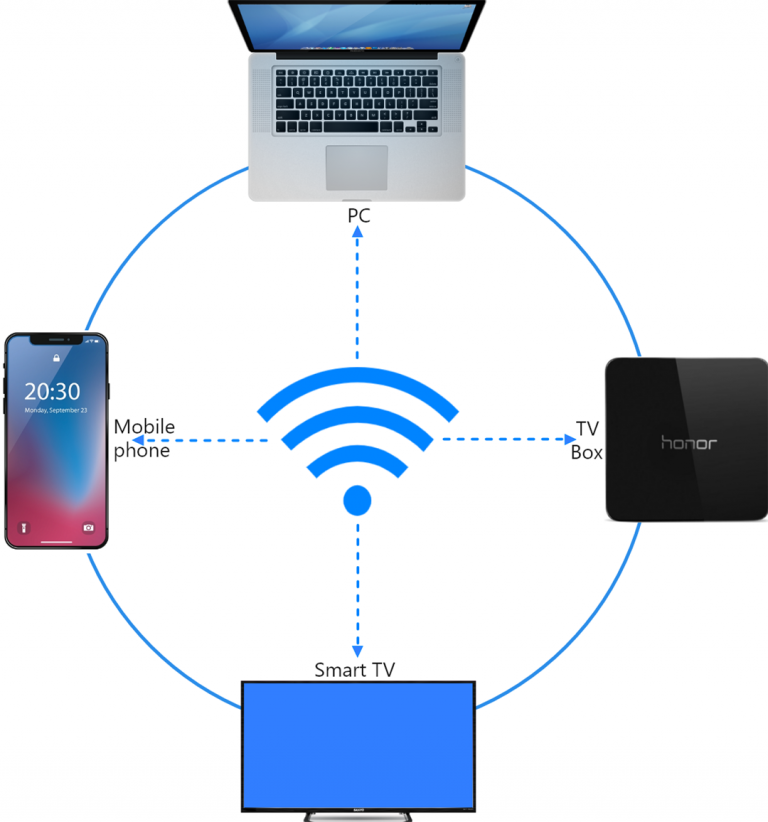
Make sure both your phone and and your target device (e.g., PC, Mac, or TV Box) are connected to the same Wi-Fi network.
(ئەڭ ياخشى ئىقتىدار ئۈچۈن 5G بەلباغلىق Wi-Fi ئۇلىنىشى تەۋسىيە قىلىنىدۇ.)
2. 1001 TVs نى قاچىلاڭ ۋە ئېچىڭ
تېلېفونىڭىزنىڭ ئېكرانىنى تور كۆرگۈچكە كۆرسىتىش ئۈچۈن، سىزگە پەقەت تۆۋەندىكىلەر كېرەك 1001 TVs تېلېفونىڭىزدىكى ئەپ.
📱 ئاندروئىد ئەپ: Google Play دىن چۈشۈرۈڭ
3. ئېكران ئەينىكى
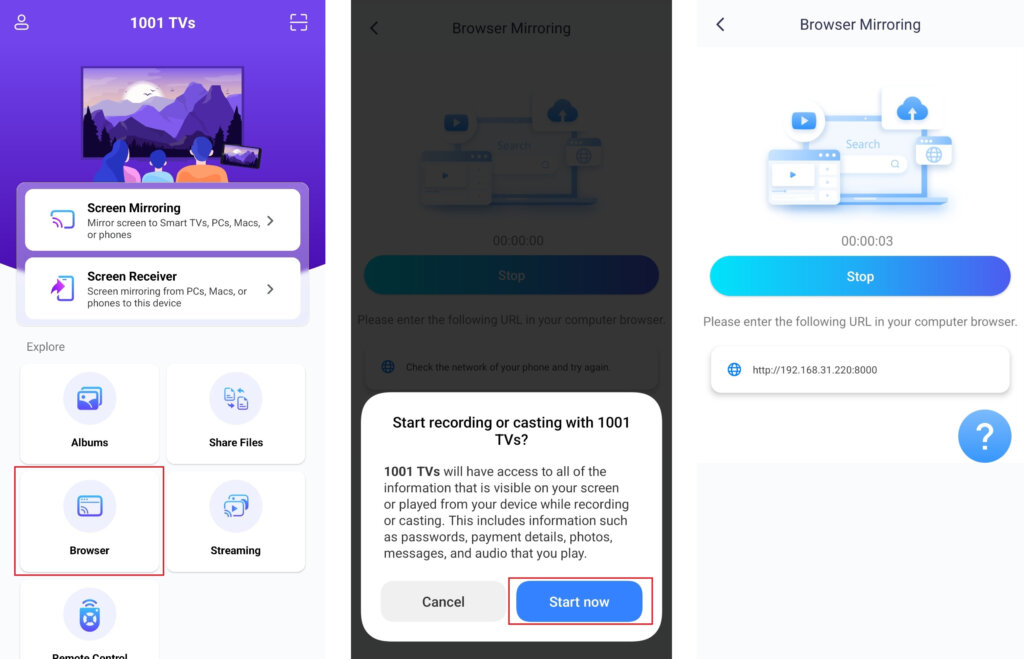
“نى چېكىڭ»Browser”باش بەتتە. لازىملىق ئىجازەتلەرگە يول قويۇڭ.
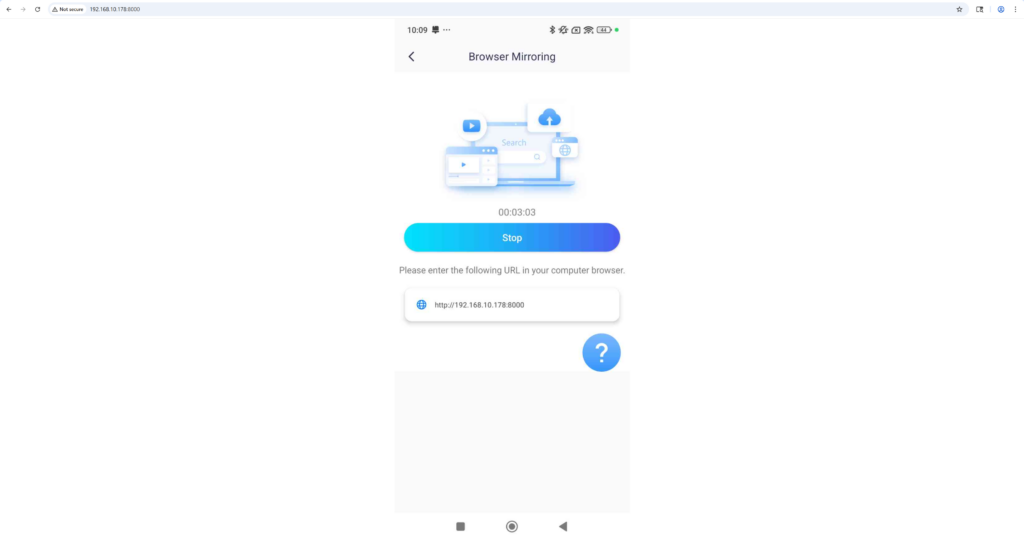
ئېكراننى ئەكس ئەتتۈرۈش ئۈچۈن تور كۆرگۈچكە كۆرسىتىلگەن URL نى كىرگۈزۈڭ (Chrome تەۋسىيە قىلىنىدۇ).
ئەسكەرتىش: This mode supports screen mirroring only, without sound.
ھازىر 1001 TVs نى ئېلىڭ!
📱 ئاندروئىد ئەپ: Google Play دىن چۈشۈرۈڭ

Read More
 New Setting: No More Pop-ups When Mirroring Ends
When you're mirroring your PC screen to a TV and stop the session using the TV remote, the 1001 TVs window pops back up…
New Setting: No More Pop-ups When Mirroring Ends
When you're mirroring your PC screen to a TV and stop the session using the TV remote, the 1001 TVs window pops back up…
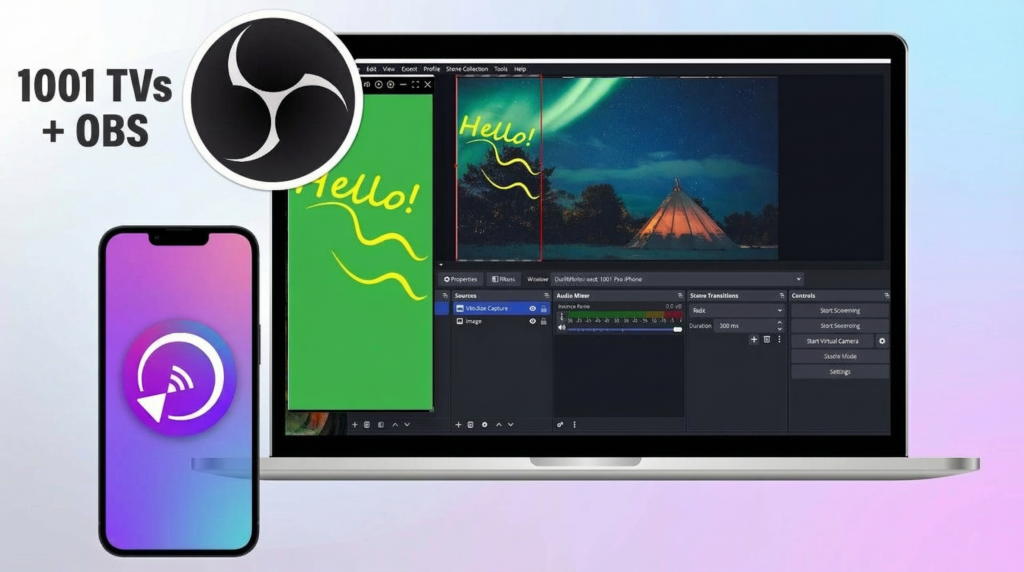 How to Capture Screen Mirroring in OBS (Android & iPhone)
Want to capture screen mirroring in OBS for mobile gameplay, tutorials, or live content? With 1001 TVs, you can easily mirror your phone screen…
How to Capture Screen Mirroring in OBS (Android & iPhone)
Want to capture screen mirroring in OBS for mobile gameplay, tutorials, or live content? With 1001 TVs, you can easily mirror your phone screen…

