检测到浏览器语言为中文,.点此切换到中文页面->
3 Steps to Control Your TV from Your Phone
1
インストール
Install 1001 TVs on your phone.
2
接続
Ensure your phone and TV are on the same Wi-Fi network.
Open the Remote Control feature in the 1001 TVs app and select your TV.
3
Start Controlling
Enter the verification code shown on your TV to complete the connection.
You’re ready to control your TV from your phone.
All your TV controls in one place.
tap-control-watch-without-ads
Tap. Control. Watch — Without Ads.
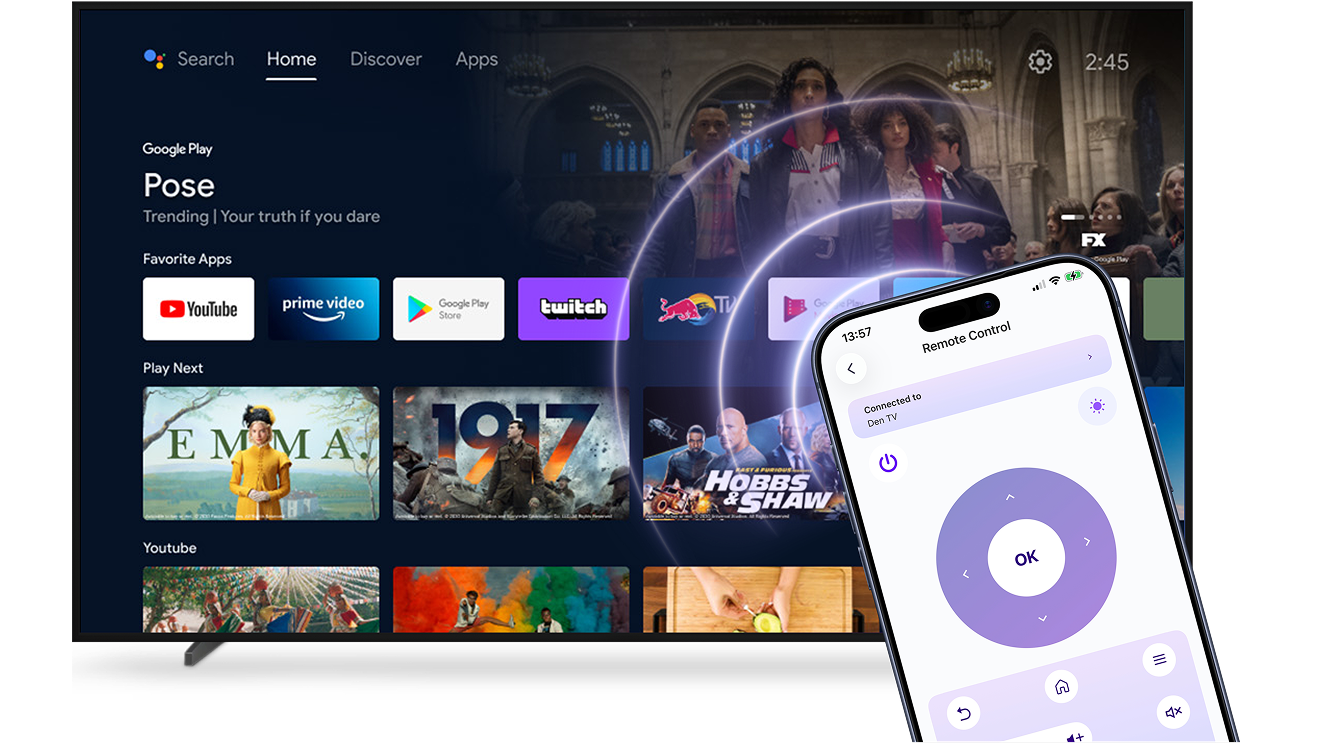
Use your phone as a universal Smart TV remote.
Connect over Wi-Fi in seconds and control your TV without cables, setup hassle, or interruptions.
チェック済みNo ads or pop-ups — just a clean, focused interface
チェック済みVolume, apps, input switching, and navigation in one simple place
always-ready-just-like-a-real-remote
Always Ready. Just Like a Real Remote.
Reliable, responsive, and ready whenever you pick up your phone — just open the app and control your TV instantly.
チェック済みSmooth wireless control without lag or dropped commands
チェック済みWorks across major Smart TV systems — no extra hardware needed
利用シーン
Instant Backup Control
One Remote for Everything
Faster Search & Input
Enjoy TV Without Interruptions
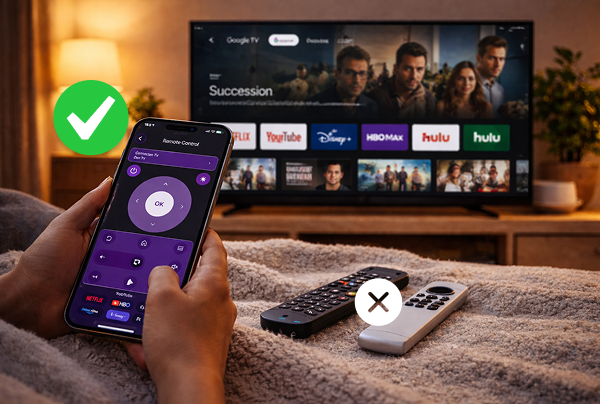
When the TV remote is missing, out of battery, or simply not within reach, your viewing experience shouldn’t be interrupted.

With 1001 TVs, your phone works as a reliable Smart TV remote. Open the app and control your TV instantly over Wi-Fi — no searching for batteries, no waiting for a replacement.

Stay in control of your Smart TV whenever you need it. Simple, responsive, and always ready in your hand.
instant-backup-control
Simplify Your Living Room
Too many remotes on the table? Switching between devices shouldn’t feel complicated.

With 1001 TVs, your phone becomes a single, easy way to control your Smart TV. Adjust volume, change inputs, browse apps, and manage playback — all from one simple interface.

Less clutter. Fewer remotes. Smoother everyday control.
one-remote-for-everything
Skip the on-screen keyboard
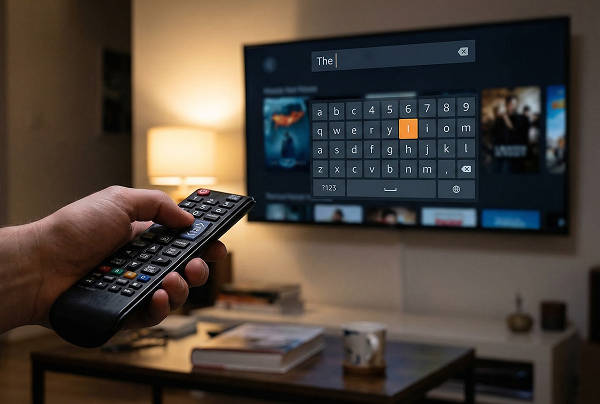
Typing with a TV remote can be slow — especially when entering passwords or searching for a specific show.

Use your phone’s keyboard to search, log in, and navigate apps quickly and accurately. No endless clicking through letters.

Find what you want faster and get back to watching.
faster-search-input
よくある質問
試してもいいですか?
1001 TVs offers a limited-time free trial with full, unlimited access to premium features like screen mirroring, remote control,file transfer, and album.
引き続きサービスをお楽しみいただくには、トライアル終了後 トライアルが終了したら、サブスクリプションにアップグレードしてください。.
1001 TVsアプリのインストール方法を教えてください。
以下のアプリストアで「1001 TVs」と検索すると見つかります:
- Apple App Store(iPhone、iPad、Mac、Apple TV向け)
- マイクロソフトストア(Windows版)
- Google Play(アンドロイド携帯、タブレット、テレビ用)
サブスクリプションを解約するにはどうすればいいですか?
iOS でサブスクリプションを解約する
-  設定アプリを開く → 自分の名前 → 購読 → 購読を解除する サブスクリプション → サブスクリプションをキャンセル
Google Play でサブスクリプションを解約する
- Google Playストアアプリを開く → 右上のプロフィール画像 右上のプロフィール画像 → お支払いと購読 → 購読 → 購読をキャンセル → 購読をキャンセルする 解約を確認する
連絡方法は?
下記までご連絡ください。 1001tvs@nero.com.