
Digital Signage für die K-12 Bildung: Wie 1001 TVs das moderne Klassenzimmer verwandelt
Digital Signage hat sich zu einem wichtigen Instrument für die moderne K-12-Bildung entwickelt. Es schafft eine dynamische Plattform, um Schüler zu informieren, Lehrer zu unterstützen und die Sicherheit auf dem Campus zu gewährleisten - und das alles, ohne das Durcheinander herkömmlicher schwarzer Bretter.
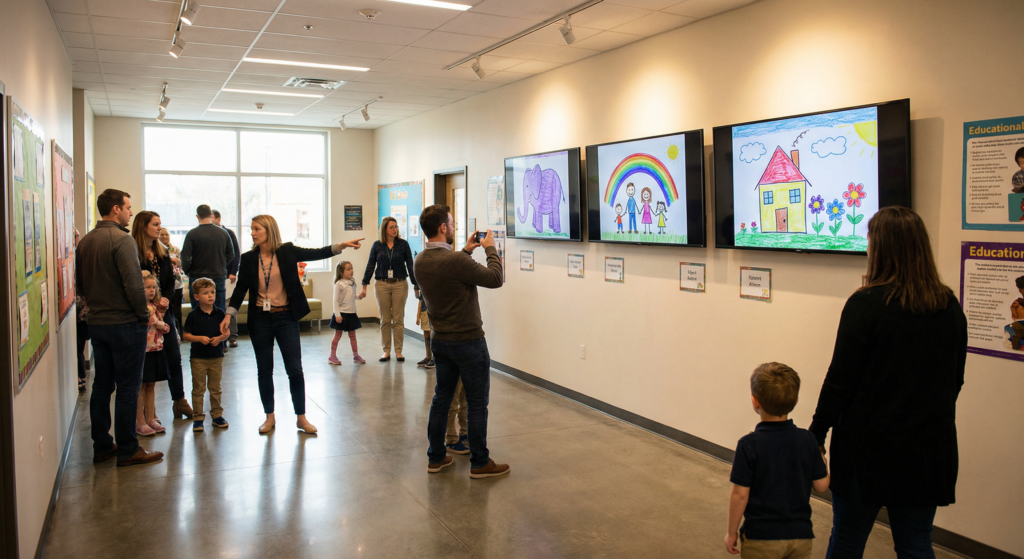
Warum Digital Signage für K-12?
• Sofortige Sicherheit und Kommunikation: Übertragen Sie Notfallwarnungen, Abriegelungsanweisungen oder Wetterwarnungen gleichzeitig auf alle Bildschirme auf dem Campus, um sicherzustellen, dass wichtige Informationen jeden mit visueller Klarheit erreichen.
• Kosteneffizient und nachhaltig: Eliminieren Sie die laufenden Kosten für Papier und Tinte, indem Sie Aktualisierungen sofort und umweltfreundlich vornehmen.
• Verbessertes Lernen: Die Präsentation von Schülerprojekten und multimedialen Lerninhalten auf dem Bildschirm schafft ein Gemeinschaftsgefühl und fördert das Engagement von Schülern, die mit digitalen Medien arbeiten.
Strategische Anwendungsfälle: Maximierung der Auswirkungen auf den Campus
Um mehr Lehrkräfte zu erreichen und die Sichtbarkeit bei der Suche zu verbessern, sollten Sie diese wirkungsvollen Strategien für die K-12-Umgebung in Betracht ziehen:
Im Klassenzimmer: Interaktives Lernen und Schülervertretung
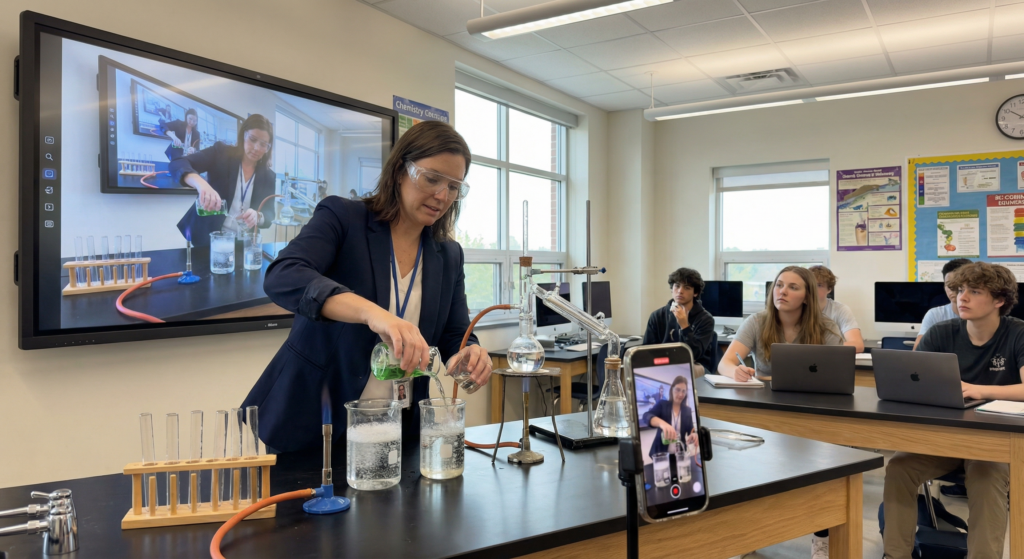
Das moderne Klassenzimmer ist nicht mehr an einen Schreibtisch gebunden. Mit 1001TVs, können sich die Lehrer frei bewegen, während sie den Inhalt spiegeln.
• Studentische Vitrinen: Steigern Sie das Selbstvertrauen, indem Sie den Schülern die Möglichkeit geben, ihre Tablets drahtlos zu spiegeln, um kreative Arbeiten oder Programmierprojekte vor der ganzen Klasse zu zeigen.
• Live-Demonstrationen: Lehrkräfte können ein mobiles Gerät als Dokumentenkamera verwenden, um wissenschaftliche Experimente oder künstlerische Techniken direkt auf den Hauptbildschirm zu übertragen.
• Digitale Alphabetisierung: Modellieren Sie Echtzeit-Recherche und Faktenüberprüfung, indem Sie eine Browsersitzung während Debatten über Geschichte oder Sozialkunde spiegeln.
Lobbys und Eingänge: Der Stolz der Schule
Der Eingangsbereich ist das Aushängeschild für Eltern, Spender und die Gemeinde.
• Virtueller Trophäenkoffer: Ersetzen Sie die statischen Anzeigen durch eine rotierende digitale Galerie mit sportlichen Erfolgen, akademischen Auszeichnungen und den Highlights der Lehrer des Monats.
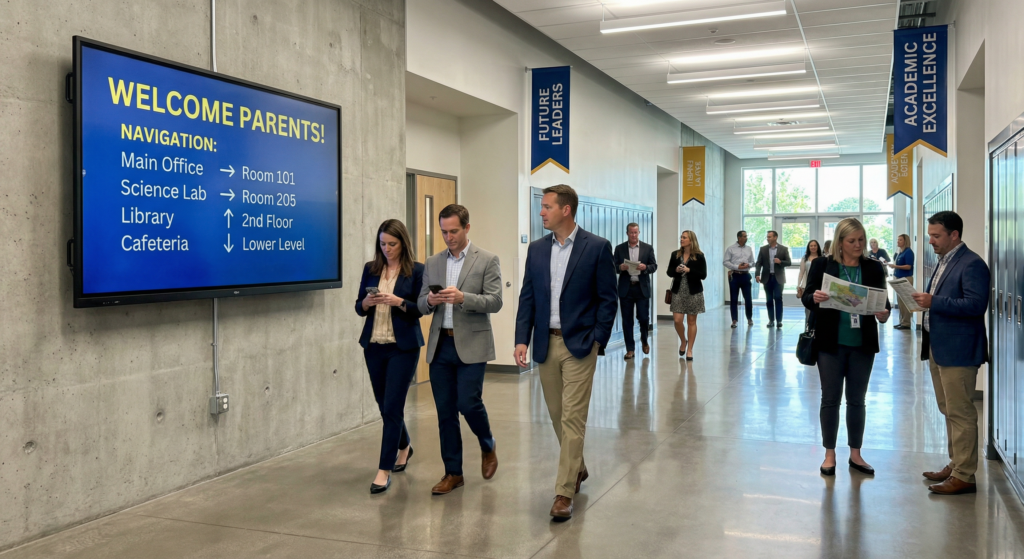
• Wegweiser: Helfen Sie Besuchern bei Elternsprechtagen oder Gemeindeveranstaltungen mit Karten und Plänen bei der Orientierung auf dem Campus.
Gemeinschaftsbereiche & Cafeterien: Wellness und Kultur
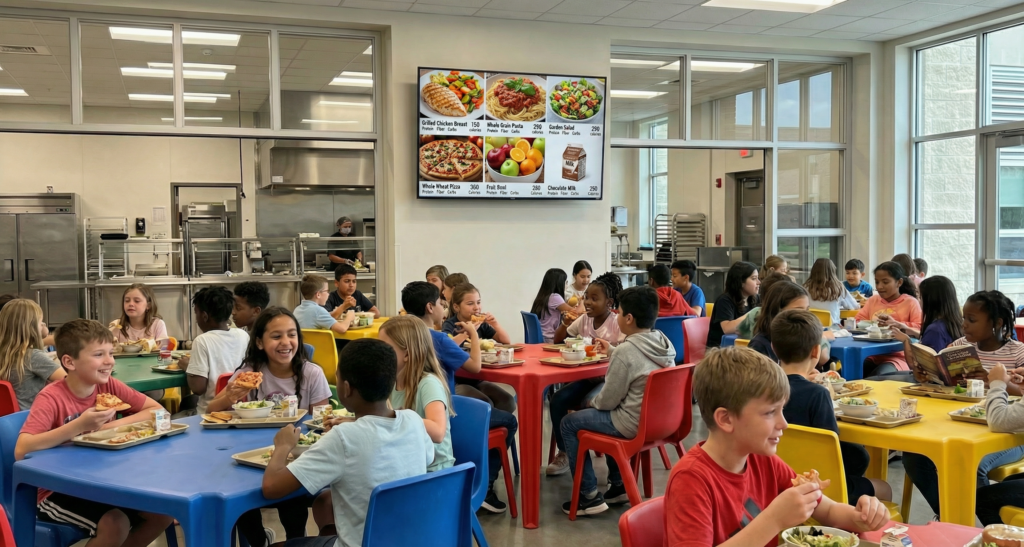
• Digitale Menü-Tafeln: Fördern Sie gesunde Essgewohnheiten, indem Sie die täglichen Mahlzeiten zusammen mit Nährwertangaben und Allergiewarnungen anzeigen.
• Das Digitale Schwarze Brett: Ersetzen Sie Papierplakate für Vereine, Kuchenverkäufe und Sportproben durch energiegeladene Videodurchsagen, um die Teilnahme an Veranstaltungen zu erhöhen.
Administrative und personelle Bereiche: Operative Effizienz
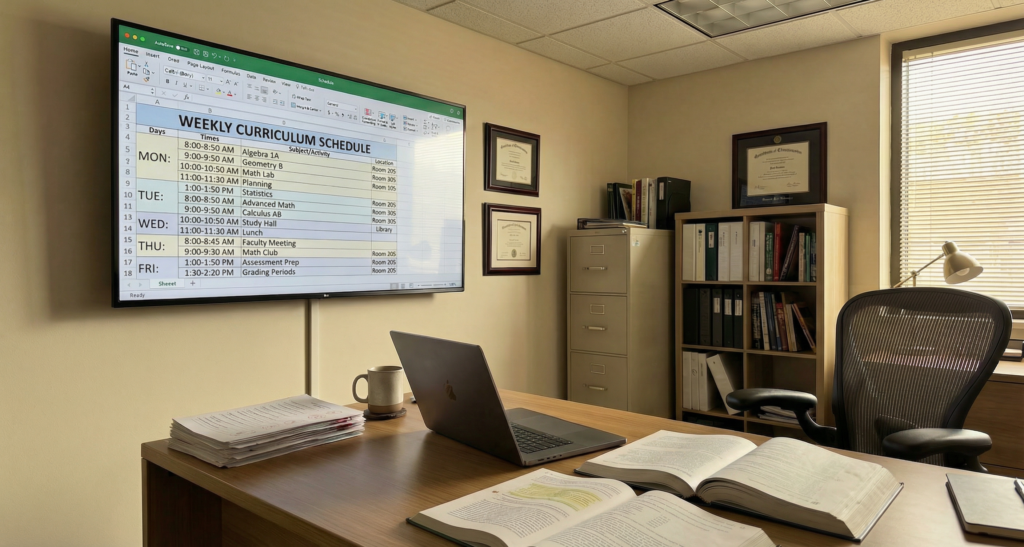
• Aktualisierungen der Fakultätsräume: Informieren Sie Ihre Mitarbeiter über Terminänderungen, Weiterbildungsfristen und Notfallprotokolle, ohne deren E-Mail-Posteingang zu belasten.
Der 1001TVs-Vorteil: Die Lösung traditioneller Hardware-Hürden
Herkömmliche Digital Signage-Systeme verursachen aufgrund von Infrastruktur- und Softwarebeschränkungen häufig mehr Arbeit für IT-Abteilungen und Lehrkräfte.
Die Nachteile der traditionellen Systeme
• Unordentliche Kabel und Hardware: Herkömmliche Installationen erfordern oft eine komplexe Verkabelung, HDMI-Splitter und sperrige Hardware, die schwer zu warten und ästhetisch unübersichtlich ist.
• Steile Lernkurven: Die meisten Signage-Anwendungen erfordern eine spezielle Schulung. Lehrkräfte und Mitarbeiter haben häufig Schwierigkeiten mit komplexen Content-Management-Systemen, was zu einer unzureichenden Nutzung der Geräte führt.
Warum Pädagogen 1001TVs wählen
1001TVs verwandelt jeden Bildschirm in einen leistungsstarken Hub, indem es die kabellose Spiegelung von Bildschirmen und die Übertragung von Dateien ermöglicht, wodurch Kabel und proprietäre Hardware überflüssig werden.
• Einfache, kabellose Einrichtung: Schließen Sie Laptops, Tablets oder Smartphones kabellos an einen Bildschirm an. So bleibt das Klassenzimmer aufgeräumt und die Lehrer können sich beim Präsentieren frei bewegen.
• Einfaches Anschließen und Spielen: Es ist kein technisches Fachwissen erforderlich. Die Mitarbeiter können Inhalte in Sekundenschnelle spiegeln und so den Stress der technisch aufwendigen Unterrichtsplanung reduzieren.
• Ultimative Flexibilität: Wechseln Sie mit einem Fingertipp von einer statischen Ansage zu einer Live-Demonstration oder einer Präsentation eines Schülers.
• Antwort in Echtzeit: In Notfällen können Administratoren kritische Informationen sofort von einem Computer aus an alle angeschlossenen Bildschirme senden, um eine sofortige campusweite Kommunikation zu ermöglichen.

1001 TVs Digital Signage-Funktionen
1. Allgemeine Bildschirmspiegelung
• Was es bewirkt: Übertragen Sie Ihren High-Definition-Bildschirm kabellos von jedem Telefon, Tablet oder PC auf einen Fernseher.
• Verwendung für Bildungszwecke: Perfekt für die allgemeine Präsentation von Lehrvideos, Produktpräsentationen oder Hausaufgabenvorführungen für die ganze Klasse.
2. Broadcast-Modus (1 PC an mehrere Geräte)
• Was es bewirkt: Spiegeln Sie einen primären Computerbildschirm auf mehrere Bildschirme oder Geräte zur gleichen Zeit.
• Verwendung für Bildungszwecke: Unverzichtbar für campusweite Notfalldurchsagen, Live-Sicherheitsanweisungen oder die gleichzeitige Übertragung der Botschaft des Schulleiters in alle Klassenzimmer.
3. Gemeinsamer Showcase (mehrere Geräte an 1 PC)
• Was es bewirkt: Verbinden Sie mehrere Schülergeräte und zeigen Sie sie gleichzeitig auf einem einzigen Hauptbildschirm an.
• Verwendung für Bildungszwecke: Ermöglicht interaktive “Studentenvitrinen”, in denen mehrere Projekte nebeneinander verglichen werden können, um das Lernen unter Gleichaltrigen zu fördern.
4. Kamera-Spiegelung in Echtzeit
• Was es bewirkt: Streamen Sie die Live-Kameraübertragung eines Mobilgeräts direkt auf einen größeren Bildschirm im Klassenzimmer.
• Verwendung für Bildungszwecke: Verwandelt ein Smartphone in eine mobile Dokumentenkamera, um wissenschaftliche Experimente, feinmotorische Kunsttechniken oder Live-Demonstrationen in Echtzeit zu präsentieren.
5. Drahtlose Dateiübertragung
• Was es bewirkt: Verschieben Sie Videos, Fotos und Dokumente sicher von Ihrem Gerät auf das Display zur lokalen Speicherung.
• Verwendung für Bildungszwecke: Laden Sie Mittagsmenüs, Tagespläne oder Flyer für Schulveranstaltungen in hoher Auflösung vor und zeigen Sie sie an, ohne auf eine ständige Live-Verbindung angewiesen zu sein.
6. Kuratierte digitale Alben
• Was es bewirkt: Organisieren und schleifen Sie einzelne oder mehrere Fotos zu einer professionellen Diashow.
• Verwendung für Bildungszwecke: Erstellen Sie einen dynamischen “Digitalen Trophäenschrank” in der Lobby, um die Leistungen der Studenten, sportliche Höhepunkte und Fotos aus dem Campusleben zu präsentieren.
🔍Benötigen Sie weitere Hilfe mit 1001 TVs?
▶️ Wie kann man den Bildschirm vom Handy auf den Fernseher spiegeln?
▶️ Wie kann man den Bildschirm von einem PC auf mehrere Geräte spiegeln?
▶️ Wie können Dateien freigegeben werden?
Schlussfolgerung
Während die herkömmliche Beschilderung eine Grundlage bildet, bietet 1001TVs die Flexibilität und Einfachheit, die moderne Pädagogen benötigen. 1001TVs beseitigt die Hürden unordentlicher Kabel und komplexer Software und ermöglicht es Schulen, effektiv zu kommunizieren und eine wirklich interaktive, reaktionsfähige Lernumgebung zu schaffen.