新設定:鏡像傳輸結束時不再顯示彈出視窗
當您將電腦螢幕鏡像投射至電視,並使用電視遙控器終止連線時,電腦上會再次彈出 1001 TVs 視窗,並顯示「連線失敗」的錯誤訊息——即使您是刻意終止該連線。這會無故中斷您在電腦上正在進行的任何操作。.
隨著最新的 1001 TVs 更新,這已不再是問題。只需開啟新設定,即可立即使用。.
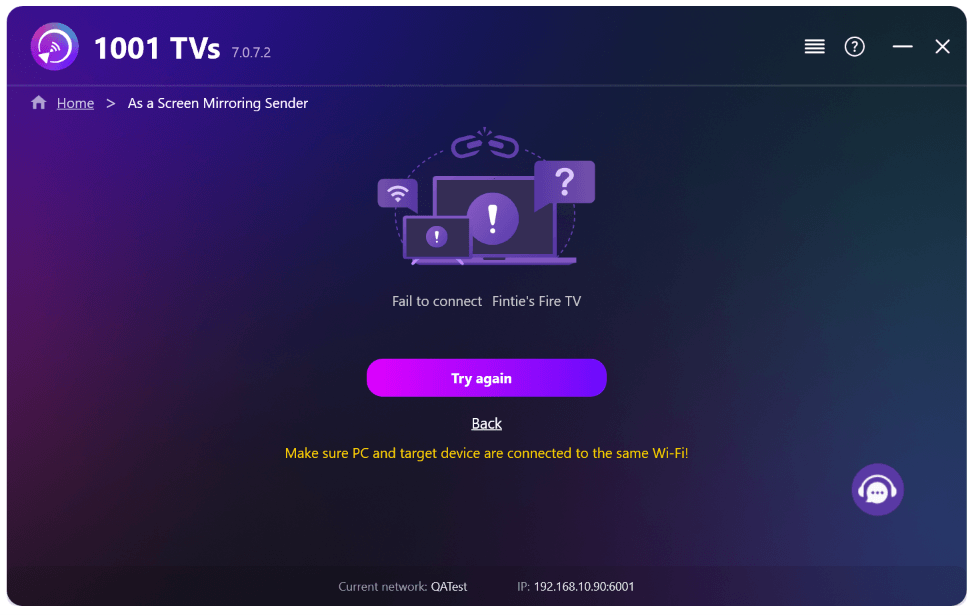
1. 請在您的 Windows 電腦上安裝 1001 TVs 的最新版本。.
📥 PC App: 下載自 微軟商店
如需詳細步驟,請參閱 PC 安裝指南.
2.前往 设置 > 基本 > 並開啟 “「當連線中斷時,請勿從系統托盤還原視窗。」”
(此選項預設為「關閉」,並可在 僅限 Windows 電腦.)
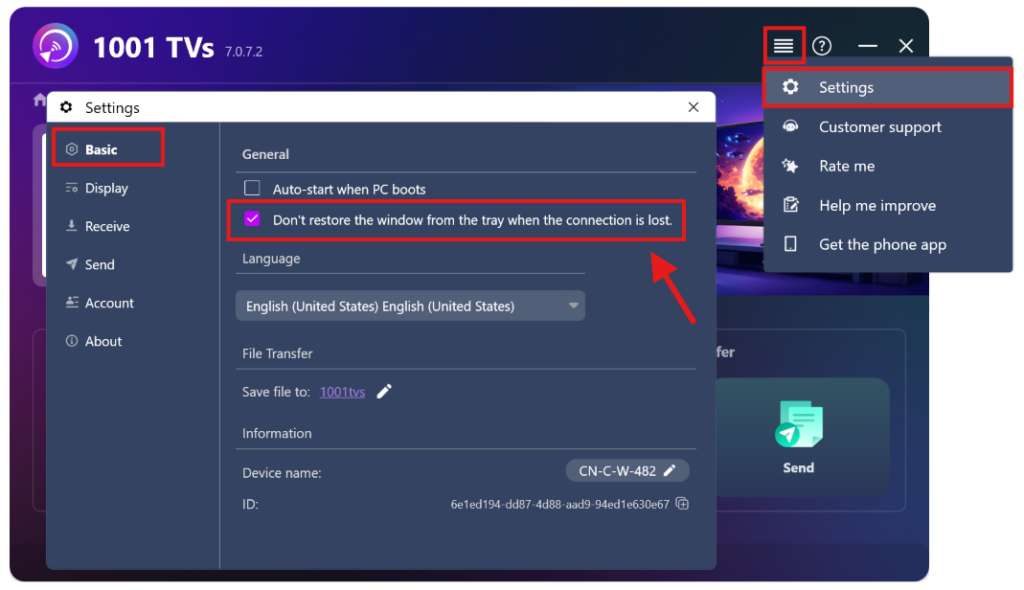
就是這樣——現在你可以免去彈出視窗的麻煩,直接進行螢幕鏡像了。.

閱讀更多
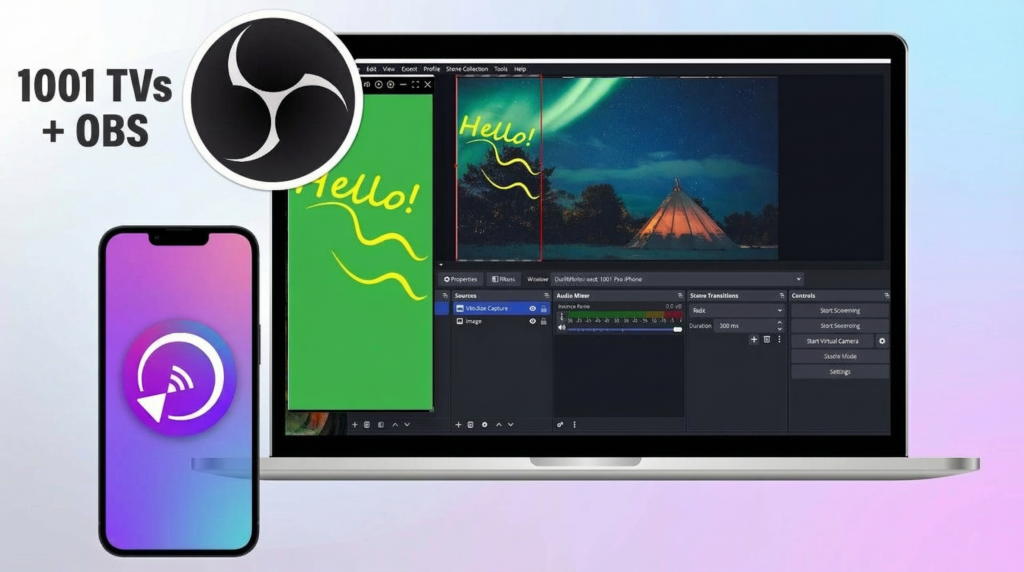 如何在 OBS 擷取螢幕鏡像 (Android & iPhone)
Want to capture screen mirroring in OBS for mobile gameplay, tutorials, or live content? With 1001 TVs, you can easily mirror your phone screen...
如何在 OBS 擷取螢幕鏡像 (Android & iPhone)
Want to capture screen mirroring in OBS for mobile gameplay, tutorials, or live content? With 1001 TVs, you can easily mirror your phone screen...
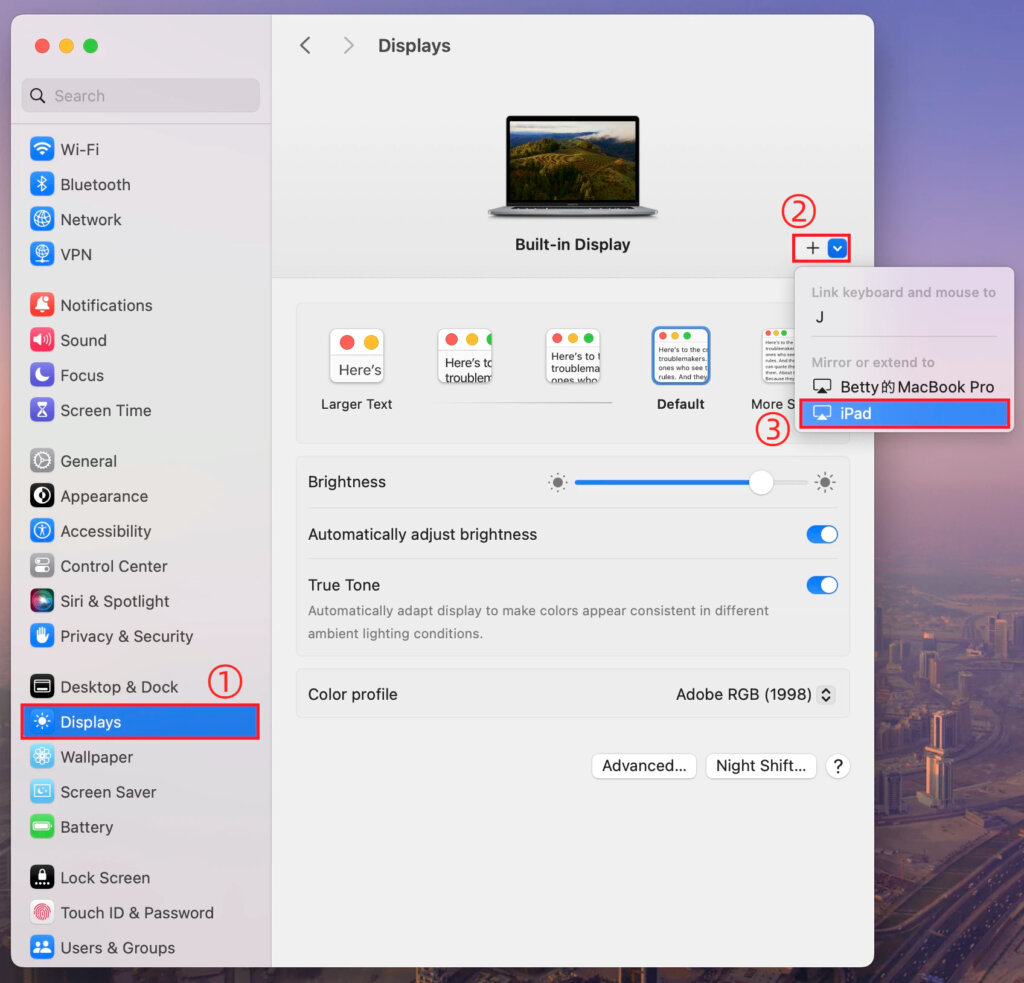 如何使用 1001 TVs 的 macOS 設定擴展 Mac 螢幕
macOS allows you to extend your desktop to an external display using system display settings. With the help of 1001 TVs, this capability can...
如何使用 1001 TVs 的 macOS 設定擴展 Mac 螢幕
macOS allows you to extend your desktop to an external display using system display settings. With the help of 1001 TVs, this capability can...

