1001 TVs:同時將個人電腦螢幕鏡像至多台裝置(電視、平板電腦、手機、個人電腦)
在最新的 Windows 版本 1001 TVs (v7.0.0.7) 中,我們新增了一個強大的新功能 - 您的電腦現在可以鏡像至 多台接收器同時運作 (電視、平板電腦、手機,甚至另一台 PC)。.
以下是它的實際表現 - 幾乎就像您的 PC 在「向全世界廣播」。😄
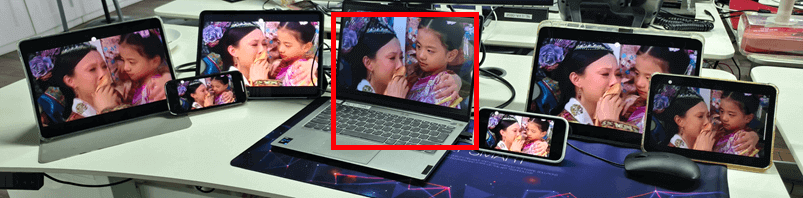
中間的 PC(紅色反白)將螢幕鏡像至 同時使用六種不同的裝置.
Of course, this feature is especially useful in meetingrooms where a single computer needs to display content across multiple TVs.
教學
1.將您的 PC 鏡射到第一台裝置。.
2.第一部裝置連線成功後,按一下 “「新增」” 在鏡射介面中加入更多的裝置。.
请注意: 多裝置鏡射功能需要付費方案。.
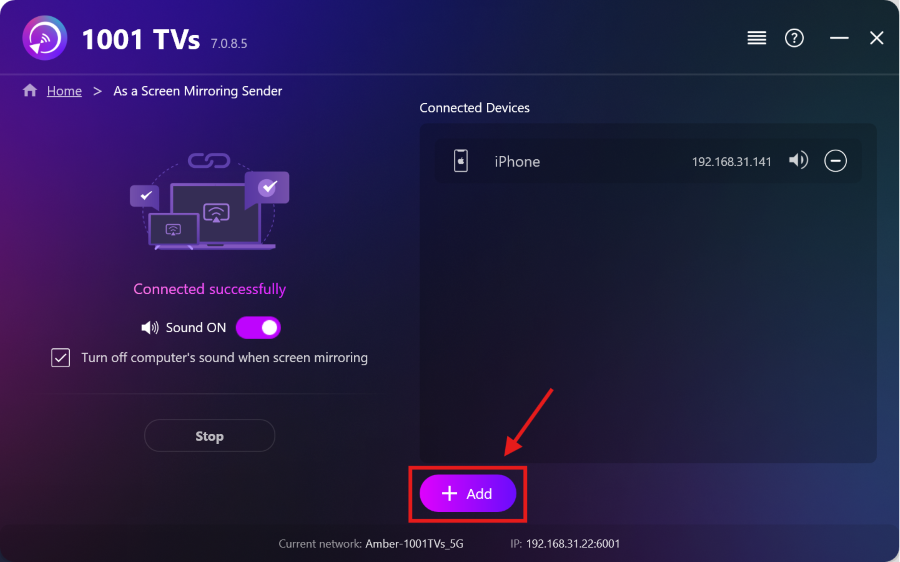
第一台裝置鏡射教學:
[Windows]如何將 Windows PC 螢幕鏡射至 Mac/Windows PC
[Windows] How to Mirror Your PC Screen to an Android Phone or iPhone
更多教學:

閱讀更多
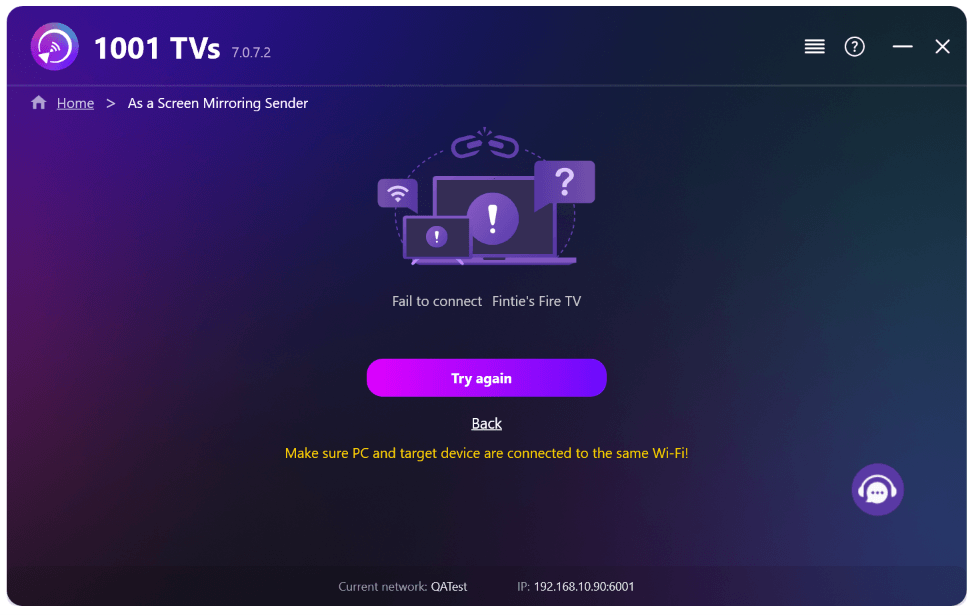 新設定:鏡像傳輸結束時不再顯示彈出視窗
When you're mirroring your PC screen to a TV and stop the session using the TV remote, the 1001 TVs window pops back up...
新設定:鏡像傳輸結束時不再顯示彈出視窗
When you're mirroring your PC screen to a TV and stop the session using the TV remote, the 1001 TVs window pops back up...
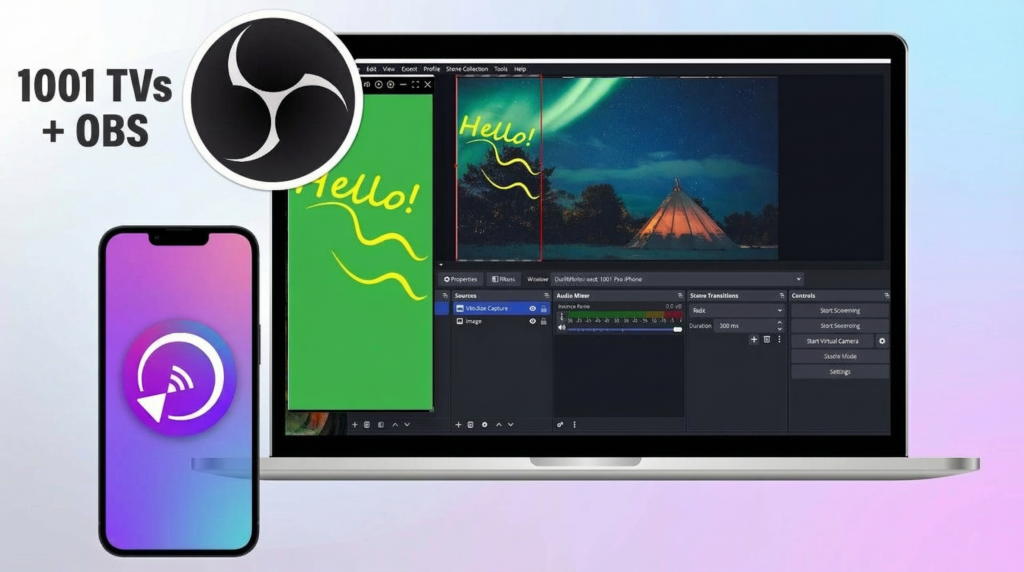 如何在 OBS 擷取螢幕鏡像 (Android & iPhone)
Want to capture screen mirroring in OBS for mobile gameplay, tutorials, or live content? With 1001 TVs, you can easily mirror your phone screen...
如何在 OBS 擷取螢幕鏡像 (Android & iPhone)
Want to capture screen mirroring in OBS for mobile gameplay, tutorials, or live content? With 1001 TVs, you can easily mirror your phone screen...

