[1001 TVs] How to Cancel a Subscription
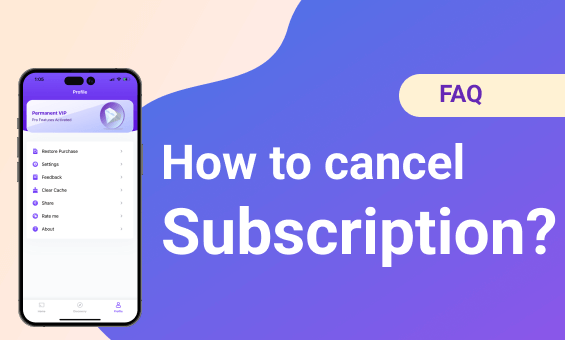
Cancel a subscription on your iOS
Reference: https://support.apple.com/en-hk/HT202039
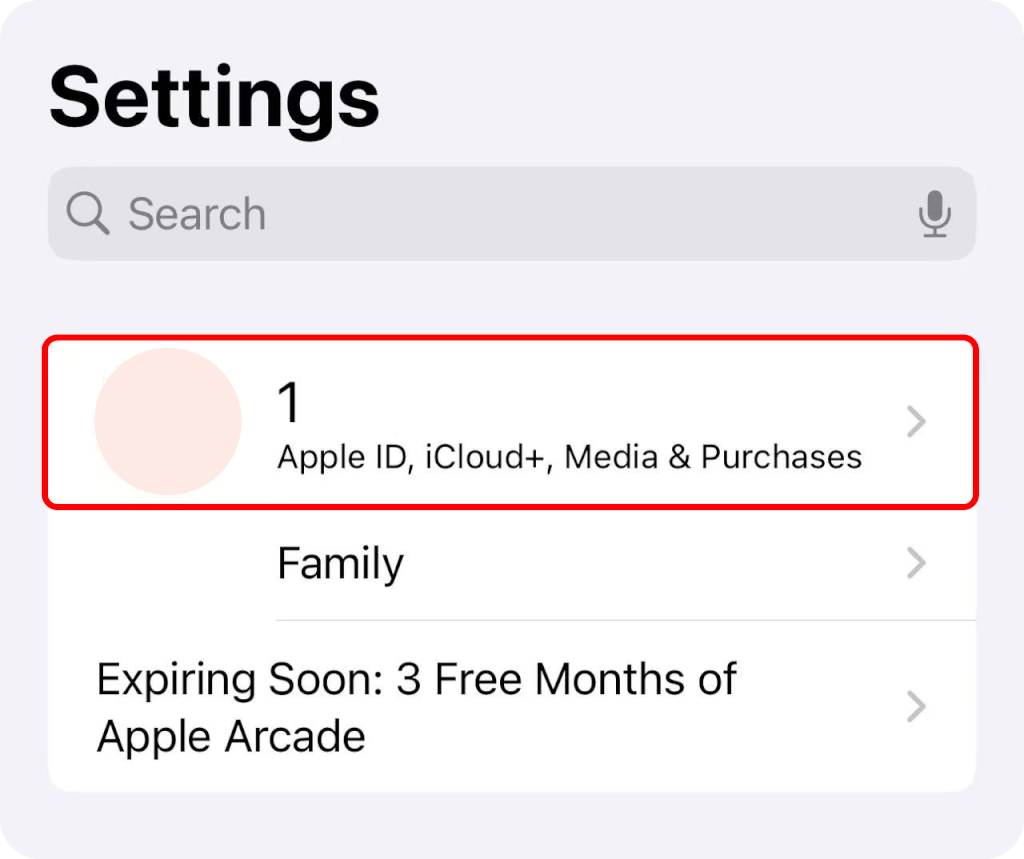
1. Open the Settings app.
2. Tap your name.
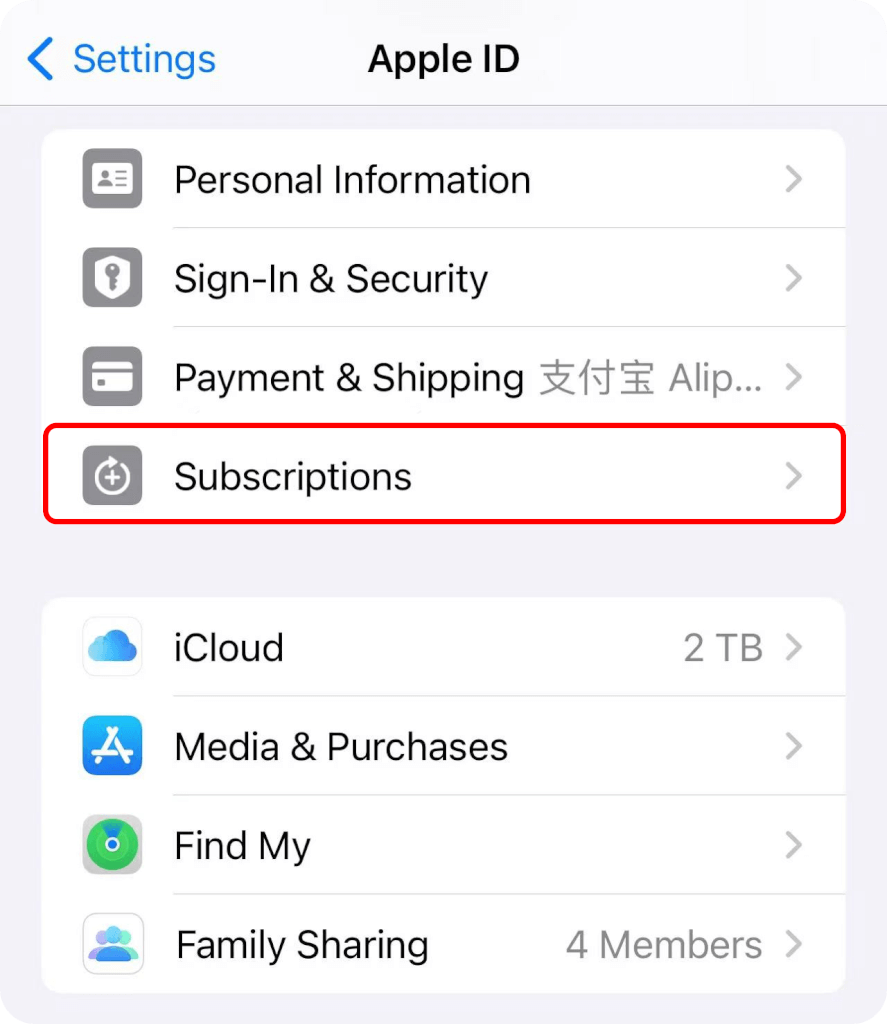
3. Tap Subscriptions.
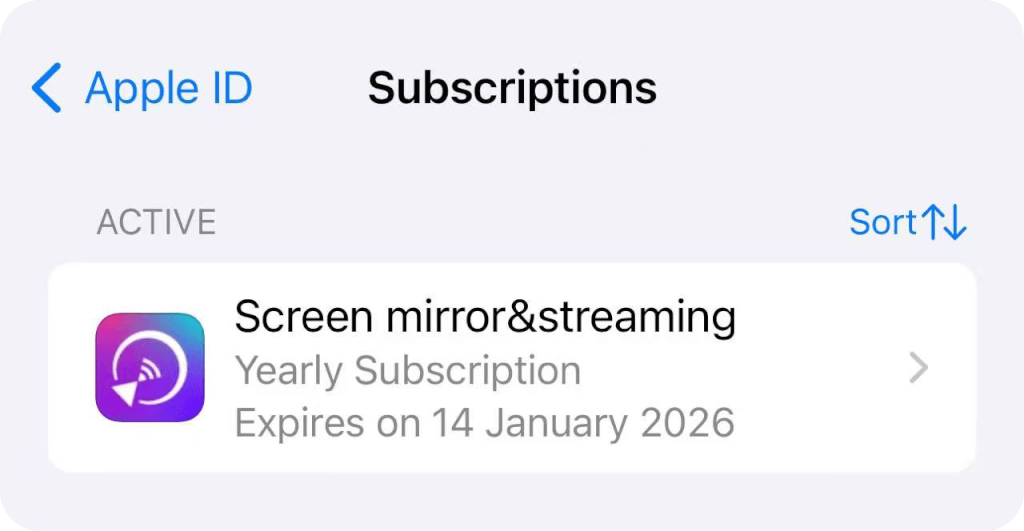
4. Tap the subscription.
5. Tap Cancel Subscription. You might need to scroll down to find the Cancel Subscription button. If there is no Cancel button or you see an expiration message in red text, the subscription is already canceled.
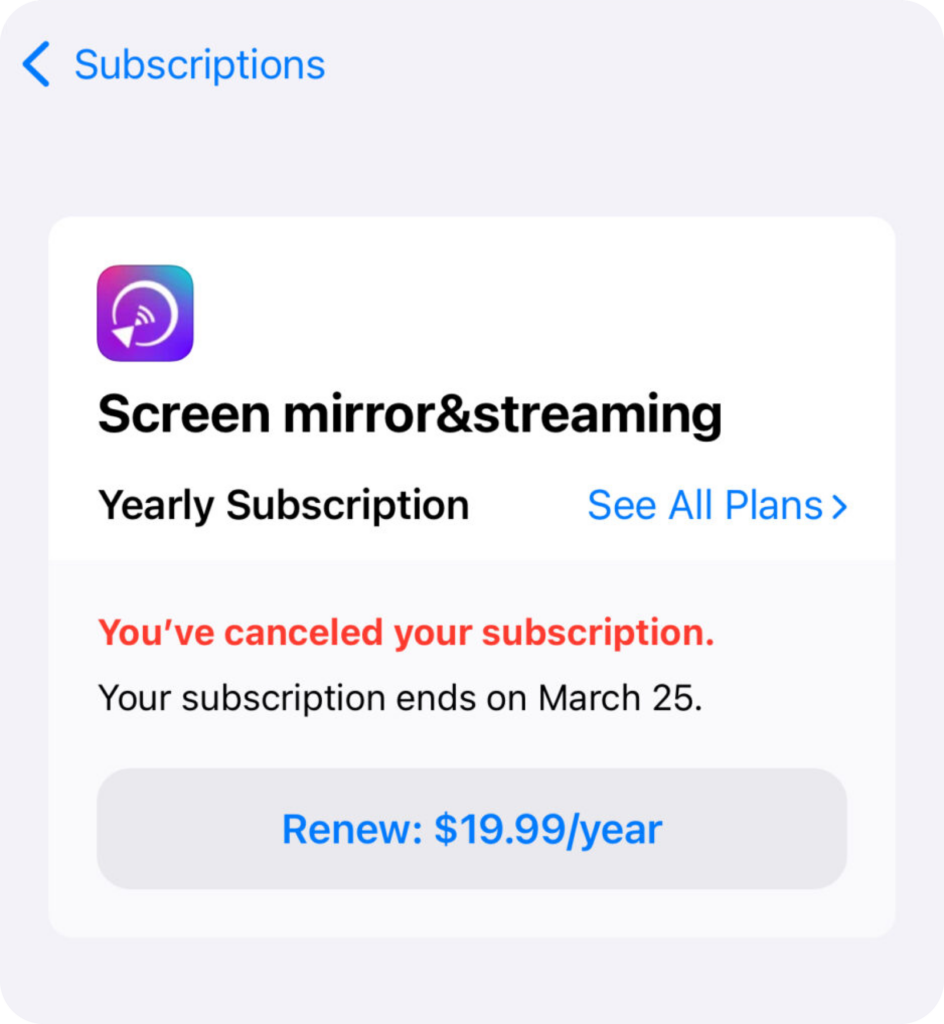
Cancel a subscription in Google Play
Reference: https://support.google.com/googleplay/answer/7018481
1. Open the Google Play Store app.
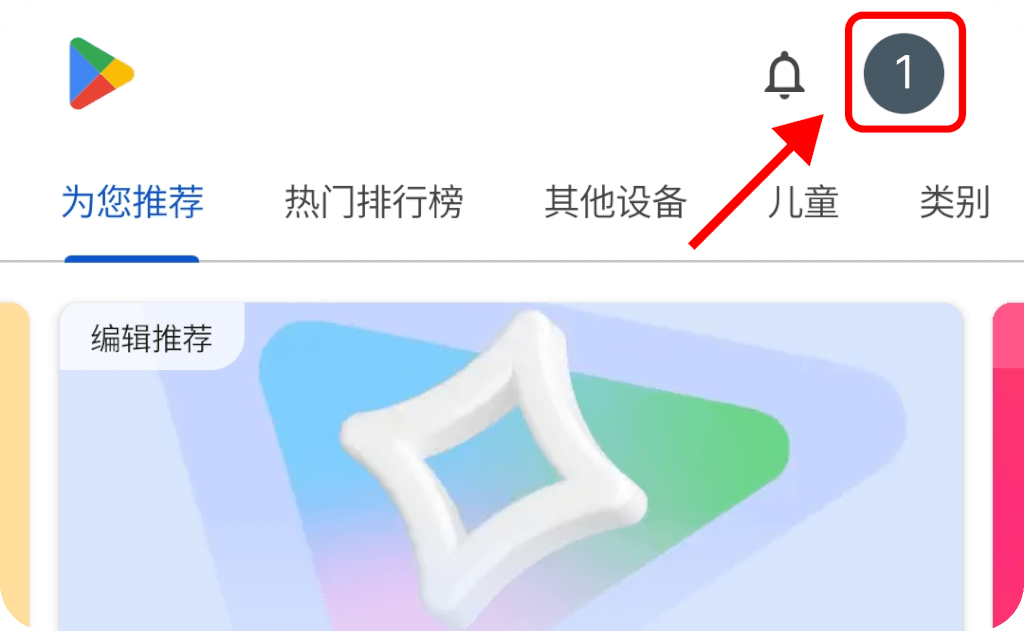
2. Tap your Profile picture on top right to check that you’re signed in to the correct Google account.
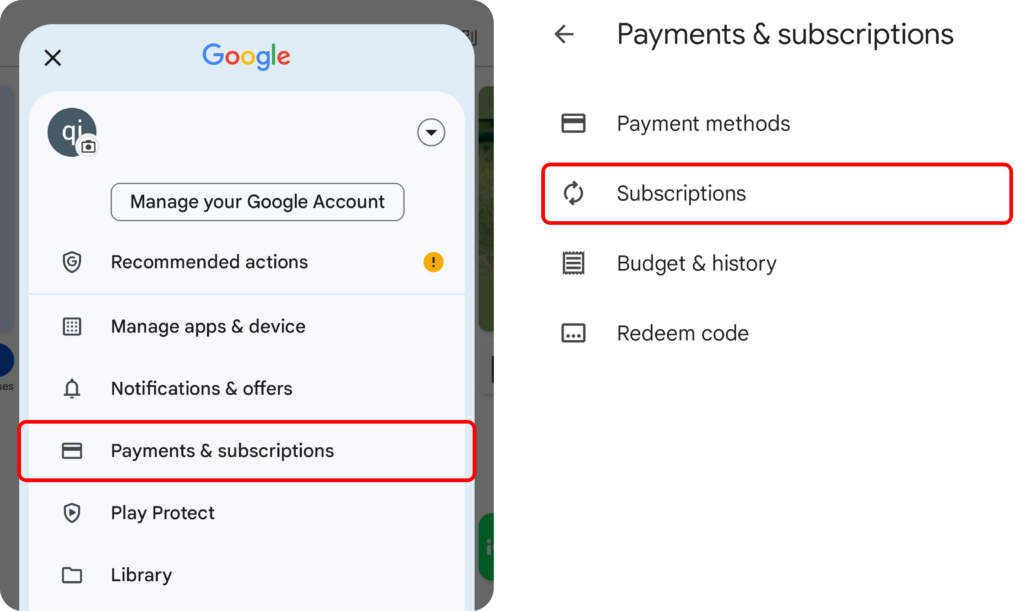
3. Tap Payment & subscriptions ➜ Subscriptions.
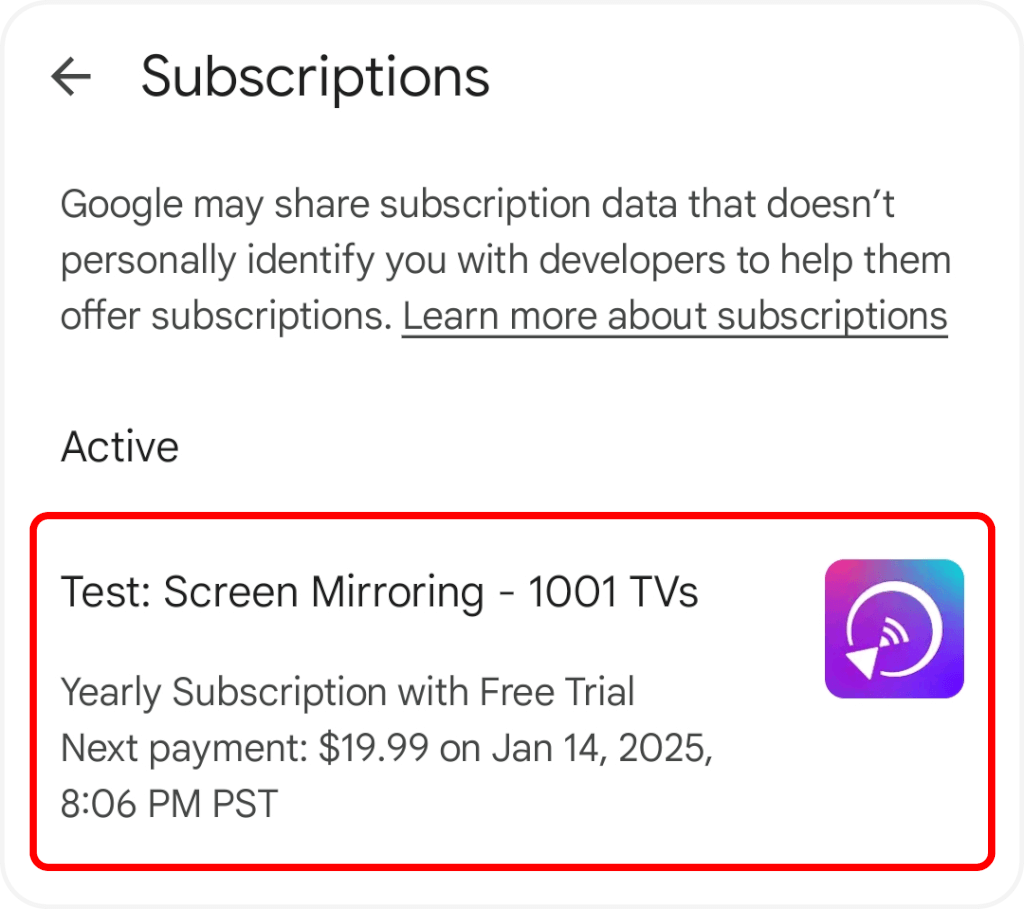
4. Tap the subscription.
5. Tap Cancel Subscription.
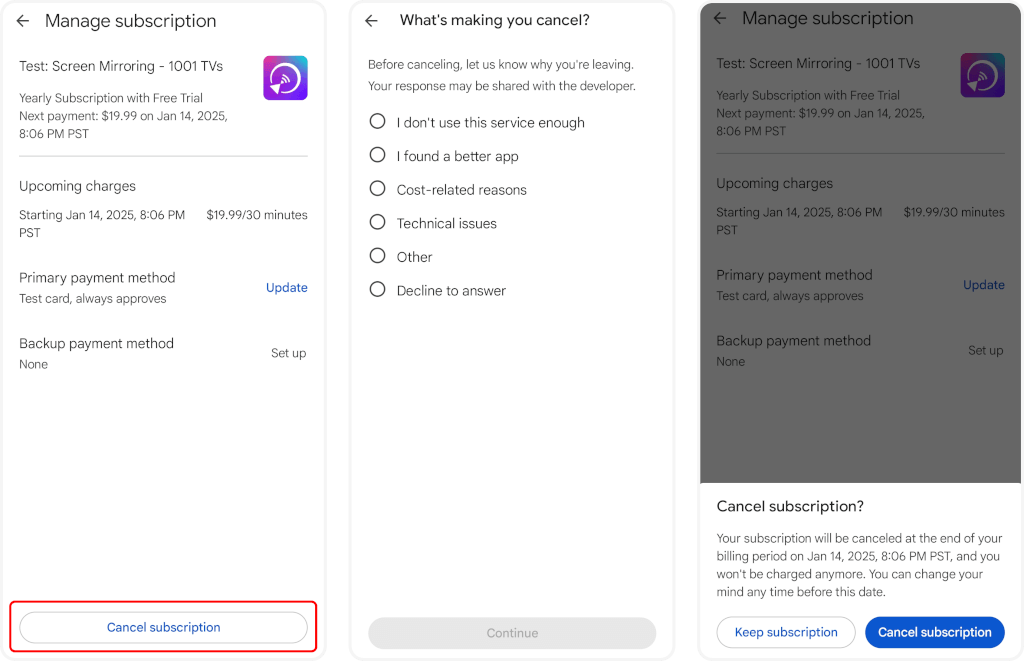
6. Confirm the cancellation.
Cancel the subscription in Microsoft Store
Contact US
We welcome your feedback on our app or any questions you may have. Please feel free to contact us.
Mail US: 1001tvs@nero.com

Read More
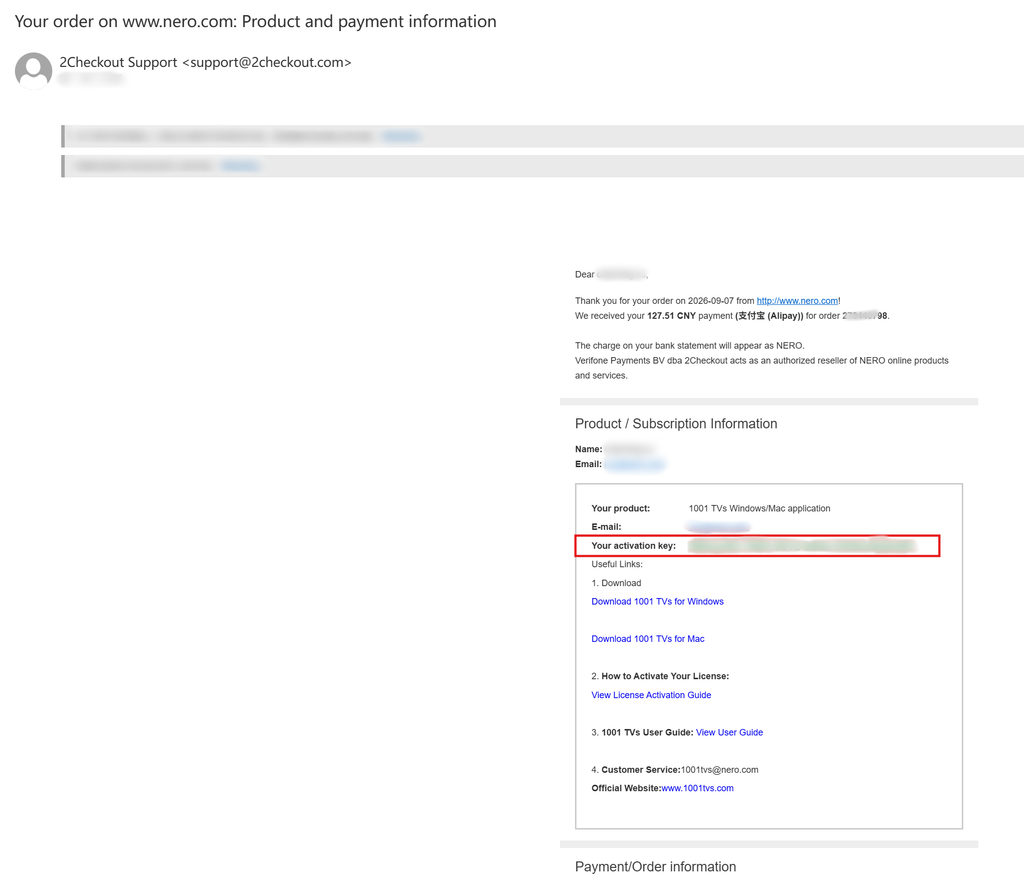 For Enterprise Members: How to Activate a Volume License
This guide is for customers who wish to purchase and activate a volume license for 1001 TVs membership on PC / Mac. 1. For…
For Enterprise Members: How to Activate a Volume License
This guide is for customers who wish to purchase and activate a volume license for 1001 TVs membership on PC / Mac. 1. For…
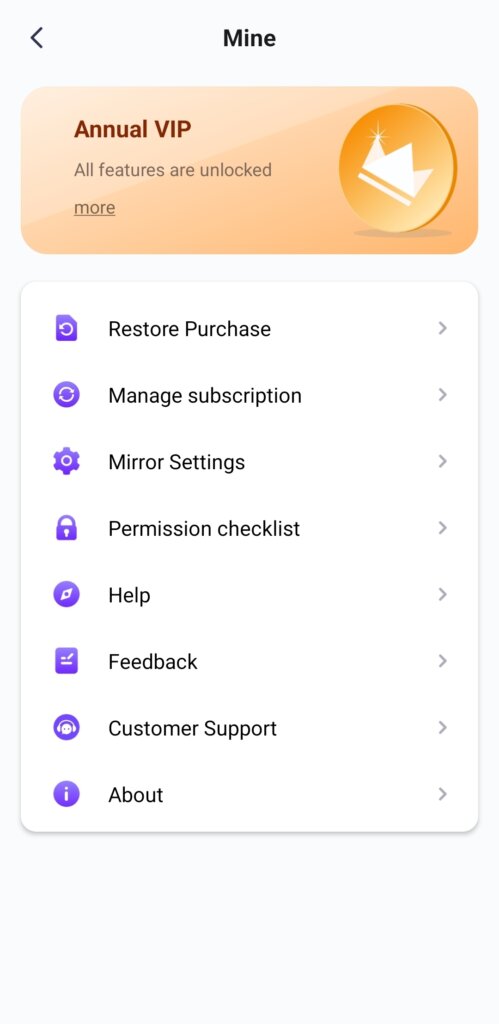 Unlock All Premium Features: How to Get a Membership
🎁 Try Before You Buy No Ads, Ever We do not have any ads. The official version of 1001 TVs is 100% ad-free. You will…
Unlock All Premium Features: How to Get a Membership
🎁 Try Before You Buy No Ads, Ever We do not have any ads. The official version of 1001 TVs is 100% ad-free. You will…

