检测到浏览器语言为中文,点此切换到中文页面->
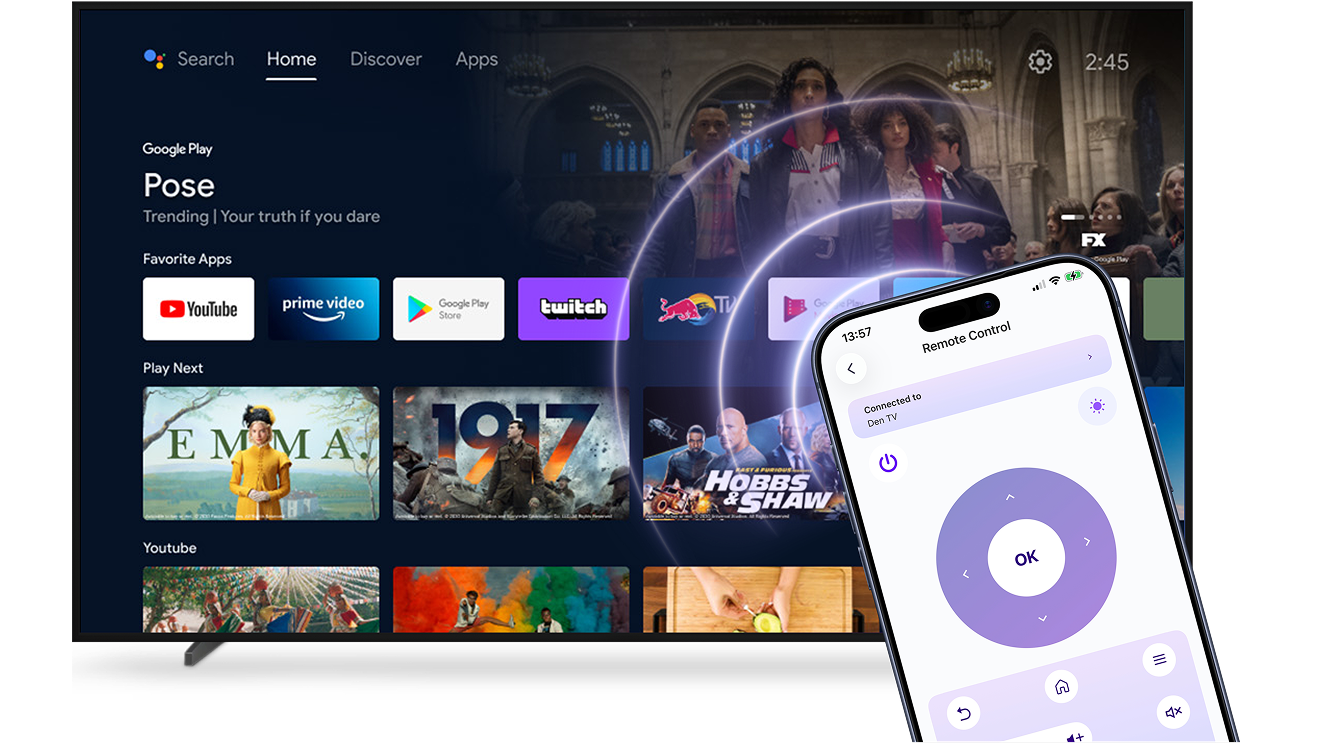
3 Steps to Control Your TV from Your Phone
1
ئورنىتىش
Install 1001 TVs on your phone.
2
ئۇلاڭ
Ensure your phone and TV are on the same Wi-Fi network.
Open the Remote Control feature in the 1001 TVs app and select your TV.
3
Start Controlling
Enter the verification code shown on your TV to complete the connection.
You’re ready to control your TV from your phone.
All your TV controls in one place.
tap-control-watch-without-ads
Tap. Control. Watch — Without Ads.
Use your phone as a universal Smart TV remote.
Connect over Wi-Fi in seconds and control your TV without cables, setup hassle, or interruptions.
تەكشۈرۈلگەنNo ads or pop-ups — just a clean, focused interface
تەكشۈرۈلگەنVolume, apps, input switching, and navigation in one simple place
always-ready-just-like-a-real-remote
Always Ready. Just Like a Real Remote.
Reliable, responsive, and ready whenever you pick up your phone — just open the app and control your TV instantly.
تەكشۈرۈلگەنSmooth wireless control without lag or dropped commands
تەكشۈرۈلگەنWorks across major Smart TV systems — no extra hardware needed
ئىشلىتىش ئەھۋاللىرى
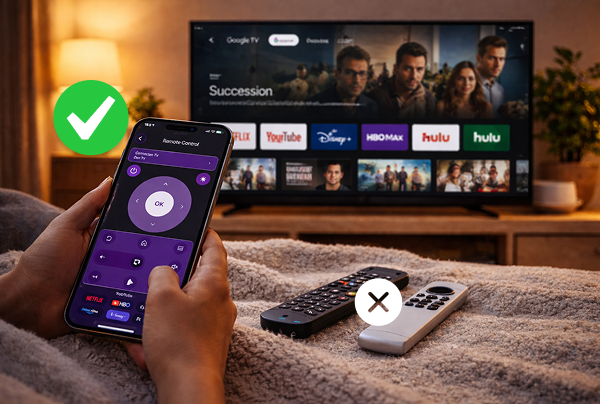
Instant Backup Control
One Remote for Everything
Faster Search & Input
Enjoy TV Without Interruptions
When the TV remote is missing, out of battery, or simply not within reach, your viewing experience shouldn’t be interrupted.

With 1001 TVs, your phone works as a reliable Smart TV remote. Open the app and control your TV instantly over Wi-Fi — no searching for batteries, no waiting for a replacement.

Stay in control of your Smart TV whenever you need it. Simple, responsive, and always ready in your hand.
instant-backup-control
Simplify Your Living Room
Too many remotes on the table? Switching between devices shouldn’t feel complicated.

With 1001 TVs, your phone becomes a single, easy way to control your Smart TV. Adjust volume, change inputs, browse apps, and manage playback — all from one simple interface.

Less clutter. Fewer remotes. Smoother everyday control.
one-remote-for-everything
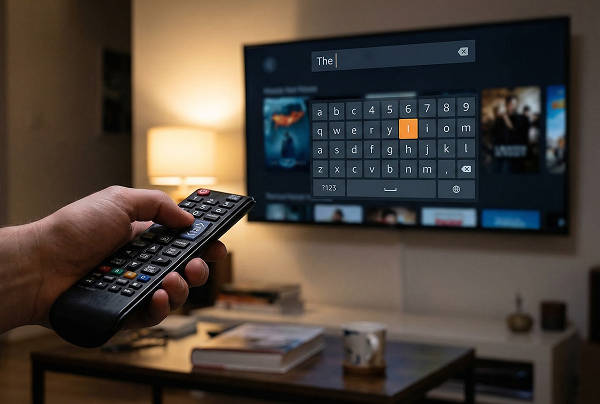
Skip the on-screen keyboard
Typing with a TV remote can be slow — especially when entering passwords or searching for a specific show.

Use your phone’s keyboard to search, log in, and navigate apps quickly and accurately. No endless clicking through letters.

Find what you want faster and get back to watching.
faster-search-input
سوئال
سىناپ باقسام بولامدۇ؟
1001 TVs offers a limited-time free trial with full, unlimited access to premium features like screen mirroring, remote control,file transfer, and album.
To continue enjoying the service, simply upgrade to a subscription once the trial ends.
1001 TVs ئەپنى قانداق قاچىلايمەن؟
سىز ئۇنى تۆۋەندىكى ئەپ دۇكانلىرىدىن "1001 TVs" دەپ ئىزدەپ تاپالايسىز:
· ئالما ئەپ دۇكىنى (iPhone، iPad، Mac، Apple TV ئۈچۈن)
· Microsoft دۇكىنى (Windows ئۈچۈن)
· Google Play (ئاندروئىد تېلېفونلىرى، تاختا كومپيۇتېرلىرى ۋە تېلېۋىزورلار ئۈچۈن)
مۇشتەرىلىكنى قانداق ئەمەلدىن قالدۇرىمىز؟
IOS دىكى مۇشتەرىلىكنى بىكار قىلىڭ
·  تەڭشەك دېتالى → ئىسمىڭىز → مۇشتەرىلىك → مۇشتەرىلىك → مۇشتەرىلىكنى بىكار قىلىڭ
Google Play دىكى مۇشتەرىلىكنى بىكار قىلىڭ
· Google Play دۇكىنى دېتالىنى ئېچىڭ right ئوڭ تەرەپتىكى ئارخىپ رەسىمى → چىقىم قىلىش ۋە مۇشتەرىلىك → مۇشتەرىلىك → مۇشتەرىلىك → مۇشتەرىلىكنى بىكار قىلىش → ئەمەلدىن قالدۇرۇلغانلىقىنى جەزملەشتۈرۈڭ
بىز بىلەن قانداق ئالاقىلىشىش كېرەك؟
بىز بىلەن ئالاقىلىشىڭ 1001tvs@nero.com.