iOS: How to Fix Missing App Notifications During Screen Mirroring
Why Notifications Are Missing
When you mirror your iPhone screen, notifications from other apps may not appear on the mirrored screen.
This can happen when notification sharing is disabled in your iPhone settings. Follow the steps below to allow notifications during screen mirroring.
دەرسلىك
بارىڭ Settings > Notifications > Screen Sharing, then turn on Allow Notifications.
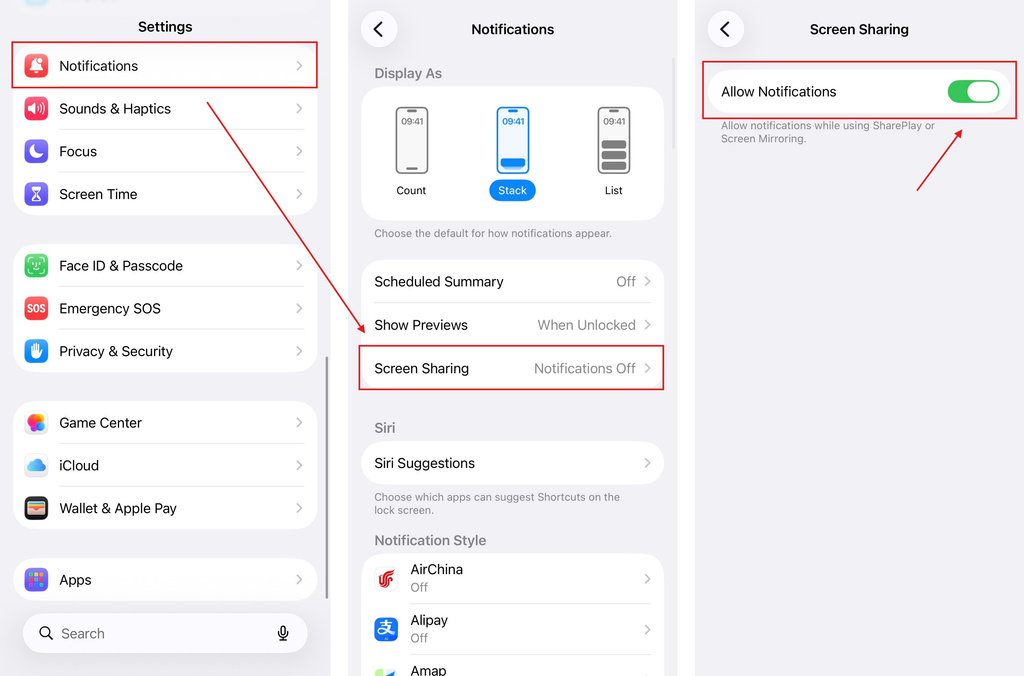
Done
Once enabled, notifications from other apps can appear while you are mirroring your iPhone screen.
If notifications are still missing, make sure notifications are enabled for the apps you want to receive alerts from.

Read More
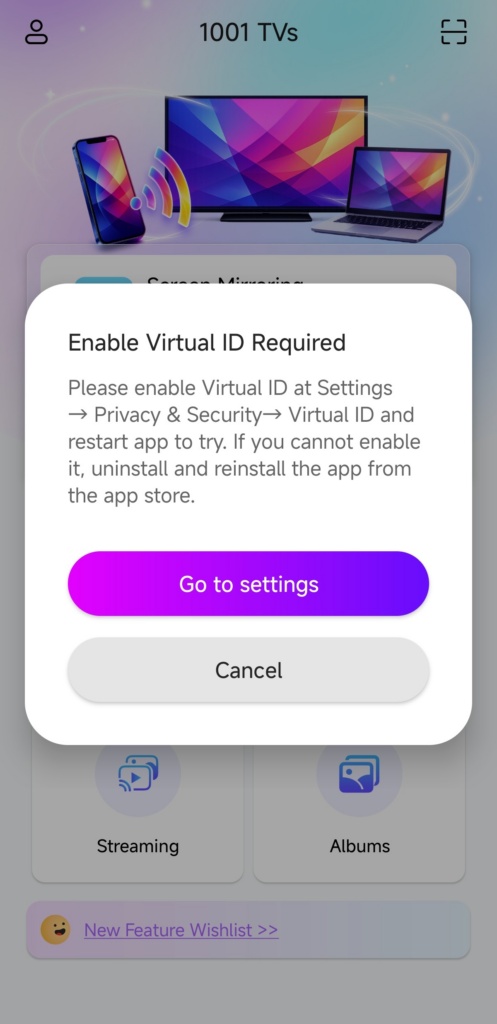 How to Fix the Enable Virtual ID Required Pop-Up
If you're using a Xiaomi or Redmi phone or tablet, you might see a pop-up that says "Enable Virtual ID Required" when you launch…
How to Fix the Enable Virtual ID Required Pop-Up
If you're using a Xiaomi or Redmi phone or tablet, you might see a pop-up that says "Enable Virtual ID Required" when you launch…
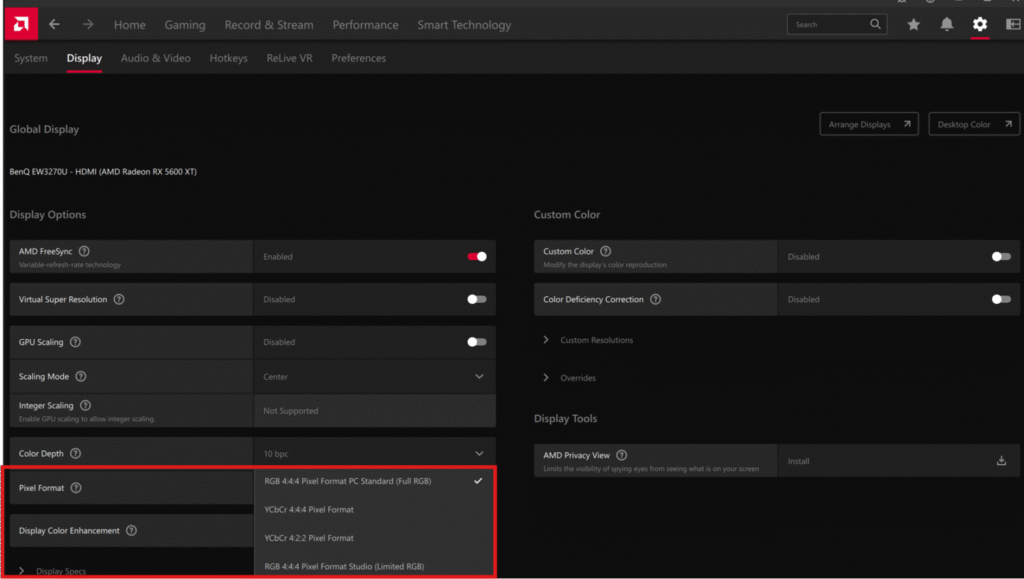 How to Fix Washed-Out Colors When Mirroring Phone to PC
Recently, some users have reported that after mirroring their phone screen to a PC, the image appears noticeably grey and washed out. Our investigation…
How to Fix Washed-Out Colors When Mirroring Phone to PC
Recently, some users have reported that after mirroring their phone screen to a PC, the image appears noticeably grey and washed out. Our investigation…

