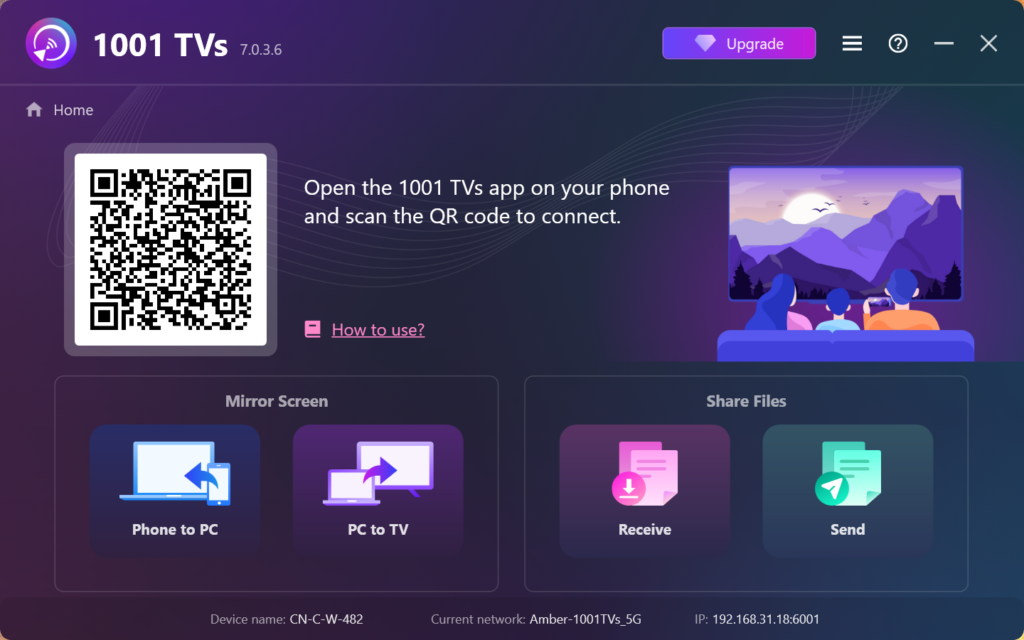
1001 TVsをPCにインストールする方法
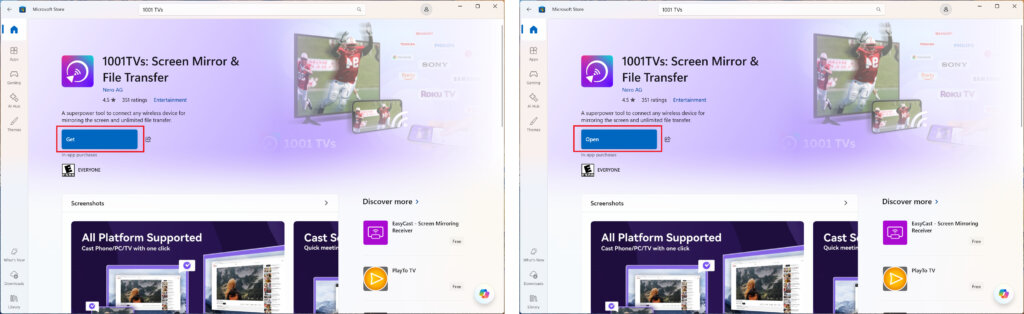
1.マイクロソフトストアからアプリを入手する
を立ち上げる。 Microsoft ストア を検索してください。 「1001 TVs.
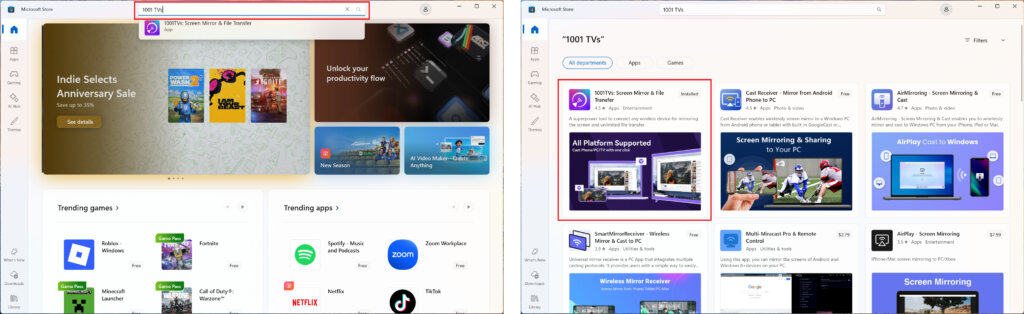
クリック “ゲット” をインストールし、アプリを開く。.
2.アプリを起動する
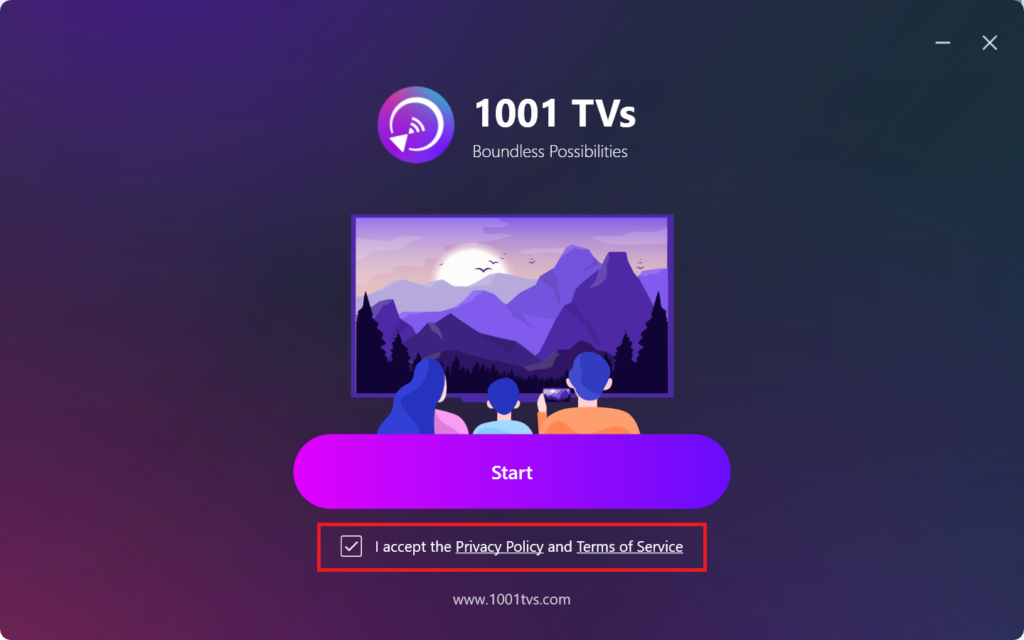
プライバシーポリシーと利用規約に同意する場合はチェックを入れてください。.
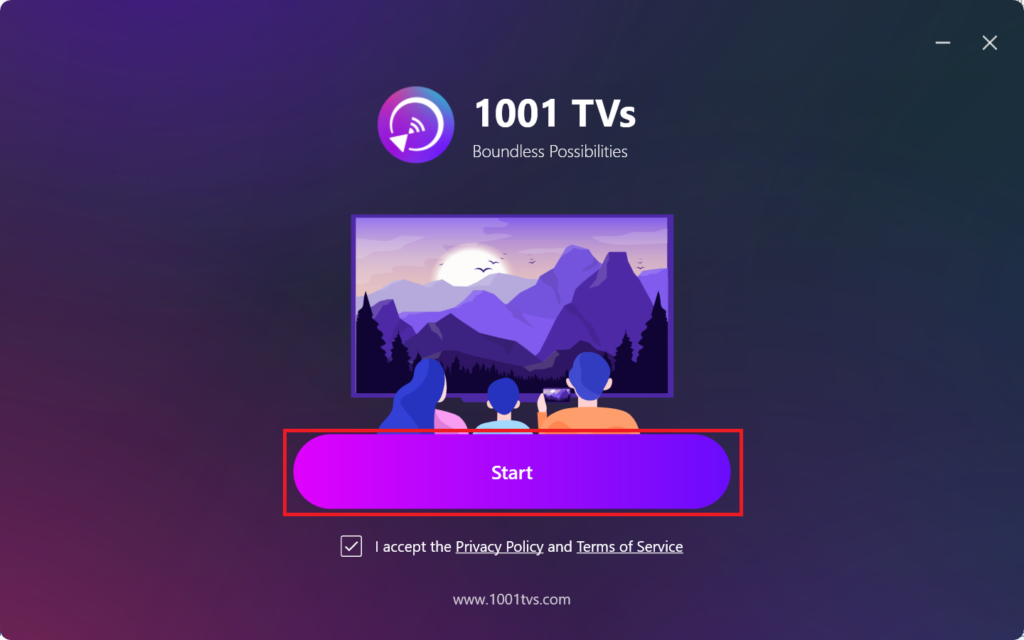
クリック "スタート”をクリックし、アプリが初期化されるのを待つ。.
3. モード設定&プラグインインストールオン(オプション)
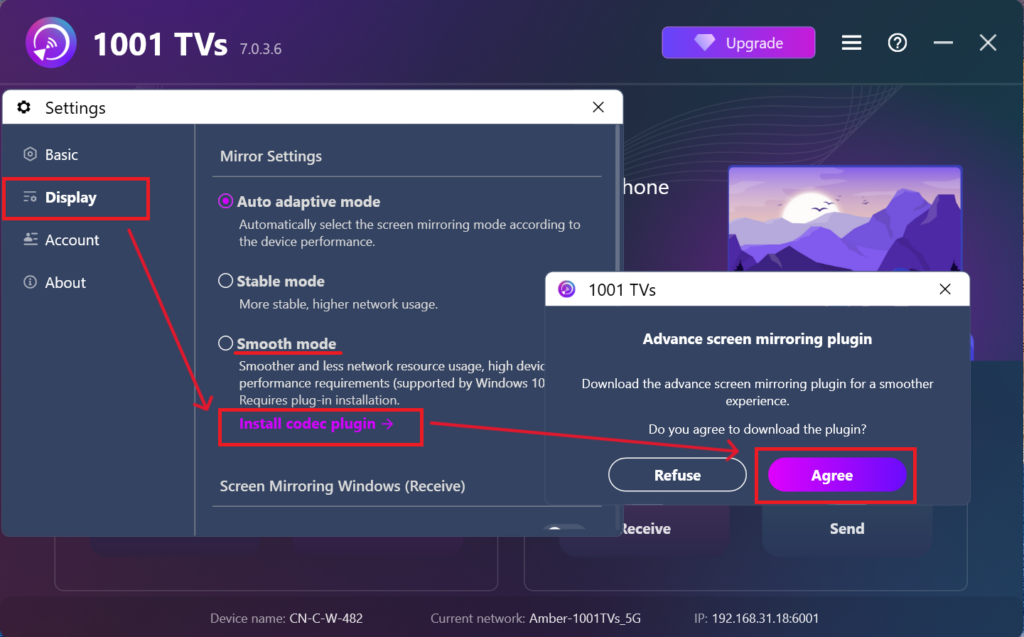
よりスムーズにご利用いただくために、最初のセットアップ時にアドバンスド・プラグインのダウンロードを促される場合があります。.
インストールが完了したら、シームレスなミラーリング体験を楽しむ準備が整います。.
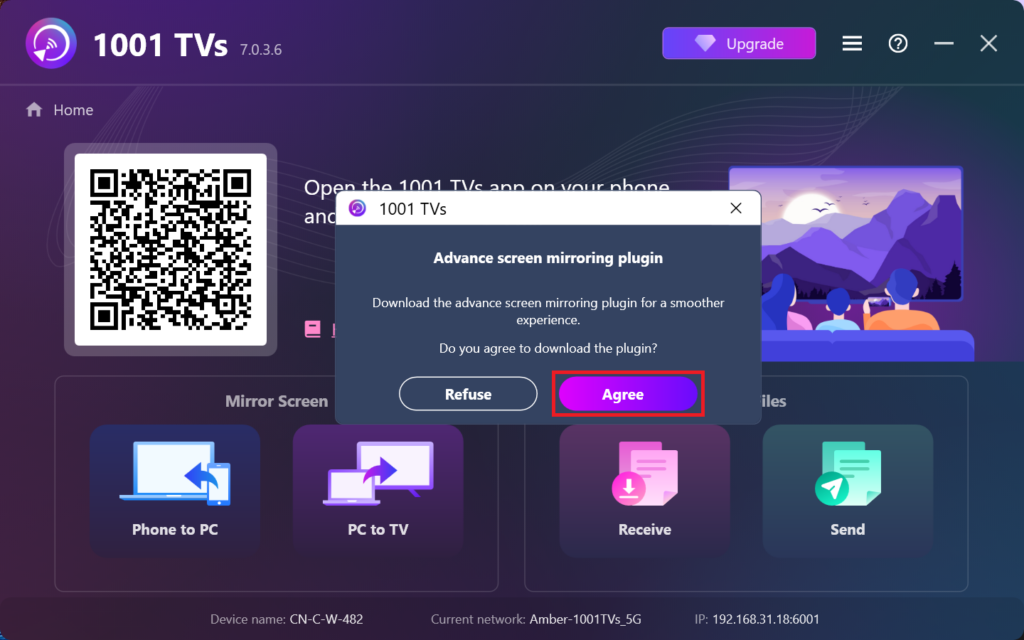
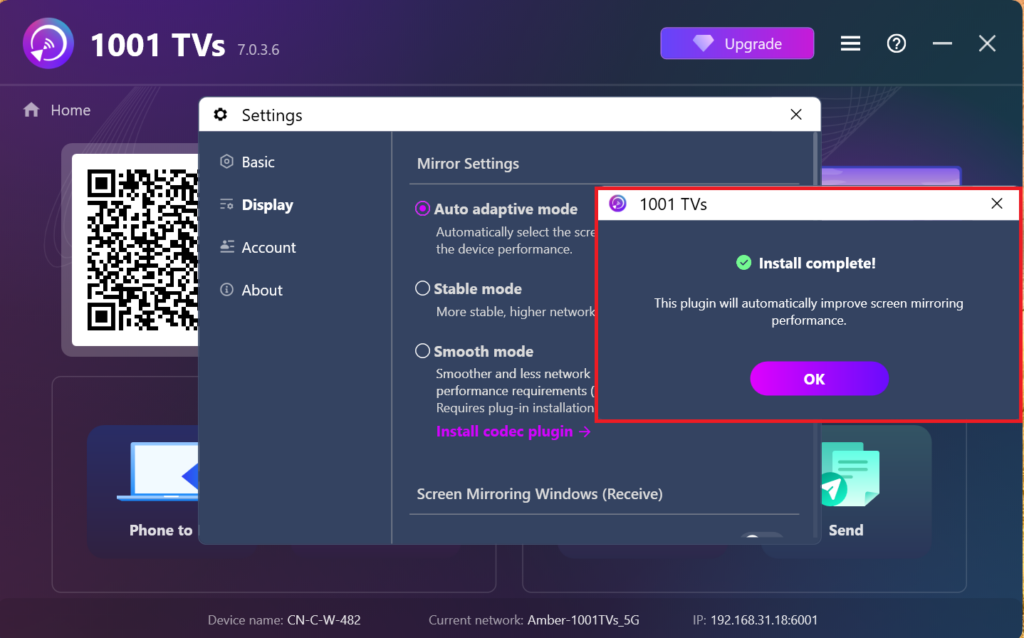
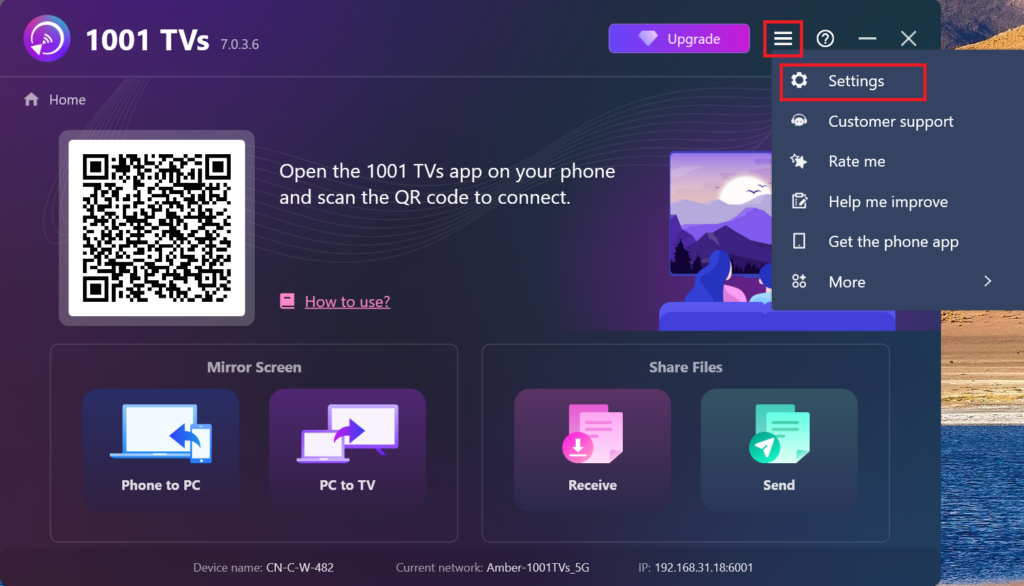
または、このプラグインを手動で探してインストールすることもできます。 設定 > ディスプレイ > ミラーリング設定.
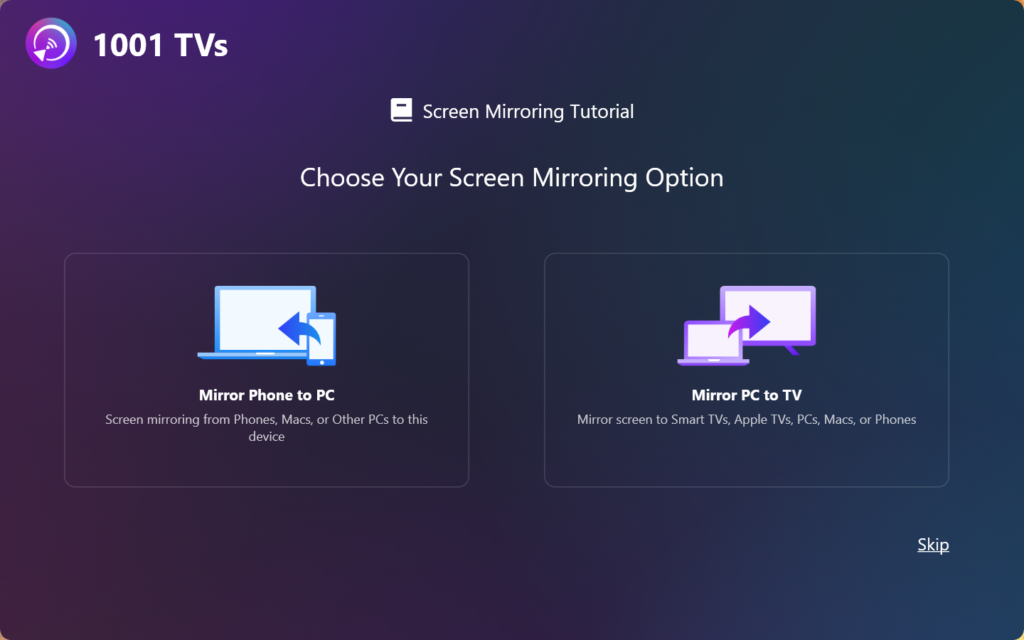
4.設置完了!
これが終われば、1001 TVsを使い始める準備は万端だ!