Turn your Apple TV into a screen mirroring receiver for iPhone, iPad, Android devices, and PC.

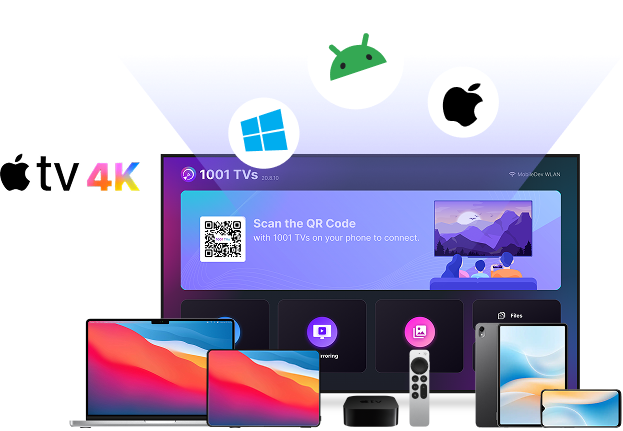
 Designed for Apple TVs
Get started with screen mirroring on Apple TV in just 3 simple steps.
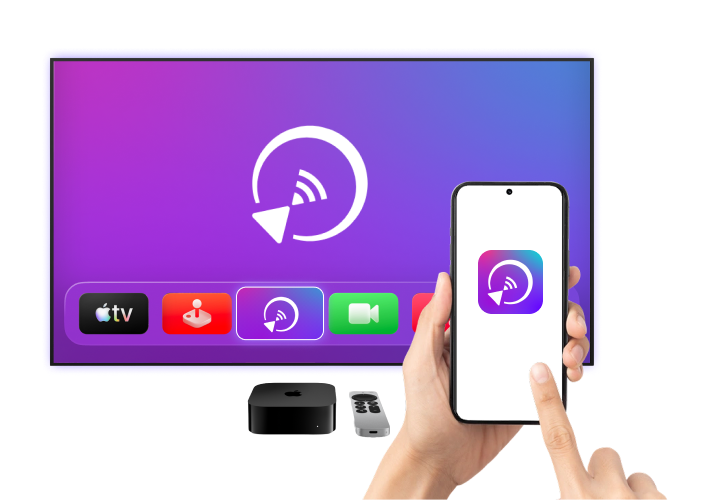
A powerful, cross-platform mirroring app built for Apple TV.
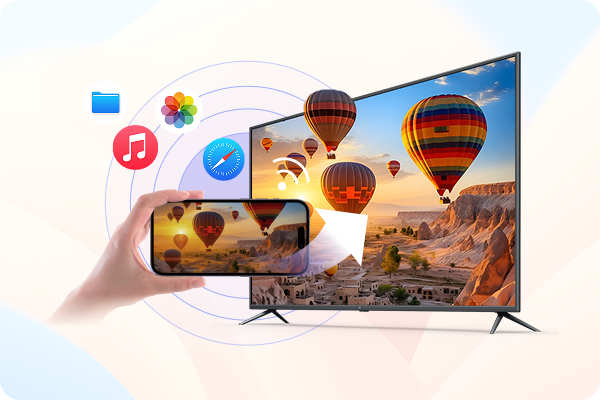
Mirror your iPhone, iPad, or Android device to Apple TV wirelessly over Wi-Fi and enjoy everything on a bigger, clearer screen.
 Seamless Cross-Platform Mirroring: Connect iPhone, iPad, or Android to Apple TV
quickly and easily.より大きな
スクリーンで見ることができる: Stream videos, share photos, use apps, and display content smoothly on your
TV.
Seamless Cross-Platform Mirroring: Connect iPhone, iPad, or Android to Apple TV
quickly and easily.より大きな
スクリーンで見ることができる: Stream videos, share photos, use apps, and display content smoothly on your
TV.Use 1001 TVs to mirror your Windows PC or Mac to Apple TV and turn your TV into a wireless display.
ワイヤレスデスクトップ画面共有: Display your Windows or macOS screen on
Android TV without HDMI cables or limited ports.柔軟な表示オプション: Mirror your screen for presentations and meetings, or
extend your workspace for multitasking on a larger display.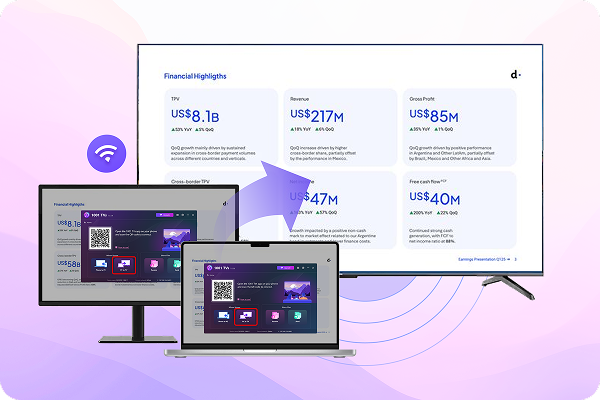
教育、エンターテインメント、ビジネス - 1001 TVsでシームレスなスクリーンミラーリングを楽しもう をお楽しみください。.

Mirror lessons and slides to Apple TV for clear, large-screen teaching.

Display promotions and digital signage on Apple TV screens.

Show menus and order screens on Apple TV in real time.
Advanced screen mirroring features designed for Apple TV.

Turn photos into a smooth, big-screen slideshow on Apple TV.

Send photos, videos, and documents to Apple TV for easy viewing and sharing.
 仕様
仕様
 最新情報
最新情報

 ダウンロード