How to Install 1001 TVs on PC
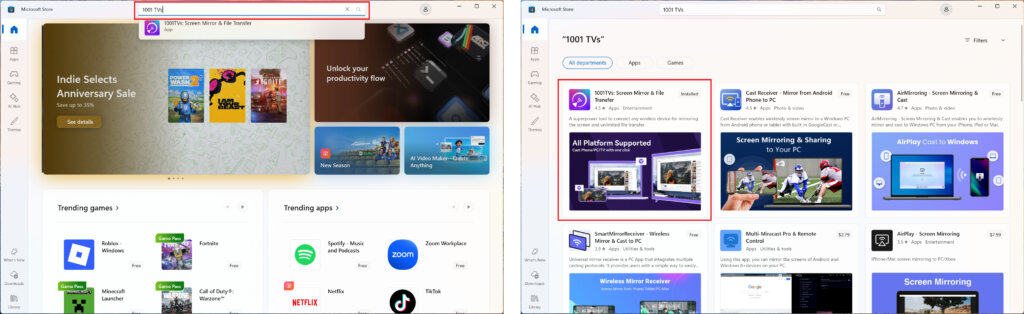
1. Get the App from Microsoft Store
Launch the Microsoft Store on your PC, search for “1001 TVs”.
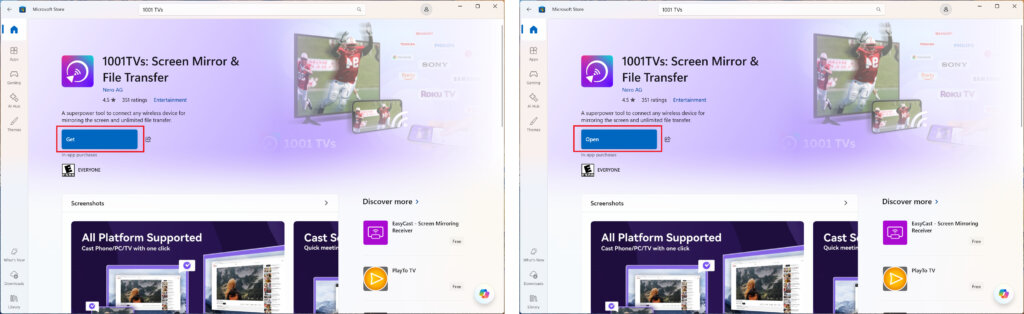
Click “Get” to install, and then open the app.
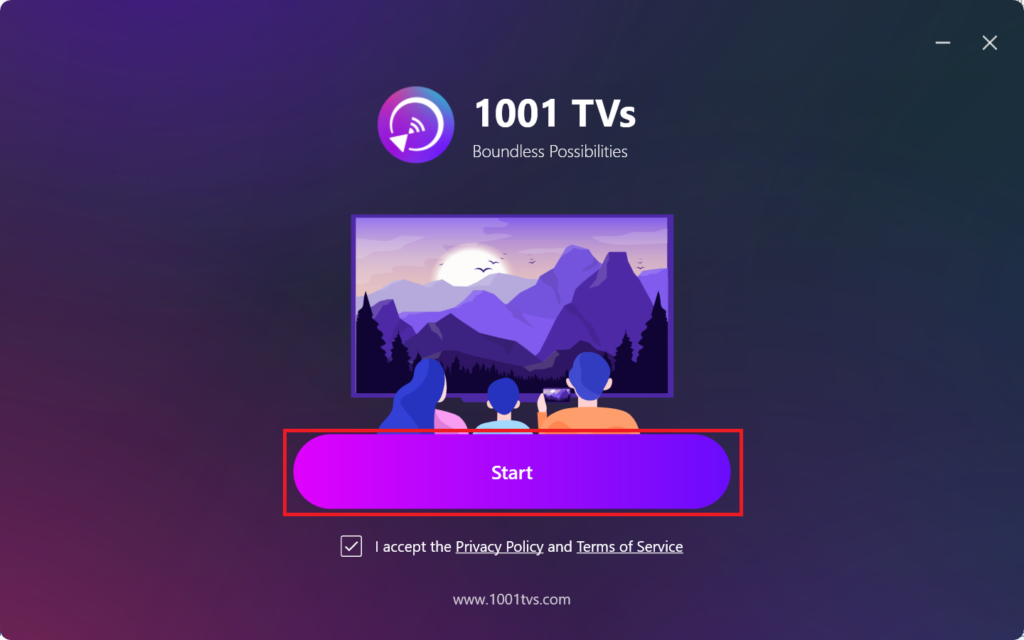
2. Start the App
Check the box to accept the privacy policy and terms of service.
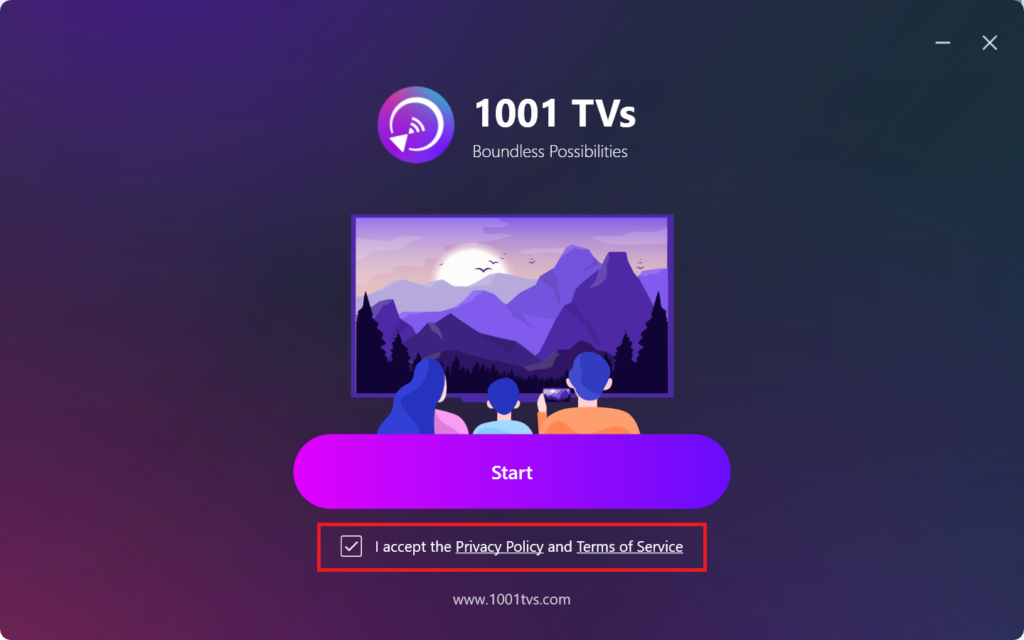
Click “Start” and wait for the app to initialize.
3. Mode Settings & Plugin Installation (Optional)
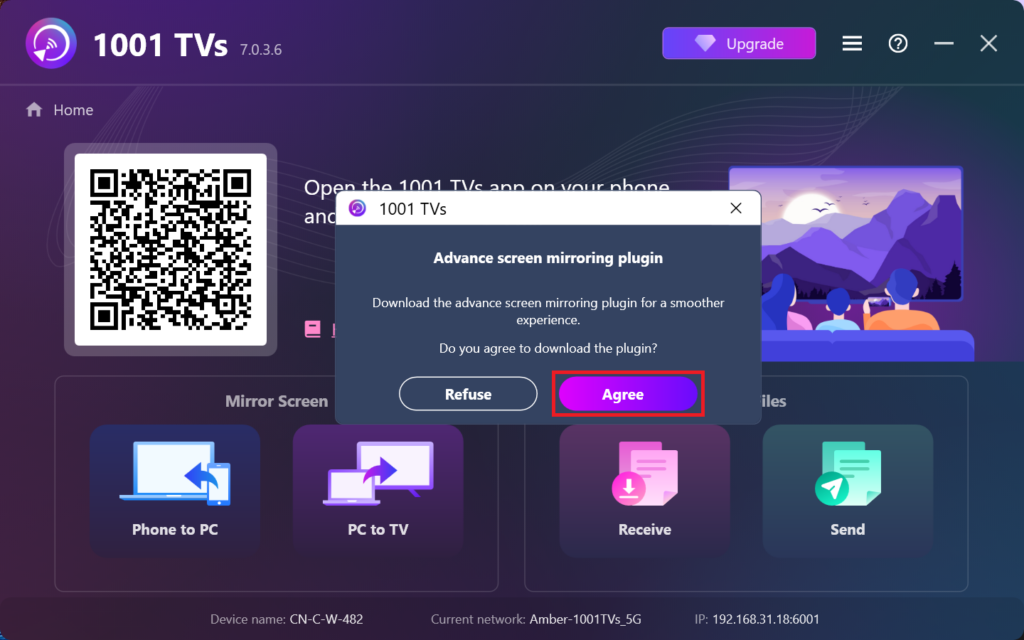
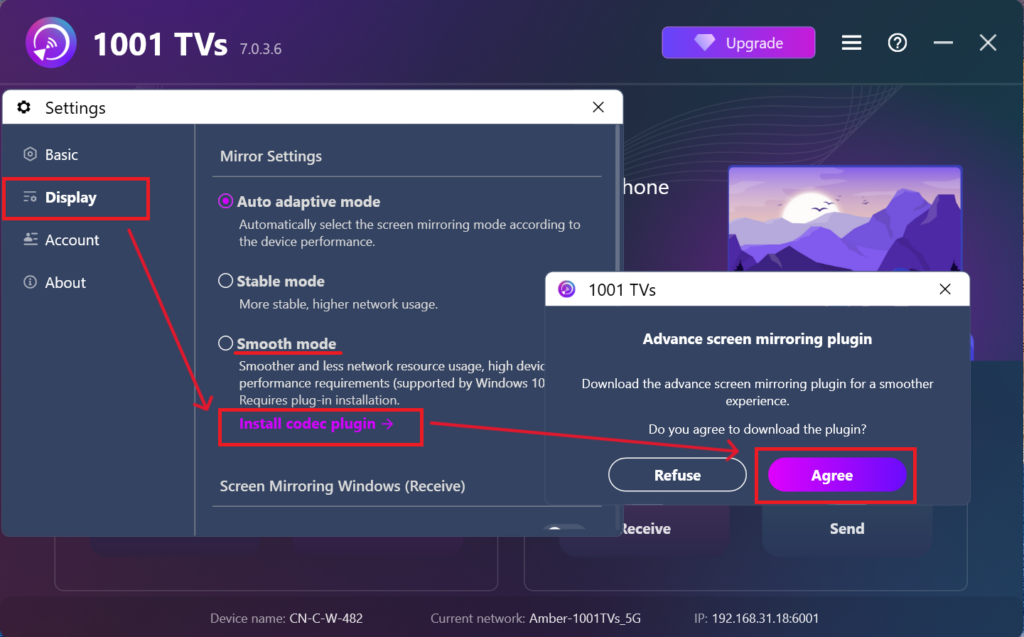
For a smoother experience, you may be prompted to download an advanced plugin during first setup.
Once the installation completes, you’ll be ready to enjoy a seamless mirroring experience.
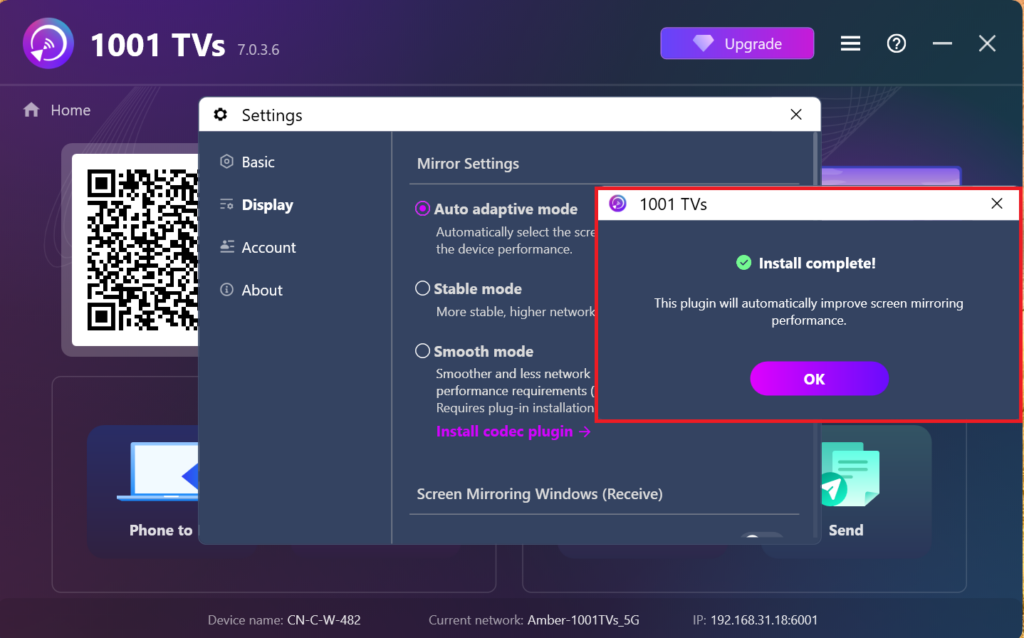
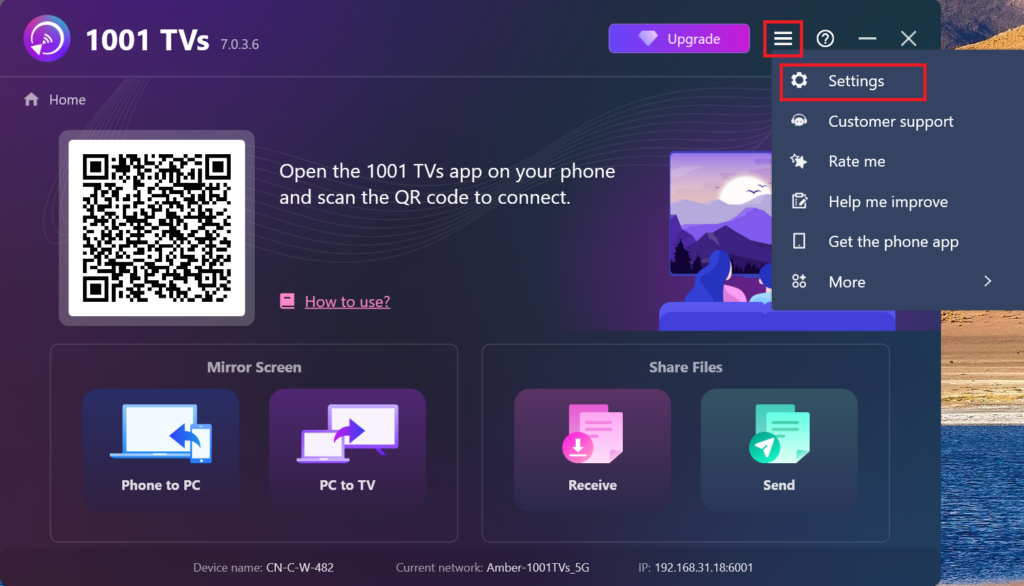
Alternatively, you can manually find and install this plugin later within the app by going to Settings > Display > Mirroring Settings.
4. Installation Complete!
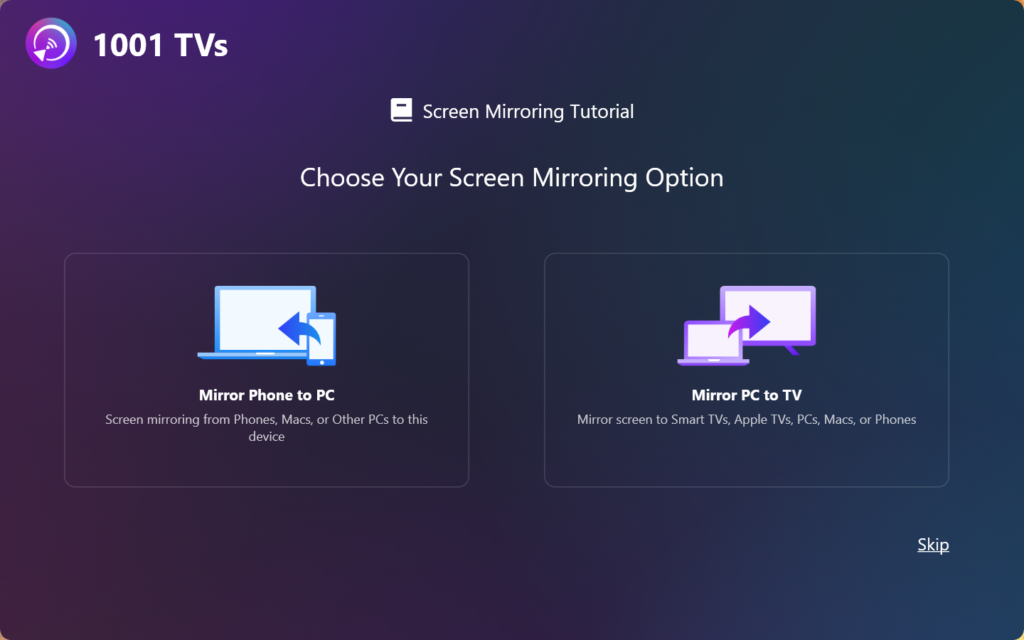
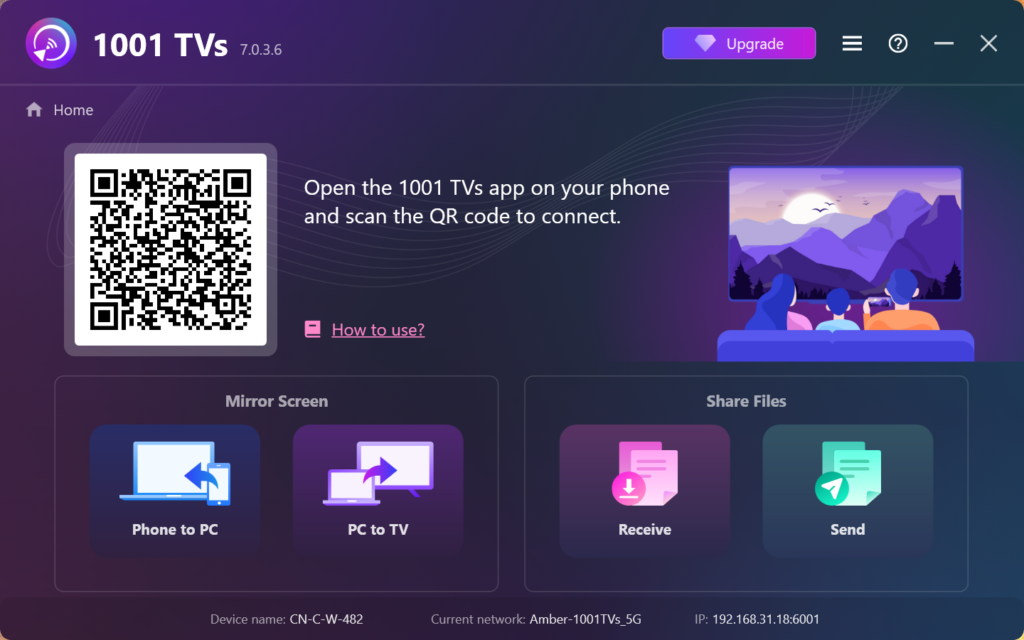
Once it’s done, you’re all set to start using 1001 TVs!

Read More
 How to Install 1001 TVs on Your TV – Easy Fixes & Solutions
Having trouble installing the 1001 TVs app on your TV? No worries! This is usually due to compatibility issues or app availability. Follow this…
How to Install 1001 TVs on Your TV – Easy Fixes & Solutions
Having trouble installing the 1001 TVs app on your TV? No worries! This is usually due to compatibility issues or app availability. Follow this…
 How to Install 1001 TVs on Your TV
Google Play: Cast Screen on TV--1001 TVs - Apps on Google Play1. Turn on Your TV and Connect to Wi-FiEnsure your TV is powered…
How to Install 1001 TVs on Your TV
Google Play: Cast Screen on TV--1001 TVs - Apps on Google Play1. Turn on Your TV and Connect to Wi-FiEnsure your TV is powered…

