How Event Teams Use 1001 TVs for Simple Digital Signage at Conferences and Exhibitions
Screens are everywhere at modern events.
From session schedules and wayfinding maps to sponsor messages and live presentations, digital signage has become essential for event management.
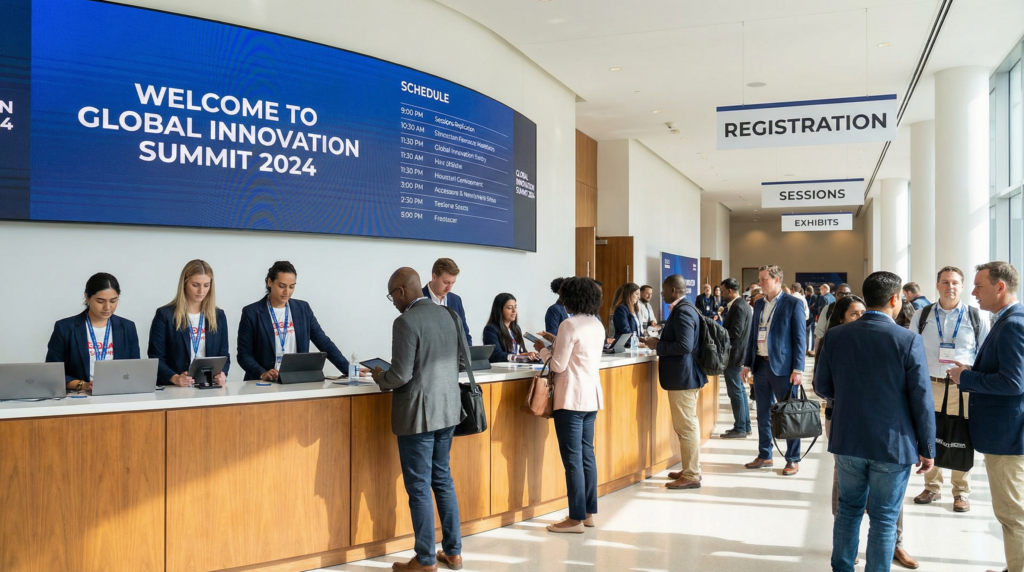
But for many event teams, running digital signage across multiple screens is harder than it should be.
Temporary venues, limited setup time, and constantly changing schedules make traditional signage systems difficult to manage.
1001 TVs provides a simpler solution — allowing event teams to turn ordinary screens into a flexible wireless digital signage system without complicated infrastructure.
The Real Challenges of Digital Signage at Events
Unlike permanent installations in retail stores or offices, event signage must work in a fast-moving environment.
Event organizers often face several practical challenges.
Tight Setup Time
Event teams usually have only a short window to prepare the venue before attendees arrive.
Screens must be installed, connected, and tested quickly. Complex digital signage platforms that require servers, CMS configuration, or specialized hardware often slow down the process.
For temporary events, simplicity matters.
Screens Spread Across the Venue
Large events often place displays in many areas:
• registration desks
• hallways and intersections
• conference rooms
• exhibition spaces
• networking areas
Each screen may need to display different information throughout the day.
Managing content across multiple displays quickly becomes time-consuming for the event team.
Last-Minute Changes
Schedules change constantly during events.
Speakers run late.
Rooms get reassigned.
Sessions are updated.
When content needs to change quickly, event teams need signage that can update immediately.
Expensive AV Infrastructure
Professional digital signage systems often require dedicated media players, specialized software, or AV technicians to manage everything.
For many conferences, exhibitions, or corporate events, this level of complexity is unnecessary.
Organizers need something quick to deploy and easy to control.
A Simpler Approach to Event Digital Signage
1001 TVs allows event teams to mirror content from a phone or computer directly to multiple screens.
Instead of installing complicated signage systems, screens can display content wirelessly through the local network.
This makes it easy to show:
• event schedules
• room directions
• session slides
• announcements
• sponsor messages
• live presentations
Because the content is mirrored in real time, any update appears instantly on the connected displays.
Control Multiple Screens from One Device
One common challenge at events is showing the same information across multiple displays.
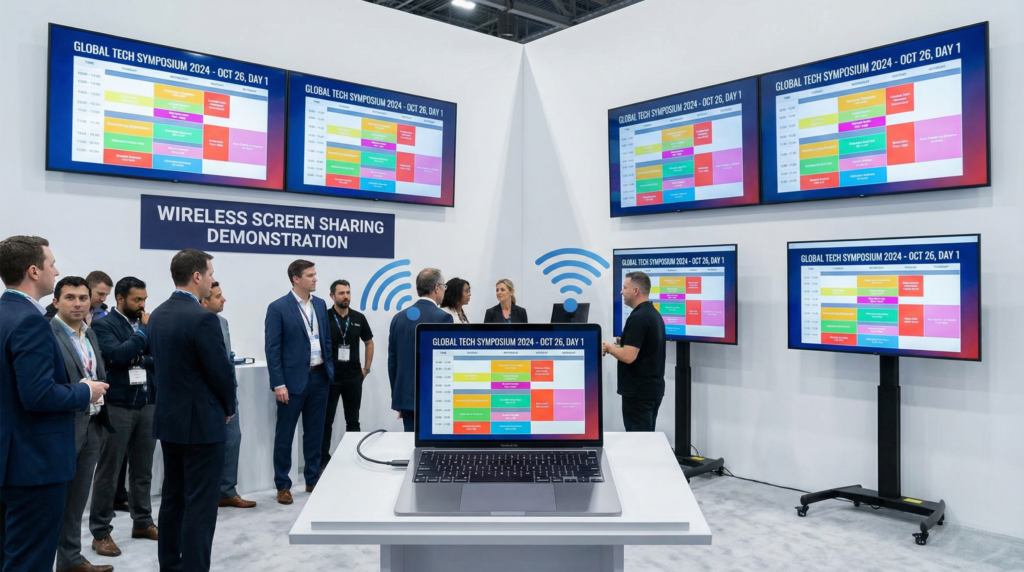
With 1001 TVs, a single computer can broadcast content to multiple screens at the same time.
For example:
• hallway screens show the event schedule
• conference rooms display presentation slides
• lobby displays show announcements
Instead of updating each screen individually, the event team can control everything from one device.
This greatly simplifies screen management during busy events.
Real-Time Updates During the Event
Events rarely follow the exact schedule.
Announcements, room changes, and updates happen throughout the day.
With a mirrored display setup, event staff can update the information on one device and instantly refresh every connected screen.
This allows digital signage to stay accurate and useful during live events.
Helping Attendees Navigate the Venue
Good signage improves the overall event experience.
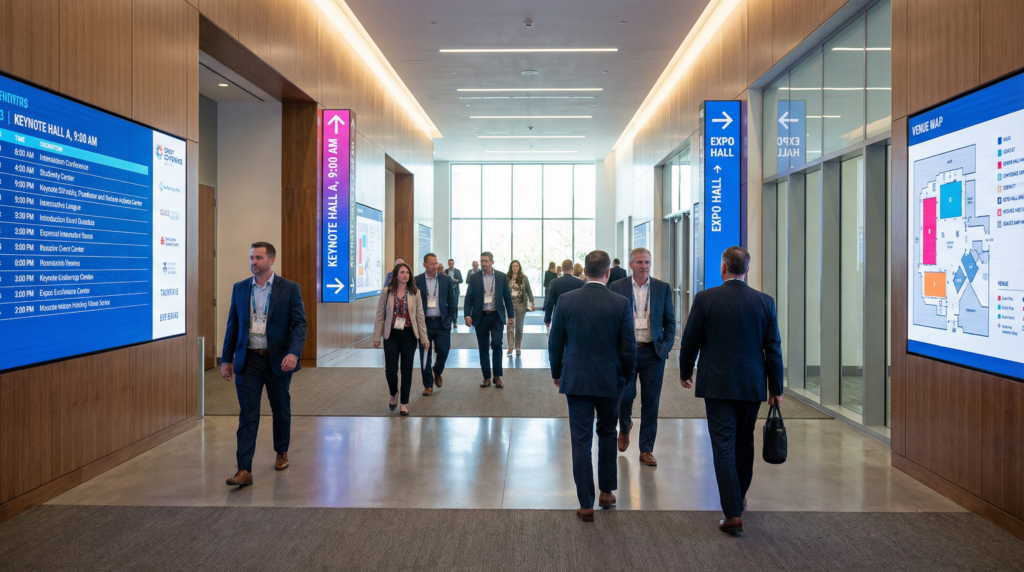
Attendees often rely on screens to find their next session or locate a meeting room.
Displays around the venue can show:
• current sessions
• upcoming talks
• directions to rooms
• event maps
Clear information helps attendees move smoothly through the venue without confusion.
Flexible Content for Sponsors and Announcements
Sponsors expect visibility during events.
Digital signage allows organizers to rotate sponsor content throughout the day instead of relying only on printed banners.
For example:
Morning → breakfast sponsor
Afternoon → workshop partner
Evening → networking sponsor
This makes sponsor messaging more dynamic while reducing the need for additional printed materials.
Simple Setup for Event Teams
Because events operate under tight timelines, the setup process needs to be straightforward.
Typical setup includes:
• a phone or computer to control content
• screens around the venue
• devices connected to the same local network
Once connected, content can be mirrored to screens within seconds.
There is no need for complicated AV infrastructure or dedicated signage servers.
Who This Works Best For
This type of wireless digital signage works especially well for:
• conferences
• trade shows
• exhibitions
• corporate events
• product launches
• university events
Any event that uses multiple screens can benefit from a simpler way to manage digital signage.
Get Started
With 1001 TVs, event organizers can quickly turn existing screens into a flexible digital signage system.
No complex setup.
No dedicated hardware.
Just simple wireless screen sharing across the venue.