[Success Story 09] A Must-Have for Dentists: The Simple Screen-Mirroring Tool That Makes Patient Explanations Faster and Clearer
Dear dentists — if you’re constantly juggling patient questions and tight schedules, these situations may feel familiar:
👉 You’re explaining off a tiny monitor while the patient squints to understand.
👉A single X-ray somehow turns into a five-minute conversation.
👉Connecting the projector takes longer than the explanation itself.
Say goodbye to all that stress. 1001 TVs, a fast and reliable screen mirroring tool, is designed to make your patient communication smoother and more professional.
1. Think of It as a “Digital Magnifier” for Your Treatment Room
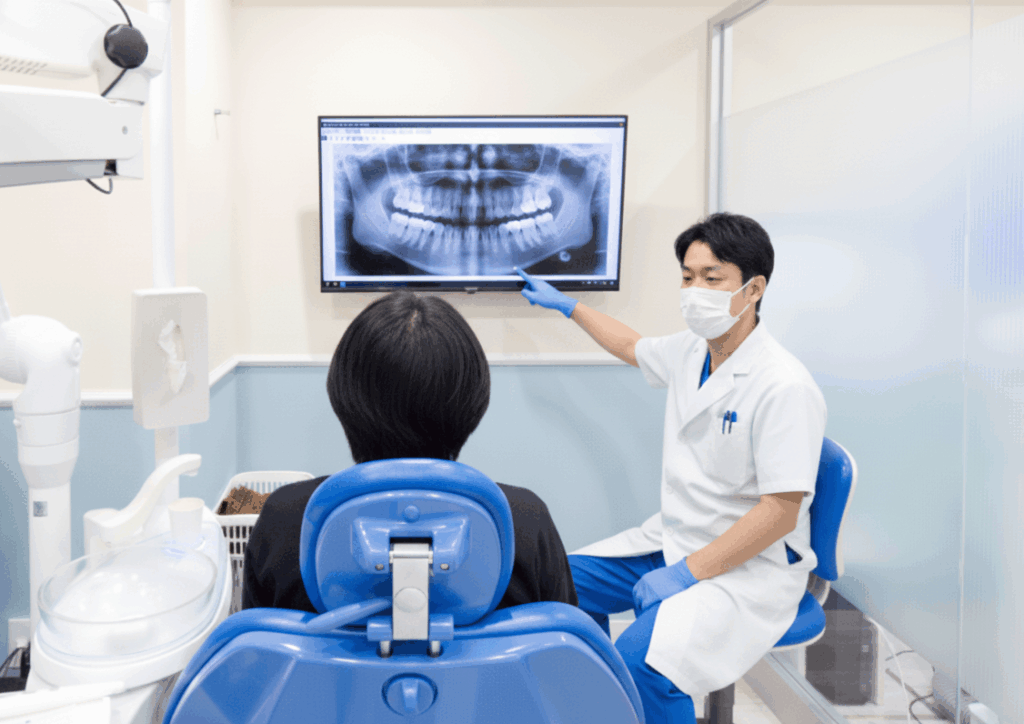
With 1001 TVs, your X-rays, CT scans, and treatment plans instantly appear on the large TV in your operatory — no cables, no setup hassle.
When showing images
Before:
You and the patient huddle around a small screen, trying to point out tiny details.
With 1001 TVs:
Everything appears on a big, bright display. You can stand comfortably, and the patient sees the issue immediately.
✨ Result: Less time explaining, less strain on your posture, and far clearer communication.
When helping Patients Make Decisions
Before:
Patients hesitate because they can’t really understand what they’re seeing.
With 1001 TVs:
They grasp the problem right away — cracks, decay, bone levels — and make faster, more confident decisions.
✨ Result: Smoother workflow and quicker case acceptance.
When connecting Devices
Before:
Searching for cables, adjusting inputs, hoping the projector cooperates.
With 1001 TVs:
One click, and your screen is on the TV.
✨ Result: Zero setup time — you can focus entirely on the patient.
2. Why Dentists Choose 1001 TVs
We know reliability is everything in a clinic. That’s why 1001 TVs is built to be simple, stable, and stress-free.
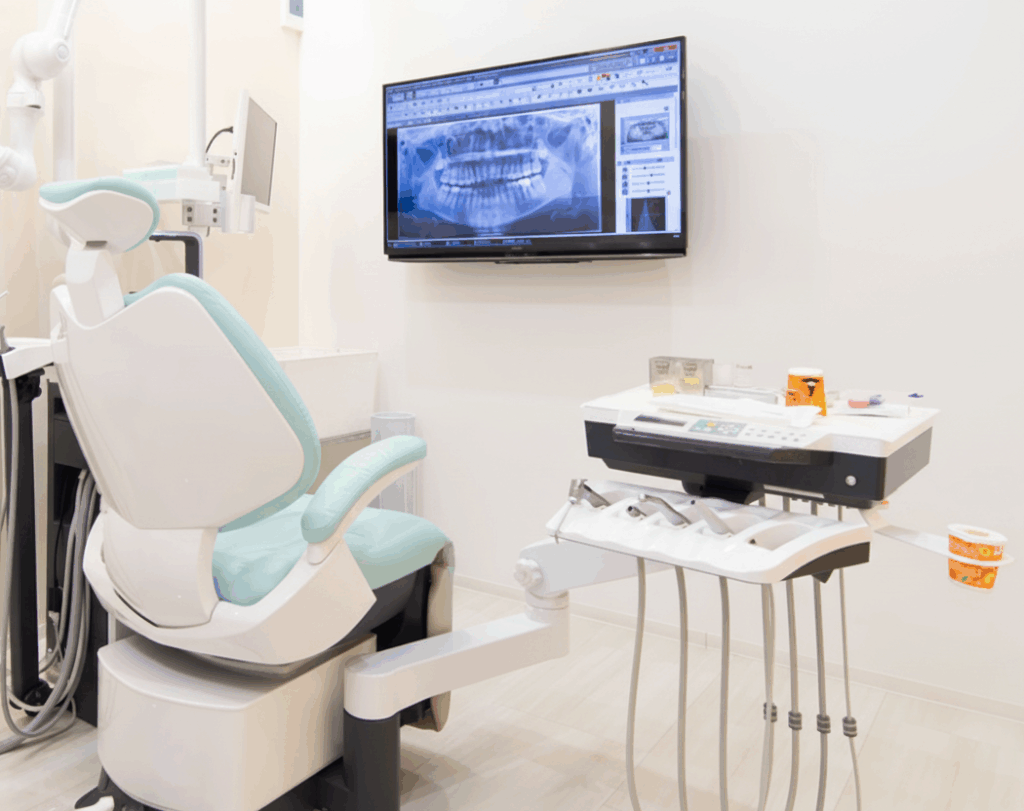
⚡ Crystal-Clear Image Quality
Fine details such as small lesions or micro-cracks remain sharp on the big screen.
No blur, no lag — just accurate visuals for accurate decisions.
🖱️ One-Click Mirroring
No HDMI cables. No switching inputs.
Just open the app, click, and the patient sees what you see.
🔒 Stable & Secure
Your display won’t disconnect mid-explanation.
Connections stay solid, and patient data stays protected.
🖥️ Works With Your Existing Setup
1001 TVs supports mainstream computers, phones, and smart TVs — no need to buy new hardware.
Getting Started
Want a quick setup guide?
Follow the tutorial here:
A small tool can make a big difference.
Clear visuals lead to clearer decisions — and a more efficient clinic.
Let 1001 TVs become your easiest, most reliable communication assistant.
Keep your workflow smooth, your explanations simple, and your patients fully engaged.

Read More
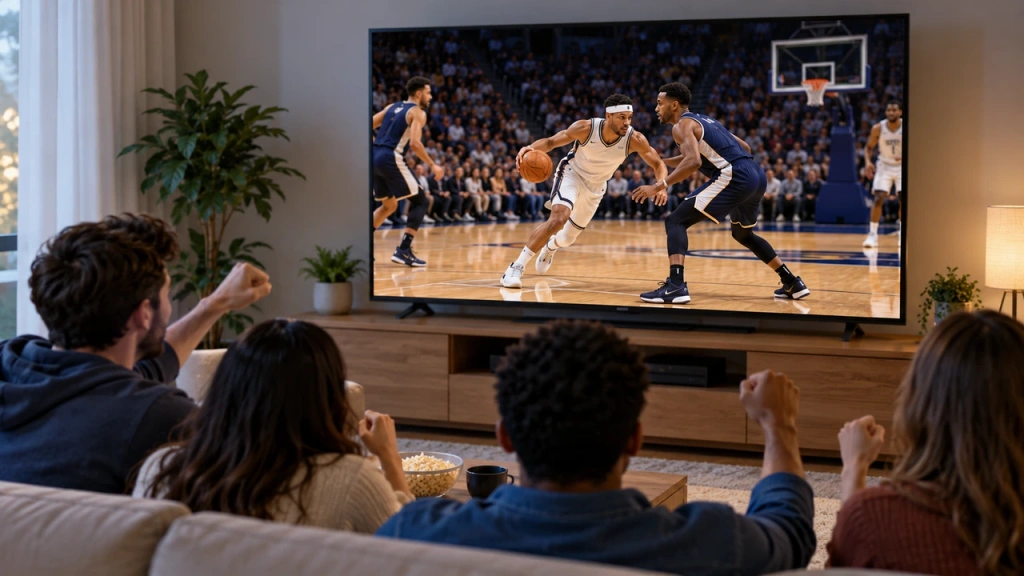 How to Watch NBA on TV in the US
Watching NBA games on your TV in the US is easiest when you make two decisions in order: first, confirm which authorized service carries…
How to Watch NBA on TV in the US
Watching NBA games on your TV in the US is easiest when you make two decisions in order: first, confirm which authorized service carries…
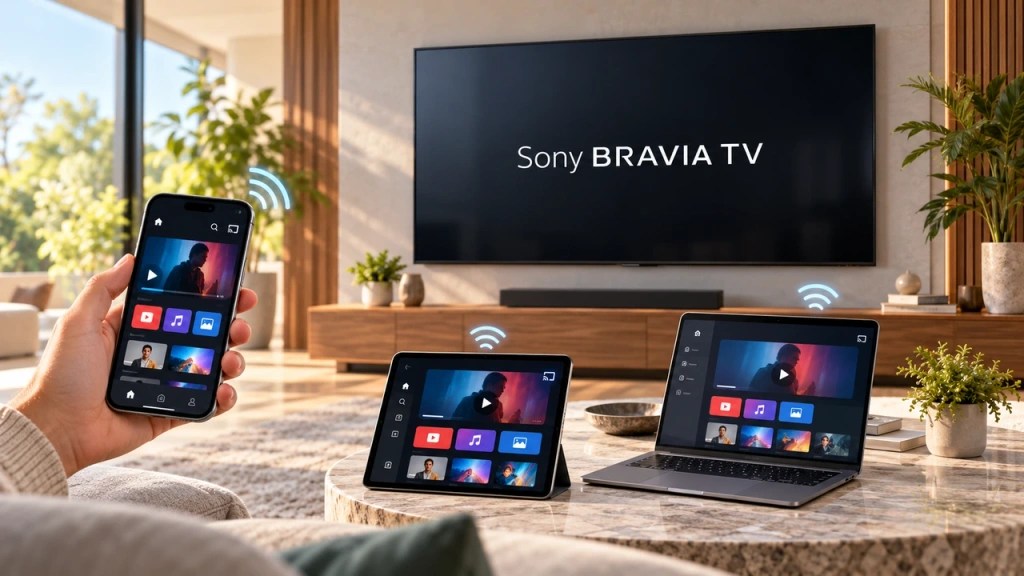 How to Screen Mirror to Sony Bravia TV (Google TV)
A Sony Bravia Google TV does not use one universal “Screen Mirroring” method for every phone and computer. The right choice depends on both…
How to Screen Mirror to Sony Bravia TV (Google TV)
A Sony Bravia Google TV does not use one universal “Screen Mirroring” method for every phone and computer. The right choice depends on both…

