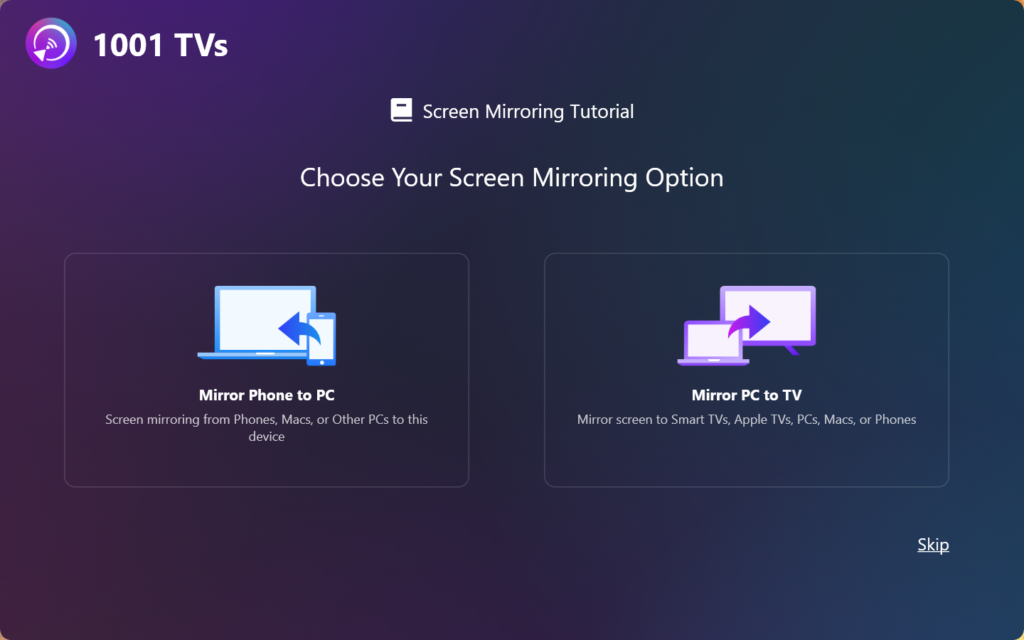
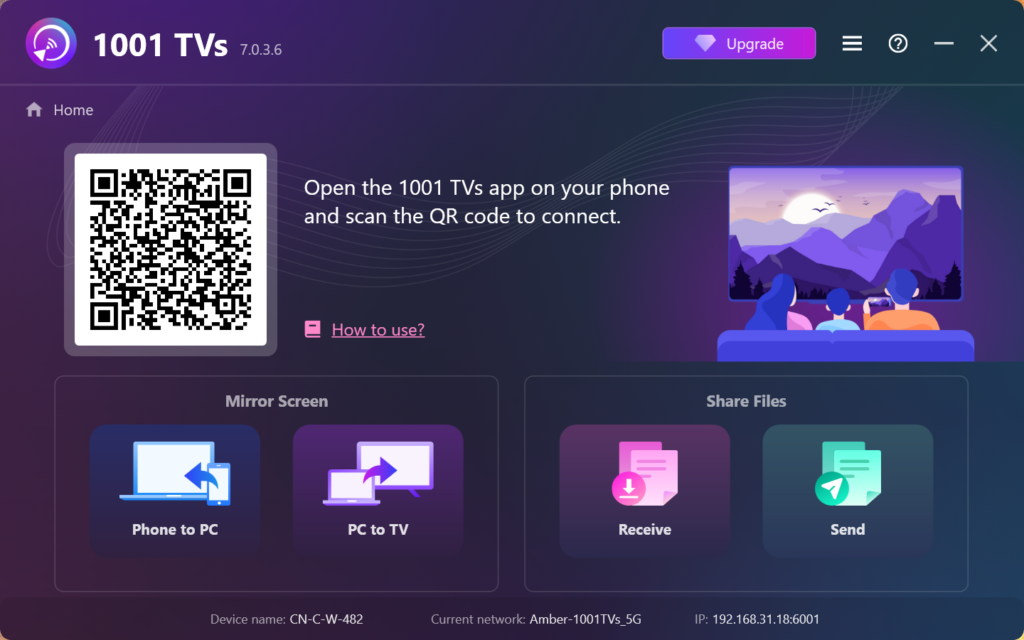
Wie installiert man 1001 TVs auf dem PC?

1. Holen Sie sich die App aus dem Microsoft Store
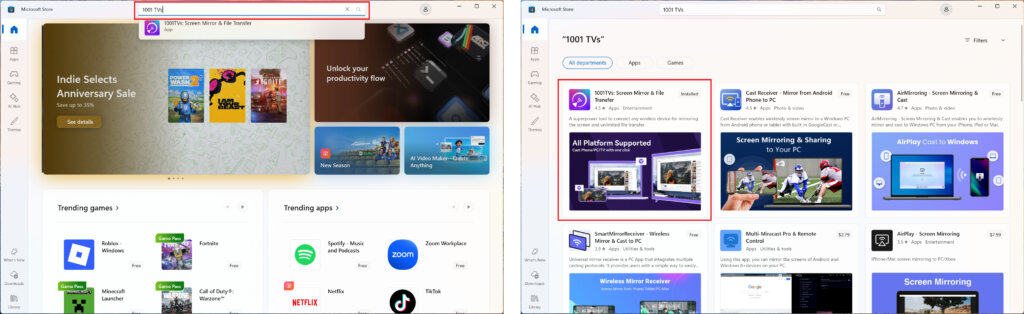
Starten Sie die Microsoft Store auf Ihrem PC, suchen Sie nach "1001 TVs".
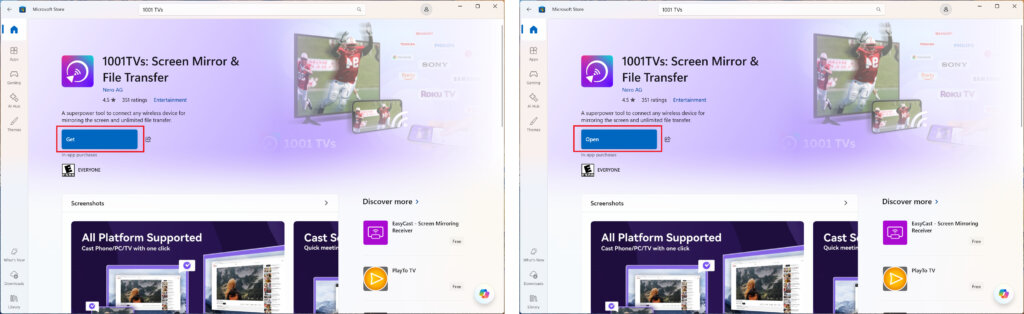
Klicken Sie auf “Holen” zu installieren, und öffnen Sie dann die App.
2. Starten Sie die App
Aktivieren Sie das Kontrollkästchen, um die Datenschutzbestimmungen und die Nutzungsbedingungen zu akzeptieren.
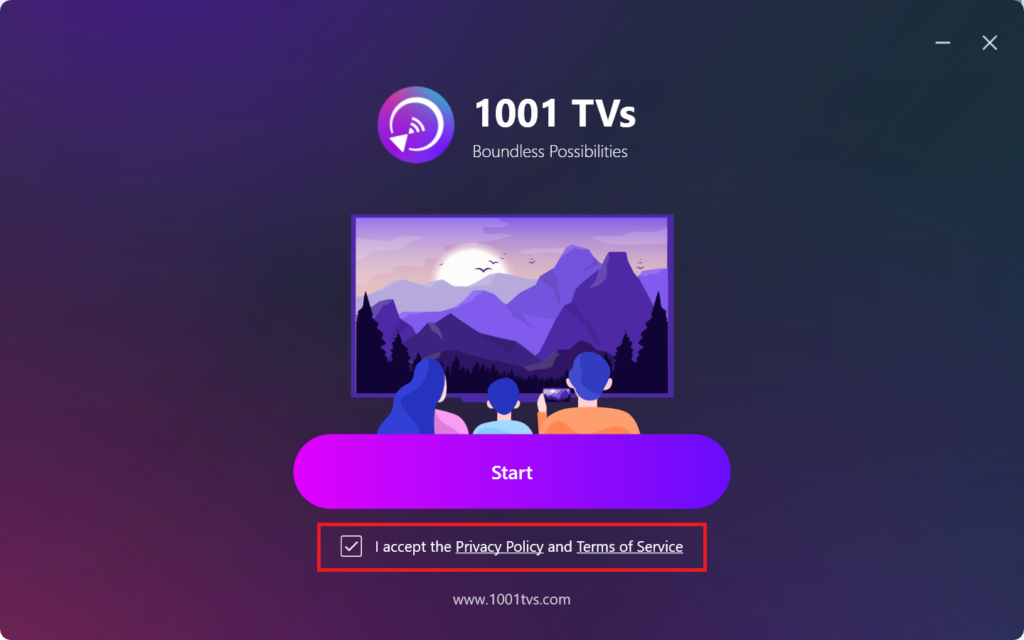
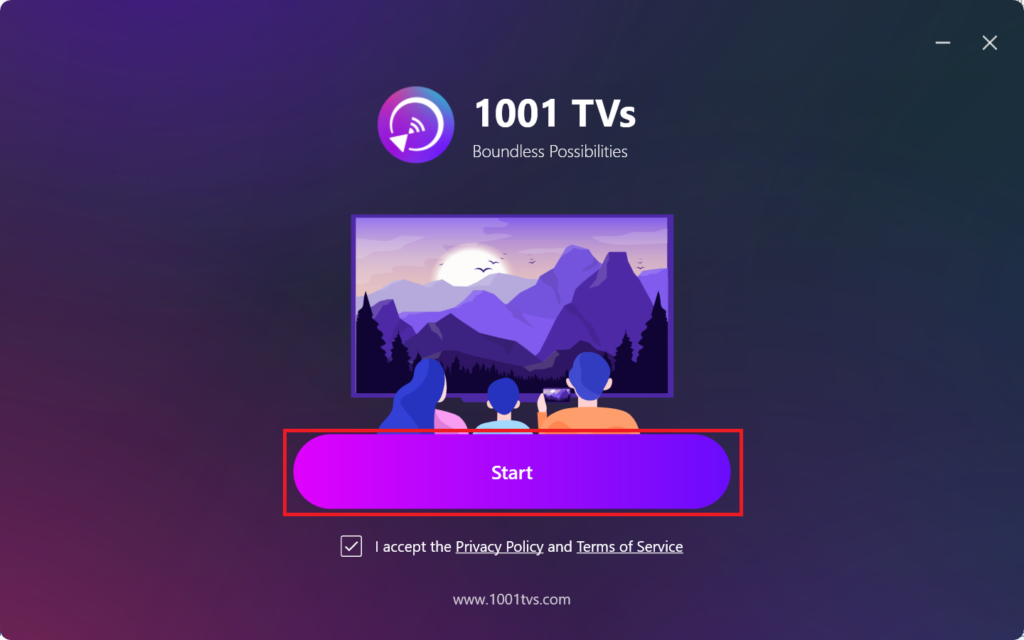
Klick "Start”und warten Sie auf die Initialisierung der Anwendung.
3. Modus-Einstellungen & Plugin-Installationenein (fakultativ)
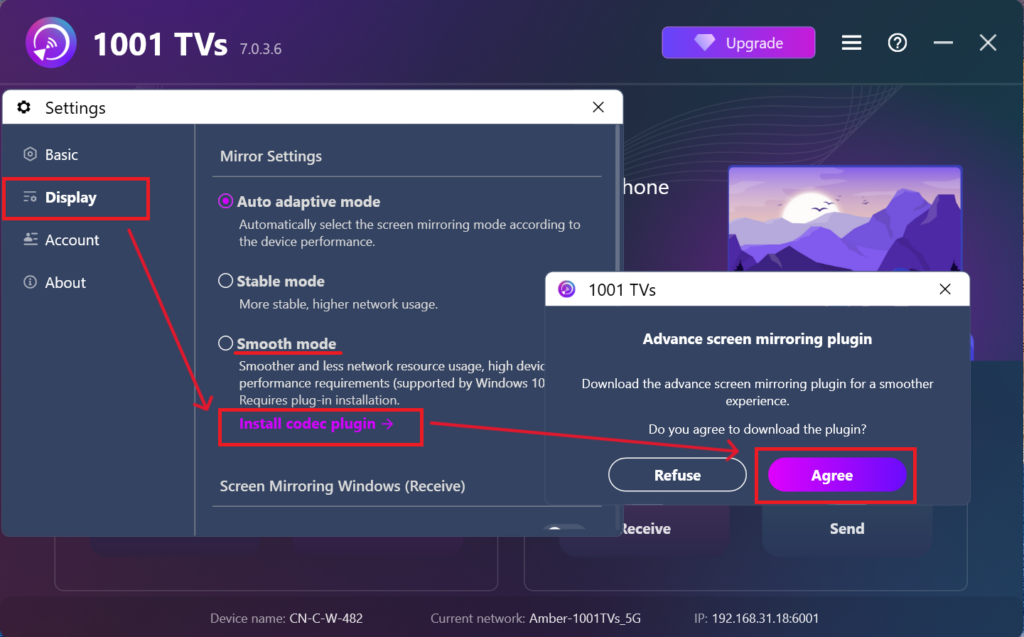
Für eine reibungslosere Nutzung werden Sie bei der Ersteinrichtung möglicherweise aufgefordert, ein erweitertes Plugin herunterzuladen.
Sobald die Installation abgeschlossen ist, können Sie eine nahtlose Spiegelung genießen.
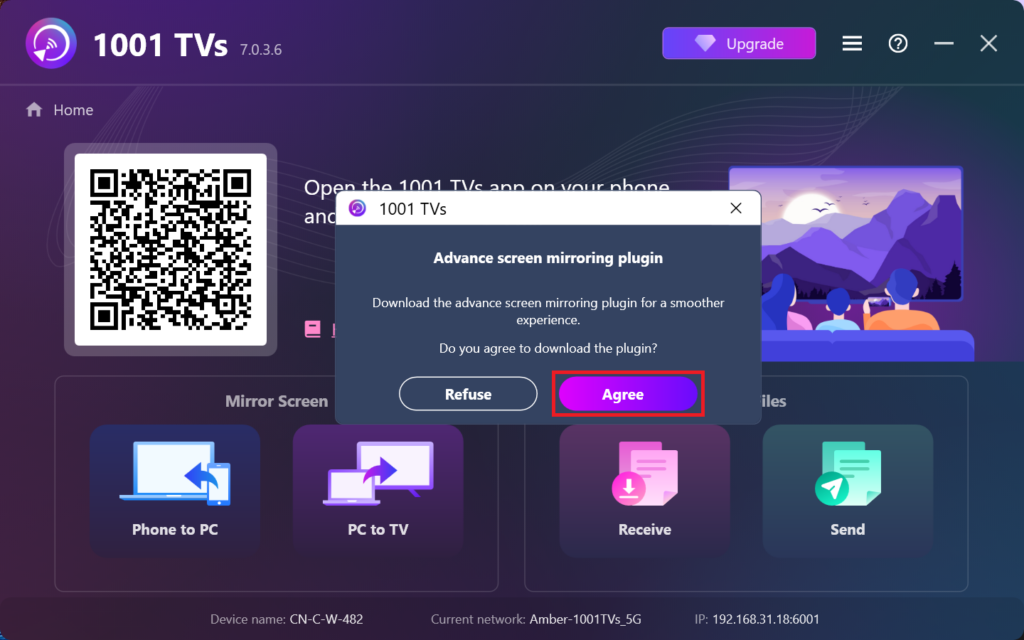
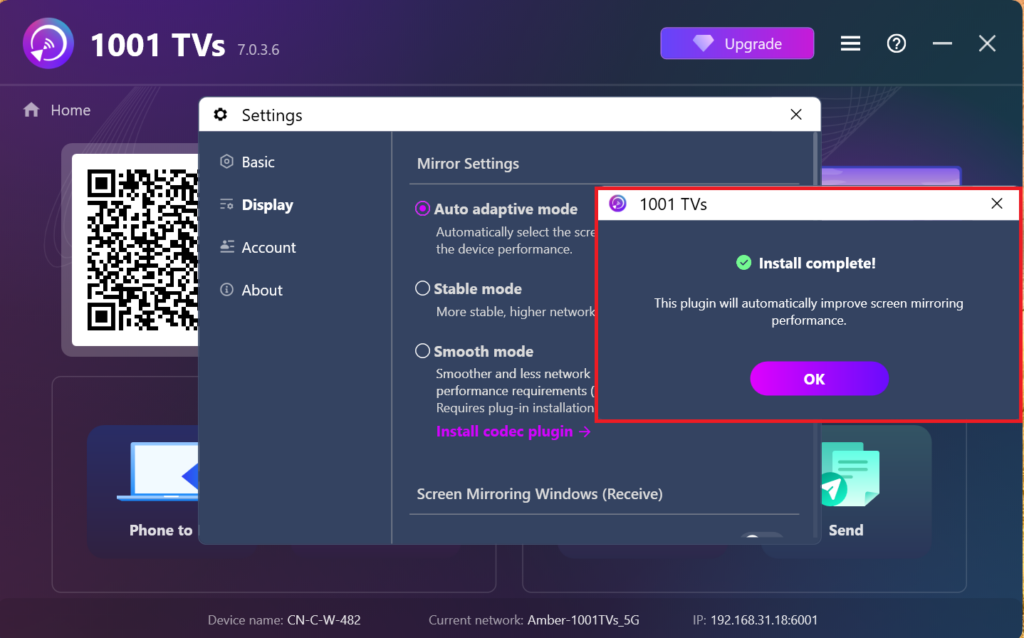
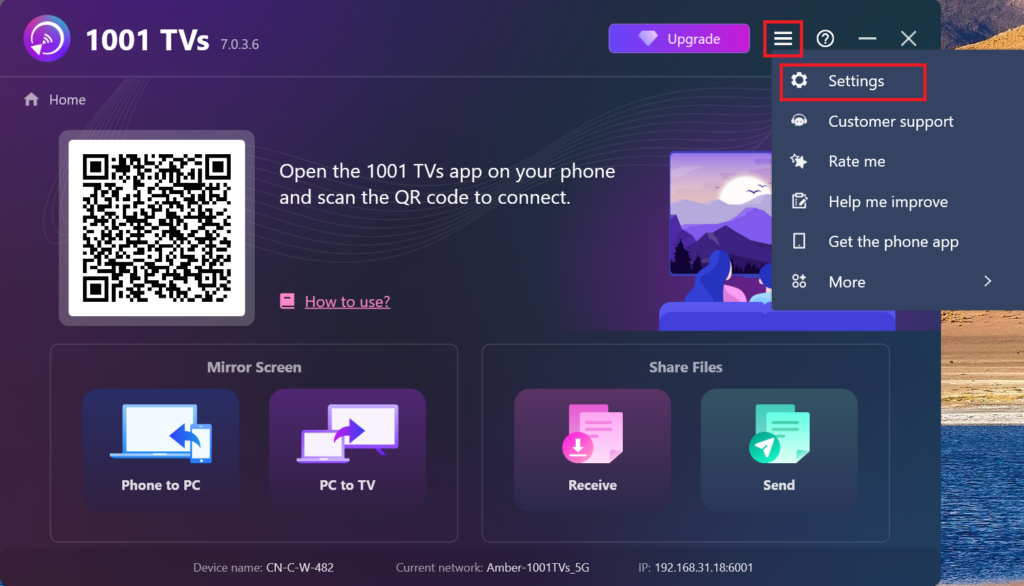
Alternativ können Sie dieses Plugin auch später in der App manuell suchen und installieren, indem Sie zu Einstellungen > Anzeige > Einstellungen für die Spiegelung.
4. Einbau abgeschlossen!
Sobald das erledigt ist, können Sie 1001 TVs verwenden!