How to Watch X (Twitter) on TV or PC (2026 Guide)
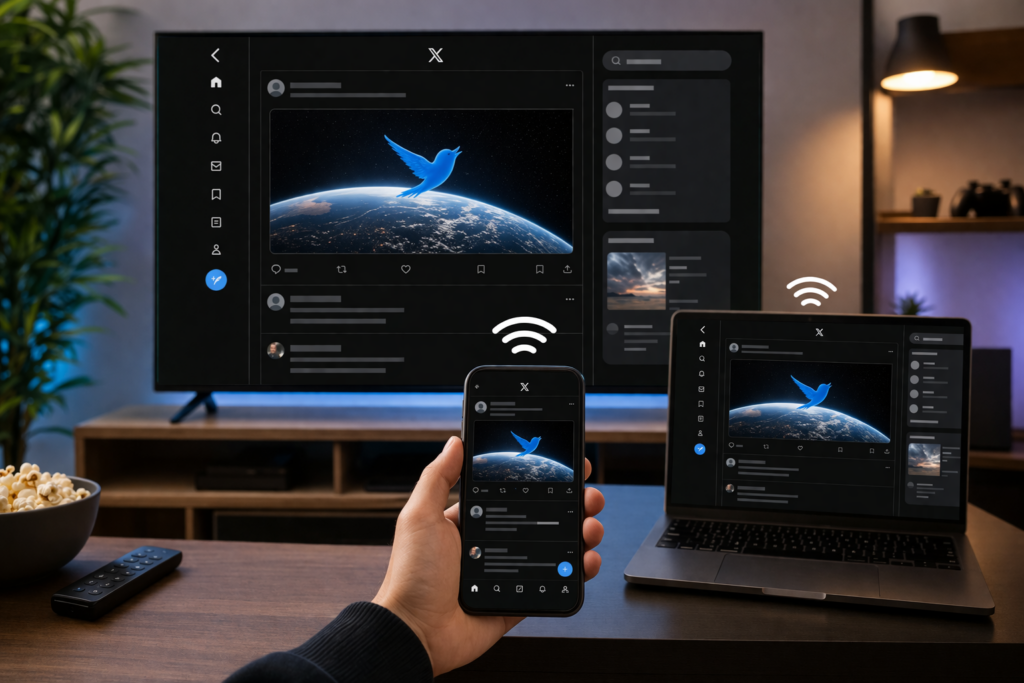
Twitter is great for quick browsing—but some content works much better on a larger screen.
- Watch videos more clearly – Viral clips and longer videos look better on TV
- Read threads comfortably – Easier to follow long discussions
- Share content with others – No need to pass your phone around
- Follow live moments – Events, Spaces, and trends feel more immersive
But there’s one problem.
There’s no official Twitter app for TV, and built-in casting options are often limited.
A Simple Way to Mirror Twitter to TV or PC
Instead of relying on limited solutions, you can use a screen mirroring tool like 1001 TVs.
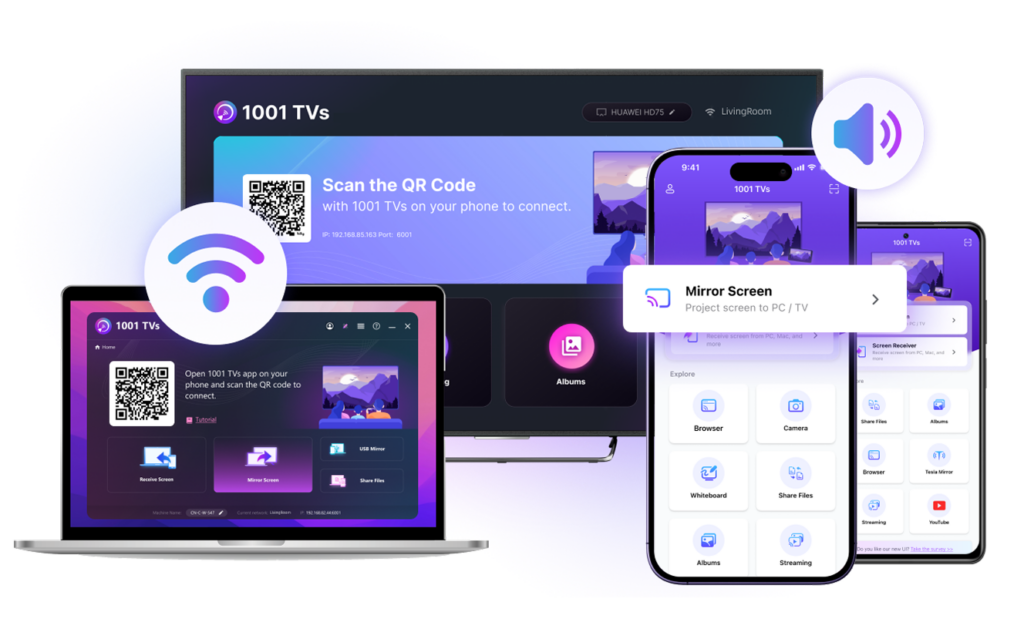
It lets you mirror Twitter from your phone to:
- 📺 TV
- 💻 PC
- 📱 Another phone or iPad
No cables. No setup. Works instantly.
Mirror Twitter in 3 Simple Steps
1. ئەپنى ئورنىتىڭ
چۈشۈرۈڭ ۋە ئېچىڭ 1001 TVs on both devices:
- Your phone (where you use Twitter)
- Your target device (TV, PC, or another device)
2. Connect Devices
Make sure both devices are on the same Wi-Fi.
- Devices appear automatically
- No manual setup required
3. Start Watching
Select your device, then:
- Open X (Twitter) on your phone
- Start browsing or playing videos
Your screen will instantly appear on your TV, PC, or another device.
What You Can Mirror from Twitter
- Videos and clips
- Threads and discussions
- Twitter Spaces
- Trending content
ئاخىرقى ئوي-پىكىرلەر
Twitter has a lot of content worth sharing—but it’s still built for small screens.
With a simple setup, you can bring Twitter to your TV, PC, or any device in seconds.
Start Watching Twitter on a Bigger Screen Today
👉 چۈشۈرۈش 1001 TVs and mirror Twitter to your TV, PC, or any device—fast, simple, and wireless.