วิธีติดตั้ง 1001 TVs บนคอมพิวเตอร์
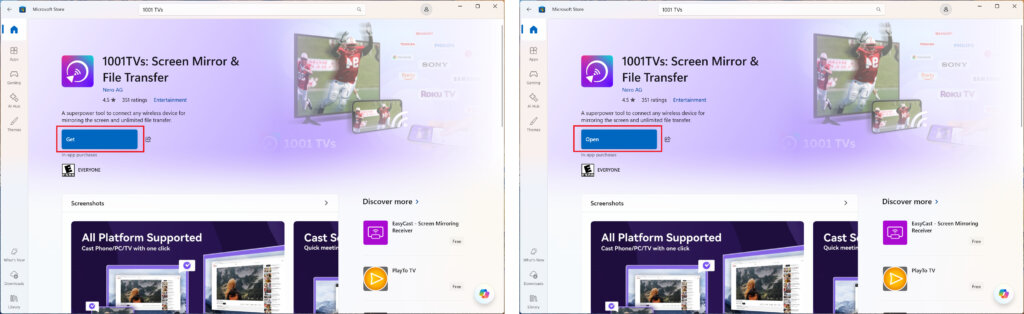
1. ดาวน์โหลดแอปจาก Microsoft Store
เปิด Microsoft Store บนคอมพิวเตอร์ของคุณ, ค้นหา “หนึ่งต่อหนึ่ง”.
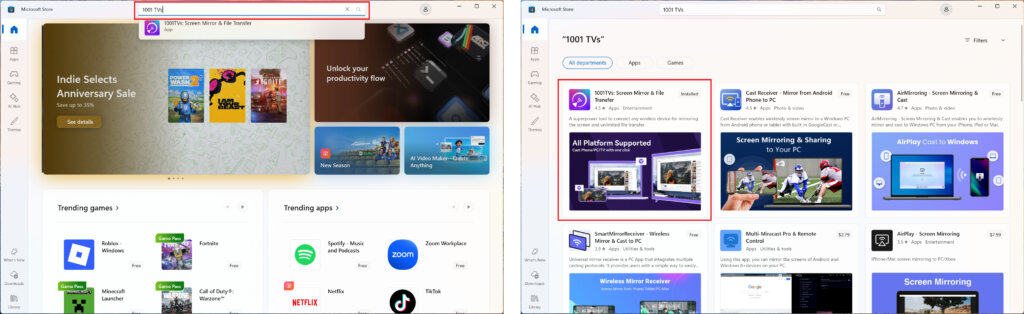
คลิก “ได้” ติดตั้ง จากนั้นเปิดแอป.
2. เริ่มแอป
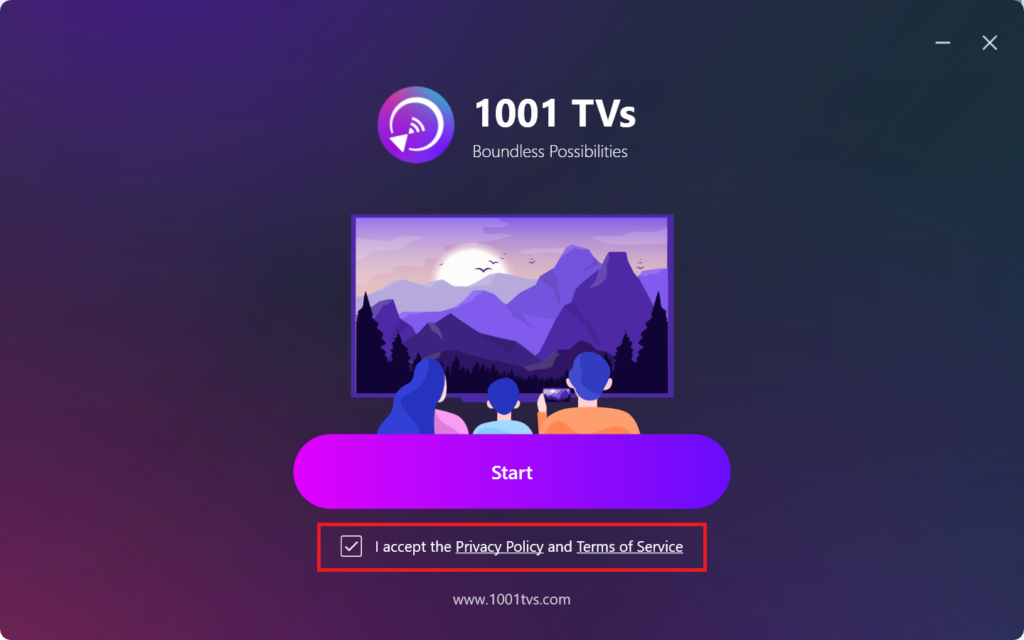
ทำเครื่องหมายในช่องเพื่อยอมรับนโยบายความเป็นส่วนตัวและเงื่อนไขการให้บริการ.
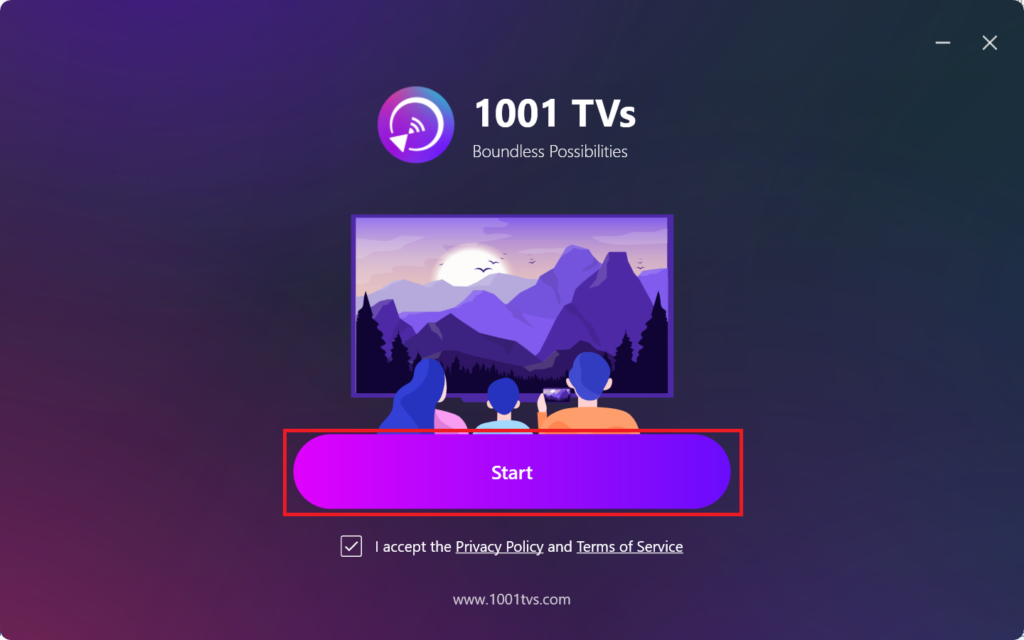
คลิก "เริ่มต้น”และรอให้แอปเริ่มต้นทำงาน".
3. การตั้งค่าโหมด & การติดตั้งปลั๊กอินบน (ไม่จำเป็น)
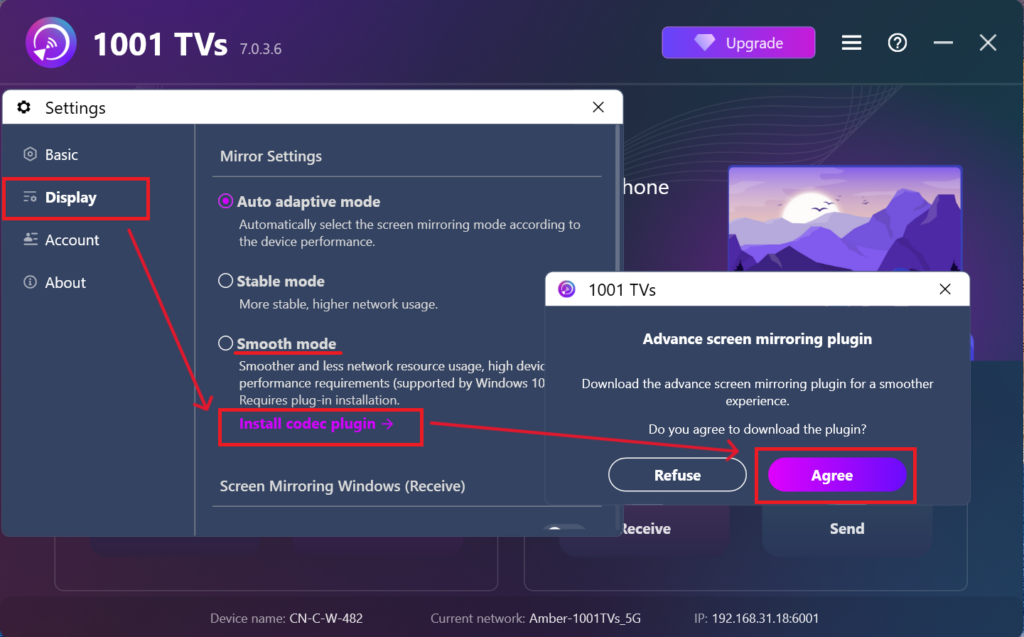
เพื่อประสบการณ์ที่ราบรื่นยิ่งขึ้น คุณอาจได้รับการแจ้งให้ดาวน์โหลดปลั๊กอินขั้นสูงระหว่างการตั้งค่าครั้งแรก.
เมื่อการติดตั้งเสร็จสมบูรณ์แล้ว คุณก็พร้อมที่จะเพลิดเพลินกับประสบการณ์การสะท้อนหน้าจอที่ราบรื่น.
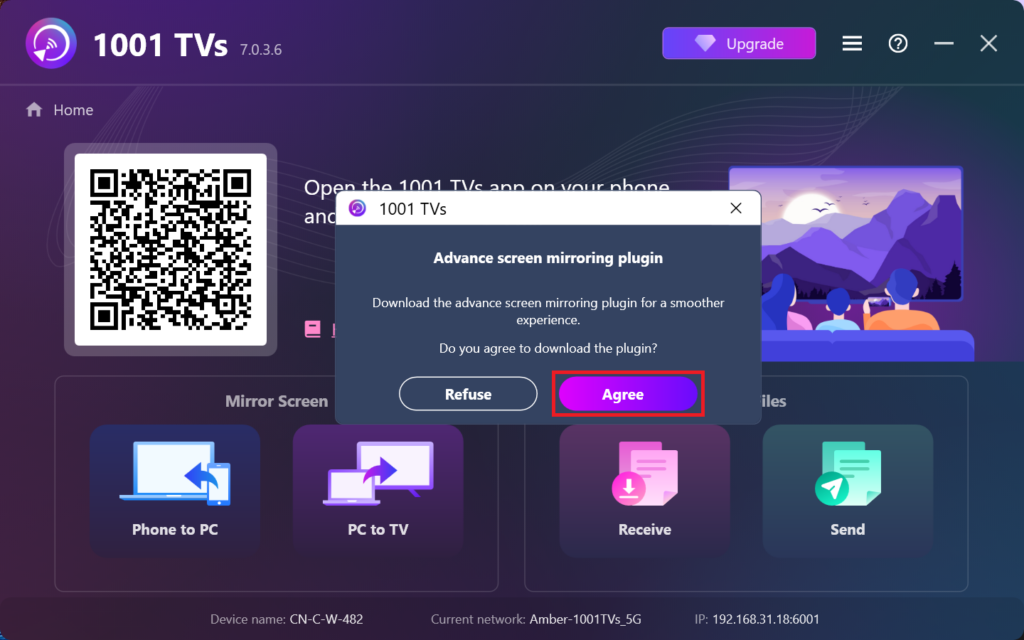
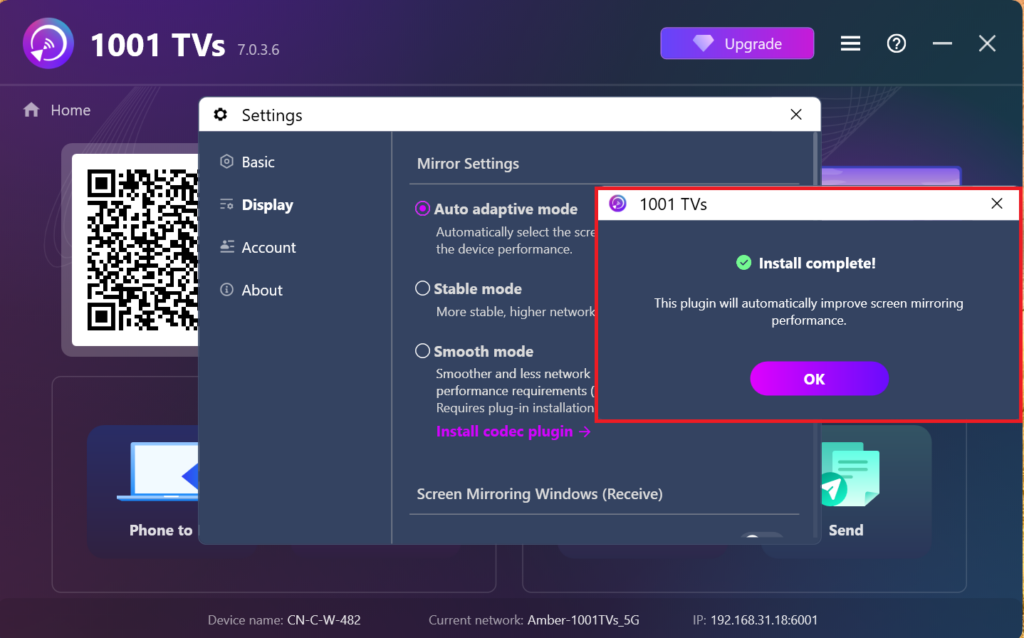
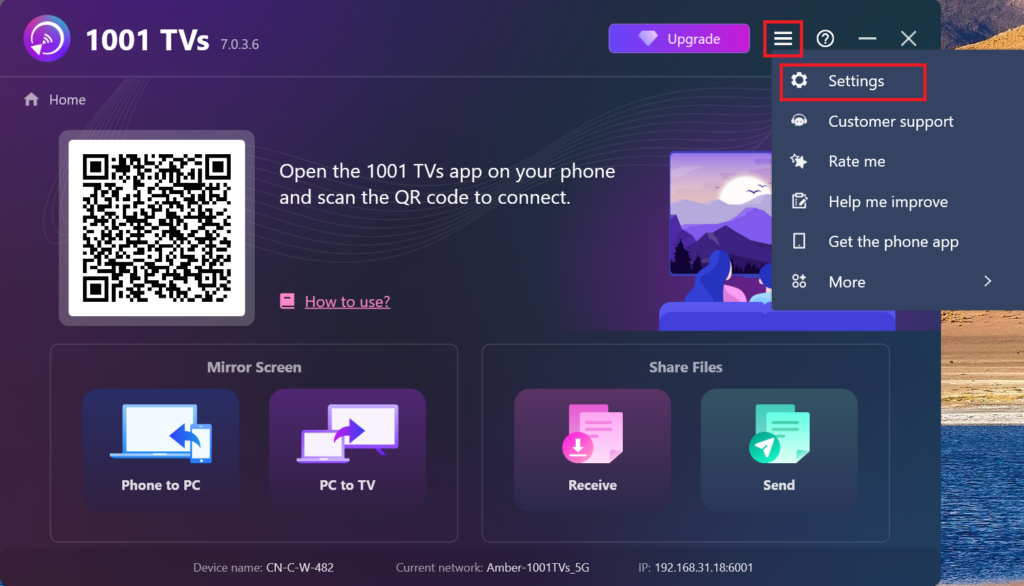
อีกวิธีหนึ่งคือคุณสามารถค้นหาและติดตั้งปลั๊กอินนี้ด้วยตนเองในภายหลังภายในแอปโดยไปที่ การตั้งค่า > แสดง > การตั้งค่าแบบสะท้อน.
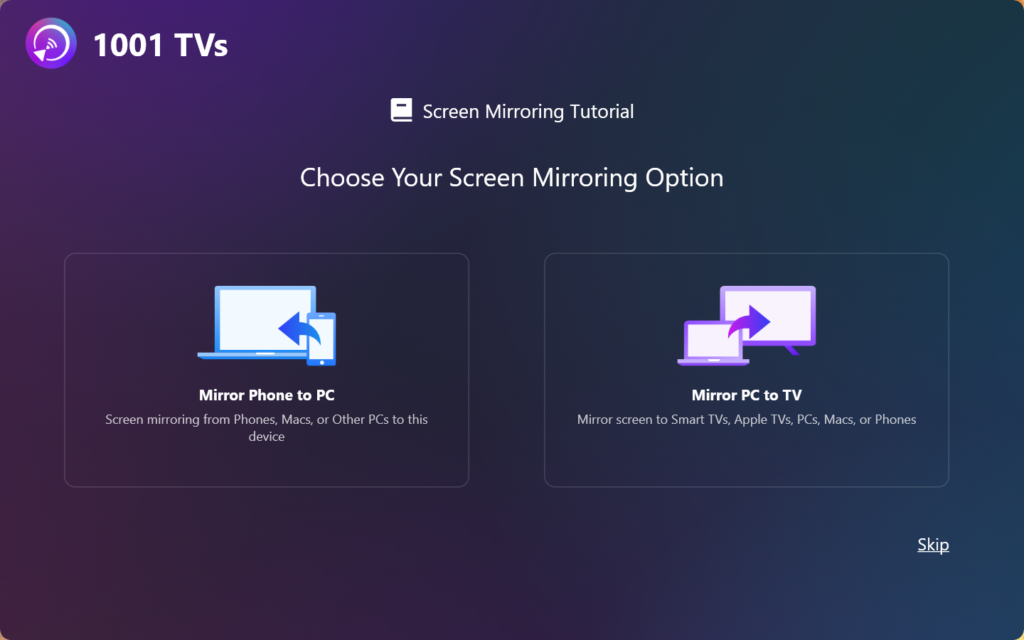
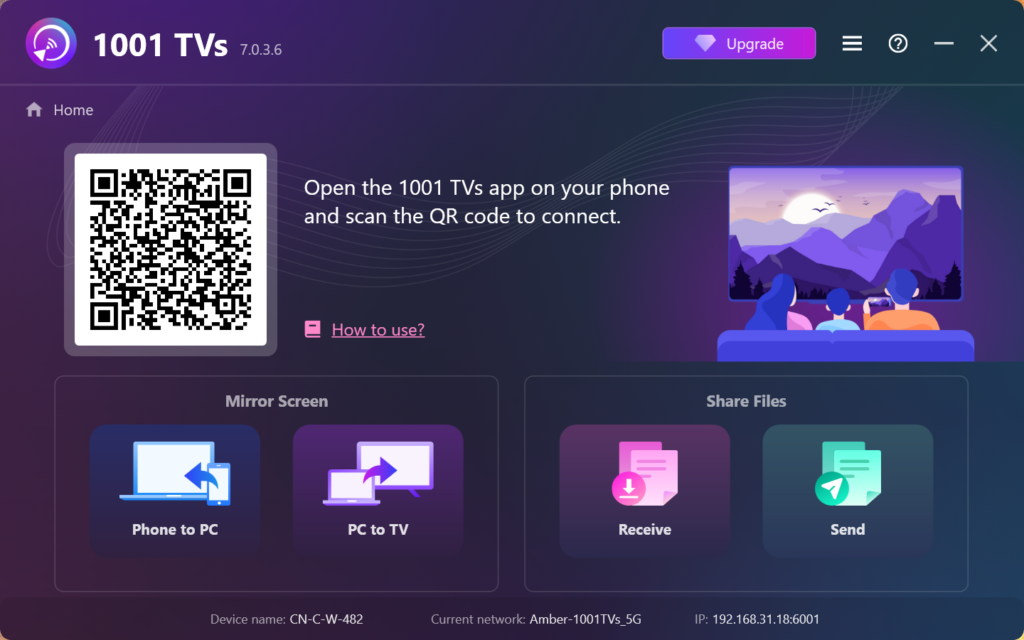
4. การติดตั้งเสร็จสมบูรณ์!
เมื่อเสร็จแล้ว คุณพร้อมที่จะเริ่มใช้ 1001 TVs!