




Smooth Mirroring for Full-Length Games
Stay connected through the full match, from kickoff to the final whistle, with stable wireless mirroring.
From weekend matchups to game-day watch parties, follow the action on a screen everyone can see. Mirror sports streams that allow screen sharing to your TV or computer with 1001 TVs.
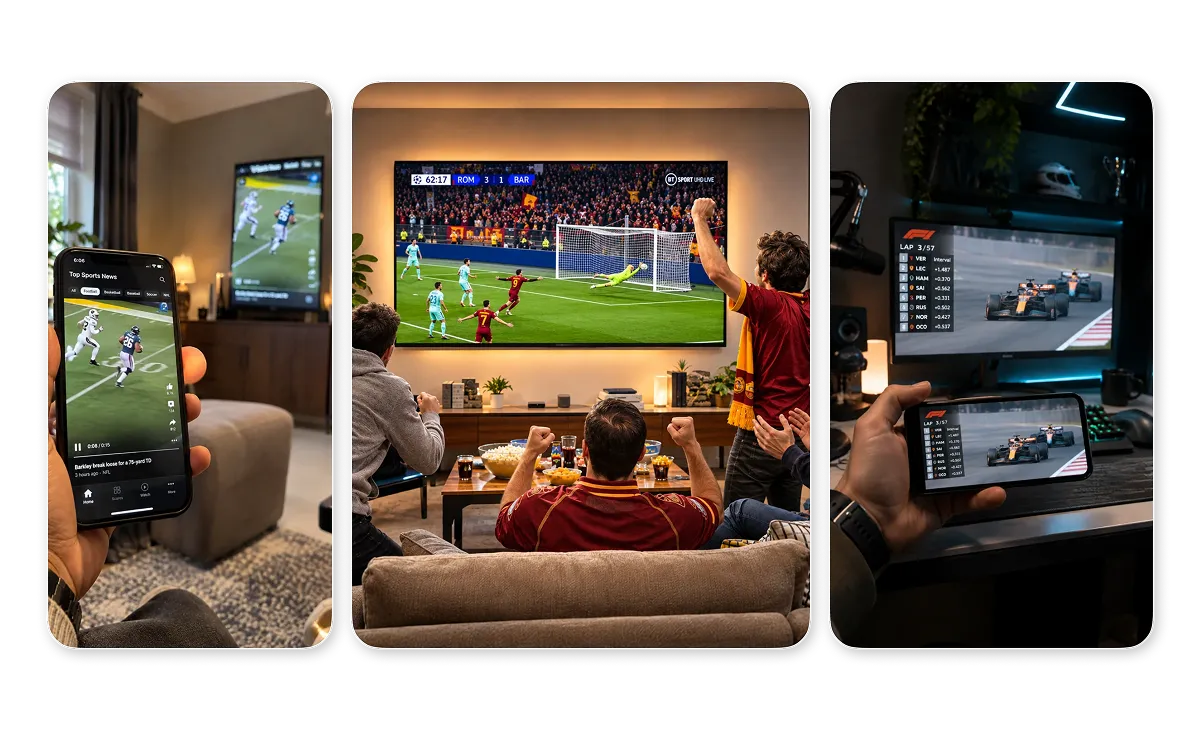



Stay connected through the full match, from kickoff to the final whistle, with stable wireless mirroring.
Connect devices on the same local Wi-Fi network in a few steps, without HDMI cables or extra hardware.
1001 TVs is available on iOS, Android, Windows, and macOS, and works with compatible smart TVs.
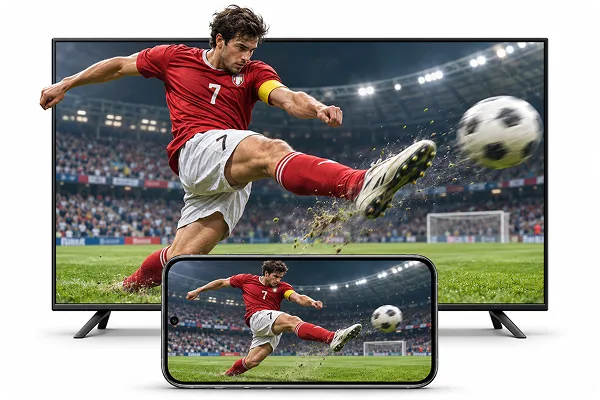
Mirror sports streams from your phone, tablet, or computer to a compatible TV or computer. Follow every pass and replay on a bigger screen when the stream allows mirroring.
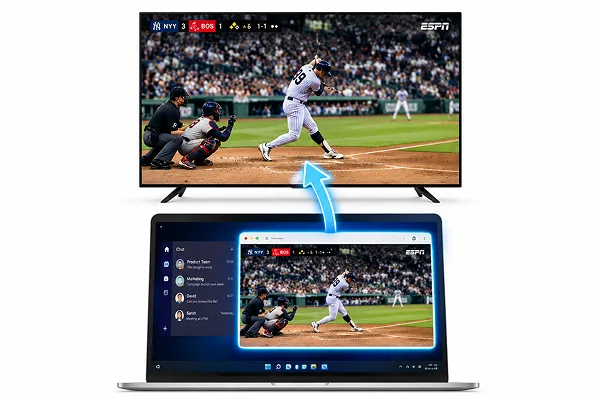
Mirror only the app or window playing the game on supported Android devices and Windows PCs. Check stats or reply to friends while the big screen stays on the action.
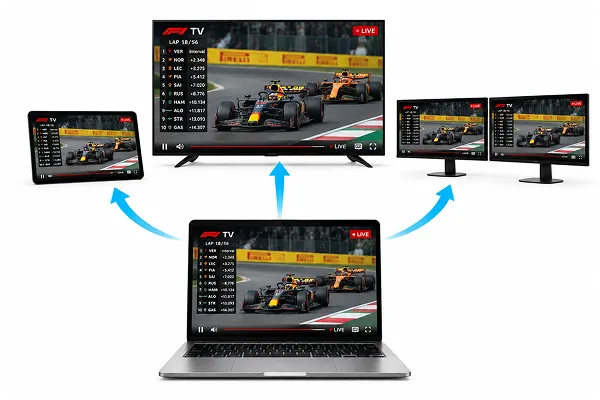
Share one computer screen with multiple compatible devices at the same time. Put the same match on several TVs for watch parties, sports bars, or office game-day gatherings.
Watch, share, and follow the action across your screens with 1001 TVs.
 Marcus
On Sunday afternoons, my friends come over to watch football. I put the game from my phone on the living room TV, so everyone can see every touchdown without crowding around a small screen.
 An F1 fan
I usually watch F1 races on my laptop. When my family wants to join, I mirror the race to our living room TV with 1001 TVs. Everyone gets a better view of the action, and I don’t need to connect an HDMI cable.
 Ryan Cooper
During Champions League nights, I mirror just the streaming app from my Android phone to the TV. I can check other scores and reply in the group chat, and the match keeps playing on the big screen.
Sports bar owner
During hockey season, we show the same game on all the screens around the bar from one laptop. Customers at the bar or in the back booths can all see every goal.
앞으로 열릴 주요 스포츠 행사를 확인해 보세요. 지원되는 경우, 일정과 행사 현황은 자동으로 업데이트됩니다.
행사 일정은 변경될 수 있습니다. 최신 정보는 관련 안내서나 대회 공식 채널을 확인하시기 바랍니다.
 1001 TVs
Ready for Game Day on a Bigger Screen?


