
テレビの自動ミラーリング - ポップアップなし
スクリーンミラーリングのリクエストを承認するために、いつもテレビのリモコンを取らなければならないとしたら、すぐにイライラしてしまうだろう。.
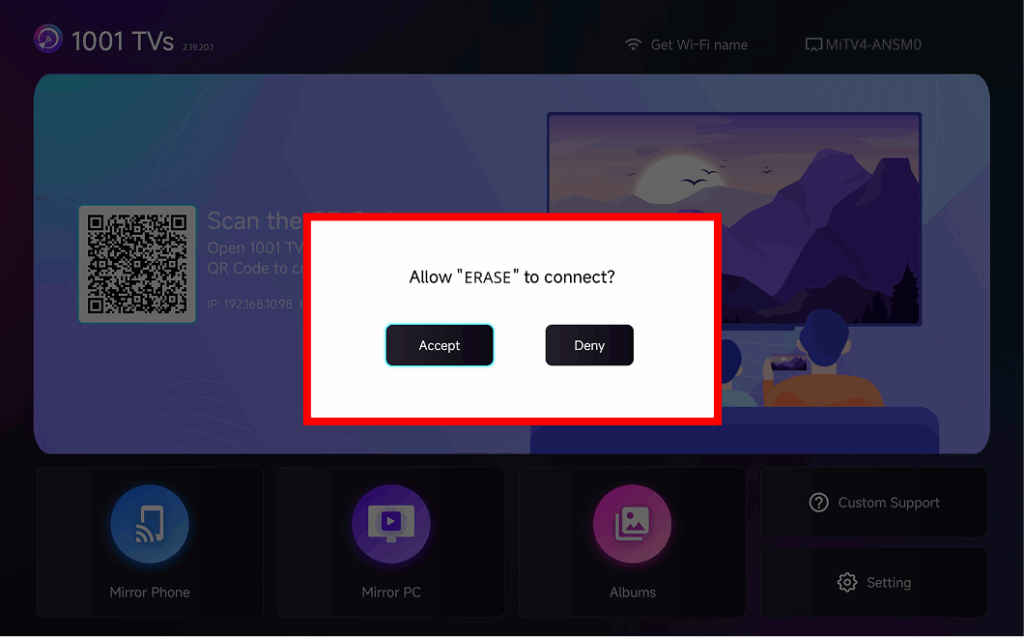
The latest version of 1001 TVs introduces ミラーリングの自動受け入れ – seamless casting without any popups.
ステップ・バイ・ステップ・ガイド
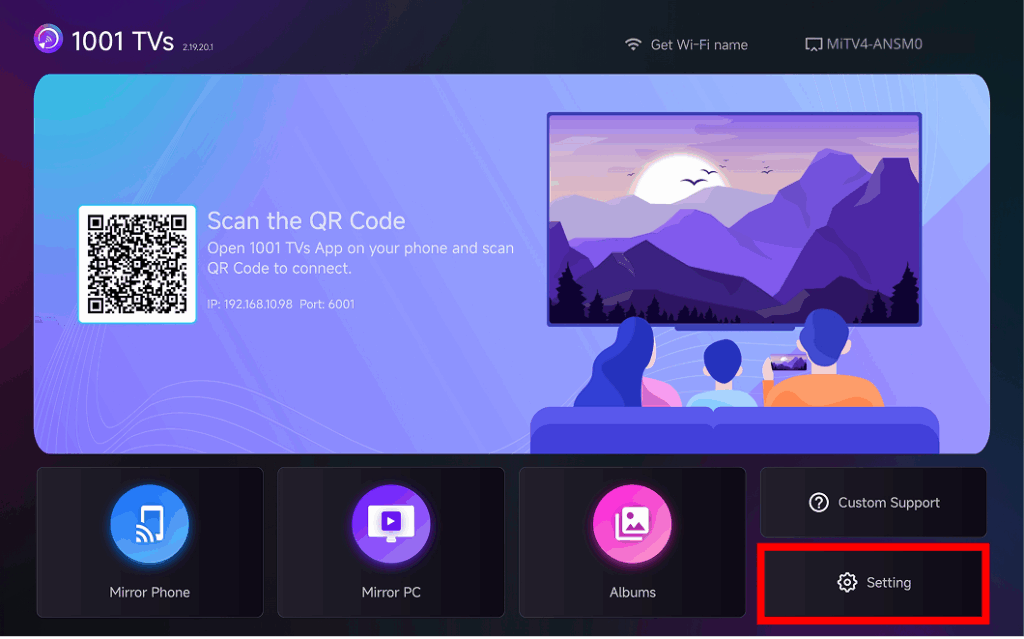
テレビのホーム画面右下にある セッティング
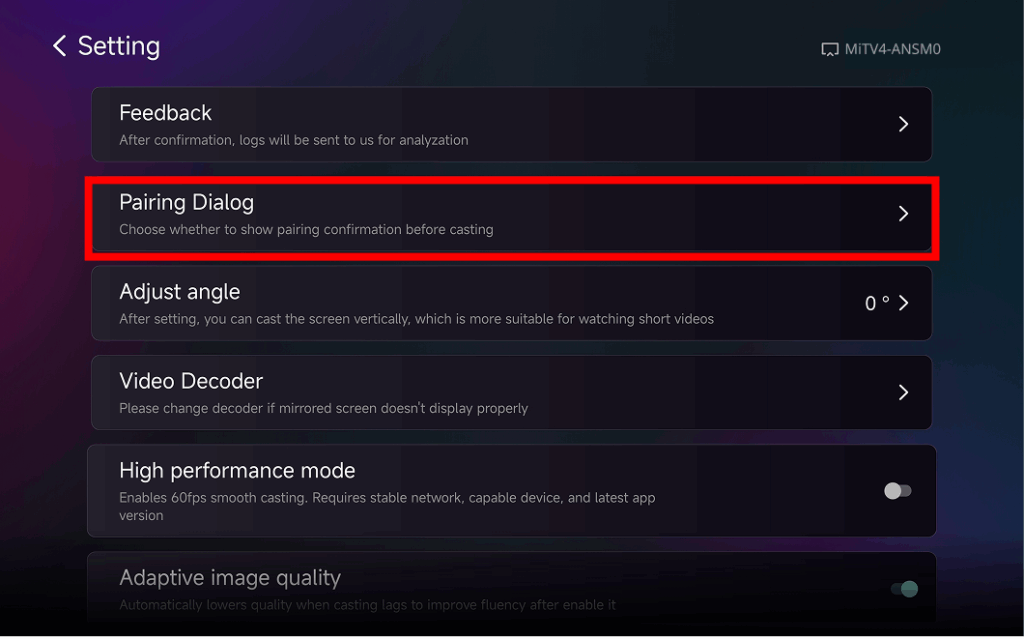
検索してタップする“ペアリング ダイアログ"
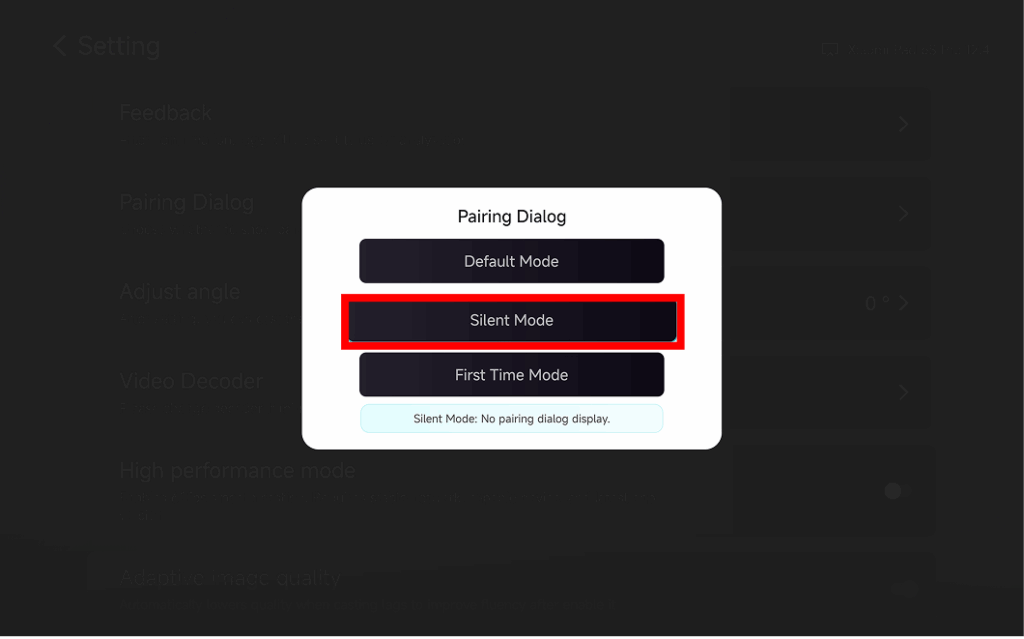
❸ Choose Your Preferred Mode
⭐ デフォルト・モード
A popup appears every time before casting.
⭐ サイレントモード
No popup appears – your TV automatically accepts all mirroring requests.
⭐ 初回モード
A popup appears only for the first connection. After approval, all future requests are auto-accepted.
なぜ自動ミラーリングを使うのか?
- Perfect for home, classrooms, stores, and digital signage.
- Stop searching for the remote – connect instantly.
- Instant screen mirroring from your phone, tablet, or PC without interruption.