Mac: 1001 TVs DMG Screen Recording Permission Enabled but Still Prompting?
“Why does 1001 TVs keep asking for Screen Recording permission when it’s already turned on in my Mac settings?”
If you previously installed the App Store version of 1001 TVs and have now downloaded the DMG version, your Mac might be holding onto the old permission record. Because macOS gets confused by the two different app versions, it keeps blocking the new DMG version even if the toggle looks like it’s turned on.
Here is how to fix it.
Step 1: Open the settings window
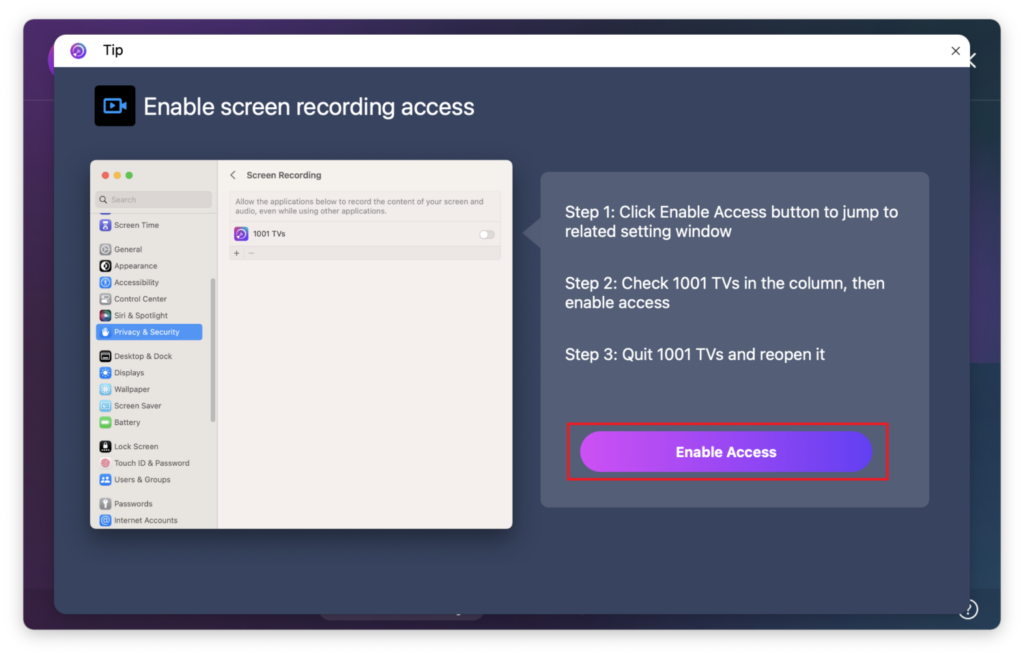
Open 1001 TVs and click “Send” > “Enable Access”.
(Note: Depending on your macOS version, you will be directed to System Settings > Privacy & Security > Screen Recording on macOS 14 and earlier, or Screen & System Audio Recording on macOS 14 and later.)

Step 2: Fix the permission based on the list
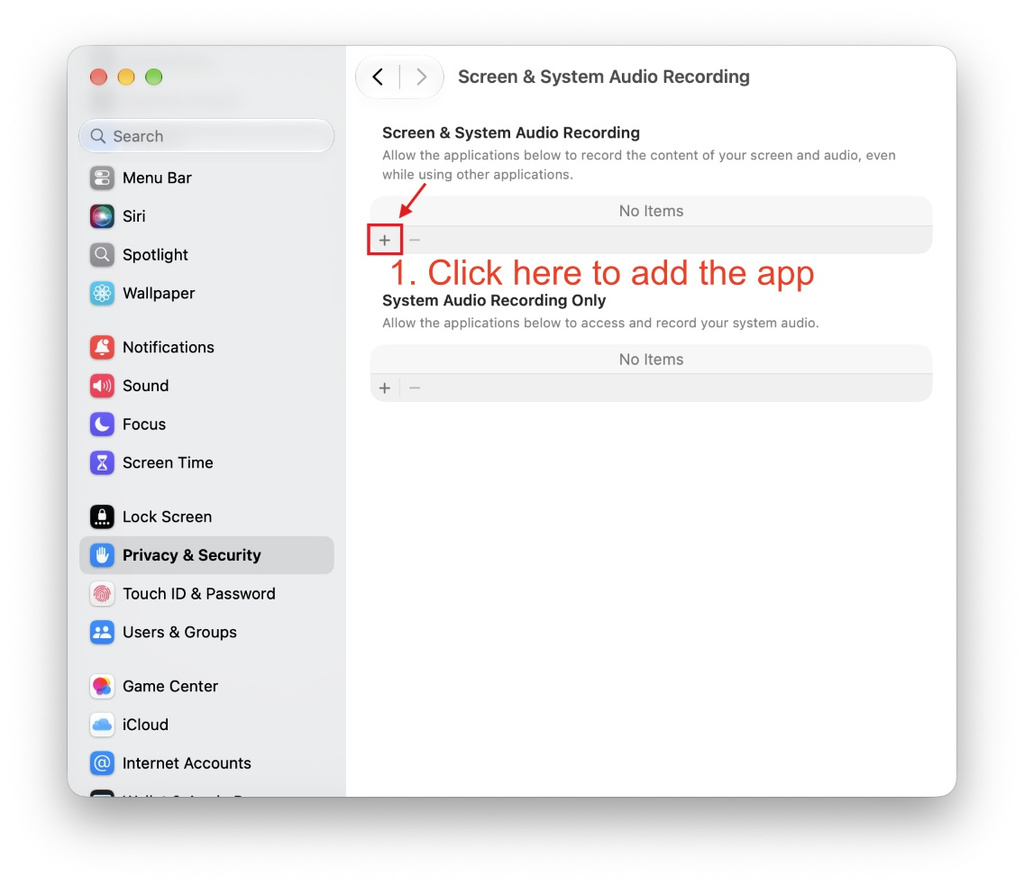
If 1001 TVs is NOT in the permissions list:
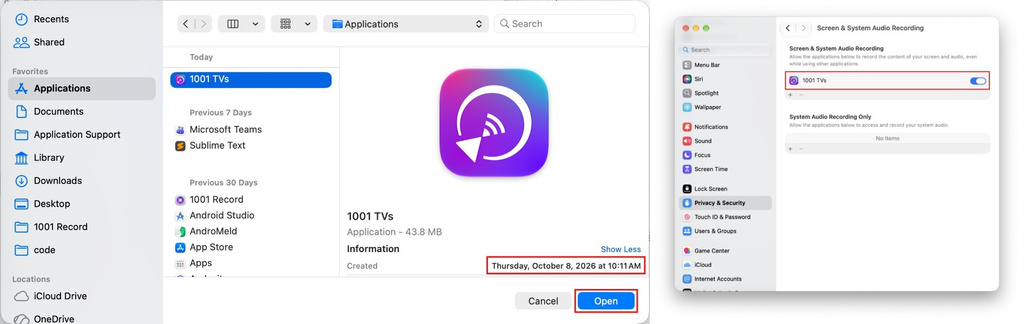
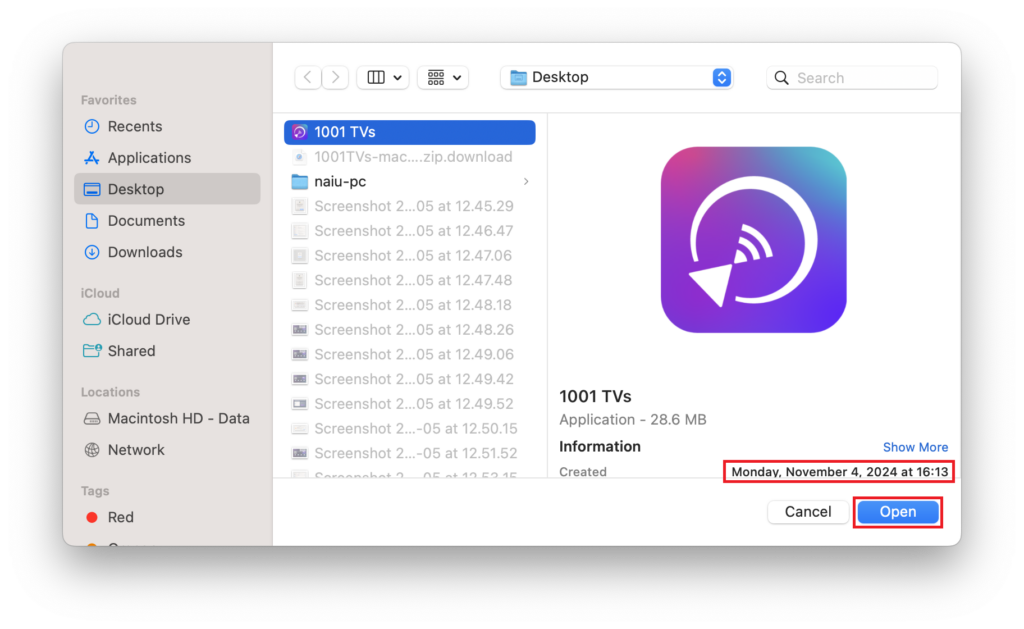
1. Haga clic en el botón “+” (plus) icon to manually add the newly installed 1001 TVs app. (Ensure you select the correct path)
2. Quit and reopen the 1001 TVs app. This usually resolves the issue.
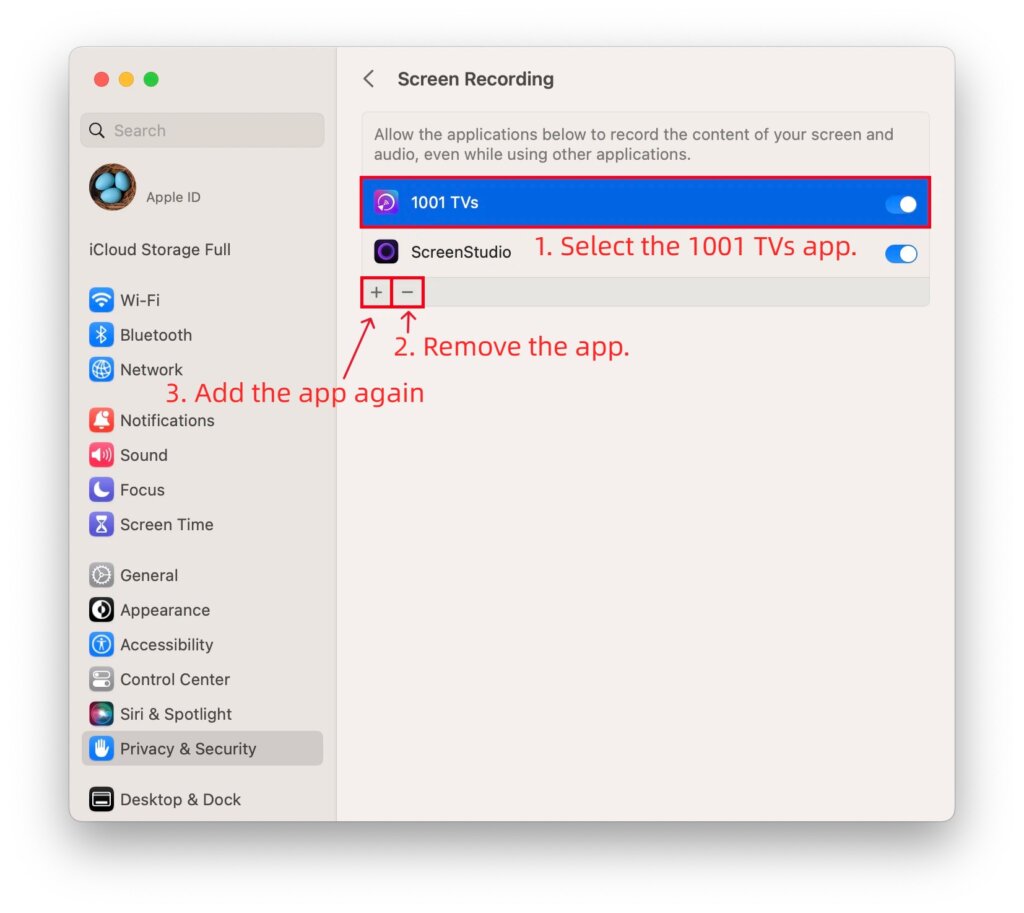
If 1001 TVs IS in the list and already ON (but it still doesn’t work):
1. Select 1001 TVs and click the “–” (minus) icon to remove it.
2. Close the System Settings window completely, and reopen it. (This forces macOS to refresh the permission cache).
3. Click the “+” (plus) icon to add the newly installed 1001 TVs app otra vez.
4. Quit and reopen the 1001 TVs app.
Step 3: Still not working?
1. Go to the settings list, select 1001 TVs, and click the “–” (minus) icon to remove it.
2. Restart your Mac.
3. After your Mac turns back on, open the newly installed 1001 TVs app, click “+” to add it again, turn on the switch, and restart the app.
¿Necesita ayuda?
If you encounter any issues, please feel free to contact our support team at 1001tvs@nero.com

Leer más
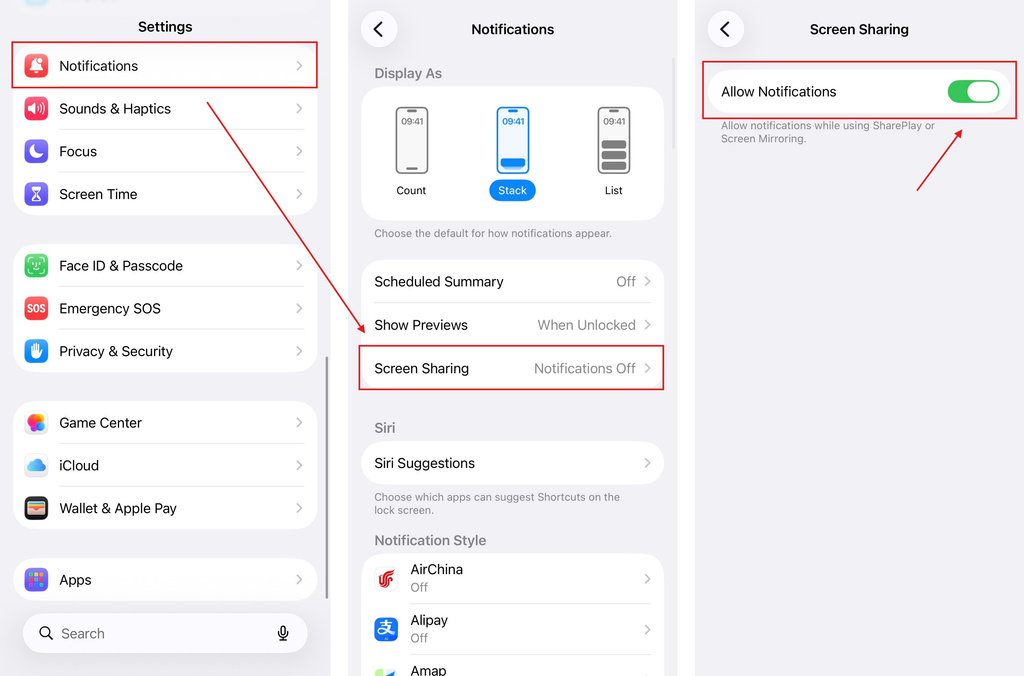 iOS: Cómo solucionar la falta de notificaciones de aplicaciones durante la duplicación de pantalla
Por qué no aparecen las notificaciones: cuando duplicas la pantalla de tu iPhone, es posible que las notificaciones de otras aplicaciones no aparezcan en la pantalla duplicada. Esto puede ocurrir...
iOS: Cómo solucionar la falta de notificaciones de aplicaciones durante la duplicación de pantalla
Por qué no aparecen las notificaciones: cuando duplicas la pantalla de tu iPhone, es posible que las notificaciones de otras aplicaciones no aparezcan en la pantalla duplicada. Esto puede ocurrir...
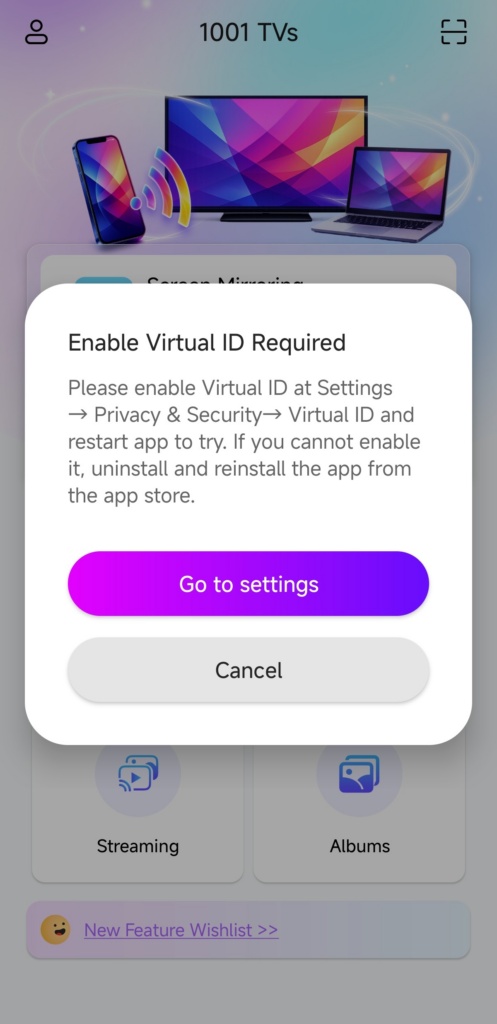 Cómo solucionar la ventana emergente que indica que es necesario habilitar el ID virtual
Si utilizas un teléfono o una tableta Xiaomi o Redmi, es posible que te aparezca una ventana emergente que diga "Se requiere habilitar el ID virtual" al iniciar la...
Cómo solucionar la ventana emergente que indica que es necesario habilitar el ID virtual
Si utilizas un teléfono o una tableta Xiaomi o Redmi, es posible que te aparezca una ventana emergente que diga "Se requiere habilitar el ID virtual" al iniciar la...

