Wie Sie die Fußballweltmeisterschaft 2026 auf Ihrem Großbildschirm sehen können
Die Fußballweltmeisterschaft findet alle vier Jahre statt, und wenn es soweit ist, beherrscht eine Frage die Wohnzimmer: Wie kann ich das auf...
With over 5 billion viewers expected for the 2026 FIFA World Cup, getting matches onto your big screen has never been more important—or more complicated. Whether you cut the cord years ago, just moved into a new place, or simply want to explore your options beyond expensive cable packages, navigating 2026’s fragmented streaming landscape can feel overwhelming.
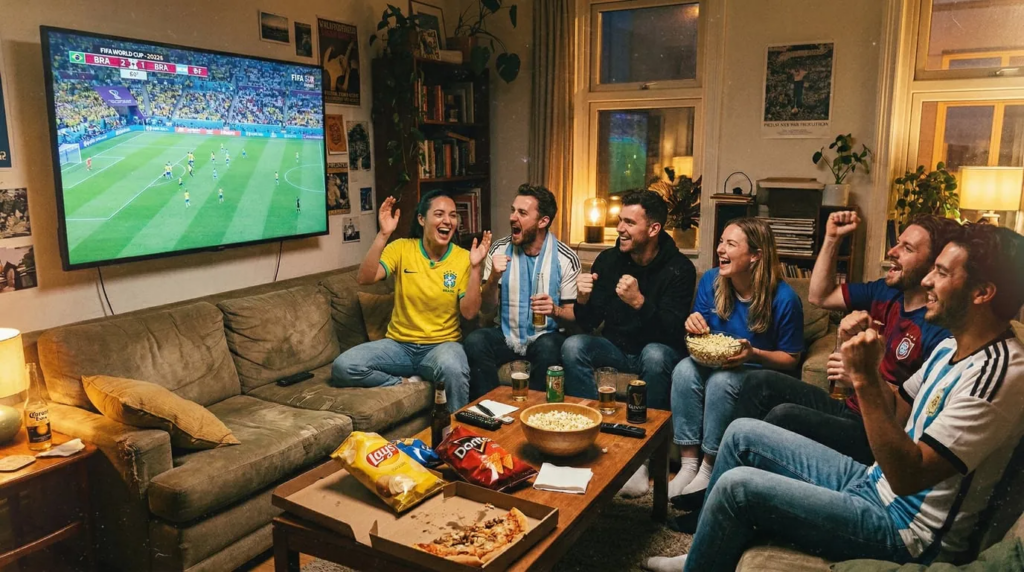
This guide walks through every legitimate way to watch the World Cup on your television, from traditional cable to modern streaming tricks, so you can choose the approach that fits your budget, technical comfort level, and viewing preferences.
Not sure which streaming service has World Cup coverage in your country? Check out our guide on where to watch the World Cup by country and platform to find out which services carry the matches in your region. Once you know what you’re subscribing to, come back here to learn how to get those streams onto your big screen.
Your Options at a Glance
Before diving into details, here’s what’s available:
✦ Streaming Apps on TV: Whether built into your smart TV or added via a streaming device like Roku or Fire Stick, this is the most popular modern approach.
✦ Cable/Satellite: Traditional packages still work and offer maximum reliability if you’re willing to pay premium prices.
✦ Computer Connection: An HDMI cable from your laptop to your TV works universally and costs under $10.
✦ Screen Mirroring: Apps that cast your phone or tablet screen to your TV offer maximum flexibility with streaming services.
Each method has trade-offs in cost, convenience, and quality. Let’s break them down.
Method 1: Streaming Apps on Your TV
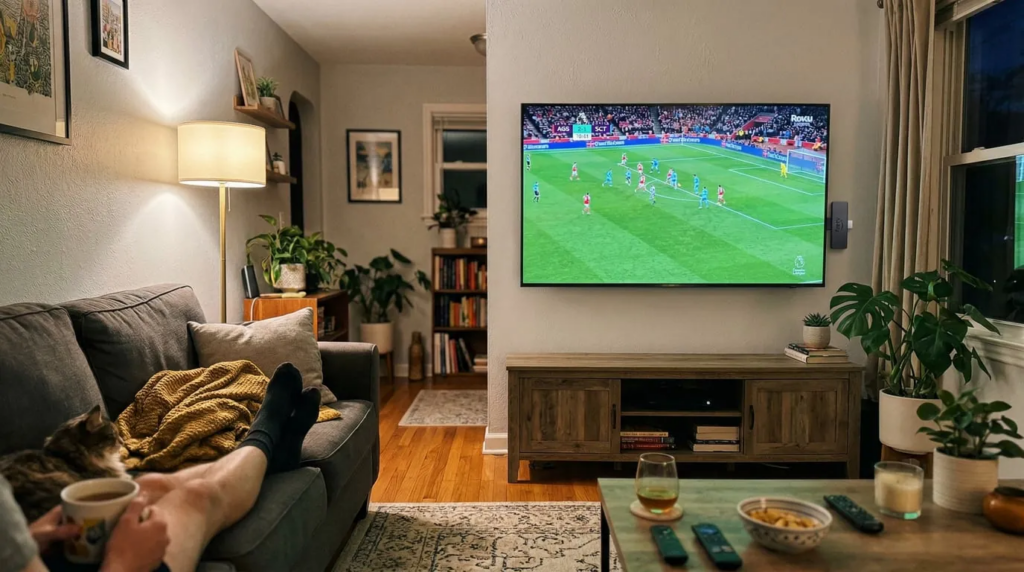
This is how most people watch streaming content today—through apps that run directly on your television. You have two paths to get there: your TV might already have apps built in (if it’s a smart TV), or you can add app capabilities to any TV with a streaming device.
If you have a smart TV: Check your TV’s app store for streaming services broadcasting the World Cup — find your local service according to this article, like ESPN+, Peacock, Paramount+, or Fox Sports. Navigate to your TV’s app store, search for your streaming service, download it, log in with your subscription credentials, and start watching.
If you need a streaming device: Devices like Roku ($17-80), Amazon Fire Stick ($17-35), or Apple TV ($129-149) plug into any TV’s HDMI port and instantly give you access to virtually every streaming app available. Plug the device in, connect it to your WiFi network, download streaming apps from the device’s app store, and log in to your services. The device comes with its own remote, so you’re not dependent on your TV’s interface.
👍Vorteile:
Clean setup with no/very few cables running across your room.
Picture quality is excellent since you’re streaming directly to the TV.
Navigation feels natural with a remote control.
Streaming devices work with most TVs that has an HDMI port, even older non-smart models.
👎Nachteile:
Smart TVs are limited to streaming services that have apps for your specific TV brand—not all services support all models.
Streaming devices require a one-time hardware purchase ($17-150+ depending on the model).
You’ll very likely need streaming service subscriptions either way.
Am besten geeignet für: Most people.
This is the standard modern approach to streaming. If you have a newer smart TV with the apps you need, you’re already set. If not, a $17-35 streaming device solves the problem permanently.
💰Cost:
$9-30 monthly for streaming service subscriptions (e.g. Peacock Premium at $11/month, ESPN at $13-30/month). Add the one-time cost for a streaming device if your smart TV doesn’t have the apps you need.
Method 2: Cable or Satellite (The Traditional Approach)
Traditional cable and satellite packages from providers like Comcast, DirecTV, or Dish still exist and still work exactly as they always have. If World Cup coverage is on ESPN, Fox, or other cable channels, a cable package gets you there.
Wie es funktioniert:
Subscribe to a cable or satellite package that includes sports channels, connect the provider’s box to your TV, and tune to the channel broadcasting the match.
👍Vorteile:
Extremely reliable with no buffering or internet speed concerns.
You get a comprehensive channel lineup beyond just sports.
The setup is handled by a technician if needed.
Live broadcasts typically have slightly less delay than streaming options.
👎Nachteile:
Expensive—sports packages often run $80-120 monthly.
Usually requires annual contracts with early termination fees.
You’re paying for hundreds of channels you’ll never watch just to get the sports channels.
Installation appointments and equipment rental fees add hassle and cost.
Am besten geeignet für: People who already have cable for other reasons, or those who want the most reliable experience and don’t mind paying premium prices. Also good for situations with poor internet connectivity.
💰Cost:
$80-120+ monthly, often with contract commitments.
Method 3: HDMI Cable from Computer (The Simple Solution)
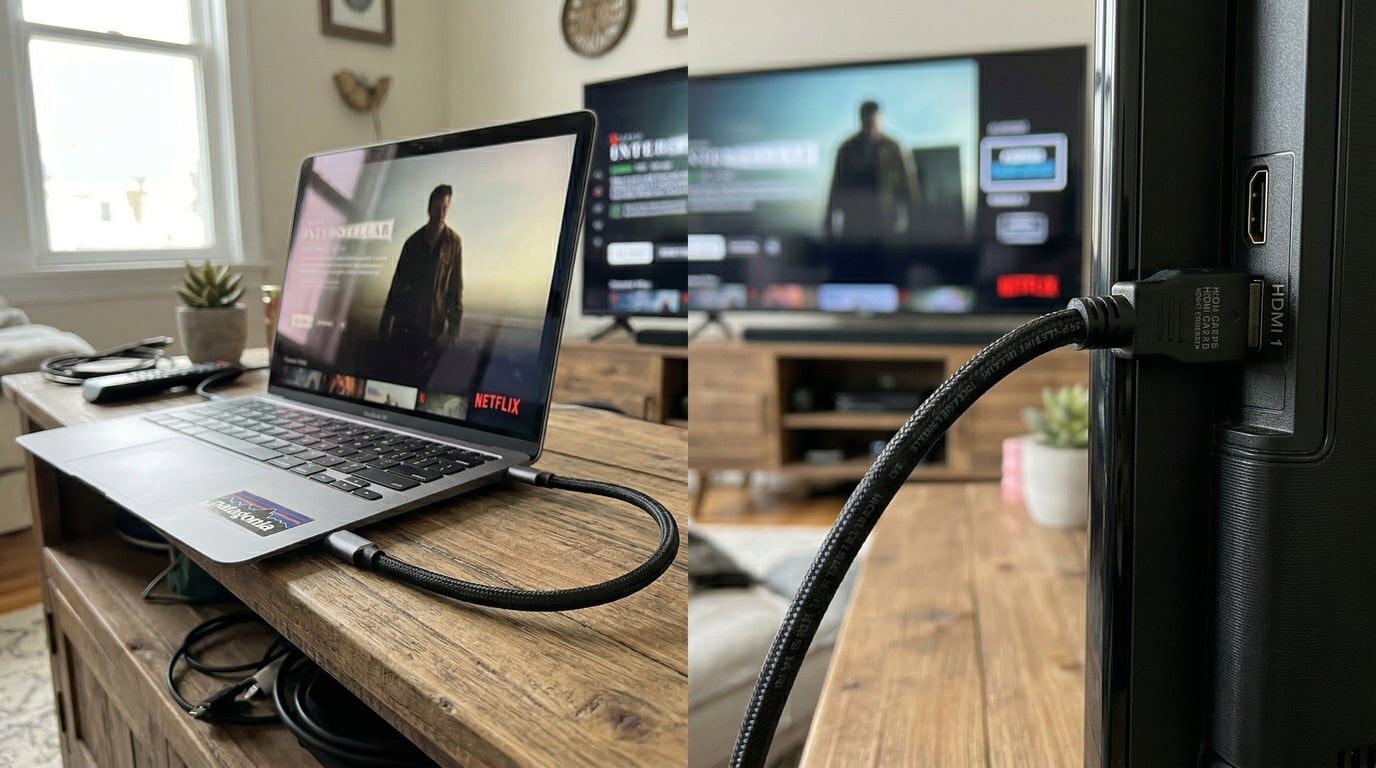
If you can watch the World Cup on your laptop or desktop computer, you can watch it on your TV. An HDMI cable connects your computer’s video output to your TV’s input, essentially turning your TV into a giant computer monitor.
Wie es funktioniert:
Buy an HDMI cable long enough to reach from your computer to your TV.
Plug one end into your computer’s HDMI port and the other into your TV.
Switch your TV to the correct HDMI input.
Whatever appears on your computer screen now appears on your TV. Open your streaming service in a web browser or app and watch.
👍Vorteile:
Incredibly cheap — HDMI cables cost $8-15.
Works with any streaming service you can access on your computer, even those without TV apps.
No monthly fees beyond your internet and streaming subscriptions.
Picture quality matches whatever your computer can output.
👎Nachteile:
Your computer needs to stay connected and powered on during the entire match.
The cable creates a physical tether between your computer and TV, which can be awkward depending on your room layout.
You’ll need to control playback from your computer rather than a remote.
If someone else wants to use the computer during the match, you’re out of luck.
Am besten geeignet für: People comfortable with computers who want the cheapest possible solution and don’t mind the cable running across their room. Great for temporary setups or occasional viewing.
💰Cost:
$8-15 for an HDMI cable (one-time), plus streaming subscriptions (if any).
Method 4: Screen Mirroring (Maximum Flexibility)
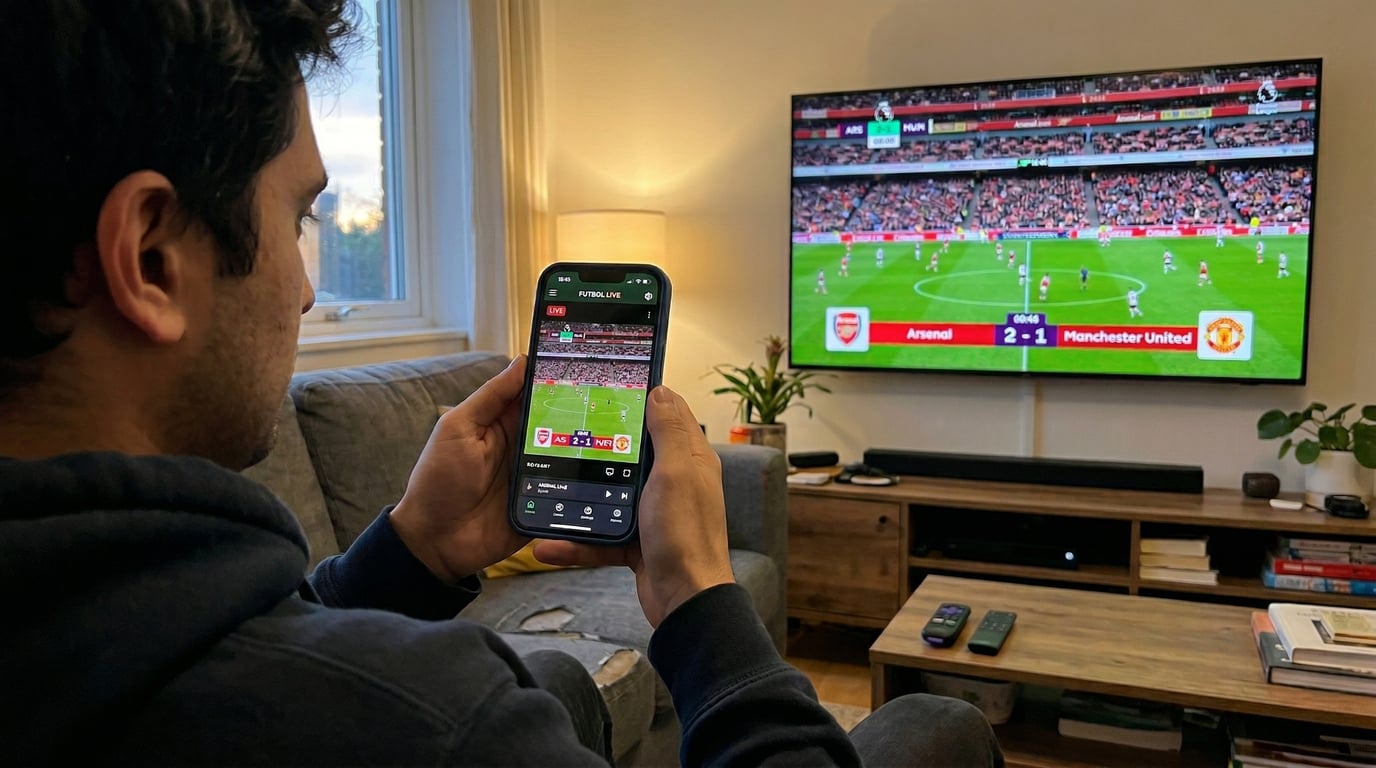
Screen mirroring apps let you display your smartphone or tablet screen on your TV wirelessly. This means any streaming service you can access on your phone—including those without TV apps—can appear on your big screen.
Wie es funktioniert:
Download a screen mirroring app (options include AirPlay for Apple devices, Google Cast, or third-party apps like Nero 1001 TVs).
Ensure your phone and TV are on the same WiFi network.
Connect through the app, then open your streaming service on your phone. Whatever plays on your phone now appears on your TV.
👍Vorteile:
No cables required—everything is wireless.
You can take advantage of mobile-only subscription tiers, which are often cheaper than TV-enabled plans.
Your phone becomes a remote control with familiar touch interface.
👎Nachteile:
Some streaming service run a content protection, preventing any form of screen mirroring.
Your phone needs to stay powered on during the match, so keep a charger handy.
There may be a slight delay (1-2 seconds) compared to native TV apps.
Picture quality depends on your phone’s capabilities and WiFi strength.
Am besten geeignet für: People who want access to streaming services that don’t have TV apps, or those who want to save money by subscribing to mobile-only streaming tiers. Also great for watching international broadcasts with different commentary options.
💰Cost:
Subscription fee for mirroring apps (many are free with optional premium features), plus streaming subscriptions.
Tips for the Best Viewing Experience
Regardless of which method you choose, these tips ensure optimal World Cup viewing:
Test before kickoff: Don’t wait until five minutes before the match to set up your system. Test your chosen method at least a day in advance so you have time to troubleshoot any issues.
Check your internet speed: If you’re streaming (any method except cable), you’ll want 25 Mbps for best viewing experience. Run a speed test first. If your speed is borderline, avoid having other devices streaming simultaneously during the match.
Consider subscription timing: Most streaming services offer free trials or monthly subscriptions with no contract. You can subscribe just for the World Cup’s month-long tournament and cancel immediately after. Set a calendar reminder so you don’t forget to cancel if you don’t want to continue.
Mind the time zones: World Cup matches often air at unusual times depending on where the tournament is hosted. Check the schedule in advance and plan accordingly—you might need to take a long lunch break or host an early morning viewing party.
Making Your Choice
There’s no universally “best” way to watch the World Cup on your TV — the right method is the one that fits your specific situation. If you already have cable, use it. If you have a smart TV with the right apps, you’re set. If neither applies, a streaming device or a screen mirroring app can do the trick.
The key is understanding your options so you can make an informed choice rather than defaulting to whatever seems most obvious or paying for more than you actually need. The World Cup happens once every four years — it’s worth spending a few minutes to ensure you’ll experience it the way it deserves to be seen, on the biggest screen in your home, surrounded by the people who make watching sports memorable.
Ready to Watch?
Now that you know all your options for watching the 2026 World Cup on your big screen, it’s time to set up your viewing experience. If you’re using screen mirroring, download the 1001 TVs-Anwendung to easily cast any streaming service from your phone to your TV — no additional hardware required.