Sådan installeres 1001 TVs på pc
1. Hent appen fra Microsoft Store
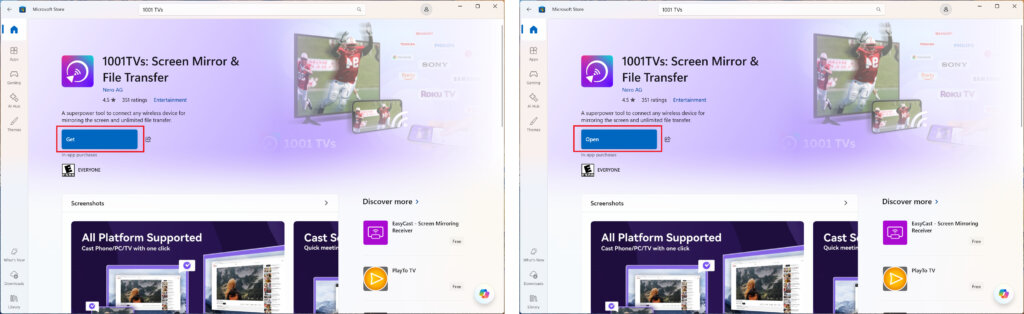
Start den Microsoft Store på din pc, søg efter "1001 TVs".
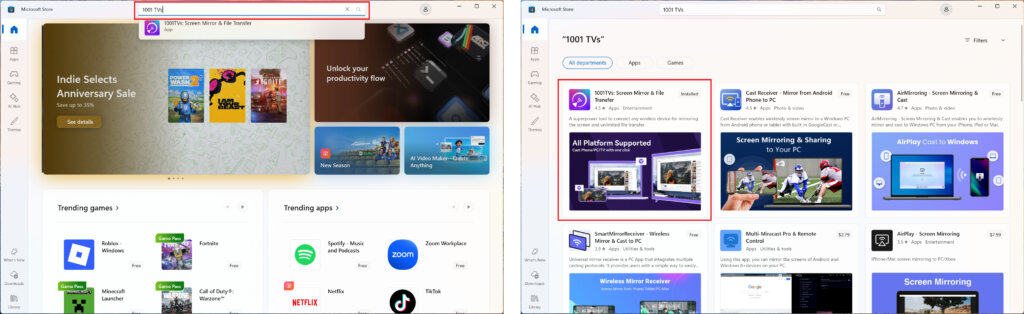
Klik på “Get” for at installere, og åbn derefter appen.
2. Start appen
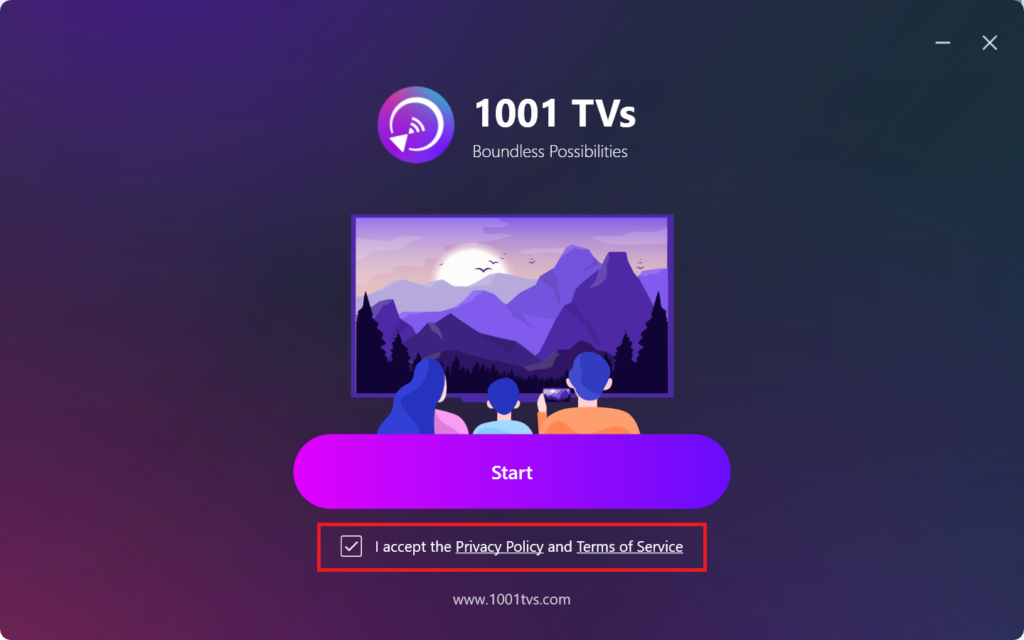
Marker afkrydsningsfeltet for at acceptere privatlivspolitikken og servicevilkårene.
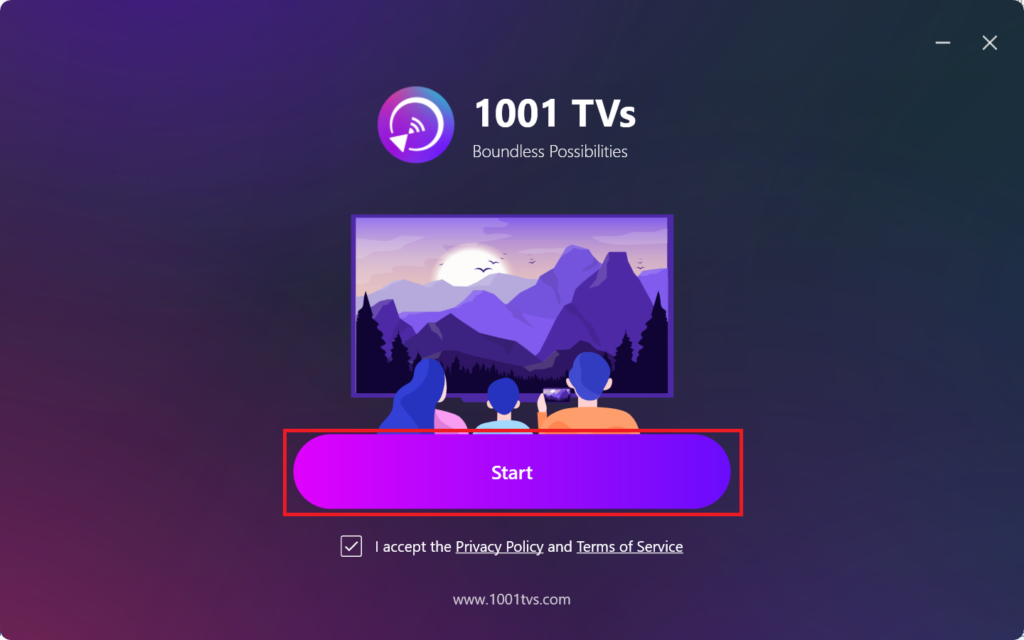
Klik "Start” og vent på, at appen initialiseres.
3. Tilstandsindstillinger og plugin-installationon (valgfrit)
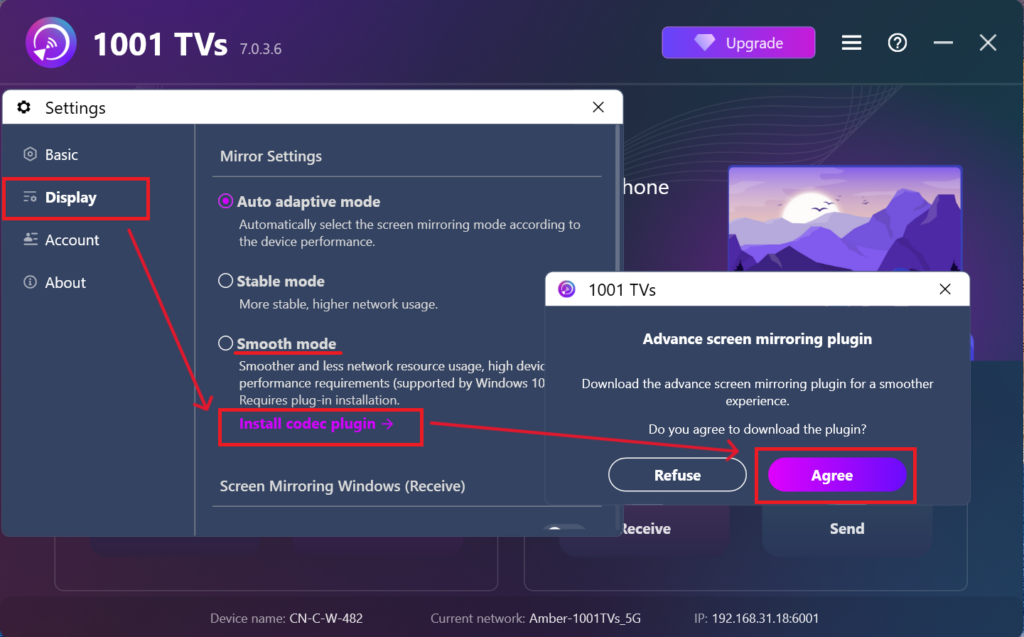
For at få en mere smidig oplevelse kan du blive bedt om at downloade et avanceret plugin under den første opsætning.
Når installationen er færdig, er du klar til at nyde en problemfri spejlingsoplevelse.
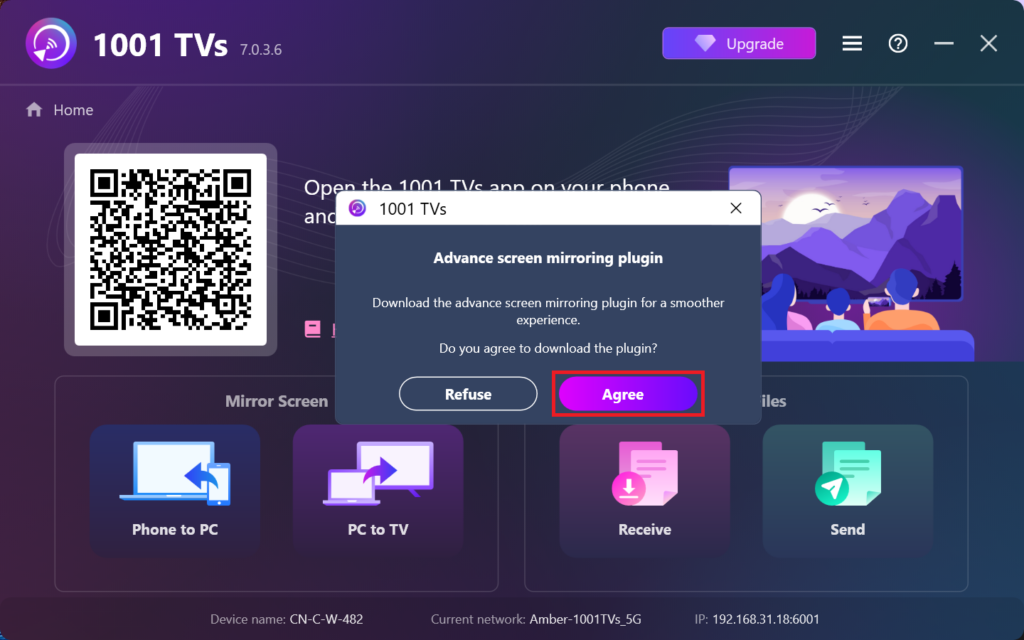
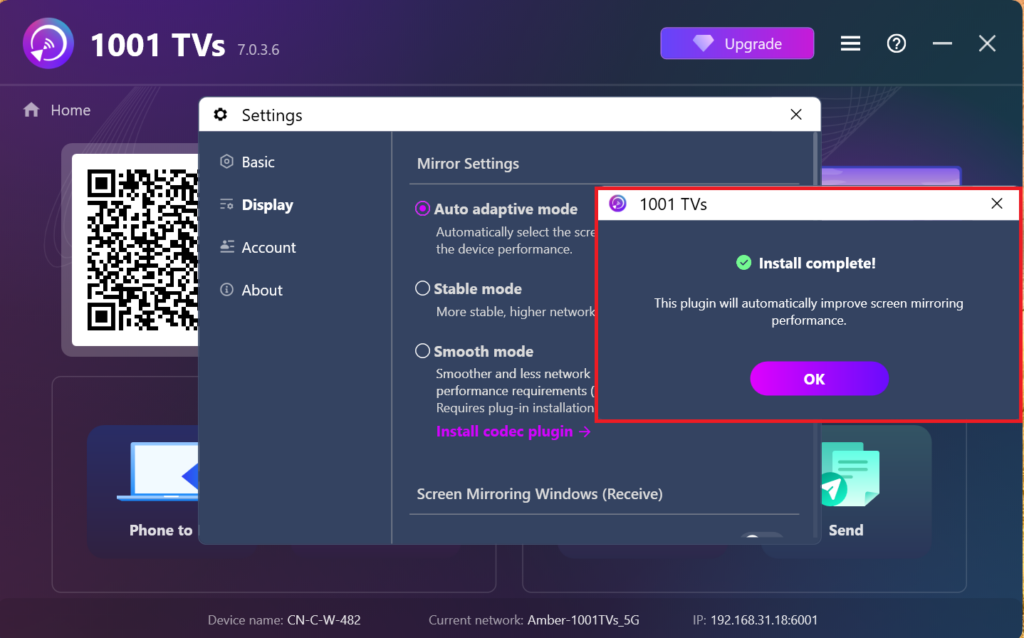
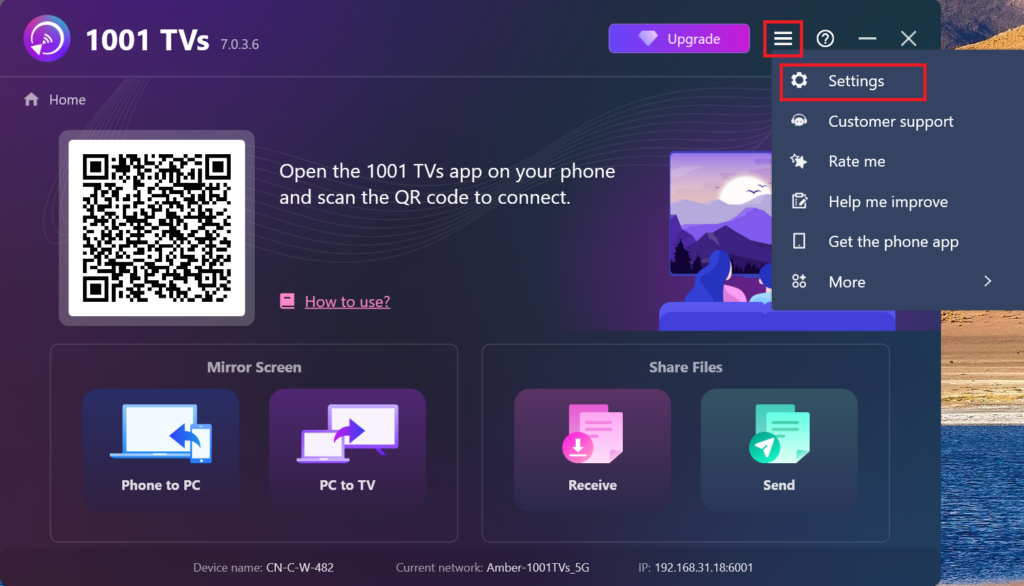
Alternativt kan du manuelt finde og installere dette plugin senere i appen ved at gå til Indstillinger > Skærm > Indstillinger for spejling.
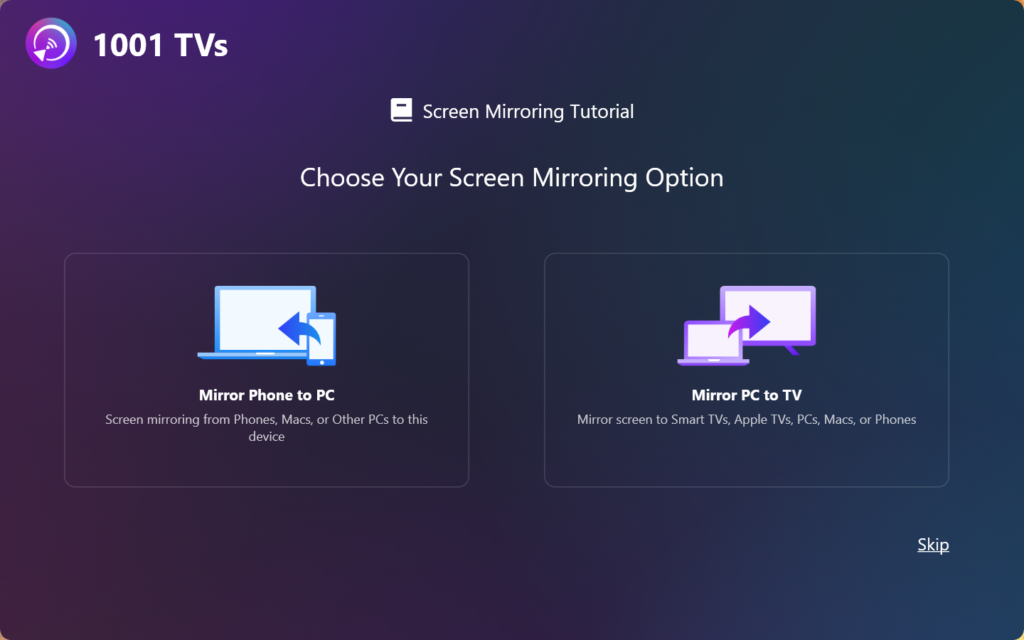
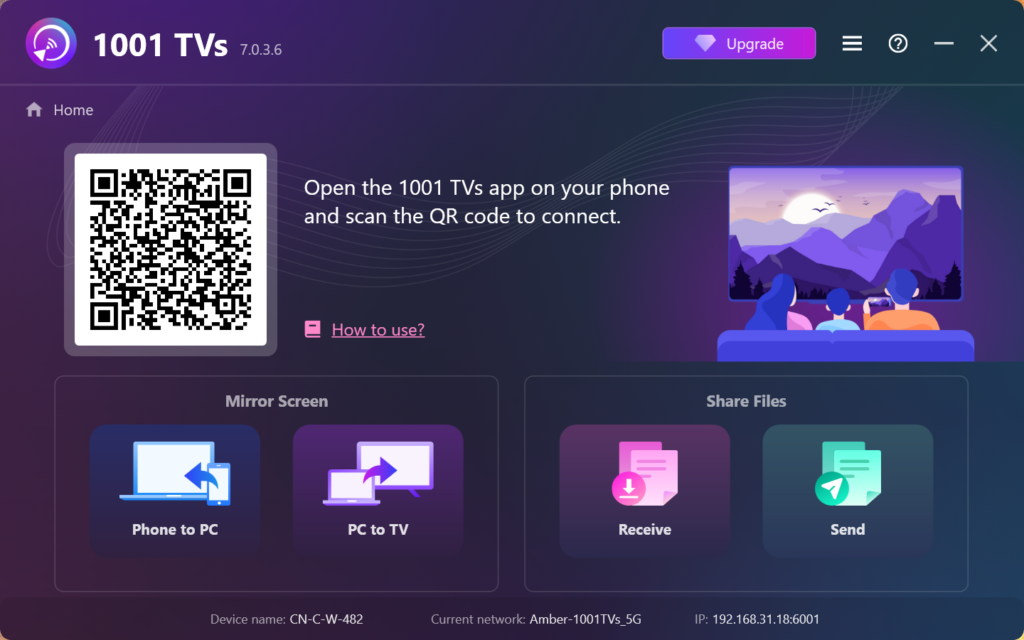
4. Installationen er færdig!
Når det er gjort, er du klar til at begynde at bruge 1001 TVs!