如何在 Android App 中使用網路視訊功能?
1.打开 1001 TVs 应用程序 致电 和 電視.
📥 電視應用程式: 如何在電視上安裝 1001 TVs
📱 Android 應用程式: 从 Google Play 下载
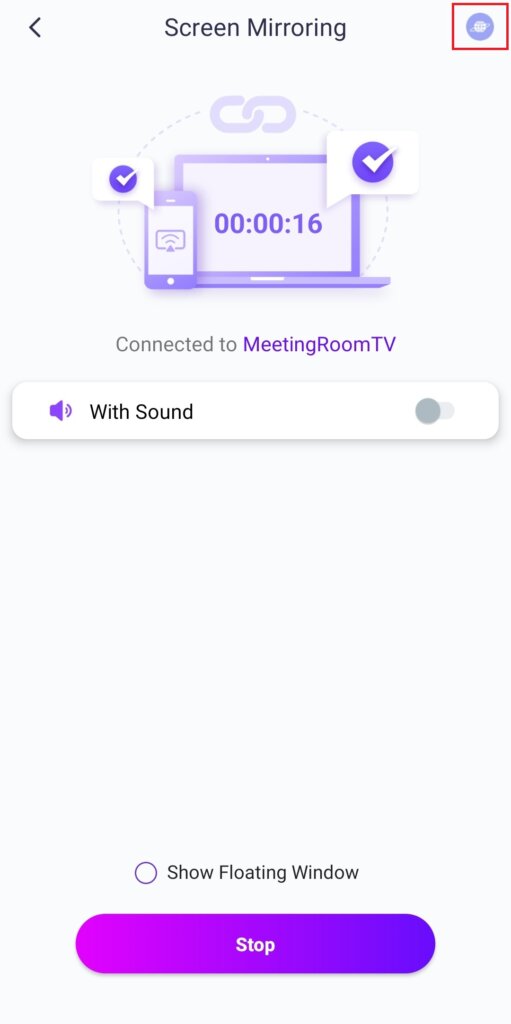
2.连接两台设备并启动屏幕镜像。
3.轻敲 "网络视频" 在右上角將帶音訊的視訊串流到電視。.
注意:此功能要求手機使用 Android 10 或更高版本,電視使用 Android 6 或更高版本。.
主要功能
- 访问各种网站镜像 音乐和视频 有声音
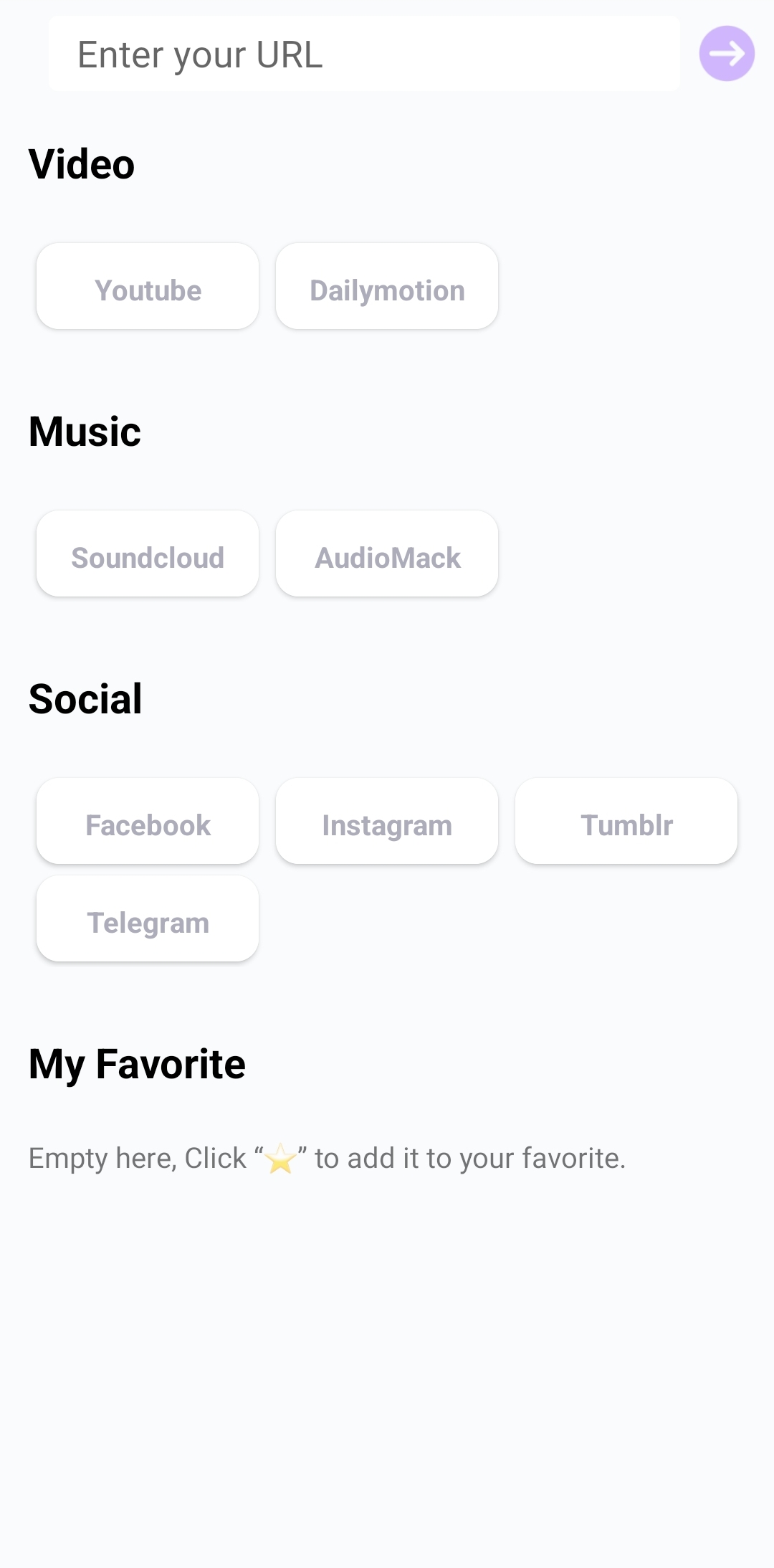
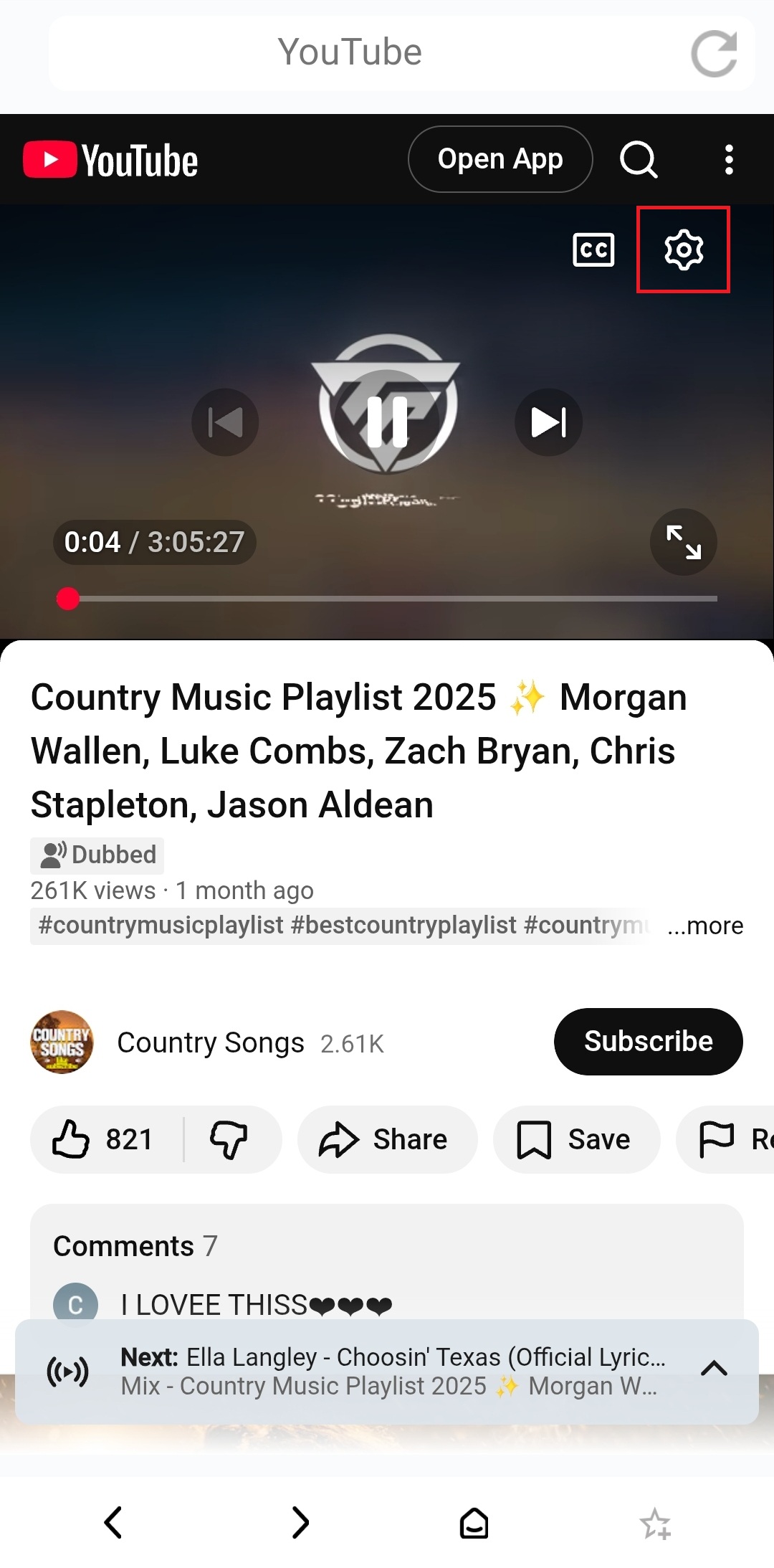
- 例如,镜像 YouTube:
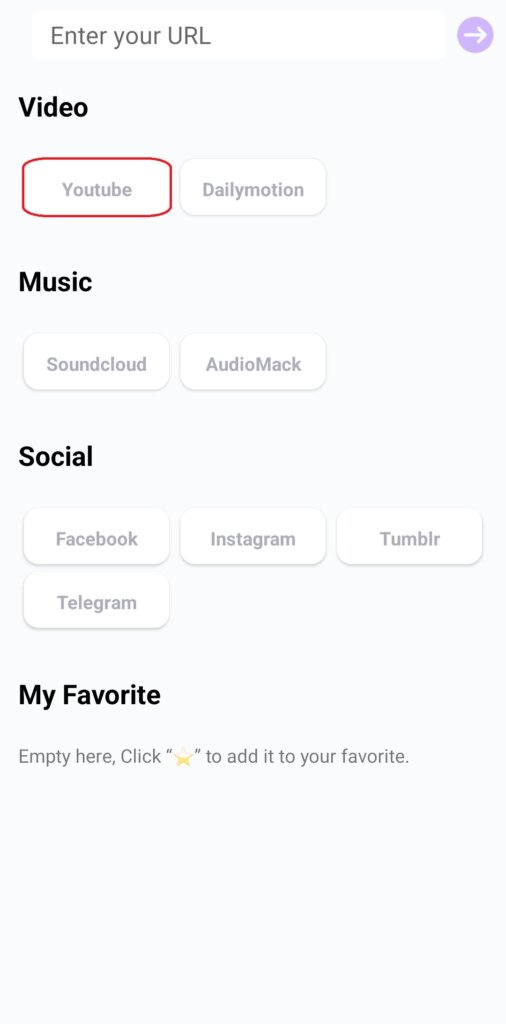
1) 點選「YouTube」。.
2) 瀏覽或搜尋影片,或登入您的帳戶存取您儲存的內容。.
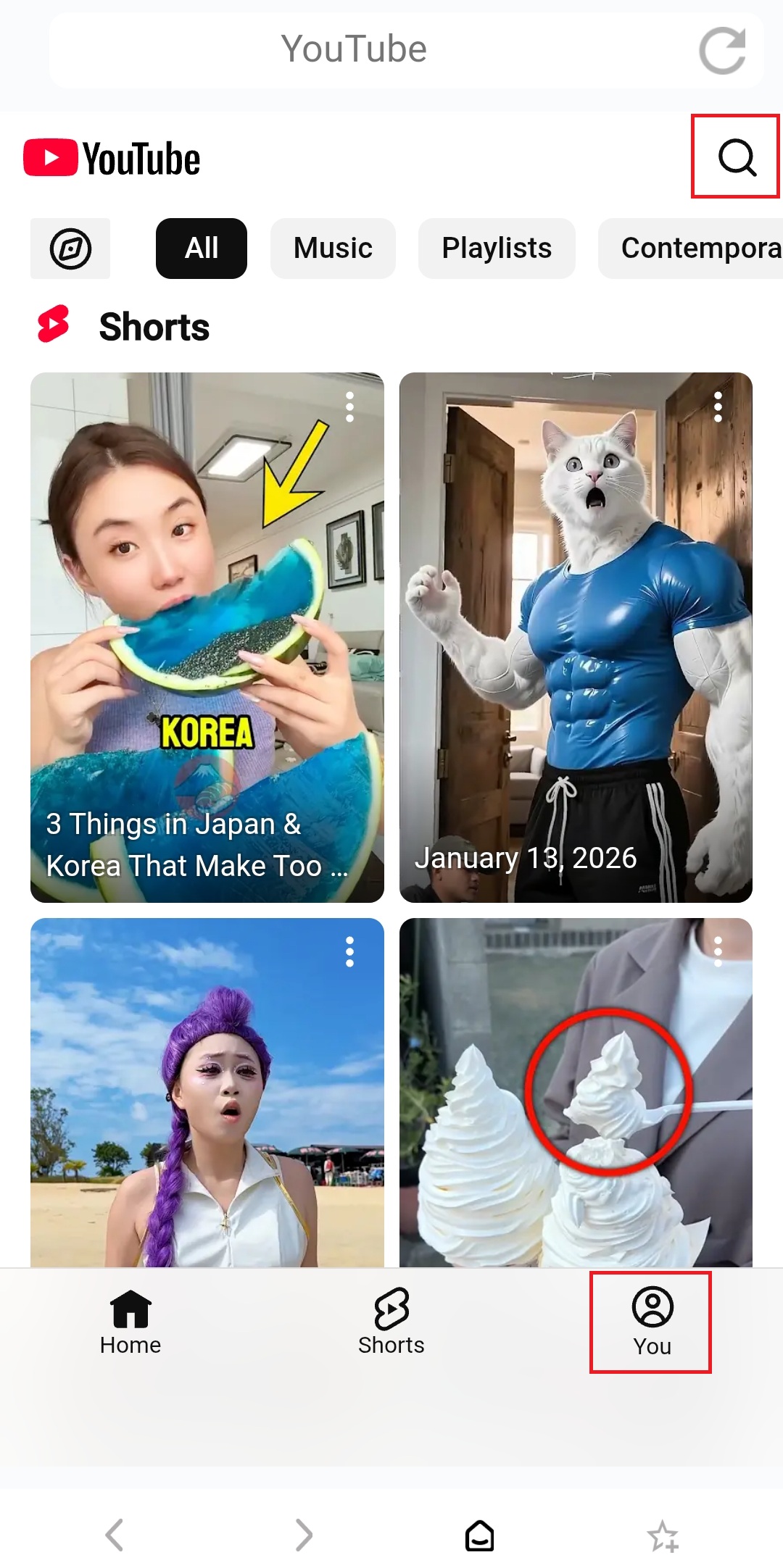
3) 自訂字幕、視訊品質和播放速度。 播放设置 同时镜像。
前提条件:
手机: Android 10 +,应用程序版本 3.9.20.1+
TV: Android 6 +,應用程式版本 2.11.2.7+
立即取得 1001 TVs!
📥 電視應用程式: 如何在電視上安裝 1001 TVs
📱 Android 應用程式: 从 Google Play 下载

閱讀更多
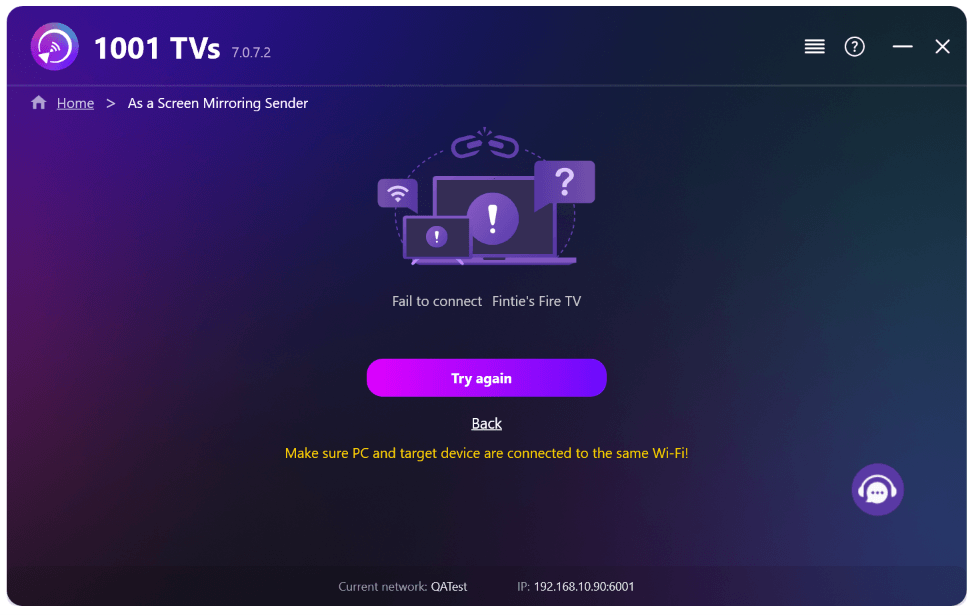 新設定:鏡像傳輸結束時不再顯示彈出視窗
When you're mirroring your PC screen to a TV and stop the session using the TV remote, the 1001 TVs window pops back up...
新設定:鏡像傳輸結束時不再顯示彈出視窗
When you're mirroring your PC screen to a TV and stop the session using the TV remote, the 1001 TVs window pops back up...
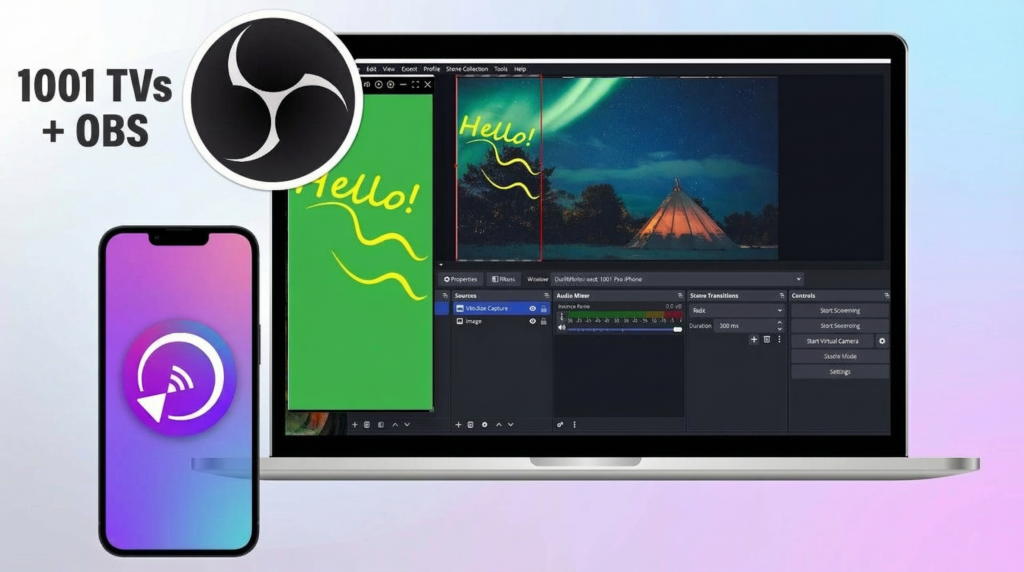 如何在 OBS 擷取螢幕鏡像 (Android & iPhone)
Want to capture screen mirroring in OBS for mobile gameplay, tutorials, or live content? With 1001 TVs, you can easily mirror your phone screen...
如何在 OBS 擷取螢幕鏡像 (Android & iPhone)
Want to capture screen mirroring in OBS for mobile gameplay, tutorials, or live content? With 1001 TVs, you can easily mirror your phone screen...

