Screen Mirroring Solutions for Teachers:Make Teaching Smarter and Easier

In today’s digital classrooms, screen mirroring has become an essential way to boost student engagement and creativity. While tools like AirPlay or Chromecast offer basic casting, teachers need solutions that handle multi-device workflows, real-time annotations, and cross-platform flexibility.
Screen Mirroring Solutions for Teachers
Our recommended solution for teachers is 1001 TVs, which not only lets you mirror your screen but also supports multiple devices streaming simultaneously. Whether you’re using a laptop, tablet, or smartphone, 1001 TVs works effortlessly across Windows, Mac, Android, and iOS devices, offering high-quality screen mirroring and a user-friendly experience that’s perfect for educational settings.🧮📊
Key Features for Teachers:
✅ Wireless Multi-Device Mirroring: View student devices side-by-side or toggle between screens with one click.
✅ Cross-Platform Support: Works with iOS, Android, Windows, and Mac—no student left behind.
✅ Smooth & Reliable Performance: Enjoy clear, high-quality mirroring with minimal delay, making interactive lessons and live demonstrations a breeze.
✅ Secure & Ad-Free: No distractions or data-tracking risks during lessons.
1001 TVs offers an impressive suite of features ,making teaching more interactive and efficient!
Real Classroom Use Cases:
1️⃣Interactive Presentations: Seamlessly share your lecture slides, videos, or digital whiteboards so every student can follow along.
2️⃣Group Projects & Peer Reviews: Allow multiple students to cast their work simultaneously, making it easier to compare ideas and provide instant feedback.
3️⃣Exam Reviews: Quickly switch between student submissions on a big screen to discuss answers and strategies, turning review sessions into dynamic, interactive experiences.
4️⃣ Multi-Device Display (Phone & Computer): Demonstrate an app from phone while displaying slides from laptop, enhancing flexibility and interaction during lessons.
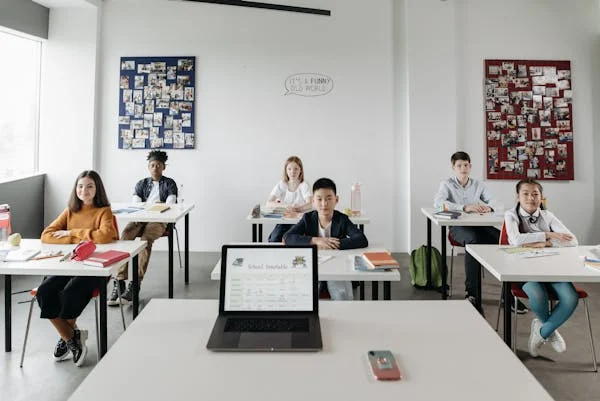
Education Discount
And here’s an added bonus for educators: 1001 TVs provides exclusive education discounts!
How to Apply:
1️⃣ Email 1001tvs@nero.com 📧 with your school/organization name and role.
2️⃣ Attach proof of eligibility (e.g., school ID , official email, or institution letter).
3️⃣ Receive your personalized discount code within 24 hours.
Try 1001 TVs today and redefine what’s possible in your lessons! 🚀

Read More
 How to Watch NBA on TV in the US
Watching NBA games on your TV in the US is easiest when you make two decisions in order: first, confirm which authorized service carries…
How to Watch NBA on TV in the US
Watching NBA games on your TV in the US is easiest when you make two decisions in order: first, confirm which authorized service carries…
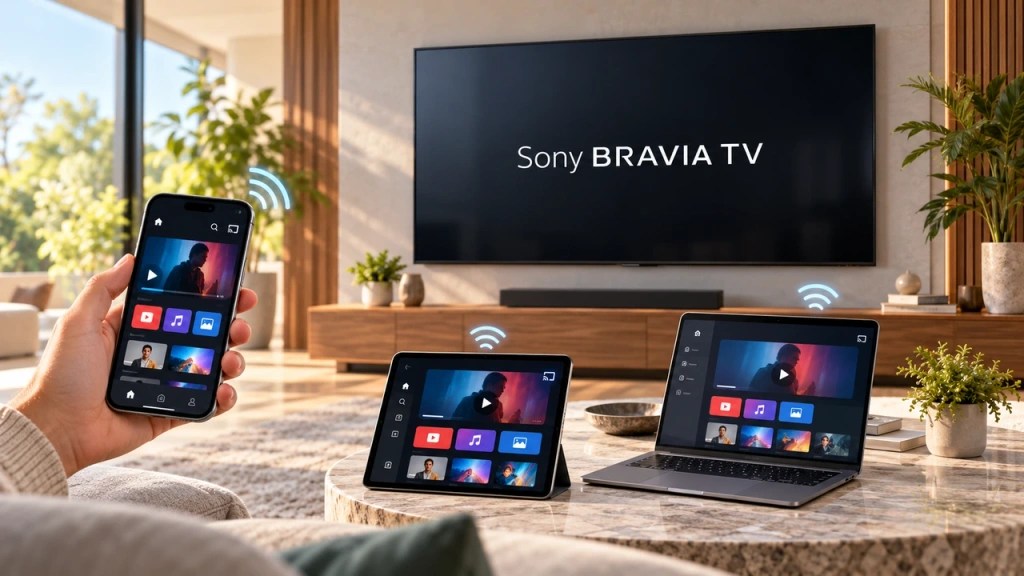 How to Screen Mirror to Sony Bravia TV (Google TV)
A Sony Bravia Google TV does not use one universal “Screen Mirroring” method for every phone and computer. The right choice depends on both…
How to Screen Mirror to Sony Bravia TV (Google TV)
A Sony Bravia Google TV does not use one universal “Screen Mirroring” method for every phone and computer. The right choice depends on both…

