检测到浏览器语言为中文,点此切换到中文页面
快速入門指南:立即鏡像您的白板
1
安裝應用程式
在您的行動裝置(iPhone 或 iPad)和顯示裝置(電視、PC、Mac 或另一部手機/平板)上下載並開啟 1001 TVs 應用程式。
2
開啟白板
Make sure both devices are on the same Wi-Fi. Tap "Whiteboard" to create a new board, then write and draw freely.
3
Connect Device
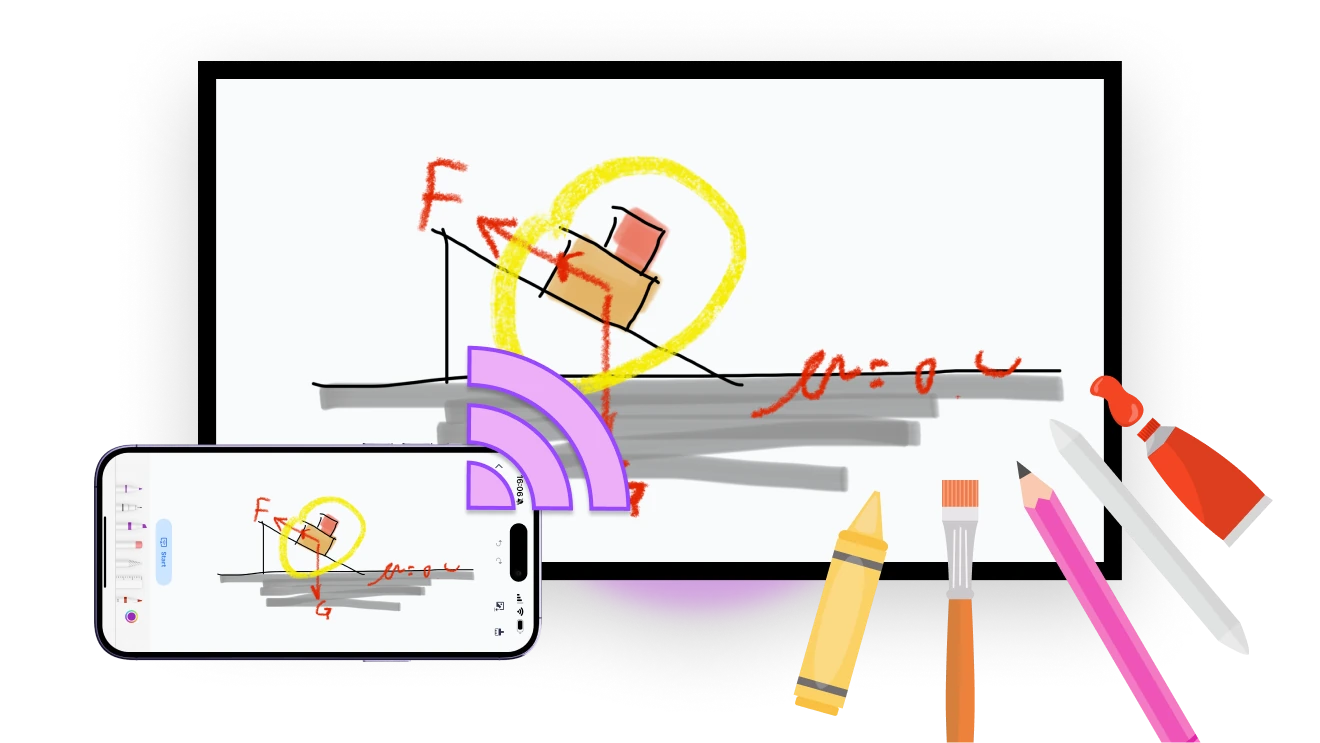
When you're ready to present, tap "Start" — your whiteboard instantly appears on the big screen.
您的互動白板——隨時隨地,在您的裝置上
流暢書寫
使用 iPhone 內建的繪圖工具輕鬆書寫與繪圖——非常適合教學、速寫和即時講解。
smooth-writing
創意繪圖
使用各種畫筆和顏色將想法變為現實——非常適合速寫、圖表和創意思考。
creative-drawing
即时屏幕镜像
将白板即时镜像到任何屏幕--非常适合现场教学、即兴讲解和互动学习。
儲存與分享
隨時儲存內容並立即分享——方便複習與協作,也能快速分享給學生和團隊成員。
save-and-share
應用情境
智慧教學
簡化會議
互動樂趣
即時教學。自由繪圖。隨時互動。
透過即時互動,讓課堂更有參與感。

快速勾勒公式、標註重點,或即時提問——一切都會立即顯示在大螢幕上。

这一切都得益于 1001 TVs - 您的无缝白板镜像教学工具。
teaching
有想法嗎?幾秒內就能繪圖、分享並達成共識。
無論是與團隊腦力激盪,還是向客戶展示,只要拿起手機,就能將你的想法直接呈現在大螢幕上。

標註重點、連結概念,讓所有人專注一致。

有了 1001 TVs,會議更直觀、更有共識、更高效。
Meetings
讓螢幕時光變成相聚時光
把簡單的塗鴉變成大家的笑聲。

拿起手機,隨手畫個有趣的點子,看它出現在大螢幕上——大家一起參與,笑聲滿滿。

無需設定——只要一支手機、一台電視和一點樂趣,1001 TVs 就能把大家連在一起。
interactive-fun
下載
常見問題
What is the 1001 TVs Whiteboard?
Whiteboard lets you draw or write on an iPhone or iPad and display the board on a larger screen in real time. It is designed for lessons, meetings, explanations, sketches, and group activities.
Which devices can display the whiteboard?
Compatible TVs, Windows PCs, Macs, and another phone or tablet can display the whiteboard. Open 1001 TVs on the required devices, connect them to the same local network, and start the Whiteboard session from the iPhone or iPad.
What can I create with Whiteboard?
You can use brushes and colors to create handwriting, diagrams, annotations, and sketches. The tools make it suitable for explaining ideas, teaching, brainstorming, and collaborating on a larger display.
Can I save and share a whiteboard?
Yes. You can save Whiteboard content and share the result for review or collaboration. Saved content remains on the device unless you choose to share it through an available app or service.
How does the 1001 TVs Whiteboard subscription work?
1001 TVs offers a limited-time free trial for Whiteboard. After the trial, weekly, monthly, yearly, and lifetime plans are available; paid membership is only needed on the device creating and sending the whiteboard. Local prices are shown in the app, and recurring subscriptions can be managed or canceled through the store or account used for purchase.
我該如何聯絡客服或尋求協助?
請聯絡我們 1001tvs@nero.com.