
Best ApowerMirror Alternatives for Screen Mirroring in 2026
Screen mirroring has become an essential tool for presentations, entertainment, education, and collaboration. While ApowerMirror has been a popular choice, many users are seeking alternatives that offer better stability, more features, or cross-platform compatibility. This comprehensive guide explores the best ApowerMirror alternatives available in 2026, helping you find the perfect screen mirroring solution for your needs.
Why Look for ApowerMirror Alternatives?
While ApowerMirror offers solid screen mirroring capabilities, users often seek alternatives for several reasons:
- Cost considerations: Some alternatives offer more competitive pricing or better free trial options
- Platform compatibility: Different apps excel at specific device combinations
- Feature requirements: Specialized features like USB mirroring, file transfer, or whiteboard functionality
- Estabilidade da conexão: Some alternatives provide more stable connections in specific network environments
- User interface preferences: Simpler or more intuitive interfaces for non-technical users
1. 1001 TVs – Comprehensive Screen Mirroring Toolbox
Official Website: https://www.1001tvs.com
Baixar: https://www.1001tvs.com/download

1001 TVs stands out as a versatile screen mirroring solution that supports all major platforms including Android, iOS, Windows, Mac, Apple TV and Android TV. With over 1.7 million installations worldwide, it offers a comprehensive feature set that goes beyond basic screen mirroring.
Core Features
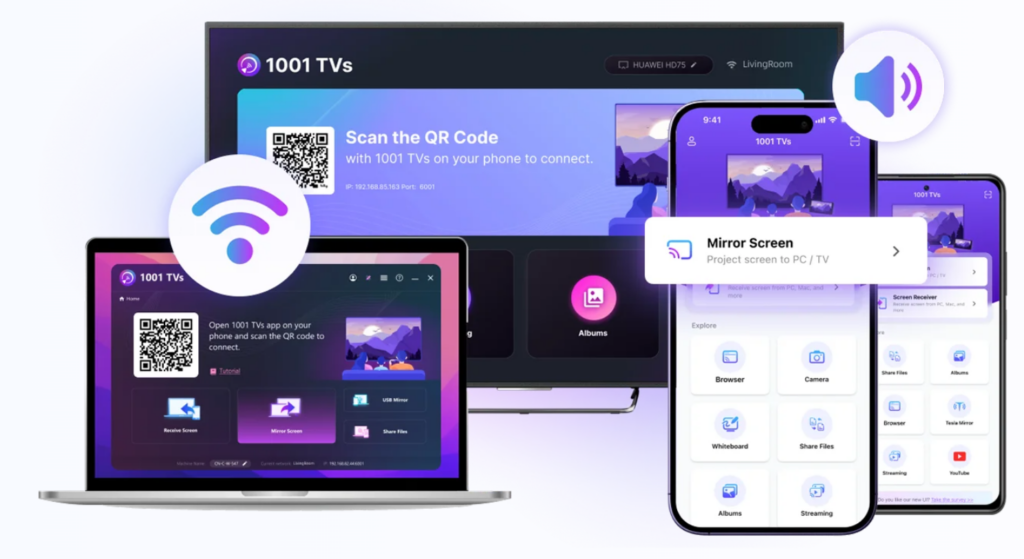
Espelhar tela: Wirelessly mirror screens between phones, tablets, PCs, Macs, and TVs with one-tap connection.
File Transfer & Management: Quickly and safely send files (photos, videos, music, documents) between your phone, tablet, PC, Mac, and TV. No USB cables needed for wireless file transfer.
Camera Live Mirroring (iOS): Real-time camera mirroring with flip option for easier big-screen selfies and video calls.
Quadro branco (iOS): Write or draw on your iPhone and mirror to PC, Mac, or TV in real-time for seamless presentations and collaboration.
Annotation Tool (PC/Mac receiver): Draw and annotate directly on the mirrored screen during presentations.
Álbuns de TV: Upload photos, videos, and music to your TV for anytime viewing.
Video Streaming: Stream content from video apps on your phone to TV, or use DLNA streaming for smart TVs.
TV Remote Controller: Use your phone to auto-detect smart TVs on the same Wi-Fi and control volume, home, direction pad, and more.
Single App Mirroring (Android 15+): Mirror only one app while keeping the rest of your phone private, or mirror the whole screen for full display.
Flexible PC Screen Mirroring: Mirror the primary screen, extended screen, or a single window from your PC/Mac to TVs and other devices for better privacy and focused presentations.
Pricing and Trial
1001 TVs offers free trial with full access to premium features including screen mirroring and file transfer. Subscription plans include Auto-renew Weekly, Monthly, Yearly, and Lifetime options. Payment is required on the sender side after the trial ends.
Why Choose 1001 TVs Over ApowerMirror
- More comprehensive toolbox: Multiple features including bidirectional mirroring, file transfer, whiteboard, and camera mirroring
- Superior performance: Ultra-low latency with synchronized audio and video
- Proven stability: Highly rated with 1.7M+ installations worldwide
- Cross-platform excellence: Seamless experience across Android, iOS, Windows, Mac, Apple TV and Android TV
- Full-featured free trial: Test all premium features before purchasing
- Privacy-focused: 100% local network processing with no internet uploads
2. AirBeamTV – Smart TV Screen Mirroring
Official Website: https://www.airbeam.tv
Baixar: iOS App Store | Google Play | Mac
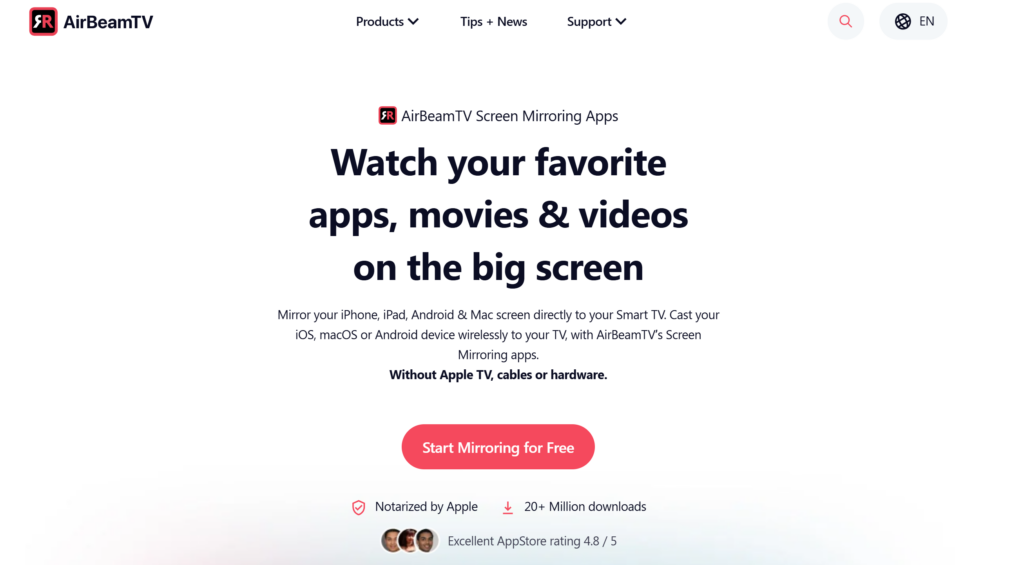
AirBeamTV is a popular screen mirroring app that specializes in wirelessly casting your iPhone, iPad, Android phone, Android tablet, or Mac screen directly to Smart TVs without requiring Apple TV, Chromecast, or additional hardware. It’s designed for users who want a simple, cable-free solution for displaying content on their television.
Principais recursos
- Não é necessário hardware adicional: Cast directly to Smart TV without dongles, cables, or streaming devices
- Wide TV compatibility: Supports major Smart TV brands including Samsung, LG, Sony, Roku TV, Fire TV, and more
- Transmissão sem fio: Eliminate HDMI cables and cluttered wires with pure wireless screen mirroring
- HD quality streaming: Mirror your screen in high definition with clear surround sound
- Movie and app streaming: Stream all your favorite movies, videos, and apps live on the big screen
- Fácil configuração: Download the app, open your device, and start mirroring in seconds
- Suporte a várias plataformas: Available for iOS, Android, and macOS devices
Ideal Use Cases
AirBeamTV is perfect for home entertainment scenarios where you want to enjoy content on a larger screen. Watch streaming services, share photos and videos with family, play mobile games on TV, or give casual presentations without dealing with cables or additional hardware.
Pricing
AirBeamTV offers a free trial to test compatibility with your TV. After the trial, the app operates on a one-time purchase model per TV brand (typically $4.99-$14.99 depending on the specific TV app) or a subscription option for access to all TV brands.
3. Reflector 4 – Professional-Grade Mirroring
Official Website: https://www.airsquirrels.com/reflector
Baixar: Windows & Mac | Free 7-Day Trial
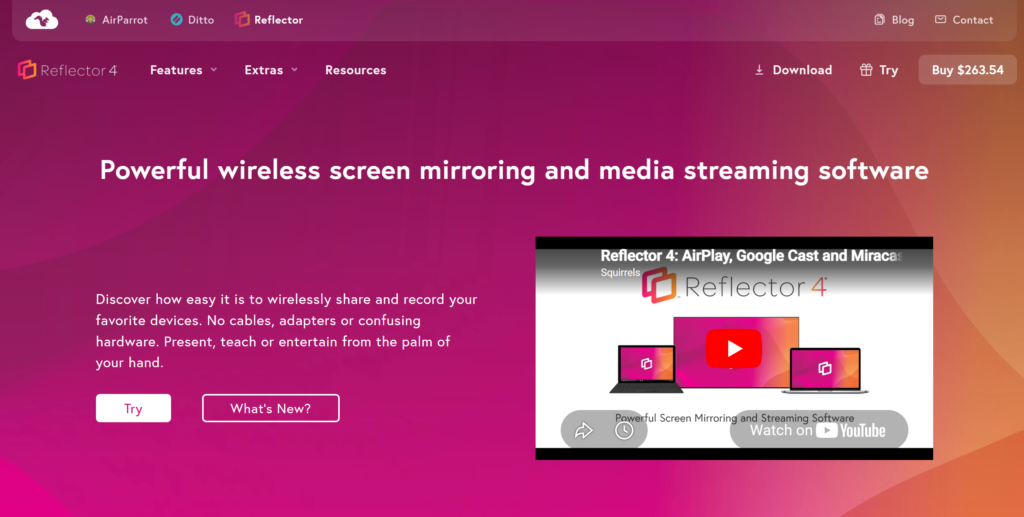
Reflector 4 is a premium screen mirroring receiver that turns your Windows or Mac computer into an AirPlay, Google Cast, and Miracast receiver. It’s particularly popular among educators and content creators who need to record mirrored sessions.
Principais recursos
- Multiple device mirroring: Mirror several devices simultaneously to one screen
- High-quality recording: Record mirrored sessions in HD quality
- Device frames: Display mirrored content within realistic device frames for professional presentations
- Low latency: Minimal delay for smooth gaming and video playback
- AirPlay and Google Cast support: Native protocol support for better compatibility
Pricing
Reflector 4 operates on a one-time purchase model (approximately $17.99 per license) rather than subscription, making it cost-effective for long-term users.
4. AirDroid Cast – Remote Screen Mirroring
Official Website: https://www.airdroid.com/cast
Baixar: Windows & Mac | iOS App Store | Google Play | Web Version
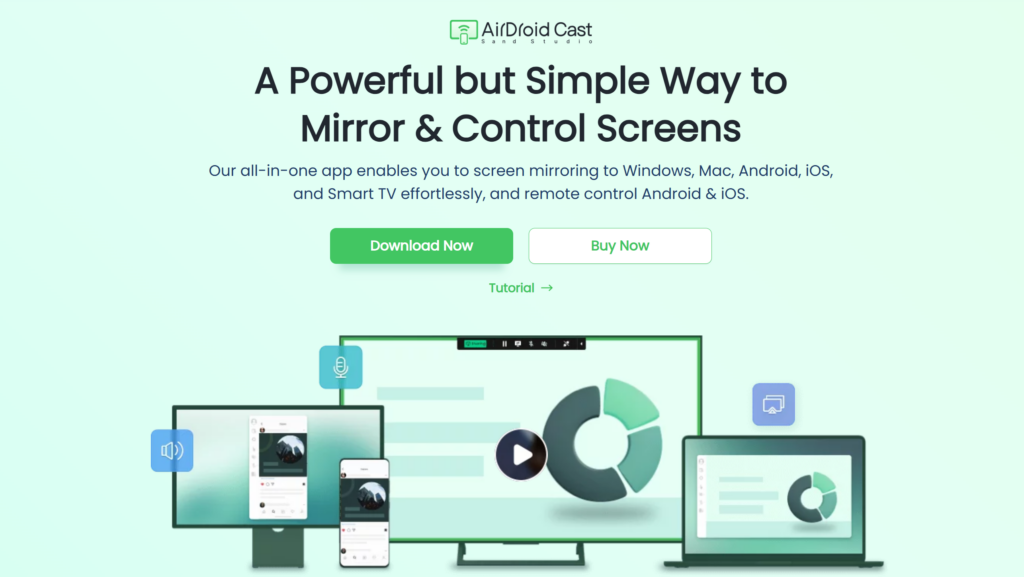
AirDroid Cast specializes in remote screen mirroring, allowing you to mirror devices even when they’re not on the same network. This makes it ideal for remote work scenarios and international collaboration.
Principais recursos
- Remote mirroring: Mirror devices across different networks and locations
- Two-way audio: Communicate while screen mirroring
- Remote control: Control Android devices from your computer (premium feature)
- Espelhamento baseado na Web: Mirror through web browsers without installing apps
- Screen recording: Capture mirrored sessions for documentation
Pricing
AirDroid Cast offers a free tier with limited features and premium plans starting at $2.99/month for individual users and $9.99/month for business users.
5. ApowerMirror – The Original Option
Official Website: https://www.apowersoft.com/phone-mirror
Baixar: Windows & Mac | iOS App Store | Google Play | Web Version
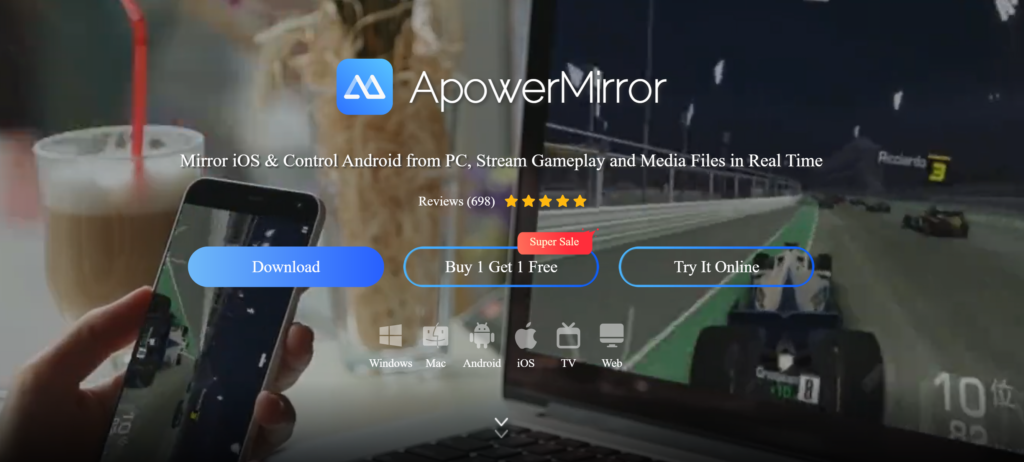
While this article focuses on alternatives, ApowerMirror remains a solid choice for many users. It offers screen mirroring, screen recording, and remote control features across multiple platforms.
Principais recursos
- Espelhamento de tela: Support for Android, iOS, Windows, and Mac
- Remote control: Control Android devices from PC
- Screen recording: Record mirrored sessions
- Annotation tools: Draw and highlight during presentations
- Game keyboard: Map keyboard controls for mobile games
Screen Mirroring Comparison: Key Features
| Recurso | 1001 TVs | AirBeamTV | Refletor 4 | AirDroid Fundido | ApowerMirror |
|---|---|---|---|---|---|
| Wireless Mirroring | ✓ | ✓ | ✓ | ✓ | ✓ |
| Transferir arquivos | ✓ | ✗ | ✗ | ✗ | ✗ |
| Quadro branco | ✓ | ✗ | ✗ | ✗ | ✓ |
| Vários dispositivos | ✓ | ✓ | ✓ | ✓ | ✓ |
| Free Trial | Full features | Sim | 7 days | Limited free | Limited free |
| Pricing Model | One-time/Sub | One-time/Sub | One-time | Assinatura | Assinatura |
Conclusion: Which ApowerMirror Alternative is Right for You?
Melhor geral: 1001 TVs leads with its comprehensive nine-tool toolbox, bidirectional mirroring, file transfer, and USB backup. Its full-featured free trial makes it the top choice for most users.
Ready to try the best ApowerMirror alternative? Baixar 1001 TVs today and experience stable, feature-rich screen mirroring across all your devices with a full-featured free trial.