How to Watch Süper Lig on TV in Türkiye
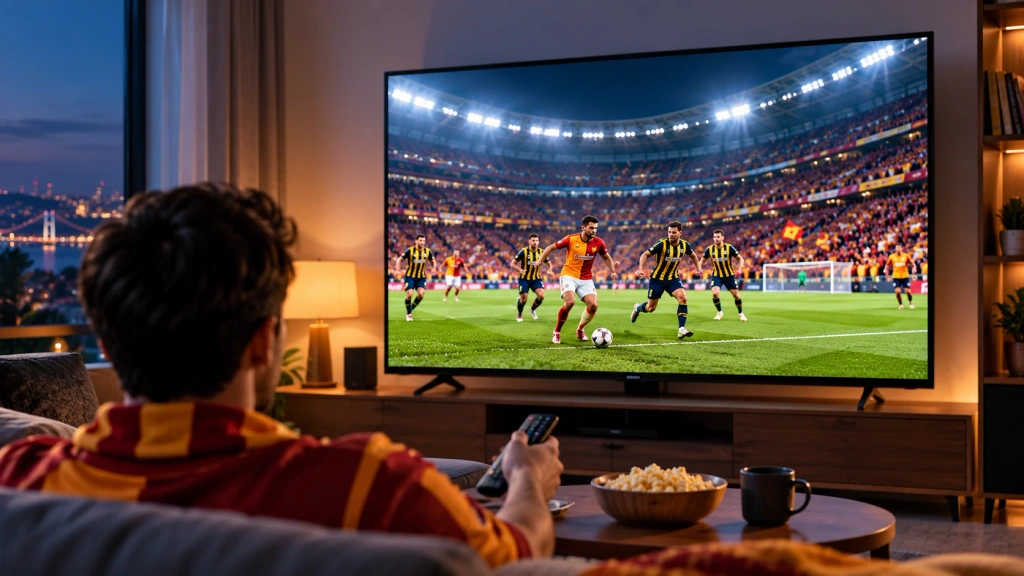
To watch Süper Lig in Türkiye during the 2026–2027 season, start with beIN SPORTS coverage through Digiturk or TOD. The right TV viewing option depends on your subscription and the devices you have.
This guide covers viewing options within Türkiye: where to find the matches, what to check before subscribing, and how to choose a viewing route for your TV.
Where Can You Watch Süper Lig in Türkiye?
The three names to understand are beIN SPORTS, Digiturk and TOD. They have different roles in the viewing process:
- beIN SPORTS is the broadcast brand carrying Süper Lig coverage.
- Digiturk provides a TV-service route to that coverage, subject to your subscription.
- TOD provides an online subscription route, with access depending on the package and supported devices.
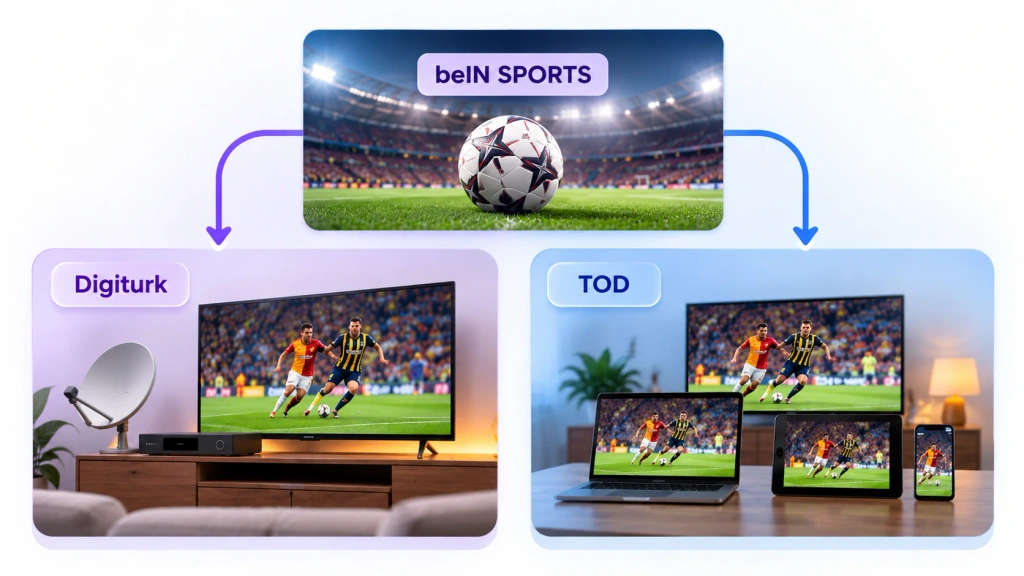
A official beIN SPORTS rights announcement confirms Digiturk’s Süper Lig rights through the end of the 2026–2027 season. For online subscription options, visit the TOD Türkiye Süper Lig package page, which covers the domestic market.
When choosing coverage, distinguish live matches from highlights and full-match replays. Select a package that includes the type of viewing you want.
For kickoff times, consult the Turkish Football Federation’s official competition information. For the channel or live event entry, check the broadcaster’s or platform’s match-day listing. Read Türkiye times as TSİ, UTC+3, and recheck after a postponement or schedule change rather than assuming every game uses the same channel and time slot.
Can You Watch Süper Lig for Free?
Full live matches normally require an eligible subscription.
For catch-up viewing, explore the beIN SPORTS Süper Lig highlights hub and selected public videos on the beIN SPORTS Türkiye YouTube channel, including archive material. These offer highlights and selected clips rather than full live coverage; availability varies by video.
Check Match Coverage and TV Access Before You Subscribe
Your subscription needs to cover the matches you want és the screen you intend to watch on. If you want the whole competition, confirm the package’s match coverage; if you choose a team-based offer, check which fixtures it includes.
Device compatibility and subscription permission are separate. A TV may support the app while a particular package excludes TV viewing, or a package may include TV access while your television lacks app support.
Before paying, check:
- Match coverage: Does the package include the intended Süper Lig games, rather than only highlights or other competitions?
- TV access: Does it explicitly permit watching through the TV or external device you intend to use?
- Device eligibility: Is your exact model and operating system supported?
- Usage limits: What are the current device-registration and simultaneous-stream rules?
- Payment terms: What period does the price cover, and what happens at renewal or cancellation?
Use the current package description and the TOD FAQ for TOD-specific conditions. Compare the total cost over the subscription period and ask the provider to clarify any missing TV-access or simultaneous-viewing terms before paying.
Choose a TV Viewing Route for Your Setup
Your existing service is the best starting point. Find your situation below, then check the relevant route.
| Your situation | Mit kell ellenőrizni | Next step |
| You already have Digiturk TV | Match entitlement and the current channel listing | Use your subscribed TV service if the match is included |
| You subscribe to TOD | TV entitlement and exact device eligibility | Use the official TV app if both conditions are met |
| You can watch only on a phone or computer | Official TV or output support and service restrictions | Choose a supported TV route; do not assume mirroring works |
You Already Have Digiturk TV Service
If your active Digiturk TV package includes the match, find it in the service’s channel listing and watch through your existing TV setup. You can skip phone mirroring when the broadcast is already available directly on the television.
If you also want to watch through an app or on a second screen, use your account details or contact Digiturk to confirm the corresponding access.
You Have TOD and a Supported TV or External Device
For TOD, work through these three steps:
- Open your subscription details. Sign into your TOD account and review your active package for Süper Lig coverage and TV viewing access. Ask TOD support if either is unclear.
- Match your equipment to the support information. Használja a TOD FAQ to compare your TV model and software—or your external streaming device—with the supported equipment. Check the exact device rather than the brand alone.
- Use the official TV app. Once the package and equipment are eligible, follow TOD’s current sign-in and device-registration instructions, then select the included match.
If your television cannot run the app, a supported external streaming device may provide another route. Confirm its eligibility with TOD before buying one.
The Match Plays Only on Your Phone or Computer
Start with the official TV app route above. If you need to connect the phone or computer instead, look for the intended output method in the service’s help information: AirPlay, Chromecast, HDMI or screen mirroring. Support for one method does not imply support for the others.
1001 TVs helps mirror your phone or computer screen to a compatible TV, making it easier to enjoy supported content on a larger display.
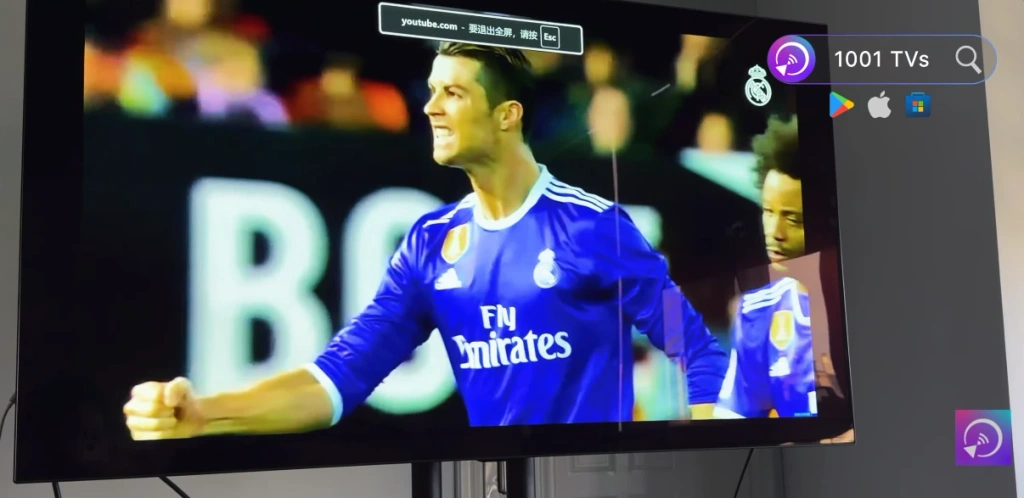
However, some streaming services restrict screen mirroring or external displays, so check the service’s playback restrictions before using this method. 1001 TVs does not provide match subscriptions or bypass content protection.
For help with the connection itself, the 1001 TVs screen-mirroring guide covers network, device and protocol issues.
The Match Works on Your Phone but Not on Your TV—What Should You Check?
Use the symptom to decide where to look next:
- Access denied or a package prompt: Open your account’s active-package details. If the match and TV access appear to be included, send the exact error message to the provider.
- The app is missing or will not install: Compare your model and software with the service’s supported-device information. Ask support for an eligible alternative if yours is not listed.
- The screen connects, but picture or sound is missing: Note whether the problem affects the whole display or only the video inside the service. Try a photo or your own video to test the general connection, then report the difference to support. This helps separate connection problems from service-specific playback restrictions without treating either as the automatic cause.
If the service confirms that your output method is unsupported, switch to one it supports. Before kickoff, open the actual match on your intended device so there is time to resolve any remaining issue.
Jogi nyilatkozat: Minden sportesemény neve, védjegye és a kapcsolódó közvetítési tartalom a megfelelő jogtulajdonosok tulajdonát képezi. A 1001 TVs semmilyen sportszervezettel vagy műsorszolgáltatóval nem áll kapcsolatban, azok nem szponzorálják, és nem támogatják. A 1001 TVs nem nyújt élő sportközvetítéseket, illetve streaming-előfizetéseket.

További információk
 Hogyan lehet a 2026-os World Series-t tévében nézni?
A 2026-os World Series minden mérkőzését a FOX közvetíti, és minden mérkőzés első dobása keleti idő szerint este 8 órakor (nyugati idő szerint délután 5 órakor) kezdődik. A...
Hogyan lehet a 2026-os World Series-t tévében nézni?
A 2026-os World Series minden mérkőzését a FOX közvetíti, és minden mérkőzés első dobása keleti idő szerint este 8 órakor (nyugati idő szerint délután 5 órakor) kezdődik. A...
 Hogyan lehet az NBA-t tévében nézni az Egyesült Államokban
Az Egyesült Államokban a legegyszerűbb módja az NBA-meccsek tévén való nézésének, ha két döntést hozol a következő sorrendben: először is, győződj meg arról, hogy melyik hivatalos szolgáltató közvetíti...
Hogyan lehet az NBA-t tévében nézni az Egyesült Államokban
Az Egyesült Államokban a legegyszerűbb módja az NBA-meccsek tévén való nézésének, ha két döntést hozol a következő sorrendben: először is, győződj meg arról, hogy melyik hivatalos szolgáltató közvetíti...

