
Affichage dynamique pour les bureaux : Transformez votre communication sur le lieu de travail
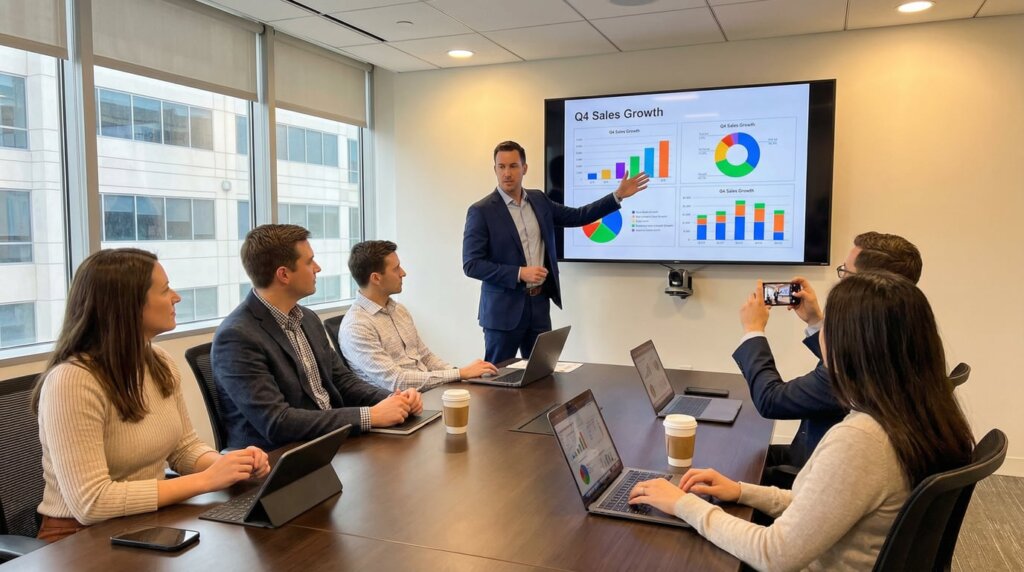
La communication au bureau a changé. Les tableaux d'affichage statiques et les chaînes d'e-mails interminables ne fonctionnent plus. Lorsque les professionnels reçoivent 121 courriels par jour, les messages essentiels sont noyés dans la masse. L'affichage dynamique résout ce problème en plaçant les informations là où les employés les voient réellement.
Les chiffres le prouvent. 84% des entreprises font état d'une meilleure communication sur le lieu de travail grâce à l'affichage numérique, et 71% des employés se sentent plus impliqués lorsque des informations apparaissent sur les écrans. Plus intéressant encore : 86% affirment que l'affichage numérique améliore la productivité et 69% pensent qu'il permet de retenir les bons employés.
Ce que fait réellement l'affichage dynamique
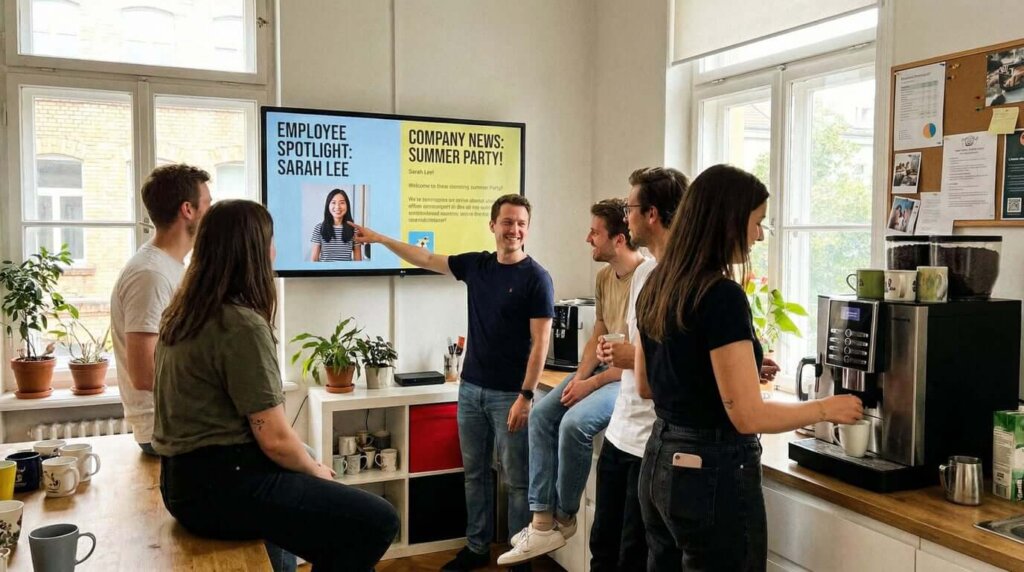
Les écrans installés dans les salles de pause, les halls d'entrée et les couloirs atteignent tout le monde en même temps. C'est important pour les employés qui ne restent pas assis à leur bureau toute la journée.
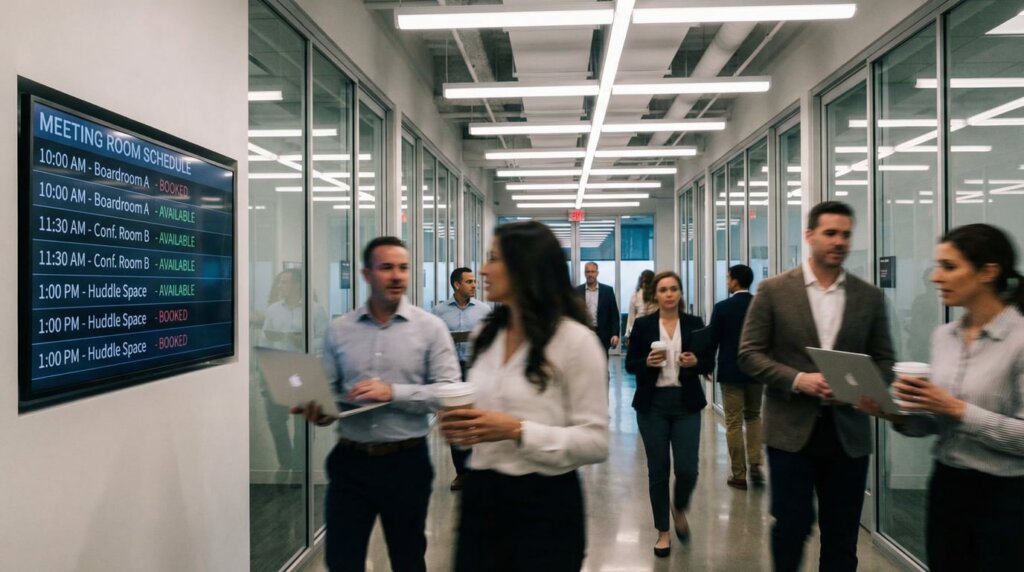
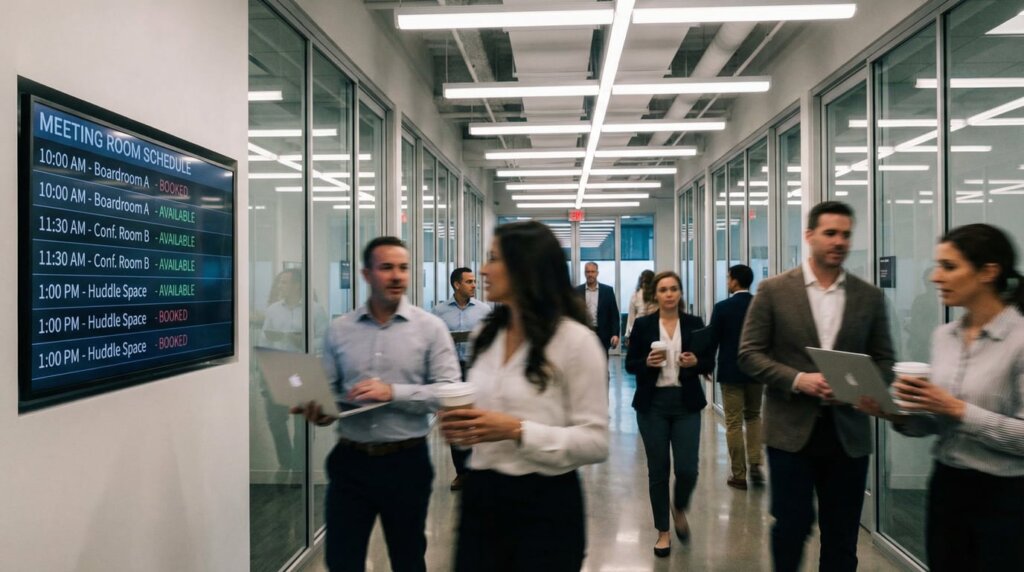
Les gains de productivité sont réels. Plus besoin de chercher des salles de réunion ou des livraisons. Un simple coup d'œil sur l'écran d'un couloir indique la disponibilité des salles et permet de gagner des minutes qui se traduisent par des heures chaque semaine.
La reconnaissance des employés fonctionne mieux sur les écrans que dans les fils de courriels. Lorsque les réalisations sont affichées au bureau, les gens le remarquent. Les entreprises signalent que cette visibilité a un impact direct sur la satisfaction et la fidélisation.
Cas d'utilisation courants
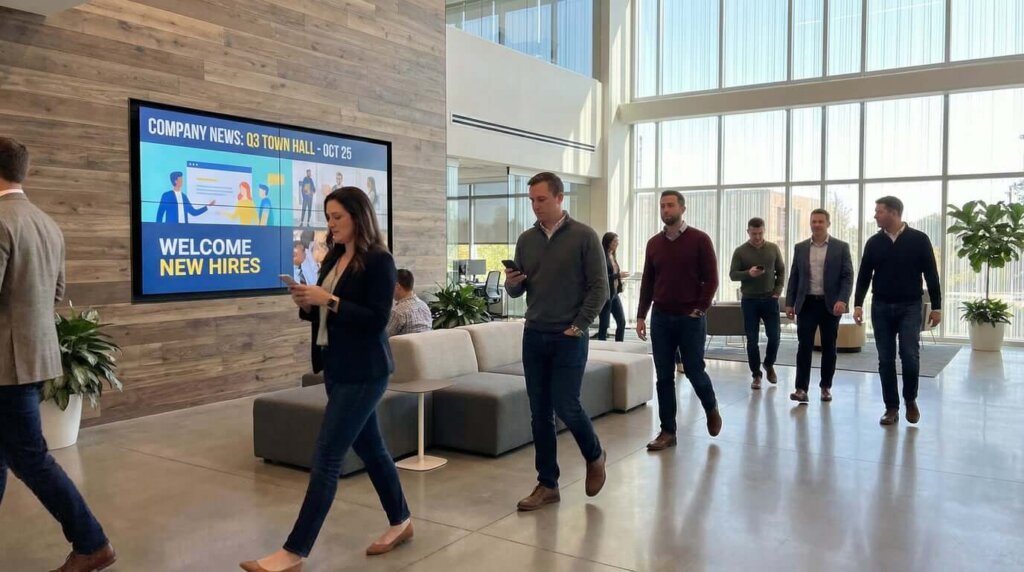
Kiosques d'enregistrement dans les zones d'accueil permettent aux visiteurs de confirmer leur présence sans avoir à faire la queue. La première impression est importante et cela permet de gagner du temps sur le plan administratif.
Affichage dans les salles de réunion affichent les disponibilités et les réservations en temps réel. Fini la confusion de la double réservation ou le fait de se demander quelles chambres sont libres.
Tableaux de bord des performances maintenir l'alignement des équipes sur les objectifs. Lorsque les mesures sont visibles et non cachées dans des feuilles de calcul, les gens restent en contact avec les objectifs de l'entreprise. Les études montrent que les objectifs affichés sur les panneaux numériques sont plus souvent atteints.
Alertes d'urgence peut afficher instantanément des informations critiques sur tous les écrans. Qu'il s'agisse de l'évacuation d'un bâtiment ou de conditions météorologiques difficiles, cette méthode de communication est plus rapide que toutes les autres.
Mise en place
La technologie est désormais simple. Les solutions modernes fonctionnent avec les téléviseurs intelligents existants. Installez le logiciel d'affichage dynamique directement sur les téléviseurs intelligents ou connectez de simples lecteurs multimédias, et les écrans standard deviennent des outils de communication.
Les plateformes basées sur le cloud permettent aux équipes de programmer le contenu, de mettre à jour les messages et de gérer plusieurs écrans à partir d'un seul tableau de bord. Vous pouvez faire défiler des annonces, mettre en évidence des événements et présenter des réalisations sans avoir besoin de compétences techniques. Les meilleurs systèmes prennent en charge les images, les vidéos, les flux de données en direct et les pages web.
L'emplacement est important. Les zones très fréquentées, à hauteur des yeux, se font remarquer. Les salles de pause, les halls d'ascenseurs, les couloirs principaux et les zones d'accueil offrent la meilleure visibilité. Placez les écrans là où les employés s'arrêtent naturellement ou passent régulièrement.
Comment s'inscrit 1001 TVs
1001 TVs adopte une approche différente. Au lieu d'un logiciel d'affichage dynamique dédié, il s'agit d'une solution de mirroring et de diffusion d'écran qui fonctionne avec ce que vous possédez déjà. La plateforme est compatible avec Windows, Mac, Android, iOS, Smart TV et Apple TV.
Caractéristiques principales pour les bureaux :
- Miroir d'écran sans fil à n'importe quel téléviseur intelligent
- Casting du navigateur sans matériel supplémentaire
- Albums photo numériques et diaporamas
- YouTube streaming et la lecture vidéo
- Tableau blanc fonction de collaboration
- Multiplateforme prise en charge de tous les appareils
Comment cela fonctionne-t-il en pratique ?
Présentations en salle de conférence sans avoir à se battre avec des câbles. Entrez, diffusez l'écran de votre ordinateur portable sans fil sur le téléviseur de la salle de réunion et commencez à présenter. La solution fonctionne sur tous les appareils, de sorte que, que votre équipe utilise des MacBooks ou des ordinateurs portables Windows, tout le monde peut présenter de manière transparente.
Affichages dans l'espace d'accueil peut afficher des albums photos et des annonces de l'entreprise. Diffusez un diaporama numérique de la culture de l'entreprise, des événements récents ou des informations sur les visiteurs directement à partir d'une tablette ou d'un ordinateur sur l'écran du hall d'entrée.
Diffusion du tableau de bord vous permet d'afficher des analyses en direct et des tableaux de bord d'indicateurs clés de performance sur les écrans des bureaux. Les équipes de vente peuvent afficher des mesures en temps réel, les opérations peuvent présenter des données de production et la direction peut diffuser des mises à jour à l'échelle de l'entreprise.
Sessions de formation deviennent plus simples lorsque les formateurs peuvent diffuser des vidéos YouTube, des supports de formation en ligne ou leur propre contenu sur n'importe quel téléviseur de la salle de formation. La fonction de tableau blanc favorise les sessions de collaboration.
La stabilité est ce que les utilisateurs mentionnent le plus. Contrairement aux solutions qui traînent ou se déconnectent pendant les présentations, 1001 TVs maintient ses performances, qu'il s'agisse de présenter un bilan trimestriel, des supports de formation ou des tableaux de bord en temps réel.
Vous voulez l'essayer ? 👉Télécharger 1001 TVs 👈
Faire en sorte que ça marche
La stratégie de contenu détermine si les gens prêtent attention à vos écrans ou s'ils les ignorent. Le cerveau traite les images plus rapidement que le texte, c'est pourquoi il faut utiliser des graphiques, des caractères gras et des titres courts. Les messages doivent être brefs. Les employés qui traversent un couloir disposent de quelques secondes, pas de quelques minutes.
Faites tourner le contenu régulièrement. Mélangez des informations pratiques, comme les menus du jour et les mises à jour des parkings, avec des portraits d'employés et des nouvelles de l'entreprise. Lorsque les gens savent que du contenu frais apparaît régulièrement, ils prennent l'habitude de consulter les écrans.
Adapter le contenu aux lieux. Les écrans de la réception doivent afficher un contenu différent de celui des salles de pause. La réception peut mettre l'accent sur les informations destinées aux visiteurs et les réalisations de l'entreprise, tandis que les salles de pause mettent l'accent sur la reconnaissance des employés et les événements sociaux.
Le retour
L'affichage numérique est rentabilisé par la réduction des coûts d'impression. Il n'est plus nécessaire de réimprimer constamment des affiches et des annonces. Un seul écran permet de faire défiler des dizaines de messages qui nécessiteraient autrement des supports physiques.
Les gains de temps s'accumulent. Lorsque les employés passent moins de temps à chercher des informations ou des salles de réunion, ces minutes se transforment en gains de productivité significatifs. Le personnel administratif répond moins à des questions répétitives lorsque les informations sont visibles sur des écrans placés à des endroits stratégiques.
L'engagement des employés s'améliore souvent après la mise en œuvre. Les enquêtes permettent de savoir si les employés se sentent mieux informés, davantage liés aux objectifs et plus reconnus. Ces améliorations se traduisent par une réduction du taux de rotation du personnel et une augmentation de la productivité.
Prochaines étapes
Les lieux de travail continuent d'évoluer avec des modèles hybrides, des équipes diversifiées et un flux d'informations croissant. L'affichage dynamique est appelé à jouer un rôle de plus en plus central dans les opérations. La technologie continue de progresser avec une meilleure intégration, une gestion du contenu plus sophistiquée et une interactivité accrue.
Le passage de la communication sur papier aux écrans numériques est plus qu'une simple mise à jour technologique. Il reflète la manière dont les organisations modernes valorisent l'expérience des employés et créent des environnements où les gens travaillent au mieux de leurs capacités.
Pour les entreprises prêtes à opérer ce changement, la voie est toute tracée. Avec une technologie accessible, des avantages avérés et des plateformes comme 1001 TVs qui simplifient la mise en œuvre, le moment est venu de transformer la communication sur le lieu de travail.