TV Auto-Accept Mirroring – No Popups
If you always have to pick up your TV remote to approve every screen mirroring request, it can get annoying fast.
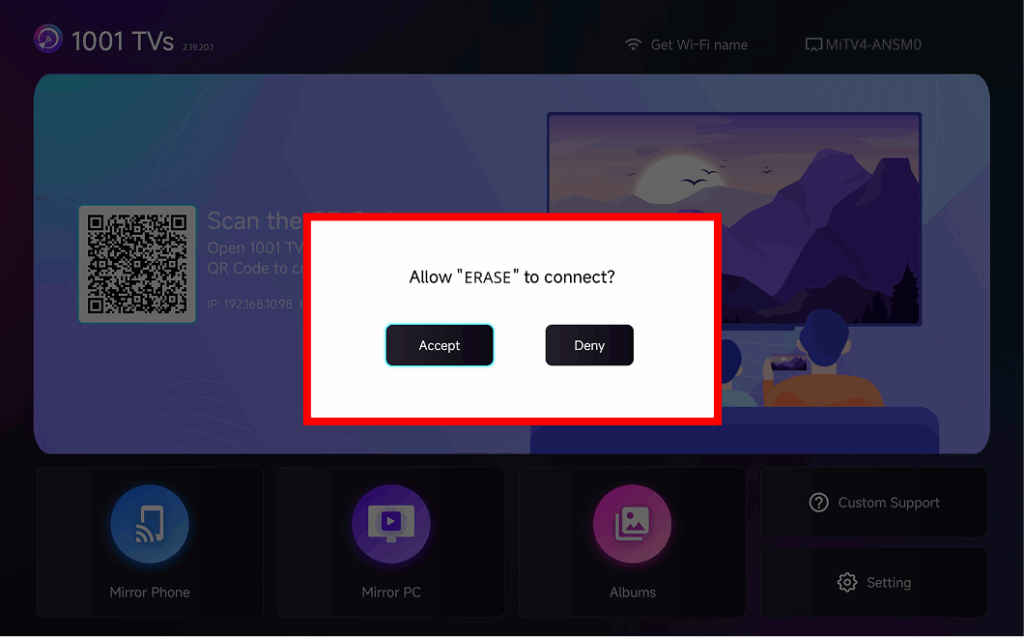
The latest version of 1001 TVs introduces Auto-Accept Mirroring – seamless casting without any popups.
Step-by-step Guide
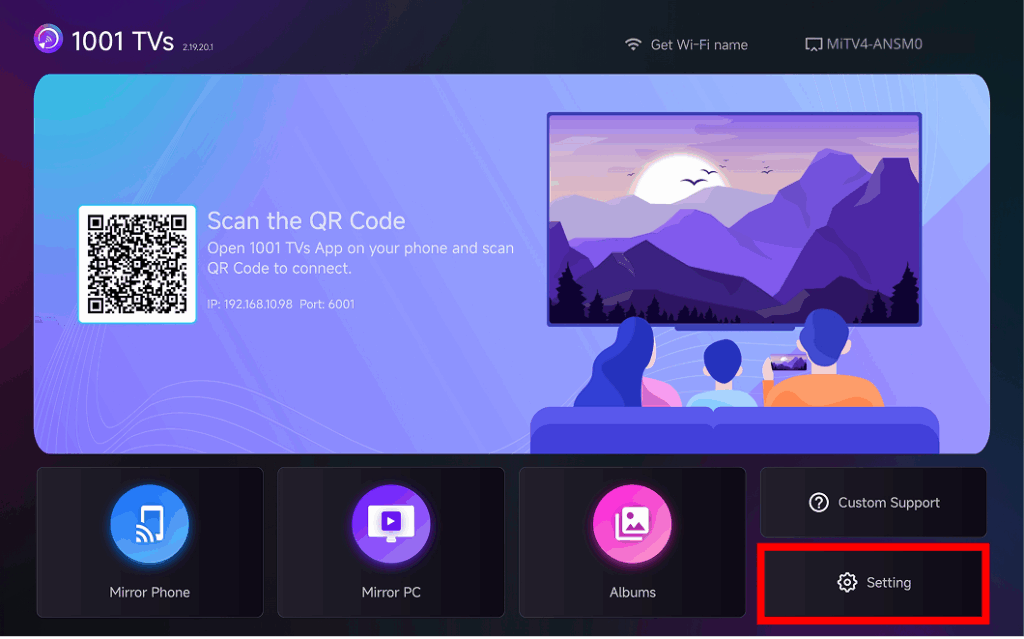
❶ Go to the bottom-right corner of the TV home screen and select Setting
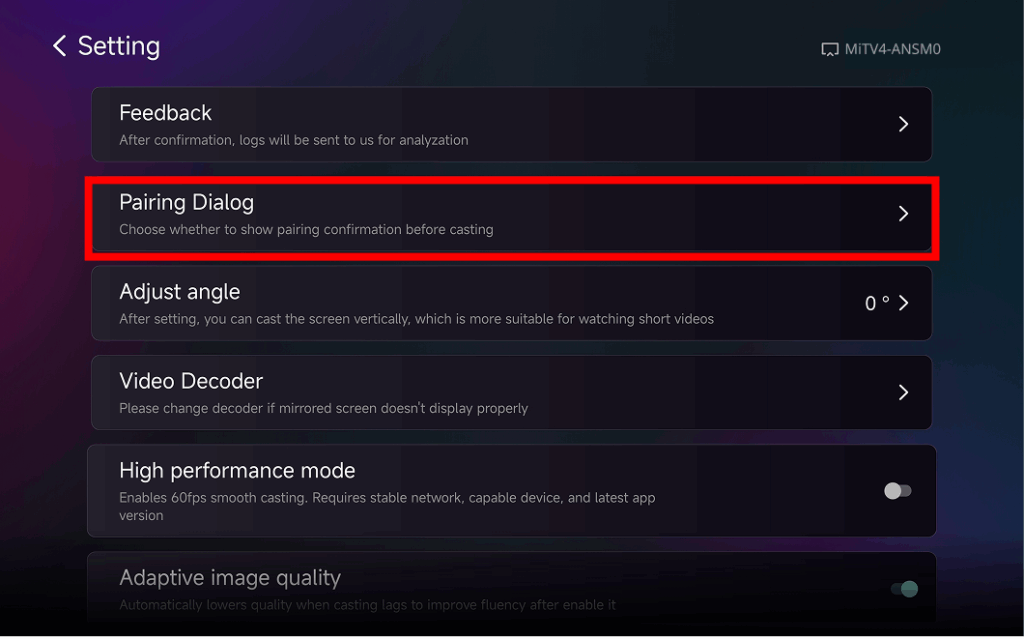
❷ Find and Tap “Pairing Dialog”
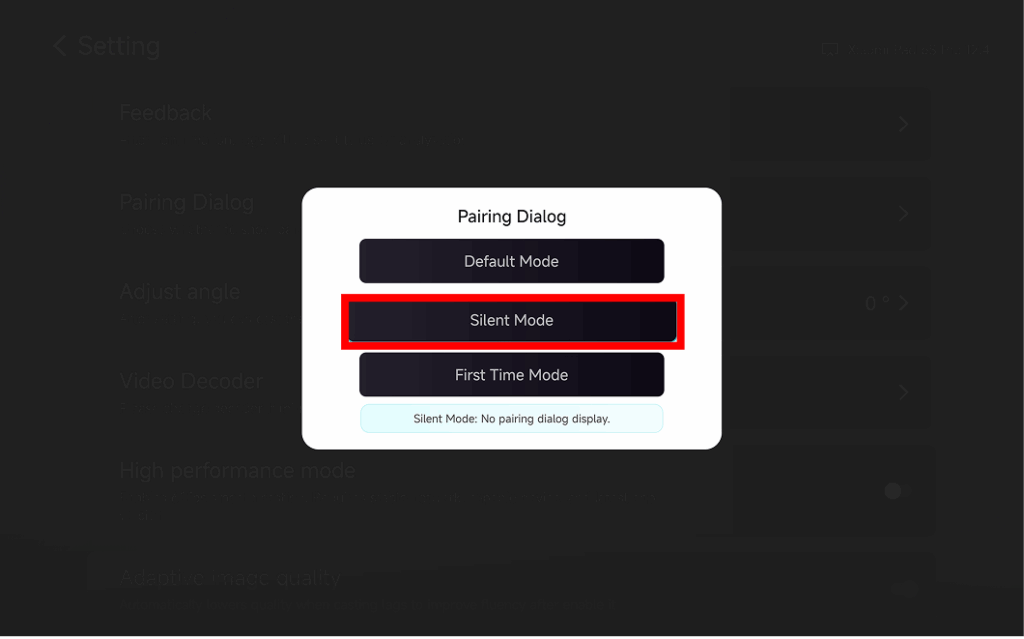
❸ Choose Your Preferred Mode
⭐ Default Mode
A popup appears every time before casting.
⭐ Silent Mode
No popup appears – your TV automatically accepts all mirroring requests.
⭐ First-Time Mode
A popup appears only for the first connection. After approval, all future requests are auto-accepted.
Why Use Auto-Accept Mirroring?
- Perfect for home, classrooms, stores, and digital signage.
- Stop searching for the remote – connect instantly.
- Instant screen mirroring from your phone, tablet, or PC without interruption.
⭐ More Tips & Tutorials:

Read More
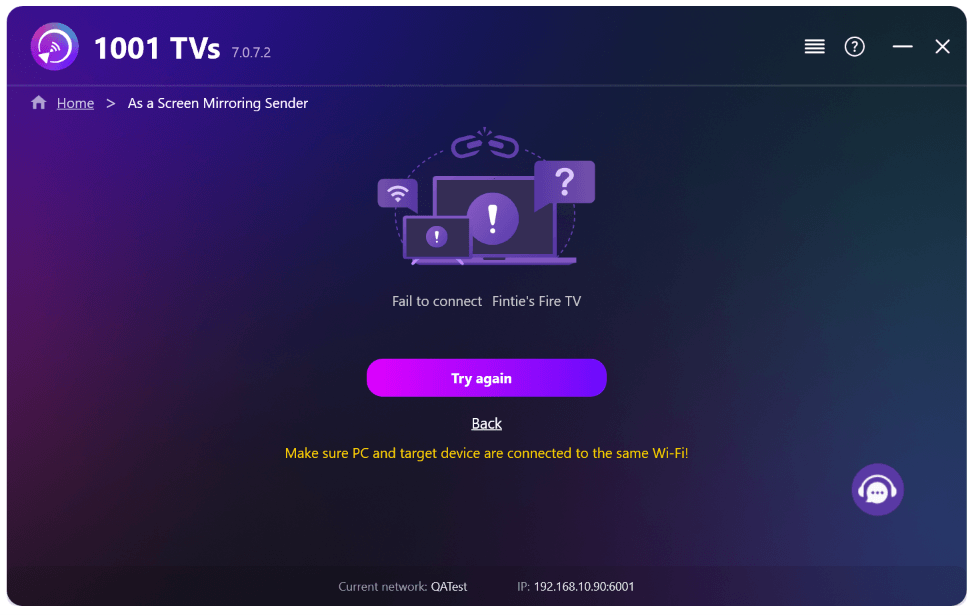 New Setting: No More Pop-ups When Mirroring Ends
When you're mirroring your PC screen to a TV and stop the session using the TV remote, the 1001 TVs window pops back up…
New Setting: No More Pop-ups When Mirroring Ends
When you're mirroring your PC screen to a TV and stop the session using the TV remote, the 1001 TVs window pops back up…
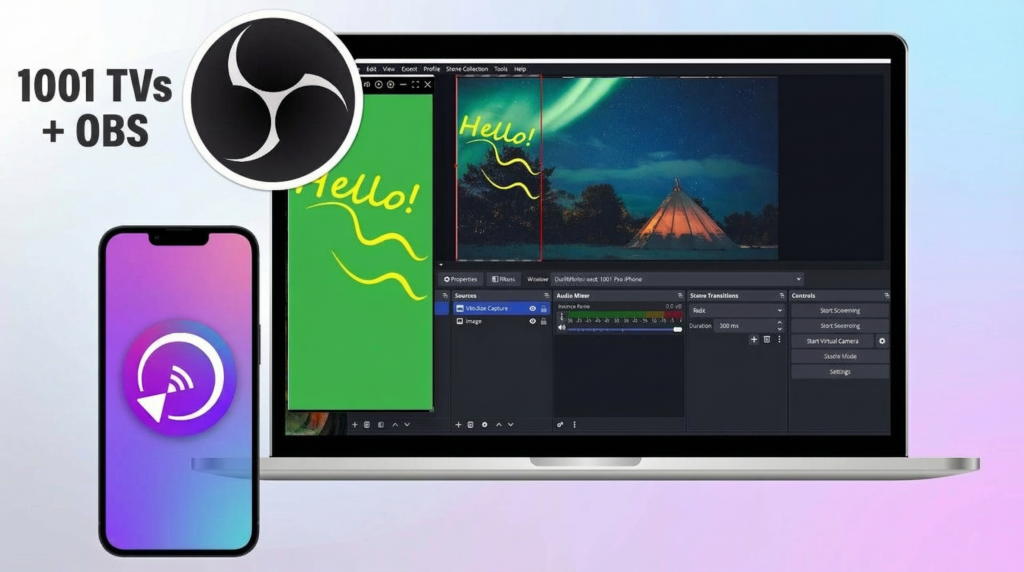 How to Capture Screen Mirroring in OBS (Android & iPhone)
Want to capture screen mirroring in OBS for mobile gameplay, tutorials, or live content? With 1001 TVs, you can easily mirror your phone screen…
How to Capture Screen Mirroring in OBS (Android & iPhone)
Want to capture screen mirroring in OBS for mobile gameplay, tutorials, or live content? With 1001 TVs, you can easily mirror your phone screen…

