检测到浏览器语言为中文,点此切换到中文页面
Quick Start Guide: Mirror Your Whiteboard Instantly
1
Install the App
Download and open the 1001 TVs app on both your mobile device (iPhone or iPad) and your display device (TV, PC, Mac, or another phone/tablet).
2
Open Whiteboard
Make sure both devices are on the same Wi-Fi. Tap "Whiteboard" to create a new board, then write and draw freely.
3
Connect Device
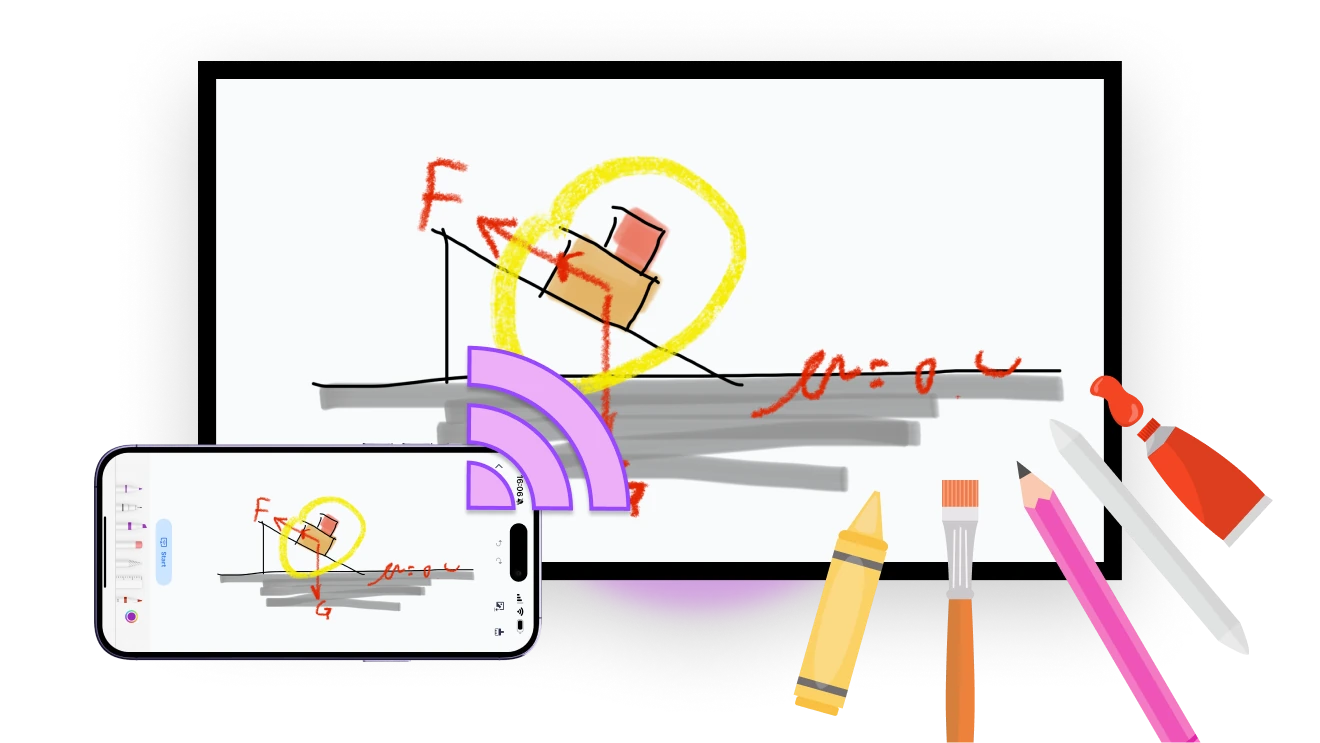
When you're ready to present, tap "Start" — your whiteboard instantly appears on the big screen.
Your Interactive Whiteboard — Anytime, Anywhere, On Your Device
SMOOTH WRITING
Write and draw comfortably using your iPhone’s built-in drawing tools — perfect for teaching, sketching, and real-time explanations.
smooth-writing
CREATIVE DRAWING
Bring ideas to life with a variety of brushes and colors — ideal for sketches, diagrams, and creative thinking.
creative-drawing
INSTANT SCREEN MIRRORING
Instantly mirror your whiteboard to any screen — perfect for live teaching, spontaneous explanations, and interactive learning.
SAVE & SHARE
Save your content anytime and share it instantly — perfect for reviewing, collaborating, or sharing with students and teammates.
save-and-share
Use Cases
Smarter Teaching
Simpler Meetings
Interactive Fun
Teach Live. Draw Freely. Stay Connected.
Engage your class with real-time interaction.

Quickly sketch a formula, highlight key points, or ask a question on the spot — everything shows up instantly on the big screen.

All made possible by 1001 TVs — your seamless whiteboard mirroring tool for teaching.
teaching
Got an idea? Sketch, share, and align in seconds.
Whether you're brainstorming with teammates or presenting to clients, just grab your phone and sketch your thoughts directly to the big screen.

Mark key points, connect concepts, and help everyone stay focused.

With 1001 TVs, meetings become more visual, more aligned, and more productive.
Meetings
Turn Screen Time into Together Time
Turn a simple sketch into shared laughter.

Grab your phone, doodle a silly idea, and watch it appear on the big screen — everyone joins in, everyone’s smiling.

No setup needed — just a phone, a TV, and a little bit of fun, all brought together with 1001 TVs.
interactive-fun
Download
FAQs
Whiteboard lets you draw or write on an iPhone or iPad and display the board on a larger screen in real time. It is designed for lessons, meetings, explanations, sketches, and group activities.
Compatible TVs, Windows PCs, Macs, and another phone or tablet can display the whiteboard. Open 1001 TVs on the required devices, connect them to the same local network, and start the Whiteboard session from the iPhone or iPad.
You can use brushes and colors to create handwriting, diagrams, annotations, and sketches. The tools make it suitable for explaining ideas, teaching, brainstorming, and collaborating on a larger display.
Yes. You can save Whiteboard content and share the result for review or collaboration. Saved content remains on the device unless you choose to share it through an available app or service.
1001 TVs offers a limited-time free trial for Whiteboard. After the trial, weekly, monthly, yearly, and lifetime plans are available; paid membership is only needed on the device creating and sending the whiteboard. Local prices are shown in the app, and recurring subscriptions can be managed or canceled through the store or account used for purchase.
Please contact us at 1001tvs@nero.com.