
How to Use Internet Video Feature of Android App?
1. खोलें 1टीपी1टी app on both your फ़ोन और टीवी.
📥 टीवी संस्करण: Google Play Store से डाउनलोड करें
📱 एंड्रॉइड संस्करण: Google Play से डाउनलोड करें
2. Connect the two devices and start screen mirroring.
3. टैप करें “Internet Video” to stream videos with audio on your TV.
Note: This feature requires an Android 10 or later version for your phone and an Android 6 or later version for your TV.
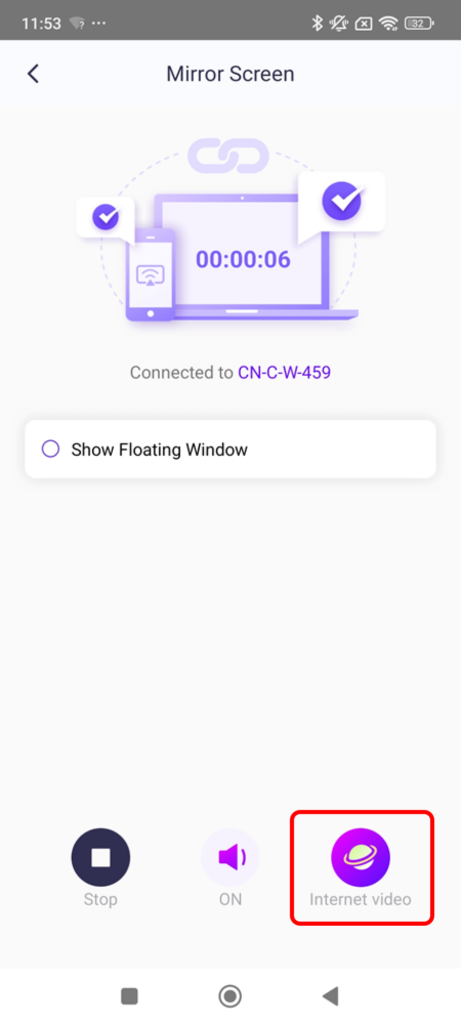
प्रमुख विशेषताऐं:
· Access a variety of websites to mirror music and videos ध्वनि के साथ।.
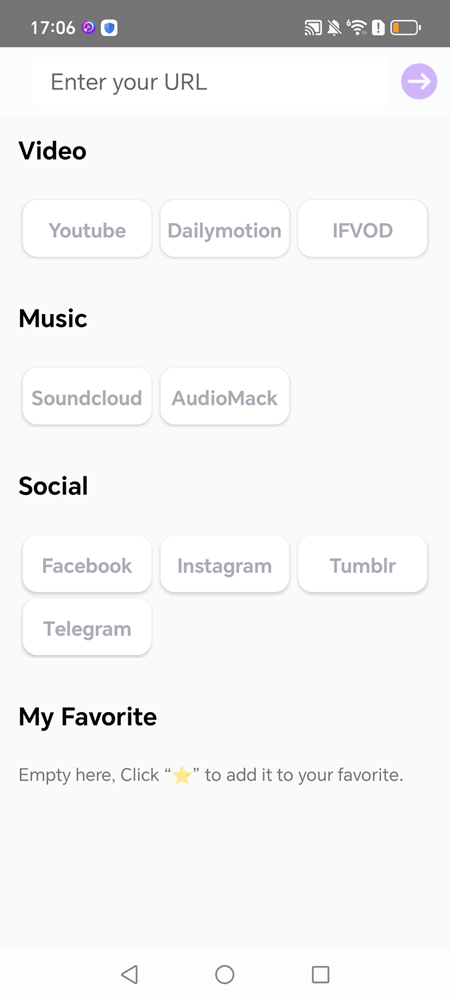
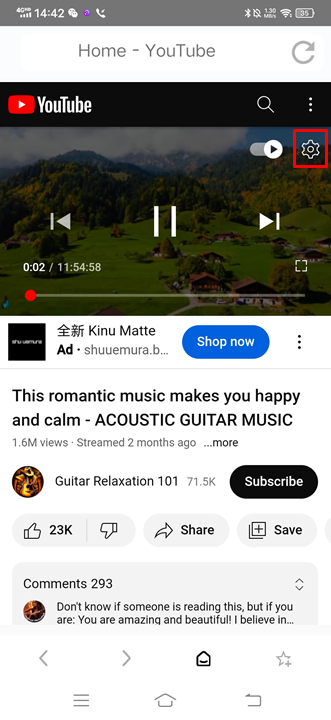
· For example, to mirror YouTube:
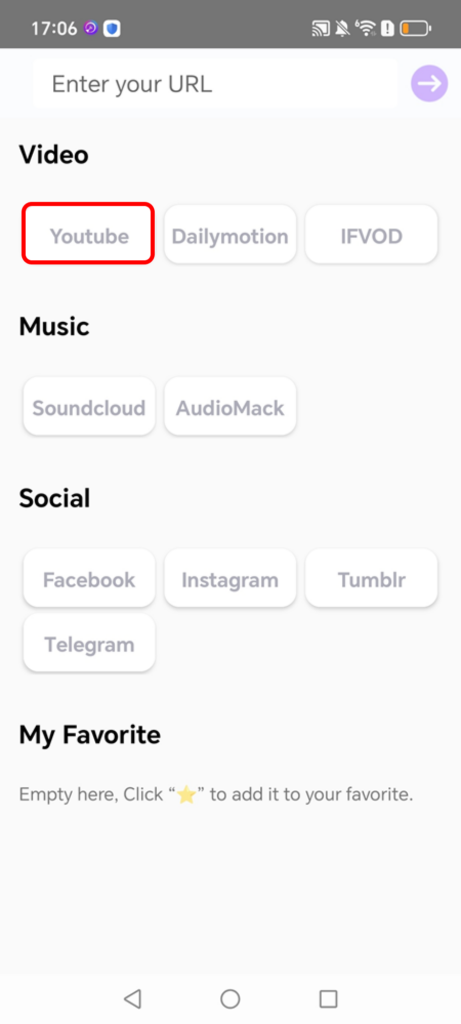
1)Tap “YouTube”
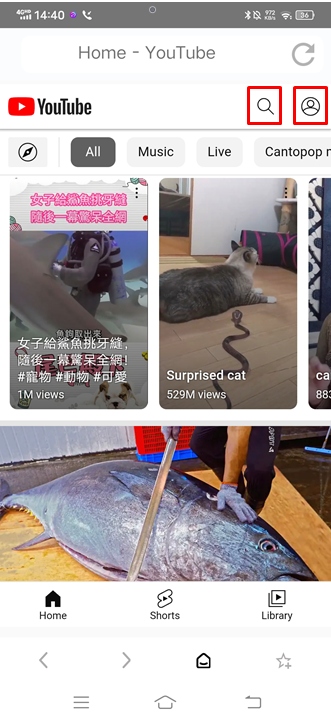
2)Browse or search for videos, or log in to your account to access your saved content.
3)Customize captions, video quality, and playback speed in Playback Settings while mirroring.
Pre-condition:
Phone: Android 10 +, App version 3.9.20.1+
TV: Android 6 +,App version 2.11.2.7+
1001 TVs अभी डाउनलोड करें
📥 टीवी संस्करण: Google Play Store से डाउनलोड करें
📱 एंड्रॉइड संस्करण: Google Play से डाउनलोड करें