Comment installer 1001 TVs sur PC
1. Obtenir l'application sur le Microsoft Store
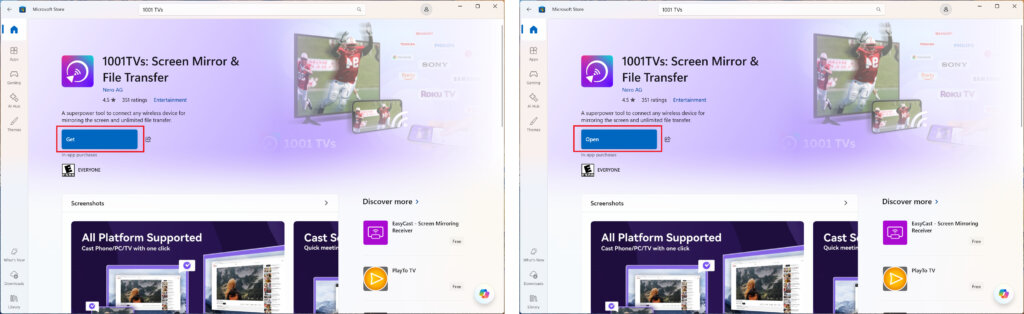
Lancer le Microsoft Store sur votre PC, recherchez "1001 TVs.
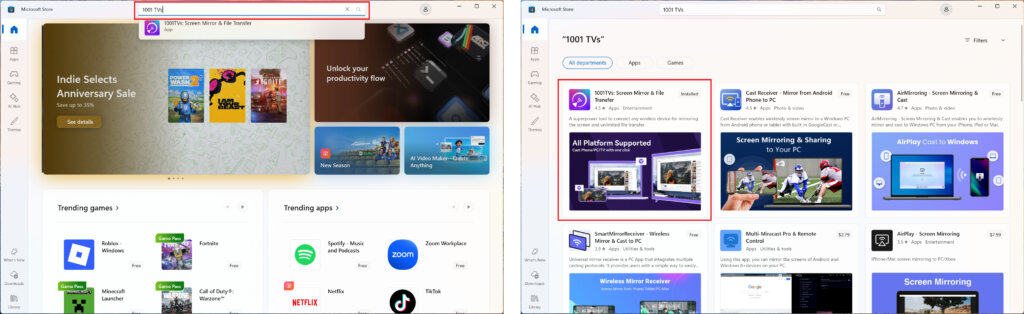
Cliquez sur “Obtenir” pour l'installer, puis ouvrez l'application.
2. Démarrer l'application
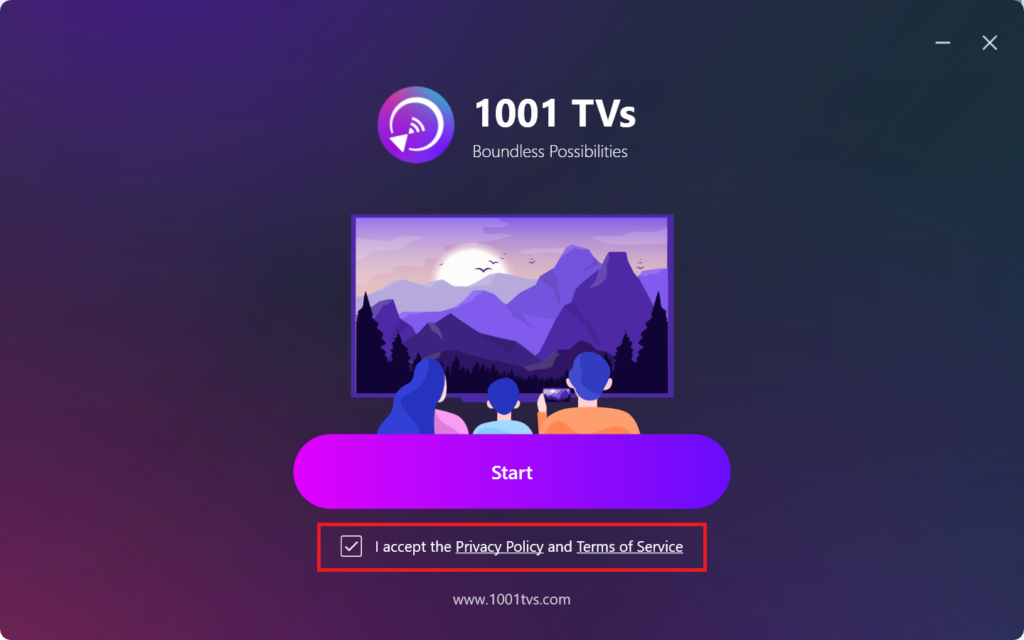
Cochez la case pour accepter la politique de confidentialité et les conditions de service.
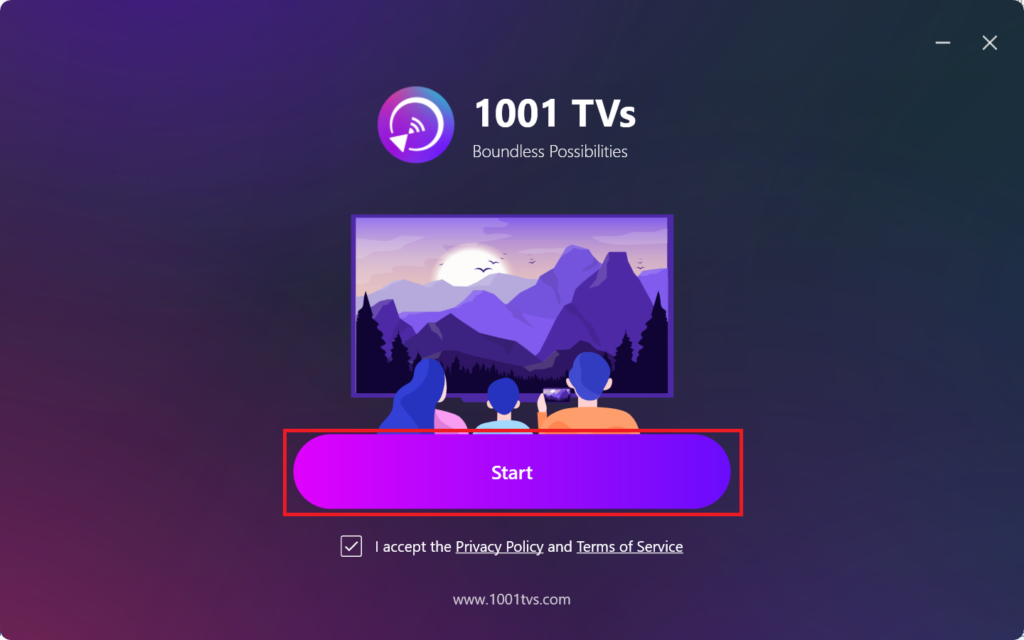
Cliquez "Démarrage”et attendez que l'application s'initialise.
3. Mode Settings & Plugin Installation (optionnel)
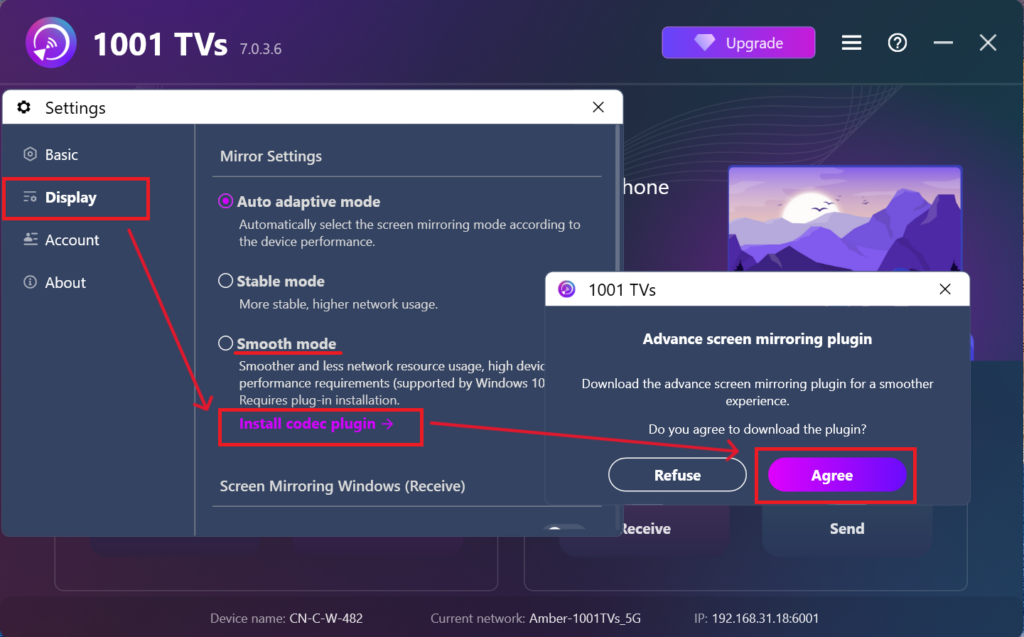
Pour une meilleure expérience, il se peut que vous soyez invité à télécharger un plugin avancé lors de la première installation.
Une fois l'installation terminée, vous serez prêt à profiter d'une expérience de mise en miroir transparente.
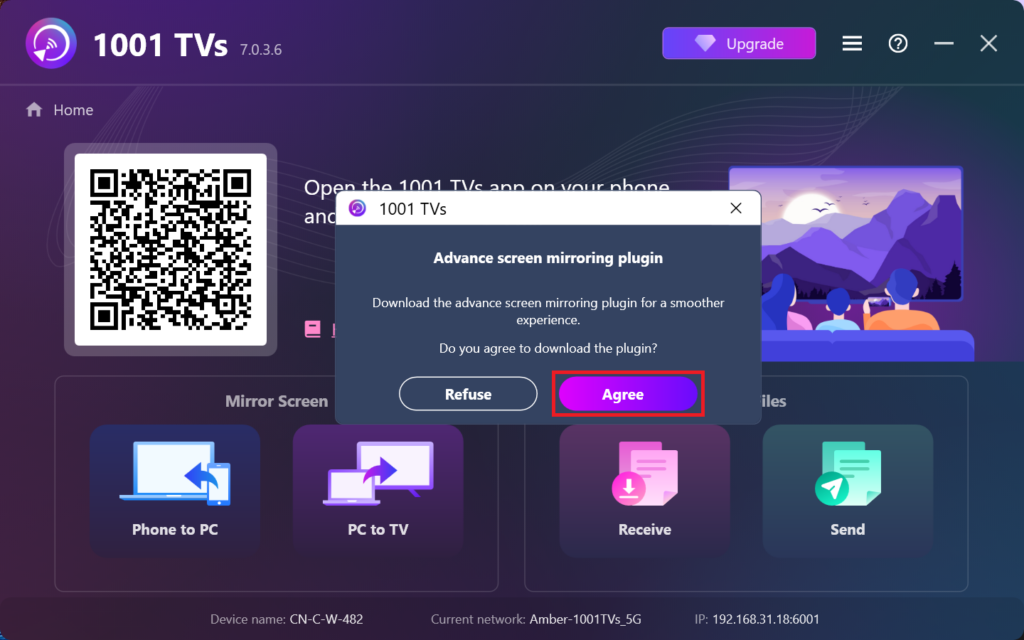
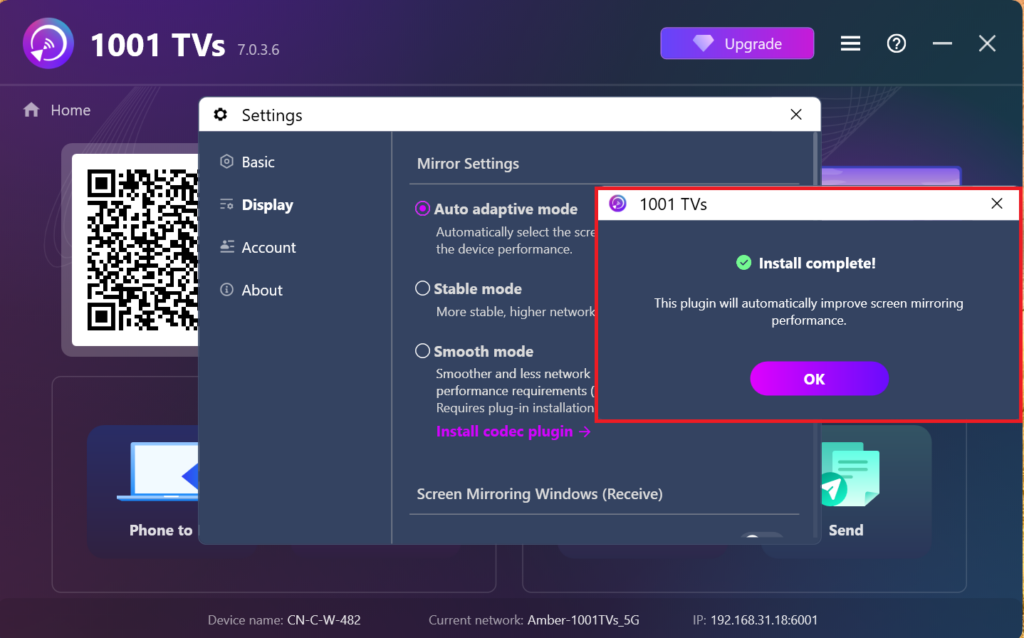
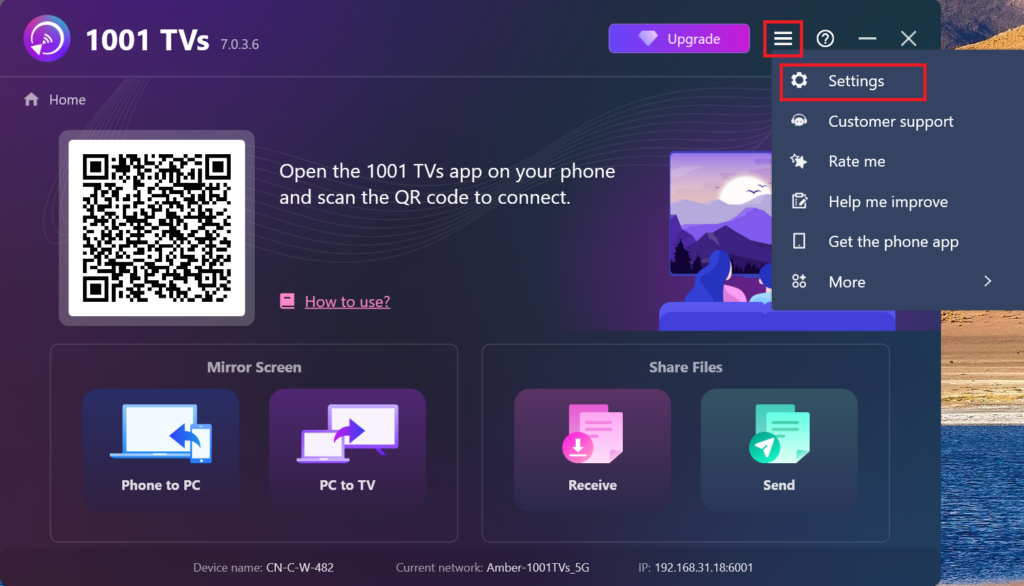
Vous pouvez également rechercher et installer manuellement ce plugin plus tard dans l'application en vous rendant à l'adresse suivante Paramètres > Affichage > Paramètres de mise en miroir.
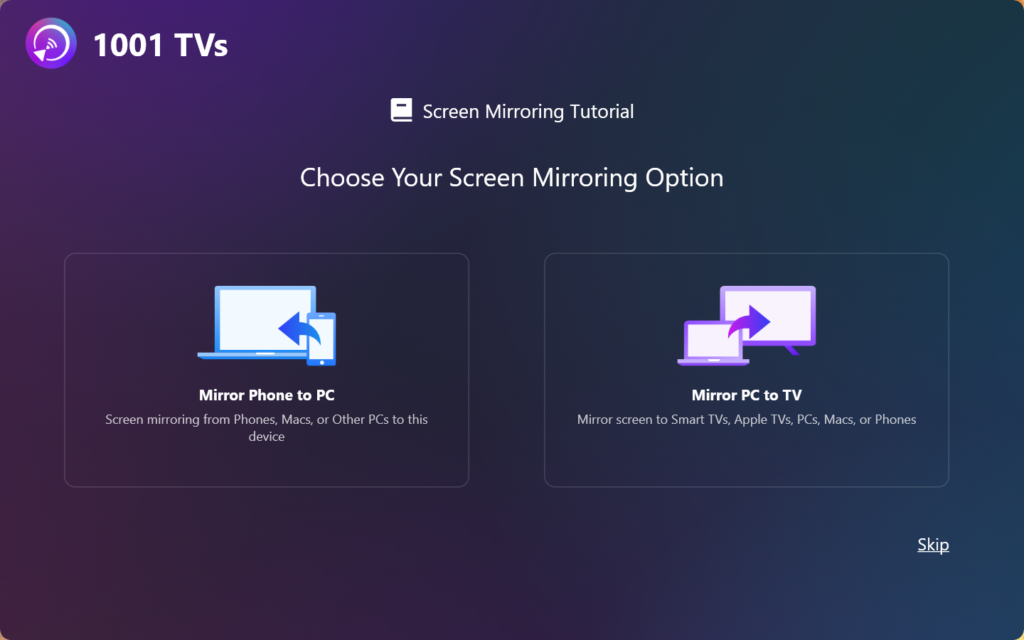
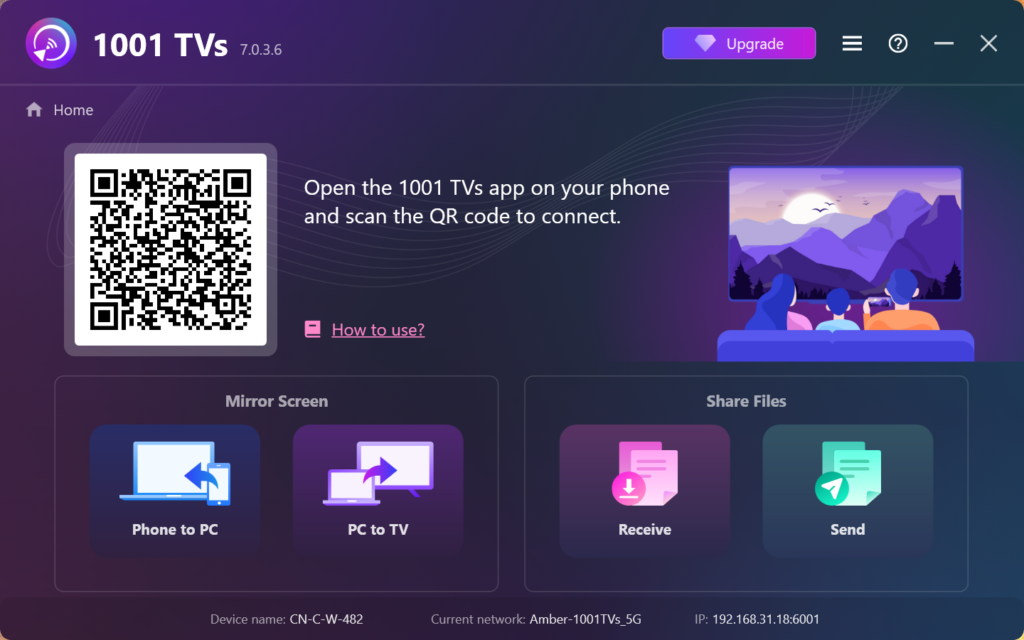
4. L'installation est terminée !
Une fois que c'est fait, vous êtes prêt à utiliser 1001 TVs !