كيفية إرسال السنة الصينية الجديدة إلى تلفزيونك باستخدام تطبيق 1001 TVs
إنها الثانية صباحاً في نيويورك. تتصفح موقع Douyin وترى مقطع فيديو من مسقط رأسك - رقصة الأسد في الشارع الرئيسي، والفوانيس الحمراء في كل مكان، والجمهور يهتف.
ابنتك تدخل. “ماذا تشاهد؟”
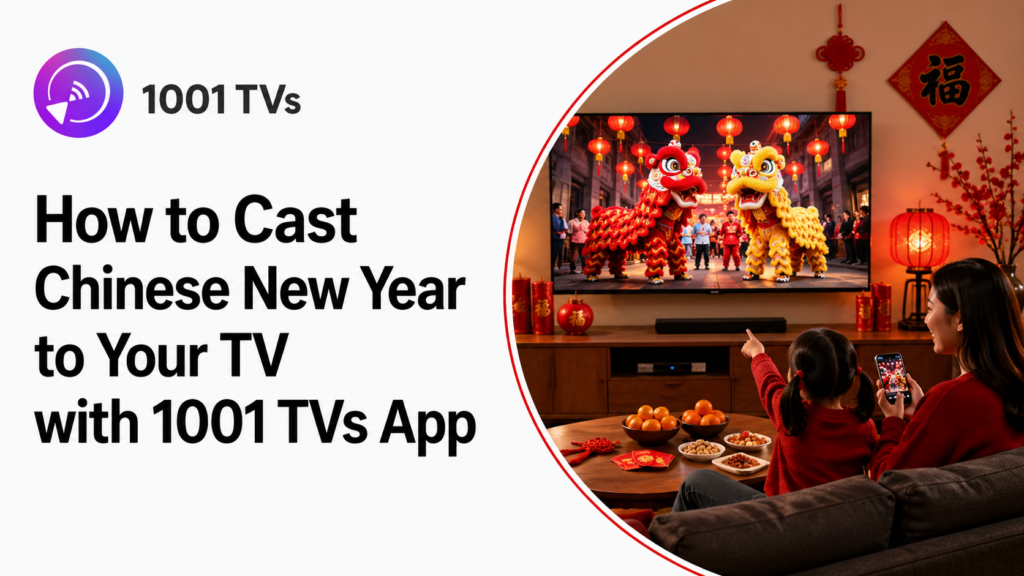
تريد أن تريها، لكن شاشة الهاتف صغيرة جداً. تفتح تطبيق 1001 TVs, ، انقر مرتين، وفجأة يملأ التلفاز احتفال بلدتك. تتسع عيناها. “هل يمكننا الاتصال بجدتي؟”
هذا هو ما يدور حوله اختيار العام الصيني الجديد - العودة إلى الوطن أينما كنت.
ما الذي ستلقيه بالفعل
مكالمات الفيديو مع العائلة في الوطن - يرغب والداك في رؤية أحفادك يفتحون المظاريف الحمراء. قم بإرسال مكالمة WeChat إلى التلفاز حتى يتمكن الجميع من الجلوس على الأريكة بشكل طبيعي بدلاً من تمرير الهاتف.
فيديوهات من دوين - لقد نشر ابن عمك للتو مقطع فيديو لمعرض المعبد في الحي الذي تسكنه. أكشاك الطعام في الشارع، وباعة الخط، والأطفال بألعابهم الجديدة. قم بإرساله إلى تلفازك وأظهر لأطفالك المكان الذي نشأت فيه.
حفل مهرجان الربيع - إنها الرابعة صباحاً في لوس أنجلوس عندما يبدأ حفل CCTV في بكين. سواء كنت تقوم بالبث من التطبيقات الصينية أو مواقع الويب الصينية، قم ببثه على تلفزيونك وشاهده براحة تامة.
دروس الطبخ - وصفة الزلابية الخاصة بوالدتك غامضة. ابحث عن برنامج تعليمي يبدو قريباً، وقم بإلقائه على تلفاز مطبخك، وأخيراً تعلم تقنية الطي المناسبة.
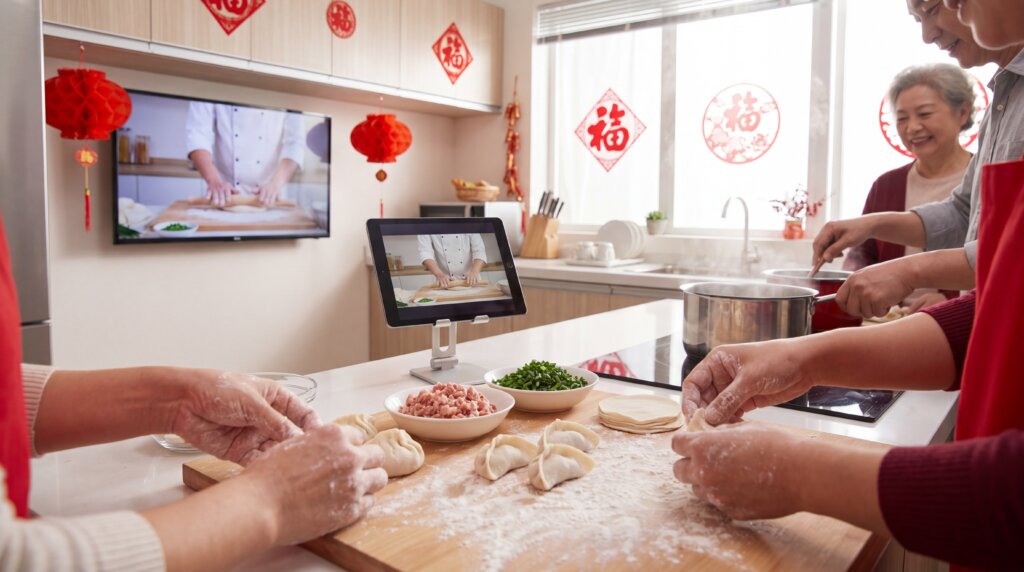
الصور أثناء مكالمات الفيديو - لقد انتهيت للتو من عشاء لم الشمل في تورنتو. تريد عمتك في تايوان أن ترى كل شيء - الزينة والطعام والأطفال في ملابسهم الجديدة. قم بإرسال هاتفك إلى التلفاز، وافتح الصور، ومرر الصور بينما يشاهد الجميع معاً.
لماذا تطبيق 1001 TVs؟
يعمل مع أي علامة تجارية للتلفزيون - Sony و Xiaomi و Android TV و Apple TV. لا مشاكل في التوافق.
ميزات مفيدة:
- اعكس الكاميرا - أظهر يديك تصنع الزلابية في الوقت الفعلي
- عرض الألبوم - عرض أفضل للصور مع عناصر تحكم أفضل في التكبير/التصغير
- سبورة - ارسم حيوانات زودياك مع الأطفال على شاشة التلفزيون
إعداد سريع (5 دقائق)
ما تحتاج إليه
- الهاتف الذكي (آيفون أو أندرويد)
- تلفزيون مزود بشبكة Wi-Fi (أي ماركة)
- نفس شبكة Wi-Fi لكليهما
- تطبيق 1001 TVs
ثلاث خطوات بسيطة
الخطوة 1: قم بتنزيل التطبيق
- الهاتف/الكمبيوتر الشخصي: متجر التطبيقات أو جوجل بلاي، ابحث عن “1001 TVs”
- التلفزيون: ابحث عن “1001 TVs” على Google Play.
الخطوة 2: الاتصال بشبكة Wi-Fi نفسها
يجب أن يكون كلا الجهازين على نفس الشبكة. اختر شبكة 5 جيجا هرتز إذا رأيت اسمين متشابهين - فهذا أسرع.
الخطوة 3: بدء الصب
- افتح تطبيق 1001 TVs على هاتفك
- انقر على “انعكاس الشاشة”
- حدد اسم التلفزيون الخاص بك
- تم - شاشة هاتفك الآن على تلفزيونك
سيناريوهات حقيقية
السيناريو 1: اتصل بوالديك عبر الفيديو
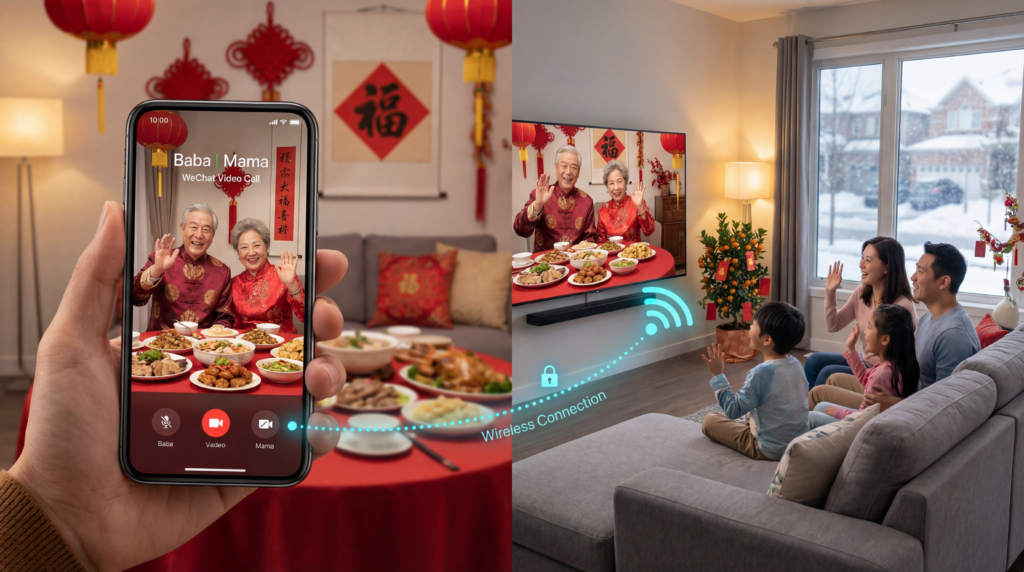
الموقف: 7 مساءً ليلة رأس السنة الجديدة في سان فرانسيسكو، 11 صباحاً يوم رأس السنة الجديدة في قوانغتشو.
كيفية الإلقاء:
- ابدأ مكالمة WeChat أو Zoom
- افتح تطبيق 1001 TVs، انقر على “انعكاس الشاشة”
- اختر تلفزيونك
- ضع كاميرا الهاتف لالتقاط صور لعائلتك على الأريكة
- والداك يشاهدان الجميع؛ وأنت تراهم على تلفزيون 55 بوصة
نصيحة: قم بتمكين “عدم الإزعاج” أولاً حتى لا تظهر رسائل البريد الإلكتروني الخاصة بالعمل على الشاشة الكبيرة أثناء مكالمتك العائلية.
السيناريو 2: عرض مقاطع فيديو من دويين
الموقف: نشر ابن عمك مقطع فيديو لسوق السنة الصينية الجديدة في مسقط رأسك. لم يذهب أطفالك إلى هناك من قبل.
كيفية الإلقاء:
- افتح دوين على هاتفك
- ابحث عن الفيديو (أو تصفح محتوى السنة الصينية الجديدة)
- افتح تطبيق 1001 TVs وقم بالإرسال إلى التلفزيون
- شاهدا معاً وقصّا معاً قصصاً عن طفولتكما
إذا ظهرت شاشة سوداء: قد يقيّد الفيديو أو التطبيق ميزة عرض الشاشة. جرّب طريقة تشغيل أخرى يدعمها التطبيق أو الموقع الإلكتروني.
السيناريو 3: مشاهدة حفل مهرجان الربيع
الموقف: يتم بث حفل CCTV Gala على المنصات الصينية.
كيفية الإلقاء:
- افتح تطبيق البث أو موقع الويب الخاص بك
- ابحث عن بث الحفل
- الإرسال باستخدام تطبيق 1001 TVs
نصيحة: إذا كان تطبيق البث لا يدعم ميزة «انعكاس الشاشة»، فتحقق مما إذا كان الفيديو نفسه متاحًا عبر طريقة تشغيل أخرى مدعومة.
السيناريو 4: مشاركة الصور مع الأقارب
الموقف: عمتك في تايوان تريد رؤية صور احتفالك.
كيفية الإلقاء:
- بدء مكالمة فيديو
- إرسال هاتفك إلى التلفزيون
- افتح تطبيق الصور واسحب عبر الصور
- يرى الجميع الصور معًا
خيار أفضل: استخدم ميزة “الألبومات” 1001 TVs لعرض أكثر سلاسة مع عناصر التحكم في التكبير/التصغير.
استكشاف الأخطاء وإصلاحها السريع
لا يمكنك العثور على تلفازك؟
- تحقق من أن كلا الجهازين على نفس شبكة Wi-Fi بالضبط
- أعد تشغيل التطبيق والأجهزة
- ابحث في جوجل عن “[طراز جهاز التوجيه الخاص بك] تعطيل عزل نقاط الوصول النقطية” إذا كان لا يزال لا يعمل
انقطاع الاتصال؟
- الاقتراب من موجه Wi-Fi
- التحويل إلى شبكة 5 جيجا هرتز
- أغلق التطبيقات الأخرى على هاتفك
- تقليل جودة الفيديو في إعدادات المكالمات
هل الفيديو بطيء؟
- إغلاق التطبيقات غير المستخدمة
- افتح الوضع السلس على إعدادات تطبيق 1001 TVs
هل يتم تشغيل الصوت على الهاتف وليس التلفاز؟
- Android/iPhone: افتح الصوت عند بدء تشغيل المرآة
- التلفاز: تأكد من فتح صوت التلفاز
- قطع الاتصال وإعادة الاتصال إذا لزم الأمر
أفكار إبداعية
حفل الظرف الأحمر الافتراضي - تصميم هونغباو رقمي، وإرسالها إلى التلفزيون، و“فتحها” بشكل كبير أثناء مكالمات الفيديو مع الأقارب.
الطهي معًا عبر القارات - قم بإرسال مكالمة فيديو إلى تلفزيون المطبخ، واستخدم انعكاس الكاميرا لإظهار مساحة عملك حتى تتمكن والدتك من إرشادك خلال وصفاتها.
وقت القصص ثنائي اللغة - قم بإلقاء قصص رأس السنة الصينية الجديدة بلغة الماندرين من يوتيوب أو بيليبيلي، وتوقف للشرح باللغة الإنجليزية، واستخدم السبورة البيضاء لكتابة كلمات جديدة.
جولة افتراضية في المدينة الافتراضية - تصفح فيديوهات دوين لاحتفالات بلدتك الأم، واستمتع بمشاهدة مقاطع الفيديو الخاصة باحتفالات مسقط رأسك.
معلومات عائلية تافهة - طرح أسئلة المسابقة حول تقاليد السنة الصينية الجديدة باستخدام ميزة مشاركة الملفات. الفائز يحصل على مظروف أحمر إضافي!
قائمة مراجعة الاستعدادات الخاصة بك
قبل أسبوع واحد
- ✅ تنزيل تطبيق 1001 TVs
- ✅ اختبار الإرسال بمكالمة فيديو
- ✅ تحقق من سرعة الإنترنت
- ✅ تنسيق المناطق الزمنية مع الأقارب
قبل احتفالك
- ✅ توصيل الأجهزة بشبكة Wi-Fi بسرعة 5 جيجاهرتز
- ✅ إغلاق التطبيقات غير الضرورية
- ✅ تمكين “عدم الإزعاج”
- ✅ اختبار مستويات الصوت ✅ اختبار مستويات الصوت
- ✅ لديك خطة احتياطية (مكالمة هاتفية منتظمة)
النهائي
يستغرق إعداد إرسال السنة الصينية الجديدة إلى التلفزيون 5 دقائق لإعداده. يعمل تطبيق 1001 TVs مع أي علامة تجارية للتلفزيون ويتعامل مع التطبيقات والمواقع الصينية بشكل أفضل من الإرسال المدمج.
استخدمه لإجراء مكالمات فيديو مع والديك في موطنك الأصلي، ومشاهدة مقاطع فيديو دويين من مسقط رأسك، وبث حفل مهرجان الربيع، ومشاركة الصور مع الأقارب، وإظهار التقاليد التي نشأت عليها لأطفالك.
المسافة بينك وبين المنزل حقيقية. فارق التوقيت صعب. ولكن عندما يشاهد والداك أحفادهم على شاشة 55 بوصة، وعندما يشاهد أطفالك رقصة الأسد من الشارع الذي تعيشون فيه في مسقط رأسكم، وعندما تعدون الزلابية معًا عبر القارات - لا تشعر بأن الوطن بعيد جدًا.
في هذه السنة الصينية الجديدة، أحضر إلى المنزل أينما كنت.
恭喜 恭 恭 恭 恭 喜
قم بتنزيل تطبيق 1001 TVs: iOS | أندرويد | تلفزيون ذكي

اقرأ المزيد
 كيفية مشاهدة مباريات الدوري الأمريكي للمحترفين (NBA) على التلفزيون في الولايات المتحدة
تكون مشاهدة مباريات الدوري الأمريكي لكرة السلة (NBA) على التلفاز في الولايات المتحدة أسهل عندما تتخذ قرارين بالترتيب التالي: أولاً، تأكد من الخدمة المرخصة التي تبث...
كيفية مشاهدة مباريات الدوري الأمريكي للمحترفين (NBA) على التلفزيون في الولايات المتحدة
تكون مشاهدة مباريات الدوري الأمريكي لكرة السلة (NBA) على التلفاز في الولايات المتحدة أسهل عندما تتخذ قرارين بالترتيب التالي: أولاً، تأكد من الخدمة المرخصة التي تبث...
 كيفية عرض شاشة الهاتف على تلفزيون سوني برافيا (Google TV)
لا يستخدم تلفزيون “سوني برافيا” المزود بنظام «جوجل تي في» طريقة «انعكاس الشاشة» موحدة واحدة تناسب جميع الهواتف وأجهزة الكمبيوتر. ويعتمد الاختيار الصحيح على كلا الأمرين...
كيفية عرض شاشة الهاتف على تلفزيون سوني برافيا (Google TV)
لا يستخدم تلفزيون “سوني برافيا” المزود بنظام «جوجل تي في» طريقة «انعكاس الشاشة» موحدة واحدة تناسب جميع الهواتف وأجهزة الكمبيوتر. ويعتمد الاختيار الصحيح على كلا الأمرين...

