




No Cables, No Hassle
Cast and mirror wirelessly to compatible TVs over your home Wi-Fi, without HDMI cables or USB drives.
From movie nights to holiday photo slideshows, bring your favorite moments to a bigger screen. Share photos, play videos and music, or mirror your favorite social apps with 1001 TVs.
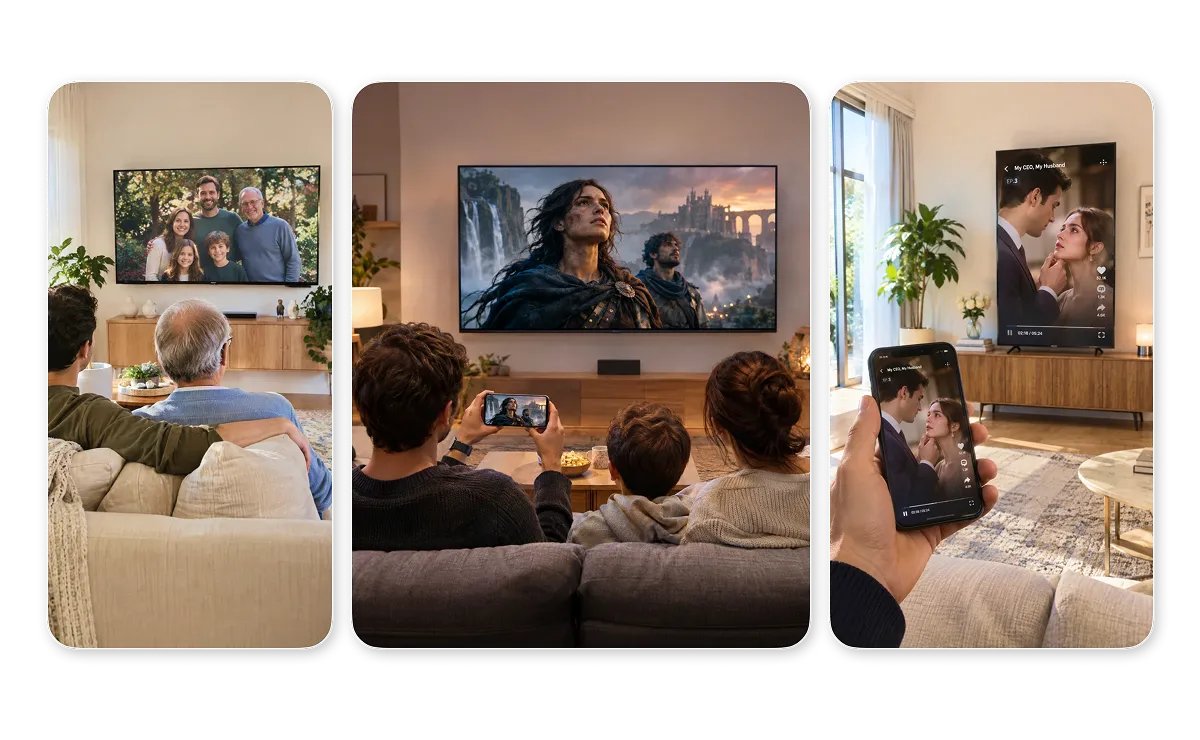



Cast and mirror wirelessly to compatible TVs over your home Wi-Fi, without HDMI cables or USB drives.
Connect in a few taps, so anyone at home can put photos, videos, or clips on the TV.
Share photos, videos, and mirrored content over local Wi-Fi without uploading them to the cloud through 1001 TVs.
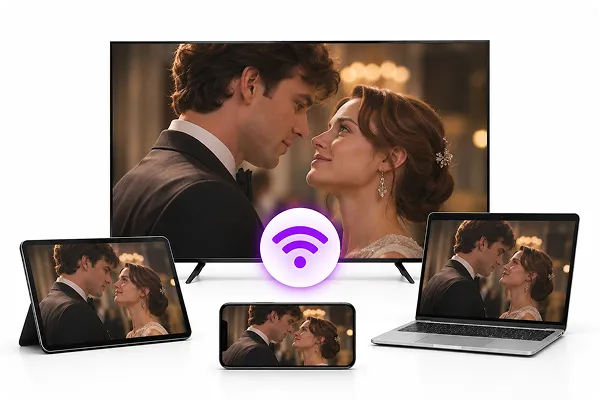
Mirror your phone, tablet, or computer screen to a compatible TV. Watch movies and other supported content together, without everyone crowding around a small device.
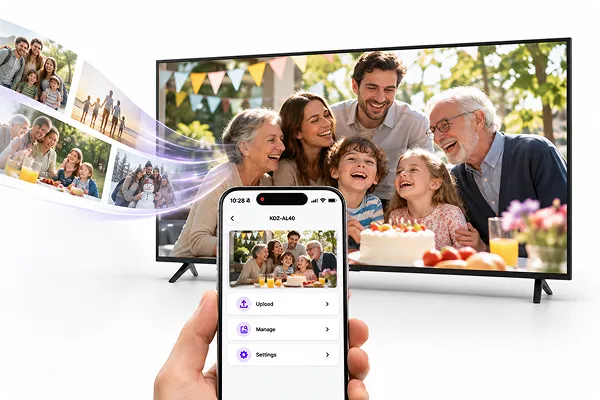
Upload family photos and videos to Álbuns de TV and enjoy slideshows on your TV. Adjust photo timing and play order for birthdays, holidays, and family gatherings.
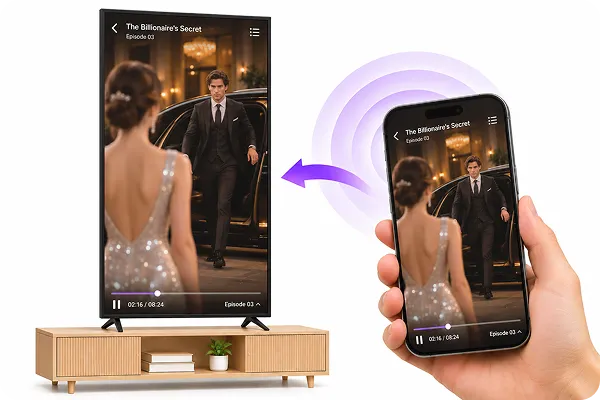
Mirror vertical short dramas from your phone to a vertically positioned TV. Enjoy your favorite episodes on a larger screen with the right orientation and aspect ratio for portrait viewing.
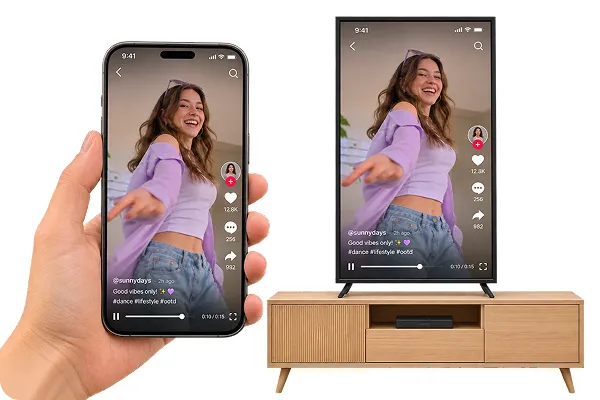
Share photos, home videos, music, and social clips on your TV with 1001 TVs.
 Thomas
After our summer trip, we put all the travel videos on the TV and watched them together. It felt like our own family movie night, and nobody had to squeeze around a phone on the sofa.
 Rachel Morgan
For my parents’ anniversary, I uploaded old family photos to TV Albums and let the slideshow run all evening. Everyone kept stopping to look at the pictures and share stories.
 A mom of two
I’d rather my kids watch their videos on the TV than up close on a phone. Putting them on the bigger screen is quick, and I don’t have to hunt for cables every time.
 Kevin Brooks
When friends come over, we often watch Twitch streams together. I mirror the stream from my phone to the TV, so everyone can follow the stream and the live chat at the same time.

You can cast phone photos to a compatible TV using AirPlay on iPhone, Google Photos with Chromecast, or 1001 TVs Streaming and Albums. The right method depends on your phone, photo app, and TV’s receiving capabilities. The next choice is...
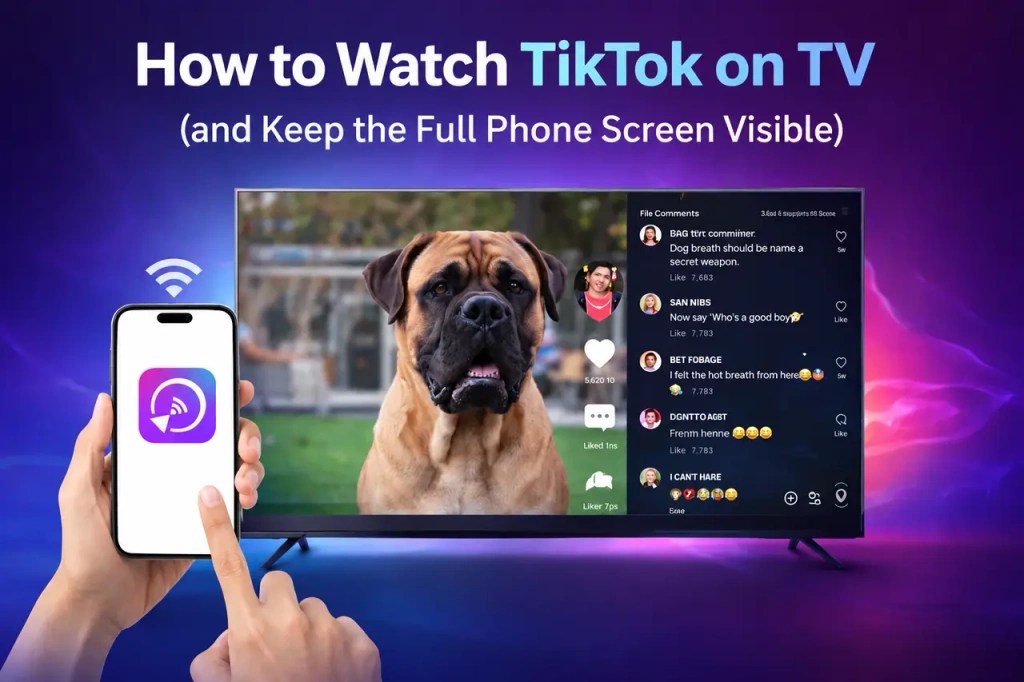
You can watch TikTok on a TV in three practical ways: use the TikTok app where it is available, cast from your phone, or mirror your phone’s screen. The right method depends on what you want to see on the...
 1001 TVs
Ready to Enjoy Family Time on a Bigger Screen?


