Kuinka asentaa 1001 TVs PC:lle
1. Hanki sovellus Microsoft Storesta
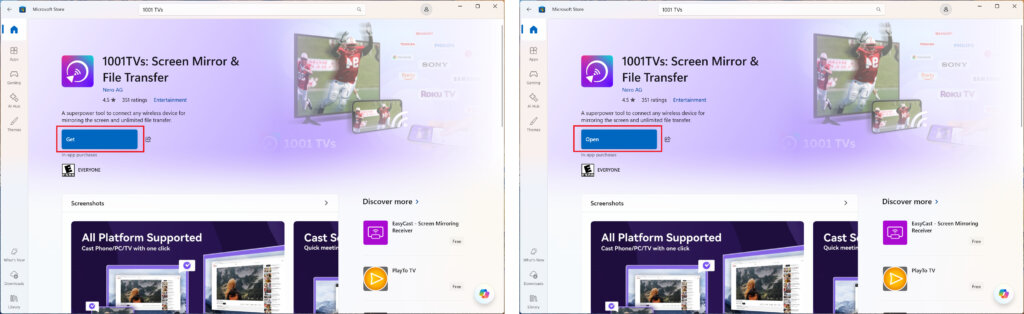
Käynnistä Microsoft Store tietokoneessa, etsi "1001 TVs".
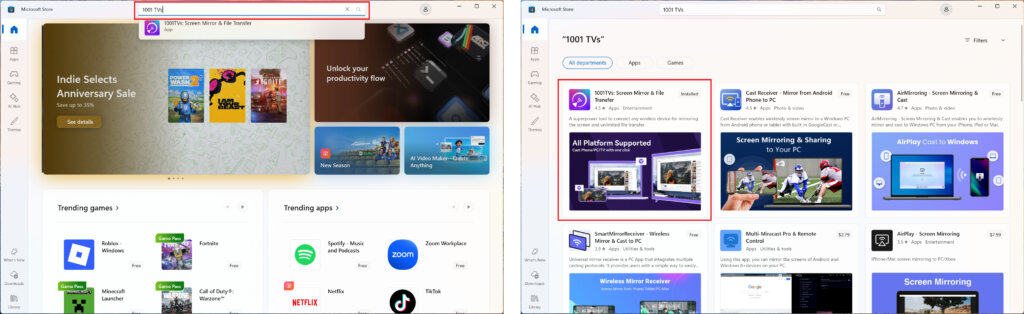
Klikkaa “Hanki” ja avaa sovellus.
2. Käynnistä sovellus
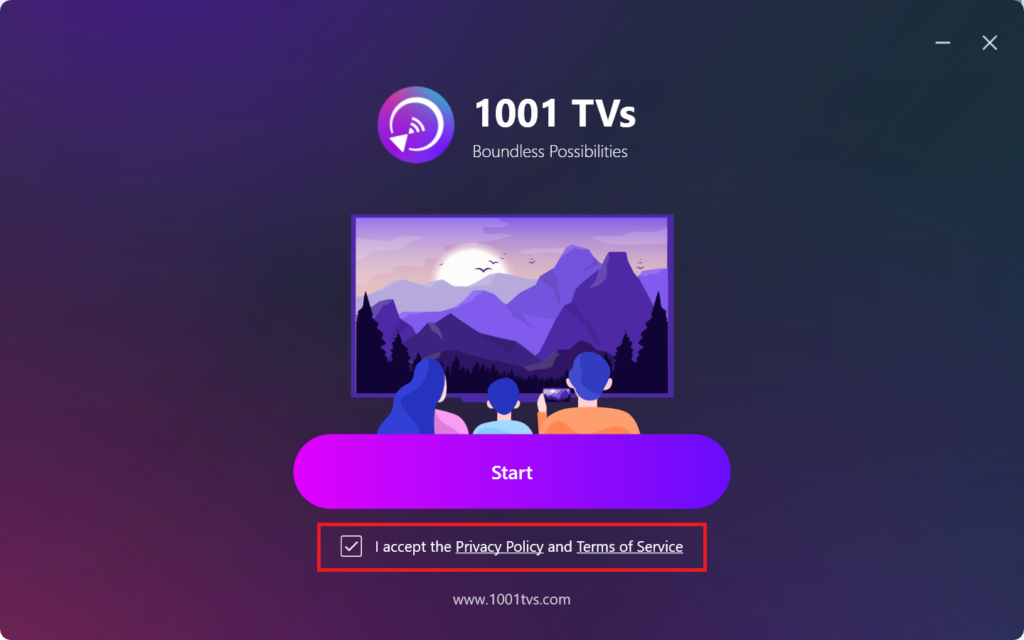
Hyväksy yksityisyyskäytäntö ja käyttöehdot ruksaamalla ruutu.
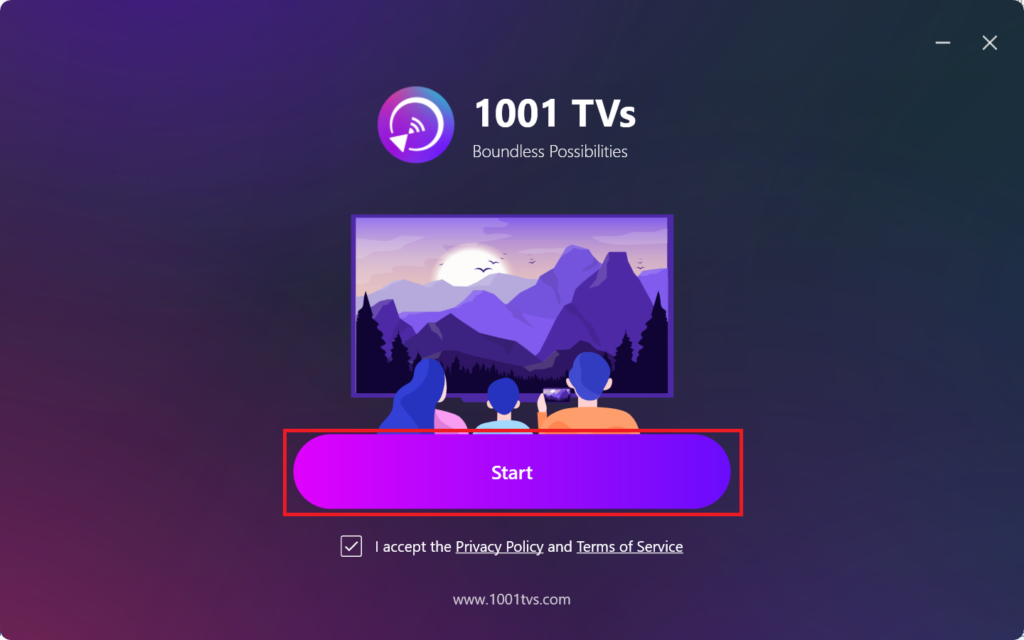
Klikkaa "Aloita” ja odota, että sovellus alustetaan.
3. Tila-asetukset & lisälaitteiden asennuson (valinnainen)
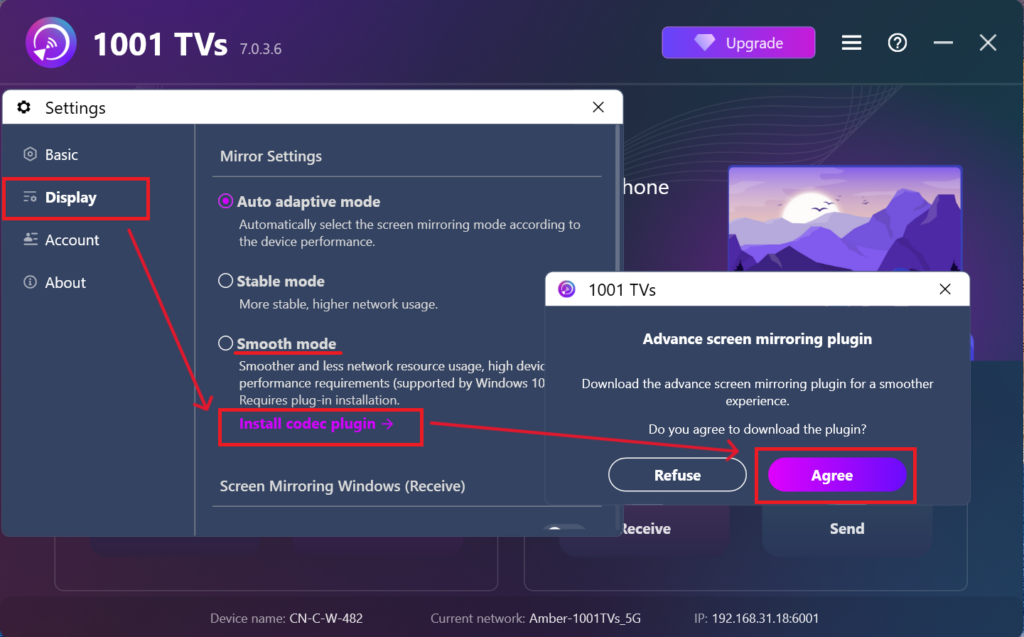
Sujuvamman käyttökokemuksen saamiseksi sinua saatetaan kehottaa lataamaan laajennettu lisäosa ensimmäisen asennuksen aikana.
Kun asennus on valmis, voit nauttia saumattomasta peilauskokemuksesta.
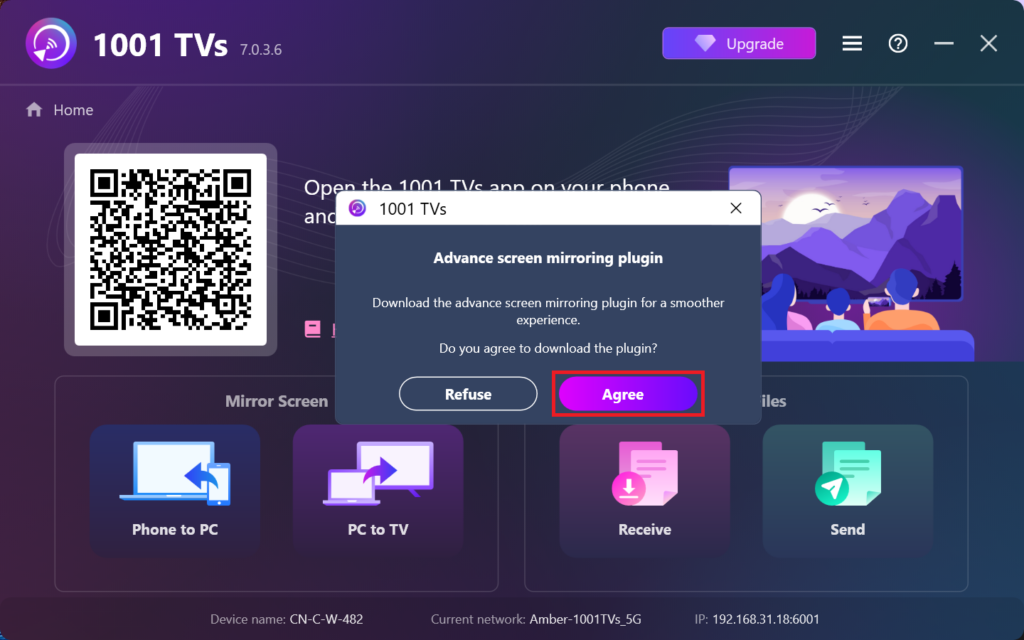
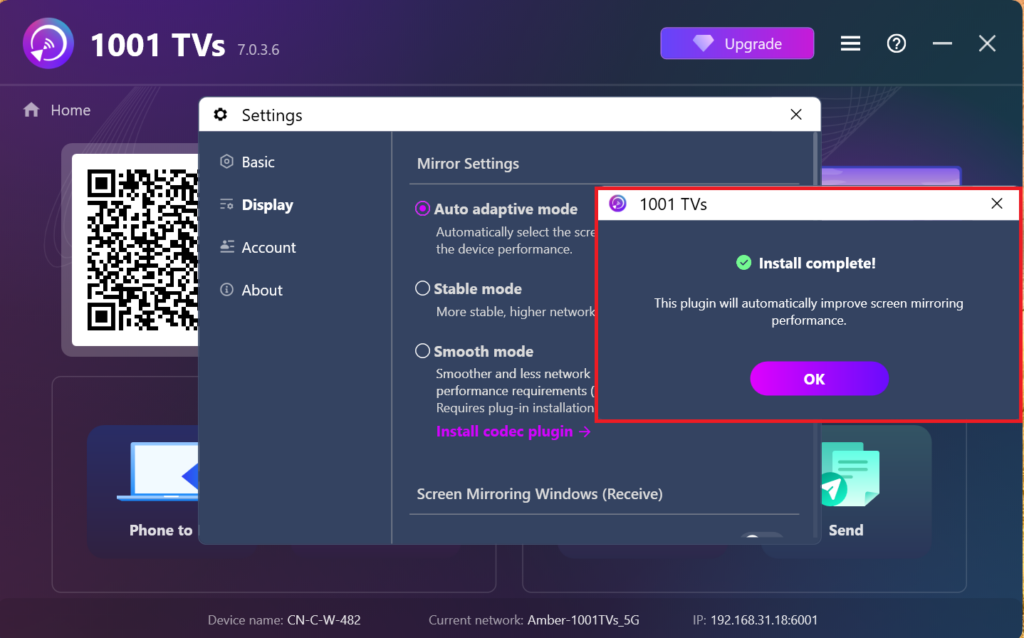
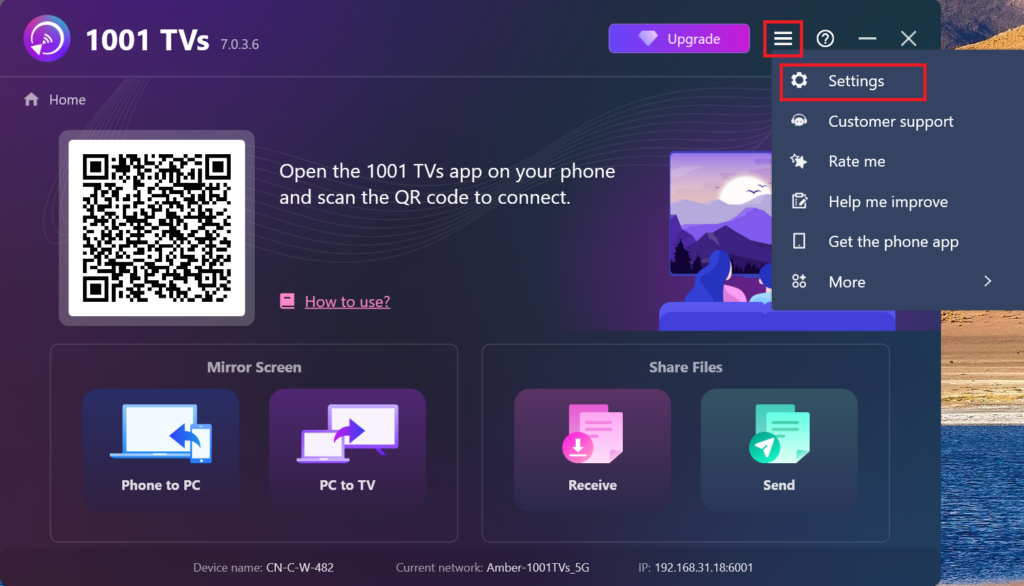
Vaihtoehtoisesti voit etsiä ja asentaa tämän lisäosan manuaalisesti myöhemmin sovelluksen sisällä menemällä osoitteeseen Asetukset > Näyttö > Peilausasetukset.
4. Asennus valmis!
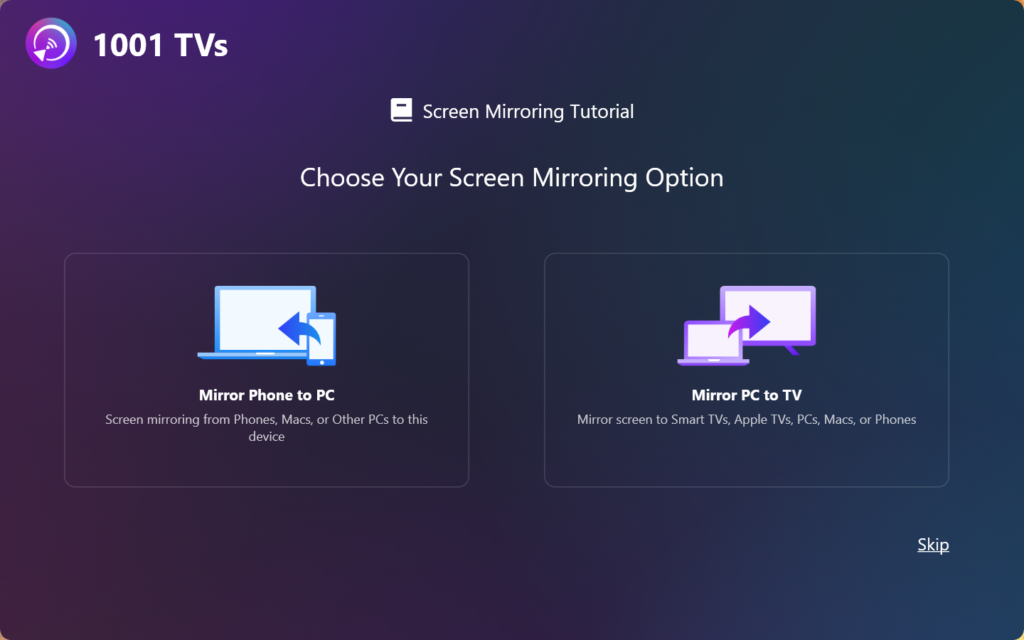
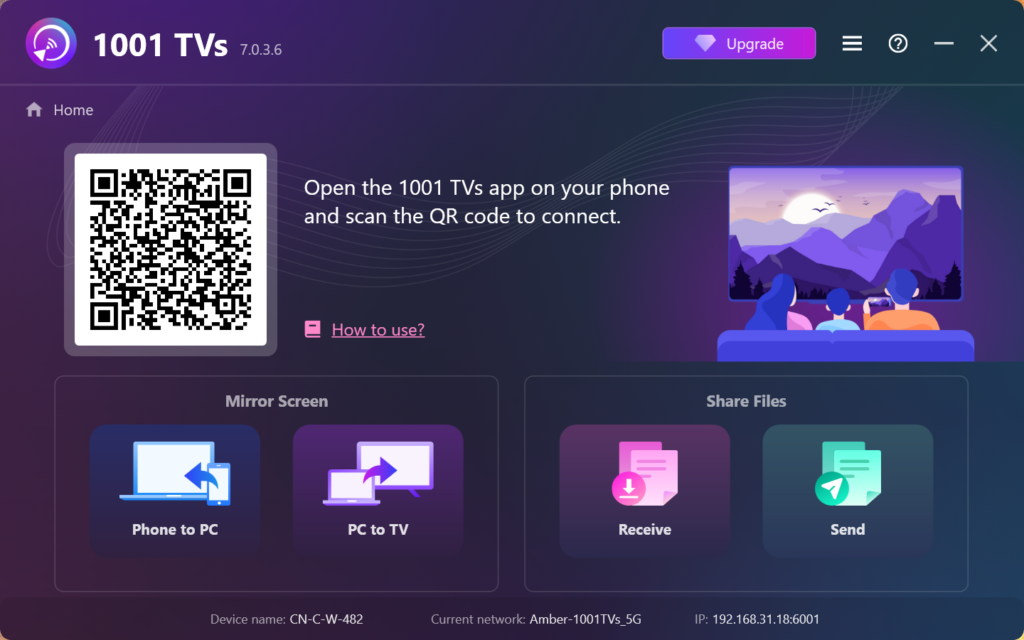
Kun se on tehty, olet valmis aloittamaan 1001 TVs:n käytön!