检测到浏览器语言为中文,点此切换到中文页面->

Näytön peili
Apple TV

Turn your Apple TV into a screen mirroring receiver for iPhone, iPad, Android devices, and PC.

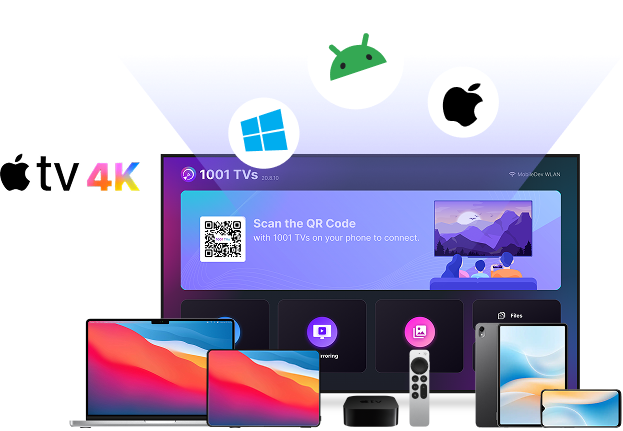
Screen Mirror to Apple TV
5M+ Maailmanlaajuisen Käyttäjille
10M+ Yhteensä latauksia
4.0 Apple Store rating
Apple TV Designed for Apple TVs

How to mirror screen to Apple TV?

Get started with screen mirroring on Apple TV in just 3 simple steps.
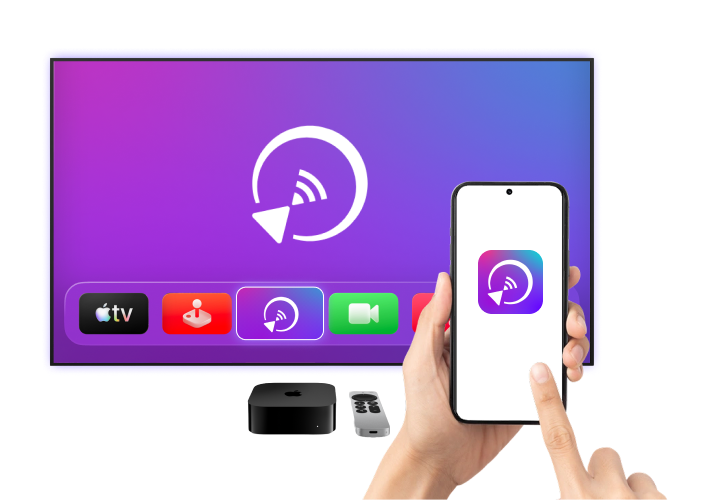
Screen mirror to Apple TV
1
Asenna
Install 1001 TVs on your Apple TV and your phone, Android device, or PC.
2
Yhdistä
Make sure both devices are connected to the same Wi-Fi network. On your phone or computer, select “Screen Mirroring” and choose your Apple TV.
3
Peili
Tap “Start” to mirror your screen to Apple TV instantly.

Mirror Any Device to Apple TV

A powerful, cross-platform mirroring app built for Apple TV.
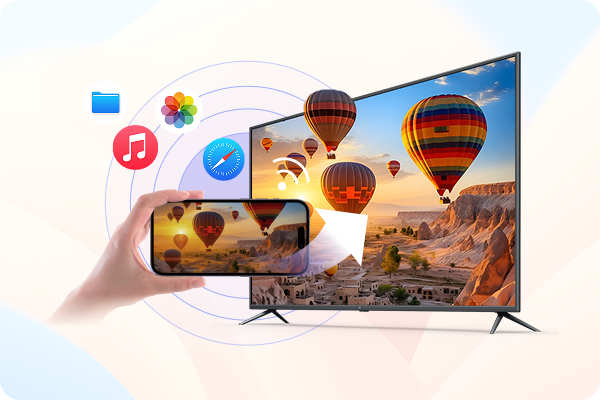
Cast iPhone & iPad to Apple TV

Watching videos or photos on a small screen can feel limiting.

Mirror your iPhone, iPad, or Android device to Apple TV wirelessly over Wi-Fi and enjoy everything on a bigger, clearer screen.

tarkistettuSeamless Cross-Platform Mirroring: Connect iPhone, iPad, or Android to Apple TV quickly and easily.
tarkistettuSuurempi näytön katselu: Stream videos, share photos, use apps, and display content smoothly on your TV.

Mirror PC & Mac to Apple TV

Use 1001 TVs to mirror your Windows PC or Mac to Apple TV and turn your TV into a wireless display.

tarkistettuLangaton työpöydän näytön jakaminen: Display your Windows or macOS screen on Android TV without HDMI cables or limited ports.
tarkistettuJoustavat näyttövaihtoehdot: Mirror your screen for presentations and meetings, or extend your workspace for multitasking on a larger display.
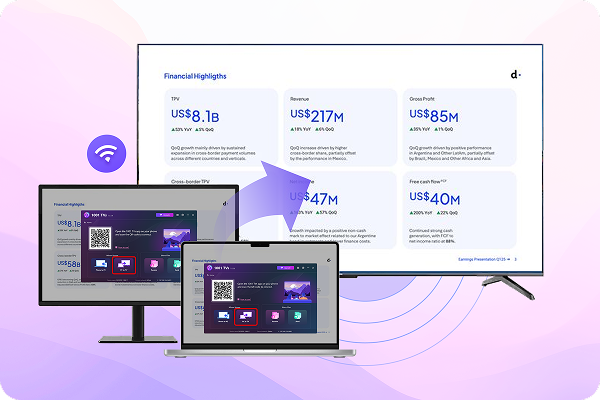
Mirror PC & Mac to Apple TV

Näytön Peilaus, Endless Mahdollisuudet

Koulutus, viihde tai liiketoiminta - nauti saumattomasta näytön peilauksesta. missä tahansa 1001 TVs:n avulla.

Koulutus

Koulutus

Mirror lessons and slides to Apple TV for clear, large-screen teaching.

Ostoskeskukset ja vähittäiskaupat

Ostoskeskukset ja vähittäiskaupat

Display promotions and digital signage on Apple TV screens.
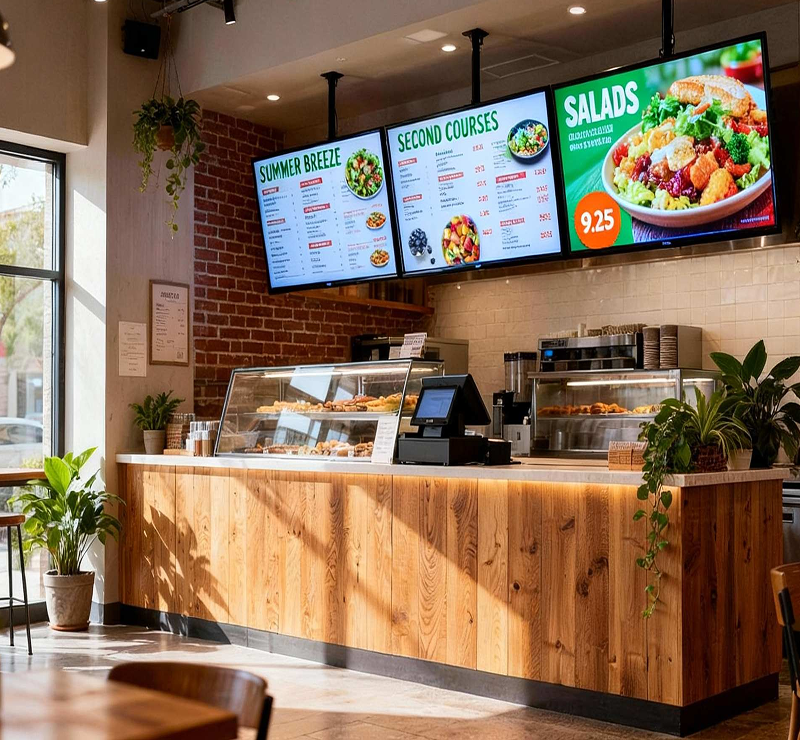
Ravintolat ja ruokapalvelut

Ravintolat ja ruokapalvelut

Show menus and order screens on Apple TV in real time.

Lataa

Enemmän kuin perusnäytön peilaus

Advanced screen mirroring features designed for Apple TV.

Kuvaslideshow

Turn photos into a smooth, big-screen slideshow on Apple TV.

Tiedostojen siirto

Send photos, videos, and documents to Apple TV for easy viewing and sharing.

Järjestelmän tuki ja päivitykset

tekniset tiedot Tekniset tiedot
Tuetut käyttöjärjestelmät Windows, Mac, Android, iOS
Järjestelmävaatimukset Apple TV
mitä uutta Mitä uutta?
2.0.27
  • - Added album feature for easier photo browsing on Apple TV
  • - Support downloading wallpapers directly from the server
  • - Added pairing mode memory in settings.
Usein kysytyt kysymykset
Voinko kokeilla sitä?
1001 TVs tarjoaa rajoitetun ajan ilmaisen kokeilujakson, jossa on täysi, rajoittamaton pääsy premium-ominaisuuksiin, kuten näytön peilaamiseen, tiedostojen siirtoon ja albumiin.
Jos haluat jatkaa palvelusta nauttimista, päivitä vain palveluun osoitteessa tilaukseen, kun kokeilujakso päättyy.
Miten asennan 1001 TVs-sovelluksen?
Löydät sen etsimällä "1001 TVs" seuraavista sovelluskaupoista:
- Apple App Store (iPhone, iPad, Mac, Apple TV)
- Microsoft Store (Windows)
- Google Play (Android-puhelimet, -tabletit ja -televisiot)
Miten peruutan tilaukseni?
Peruuta tilaus iOS-laitteella
-  Avaa Asetukset-sovellus → nimesi → Tilaukset → tilaus → Peruuta tilaus
Peruuta tilaus Google Play -tililtäsi
- Avaa Google Play Store -sovellus → Profiilikuva osoitteessa oikeassa yläkulmassa → Maksaminen ja tilaukset → Tilaukset → tilaus → Peruuta tilaus → Vahvista peruutus
Miten meihin voi ottaa yhteyttä?
Ota meihin yhteyttä osoitteessa 1001tvs@nero.com.
1001 TVs
Peilaa, jaa, yhdistä — kaikki samassa sovelluksessa.
Lataa