よくある質問
What is 1001 TVs?
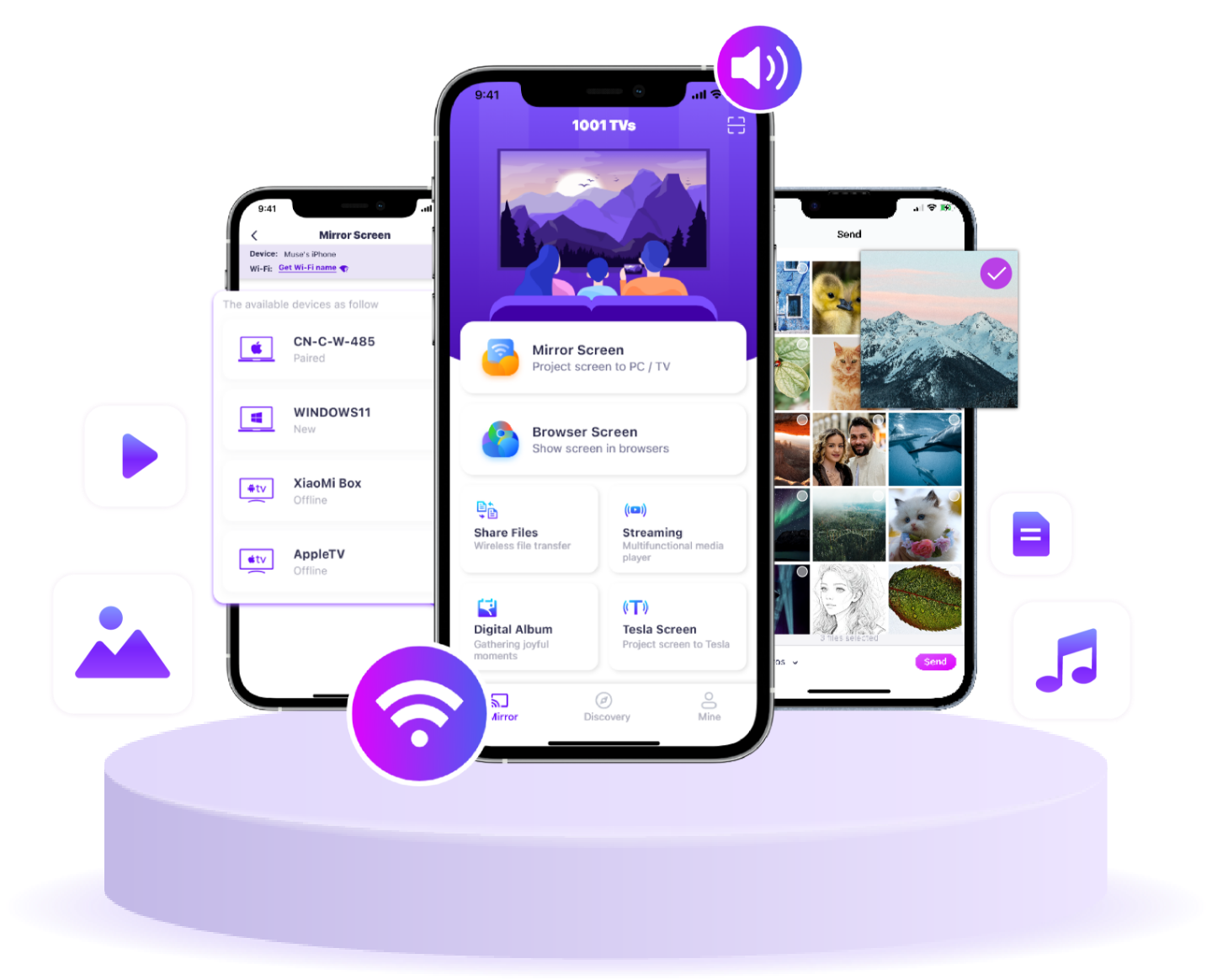
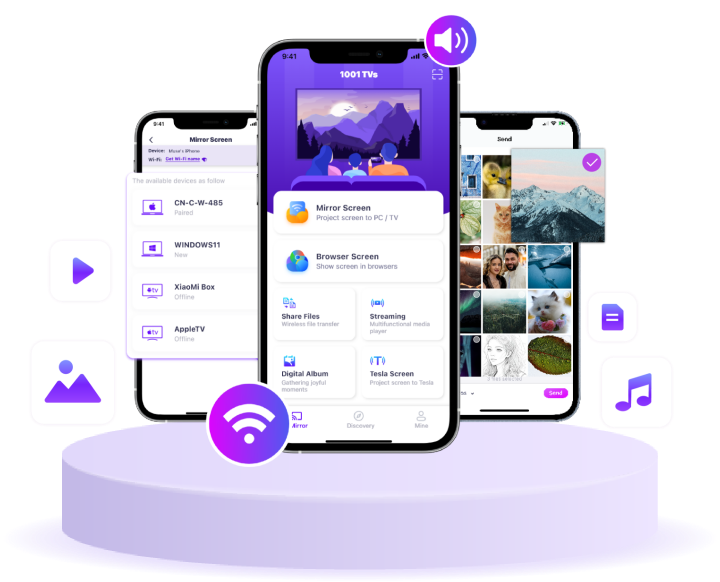
1001 TVs is a superpower tool that connects any device wirelessly — phones, tablets, Macs, PCs, and TVs. Enjoy seamless screen mirroring and unlimited file transfer.
Which devices and platforms are supported for screen mirroring?
Devices: Phone, tablet, PC, Mac, TV
プラットフォーム
- iOS (iPhone/iPad)
- Android
- macOS
- Windows
- Smart TV platforms: Google Android TV, Apple tvOS, HarmonyOS, MIUI TV, Amazon Fire OS
How do I mirror my phone or computer screen to a TV?
- Install 1001 TVs app on your phone/PC/Mac and TV.
- Ensure both devices are connected to the same Wi-Fi network.
- Open the app, select the device or scan the QR code to start.
Can I Try 1001 TVs for Free?
1001 TVsは、スクリーンミラーリング、ファイル転送、アルバムなどのプレミアム機能をフルで無制限に利用できる期間限定の無料トライアルを提供しています。.
引き続きサービスをお楽しみいただくには、トライアル終了後
トライアルが終了したら、サブスクリプションにアップグレードしてください。.
1001 TVsアプリのインストール方法を教えてください。
以下のアプリストアで「1001 TVs」と検索すると見つかります:
- Apple App Store(iPhone、iPad、Mac、Apple TV向け)
- マイクロソフトストア(Windows版)
- Google Play(アンドロイド携帯、タブレット、テレビ用)
What subscription plans and pricing options does 1001 TVs offer?
We offer weekly, monthly, yearly, and lifetime plans. Paid membership is only needed on the sender side after a free trial.
See in-app for your local pricing.
サブスクリプションを解約するにはどうすればいいですか?
iOS でサブスクリプションを解約する
- 設定アプリを開く → 自分の名前 → 購読 → 購読を解除する
サブスクリプション → サブスクリプションをキャンセル
Google Play でサブスクリプションを解約する
- Google Playストアアプリを開く → 右上のプロフィール画像
右上のプロフィール画像 → お支払いと購読 → 購読 → 購読をキャンセル → 購読をキャンセルする
解約を確認する
Can I mirror multiple devices at the same time?
Yes. You can mirror multiple devices to one PC/Mac (e.g., phones, tablets, PCs, or Macs), or mirror one PC/Mac to multiple devices (TVs, phones, tablets, PCs, Macs, etc.) — all simultaneously.
Does 1001 TVs store personal data or have privacy risks?
No. All screen data stays within your local network — never uploads to internet.
How can I contact support or get help?