
[1001 TVs] How to Cancel a Subscription
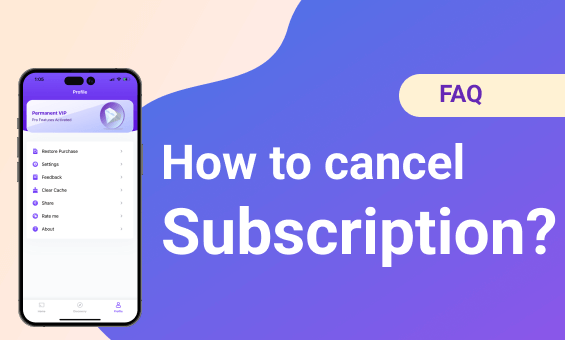
अपने iOS पर सदस्यता रद्द करें
Reference: https://support.apple.com/en-hk/HT202039
1. Open the Settings app.
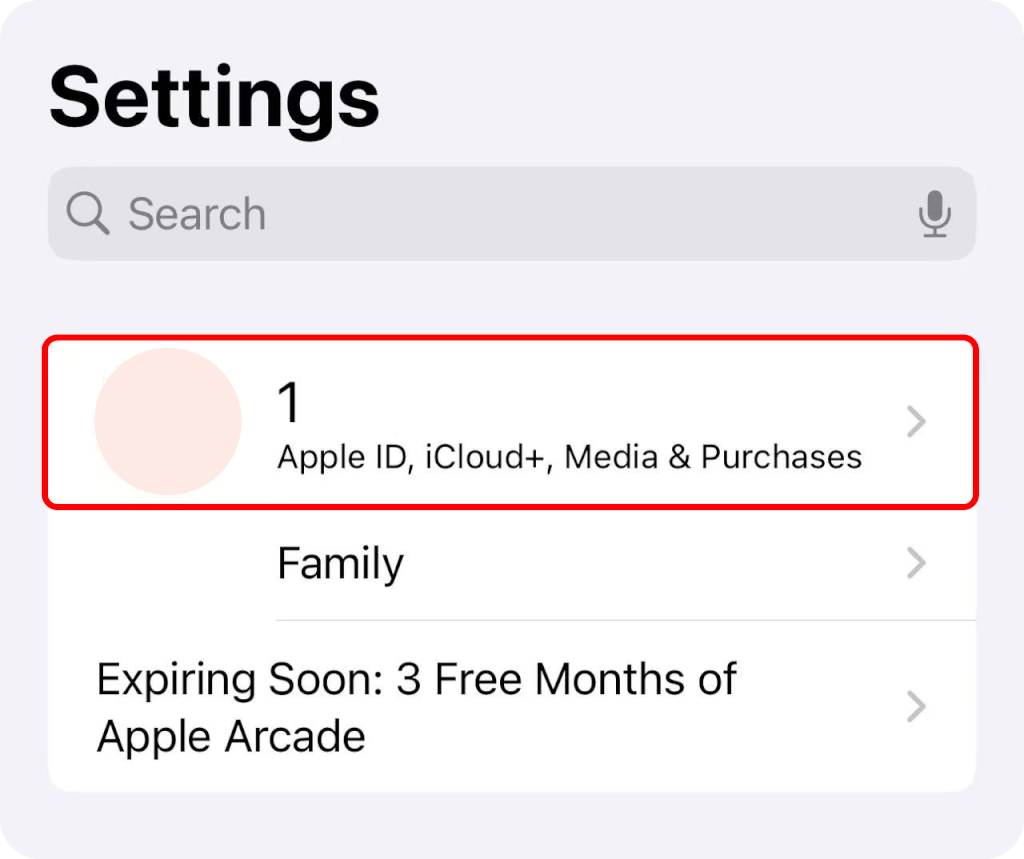
2. Tap your name.
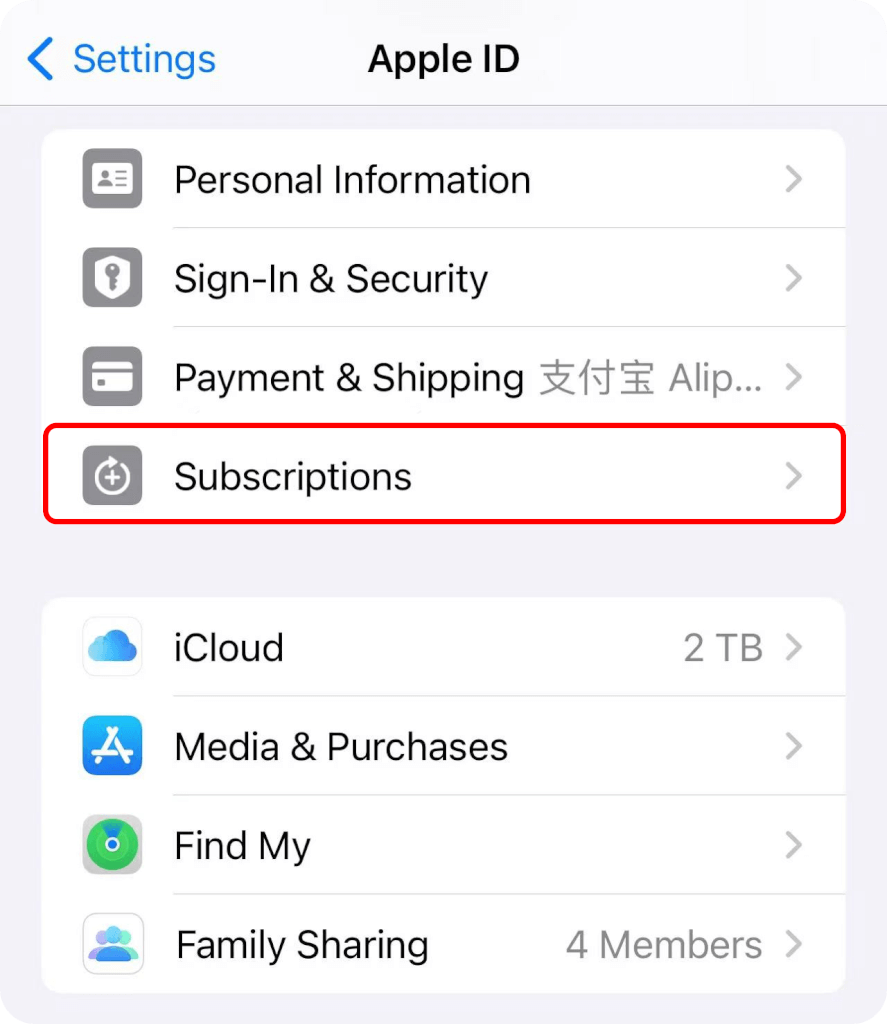
3. टैप करें Subscriptions.
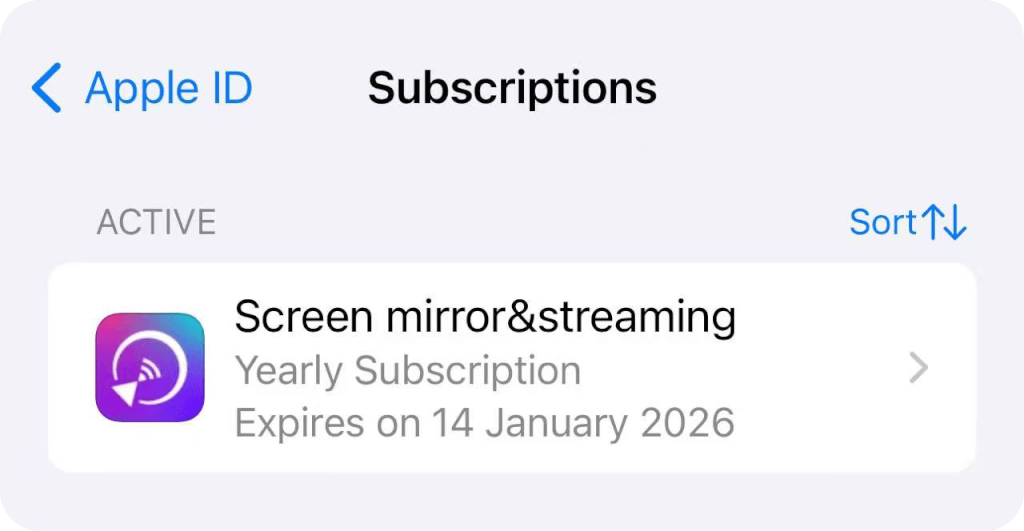
4. Tap the subscription.
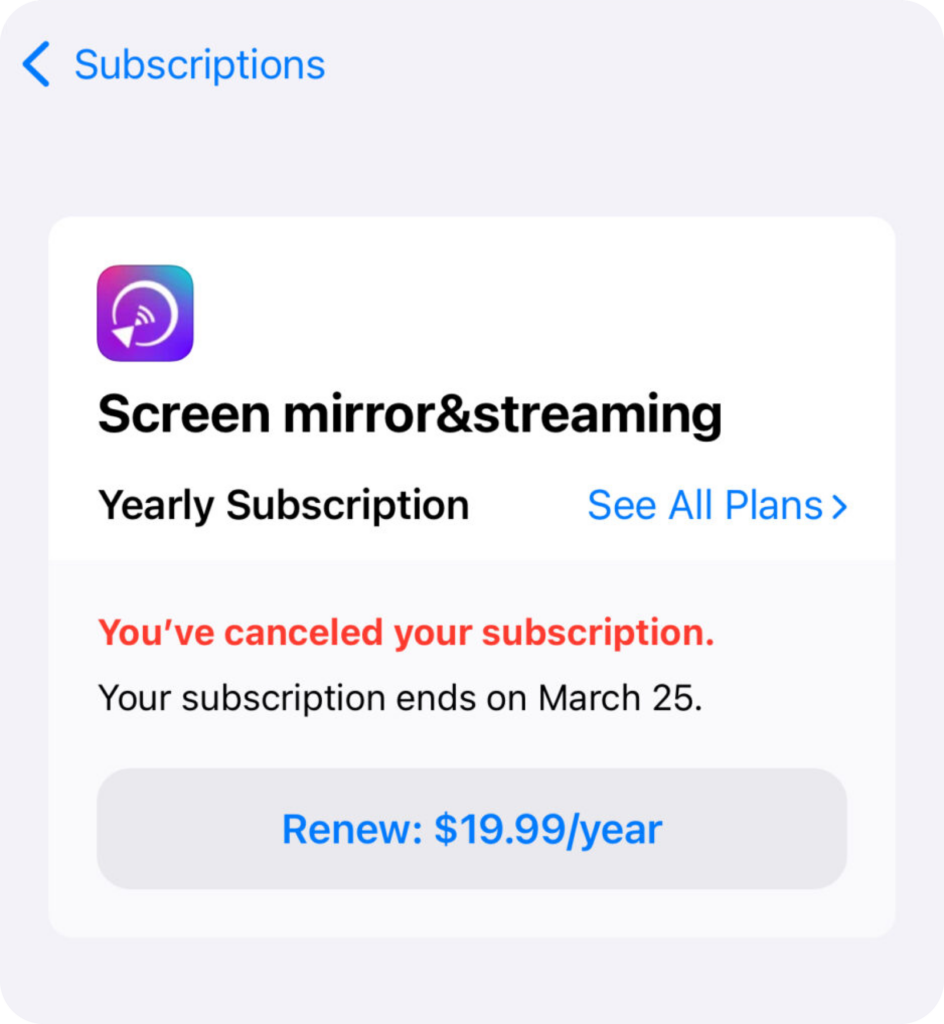
5. Tap Cancel Subscription. You might need to scroll down to find the Cancel Subscription button. If there is no Cancel button or you see an expiration message in red text, the subscription is already canceled.
Google Play पर सदस्यता रद्द करें
Reference: https://support.google.com/googleplay/answer/7018481
1. Open the गूगल प्ले स्टोर app.
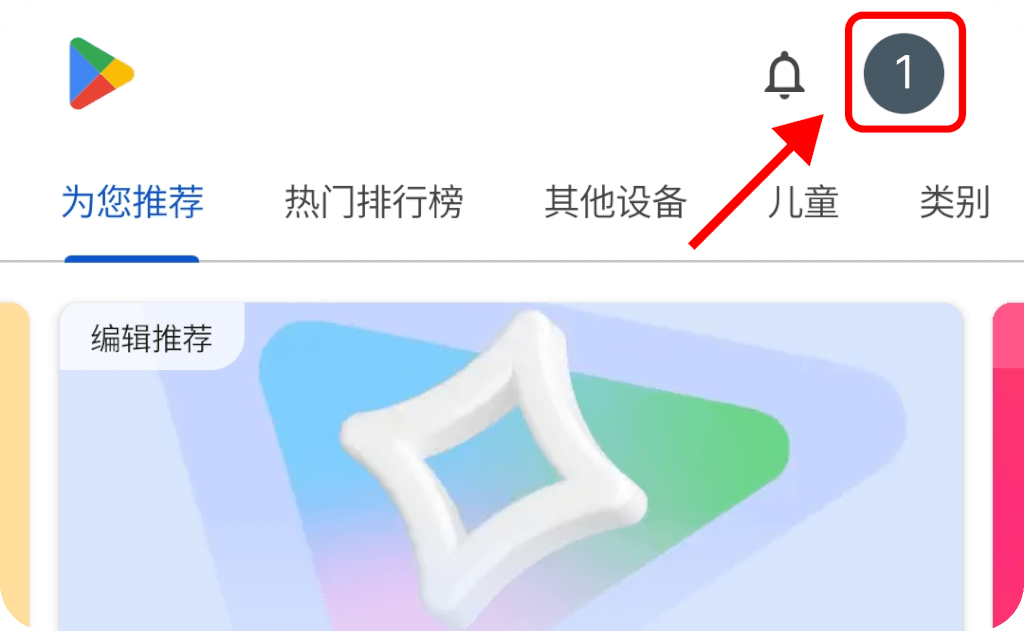
2. Tap your Profile picture on top right to check that you’re signed in to the correct Google account.
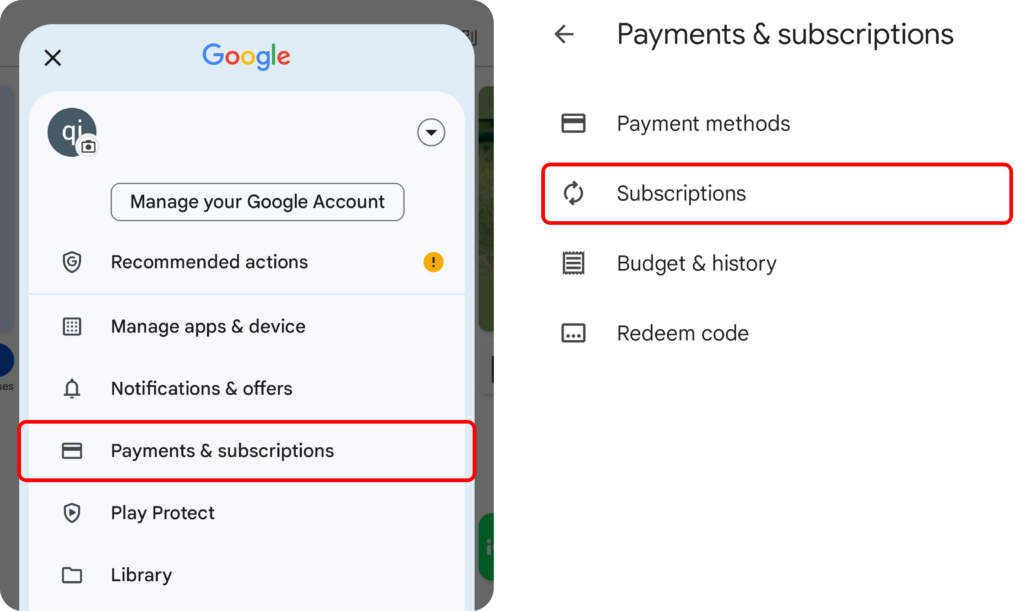
3. टैप करें Payment & subscriptions ➜ Subscriptions.
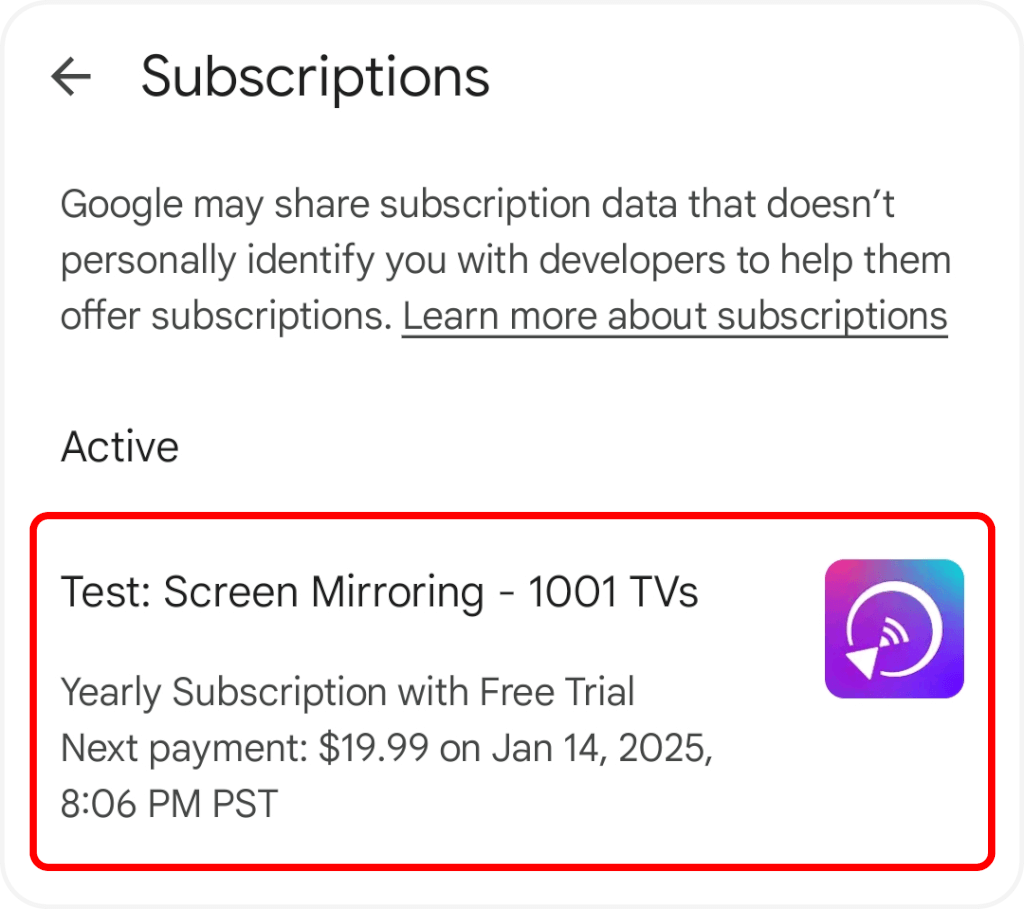
4. Tap the subscription.
5. Tap Cancel Subscription.
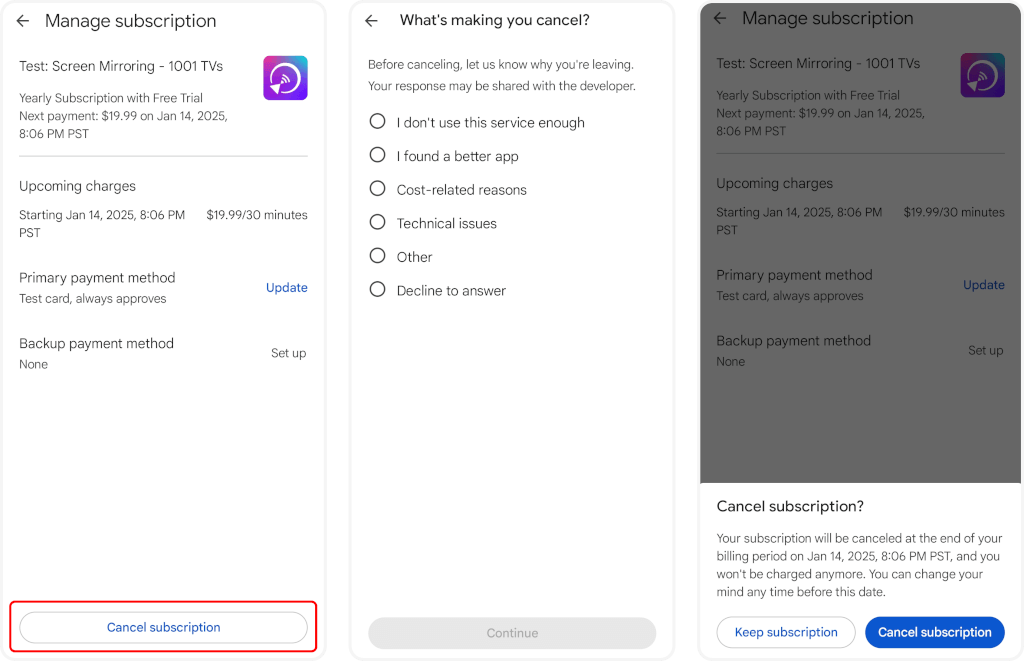
6. Confirm the cancellation.
Contact US
We welcome your feedback on our app or any questions you may have. Please feel free to contact us.
Mail US: 1001tvs@nero.com